
DAIndicator – HUD target information
A customizable target information HUD for Minecraft Forge 1.20.1, displaying health, damage, healing, active effects, and entity information.
截图
介绍
DAIndicator
Modern Rework of the Classic Damage Indicators Mod
Minecraft 1.20.1 Forge Client Side Unofficial Rework
About DAIndicator
DAIndicator is a modern and customizable target information HUD for Minecraft Forge 1.20.1.
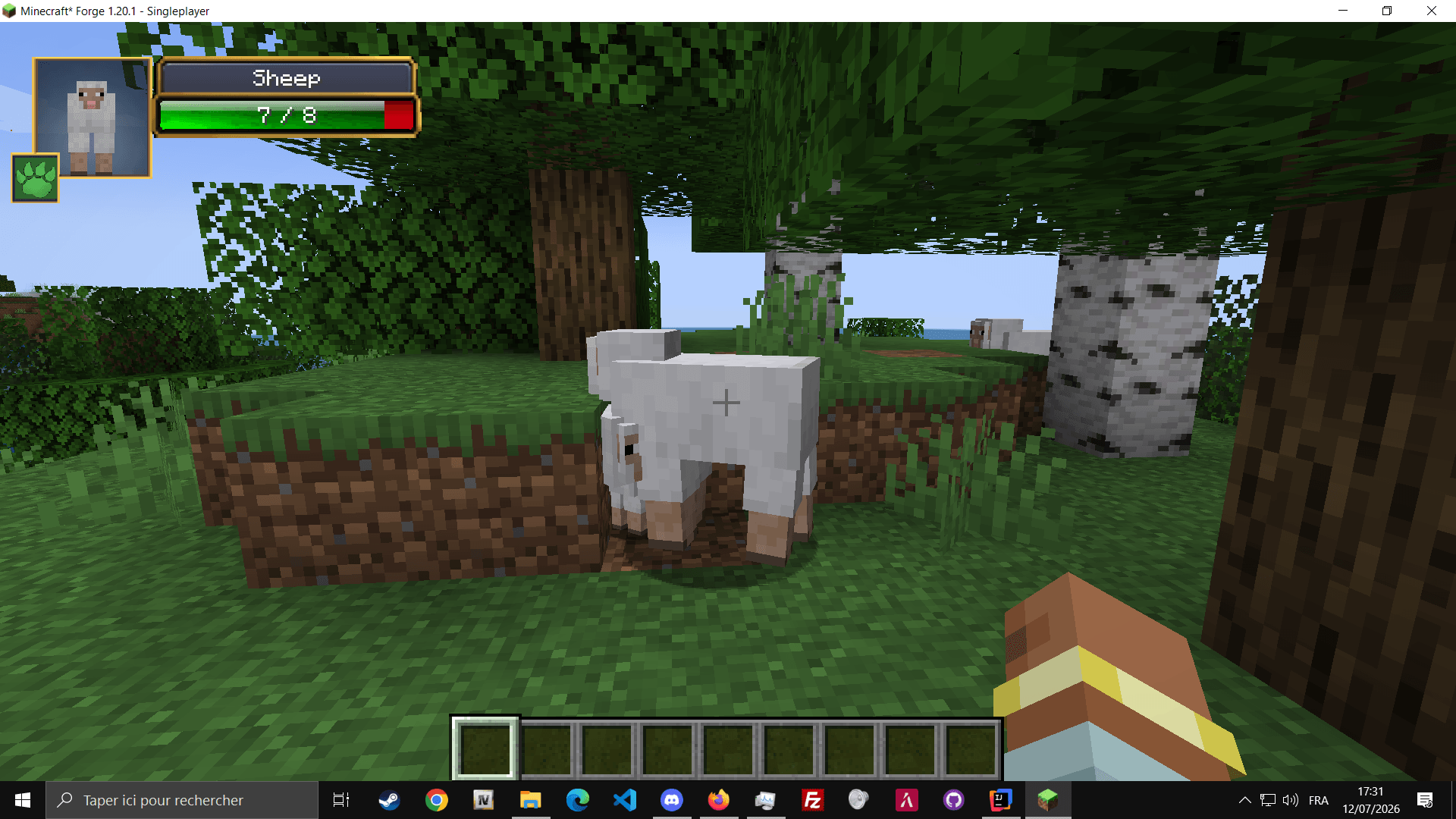
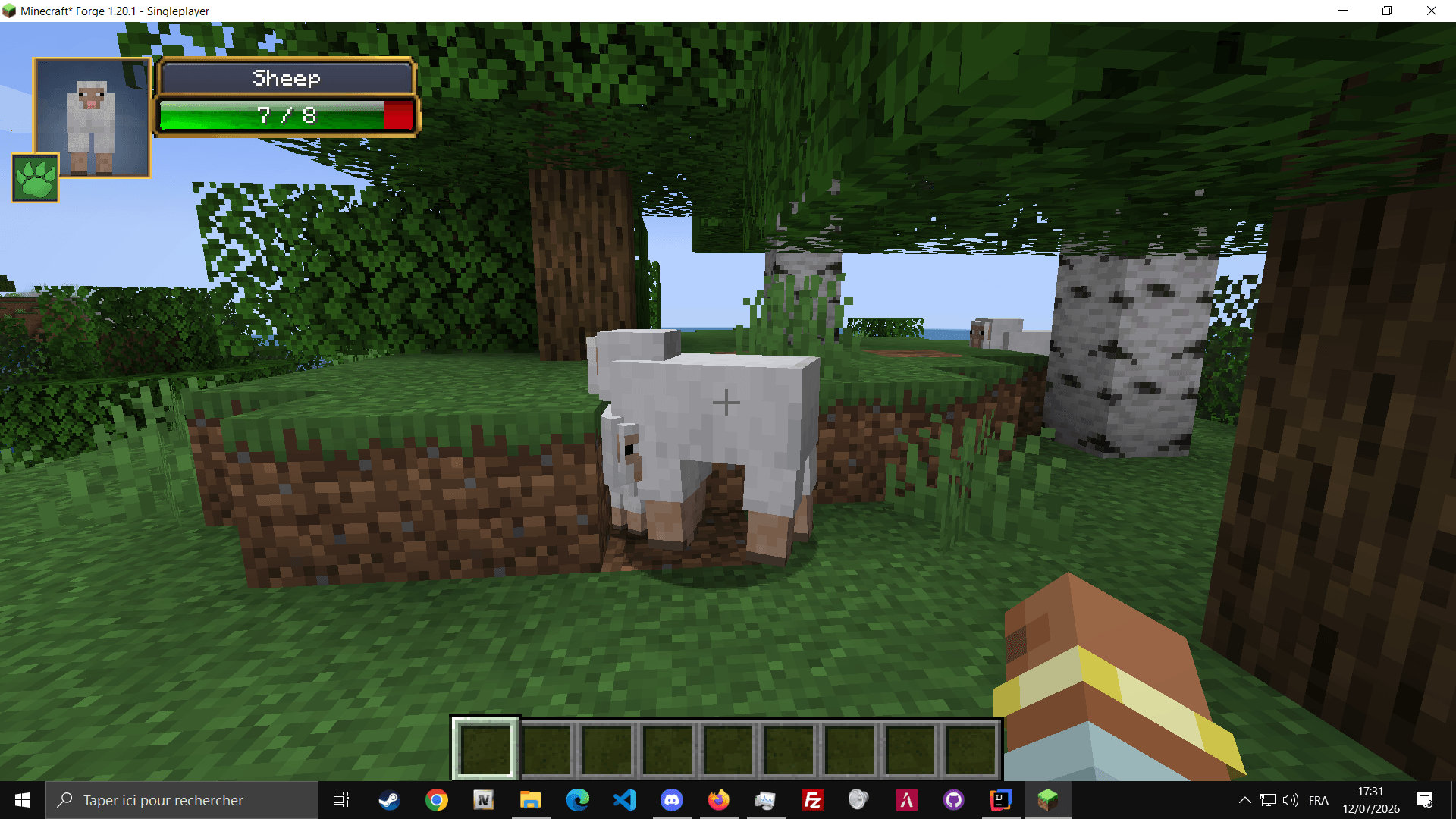
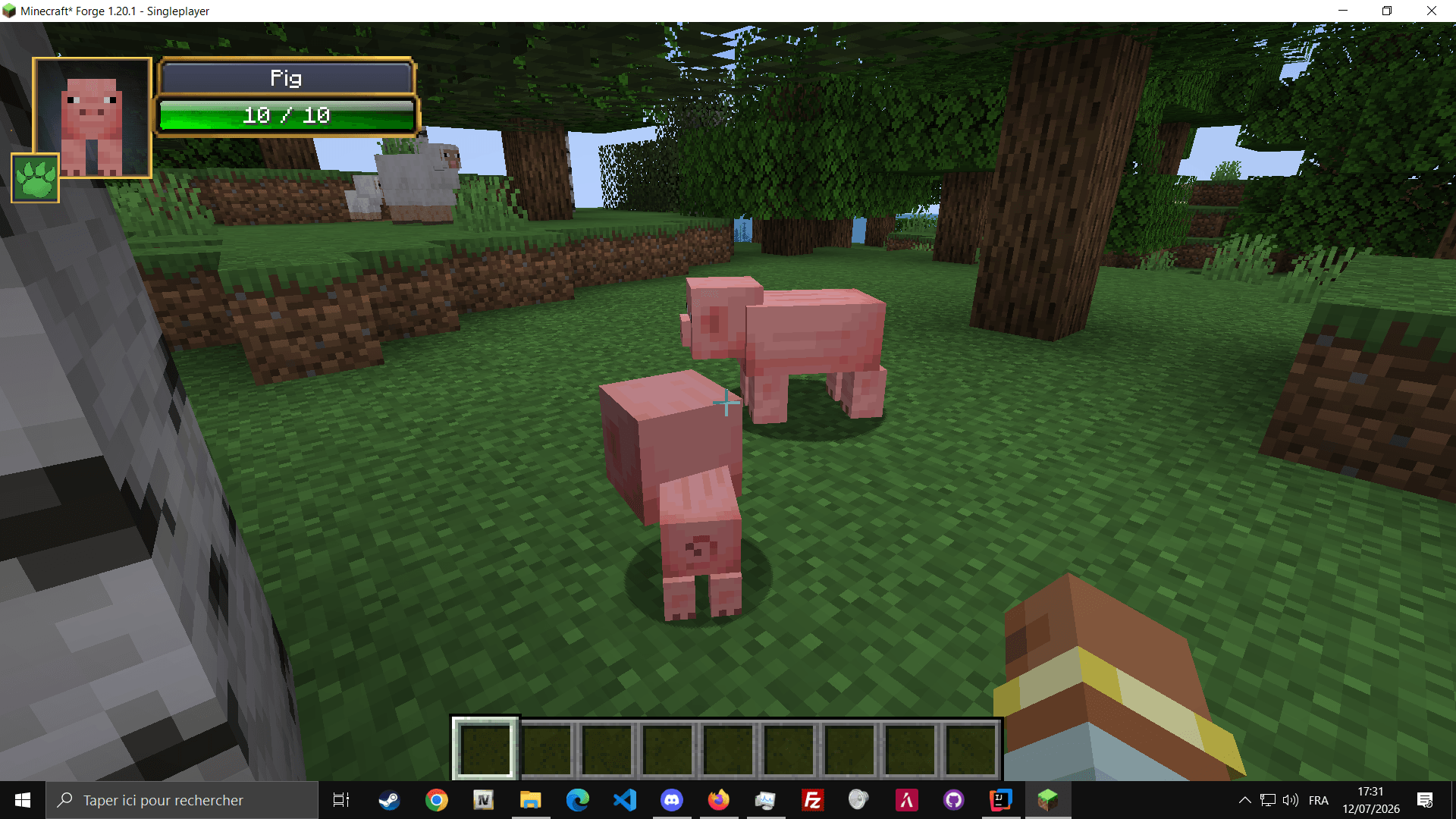
It displays useful combat information about the entity you are currently looking at, including its name, health, absorption, active potion effects, damage, healing and critical hits.
Legacy, Inspiration & Credits
DAIndicator is an unofficial modern rework inspired by the original Damage Indicators Mod created by rich1051414.
The original mod introduced the well-known concept of displaying an entity portrait, current health and animated damage values directly inside Minecraft.
DAIndicator reimagines this concept for Minecraft Forge 1.20.1 with a redesigned interface, modern configuration options, customizable HUD positioning, multiple visual skins, healing indicators, critical-hit labels and active-effect information.
This project is not an official update or continuation of the original mod and is not affiliated with its original creator. Full credit for the original concept goes to rich1051414 and the original Damage Indicators Mod.
Features
Displays current health, maximum health and absorption.
Shows floating damage numbers and critical-hit labels.
Displays healing values directly above affected entities.
Displays potion effects with their remaining duration.
Shows a rendered portrait of the targeted entity.
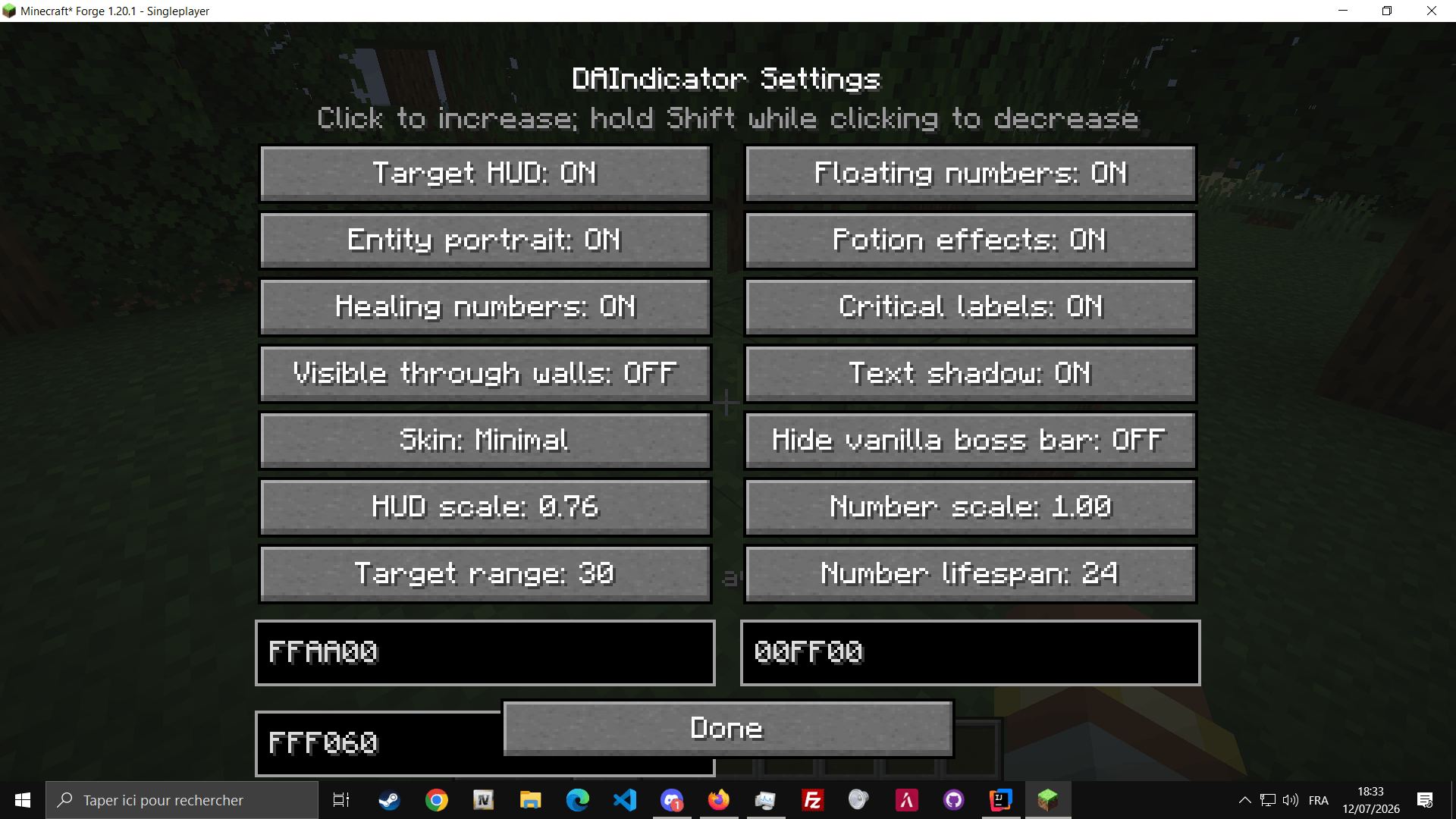
Configure scale, colors, range, visibility and HUD style.
HUD Positioning
Use the command /hud to open the HUD position editor.
Move the interface anywhere on your screen by dragging it with the mouse, or enter precise X and Y coordinates.
Coordinates such as X: 0 and Y: 0 are fully supported. Positions are saved separately using each player’s UUID.
Controls
| Control | Action |
|---|---|
P |
Open DAIndicator settings |
. |
Open the HUD position editor |
/hud |
Open the HUD position editor |
Available Skins
Default Minimal WoW-like
Requirements
- Minecraft: 1.20.1
- Mod Loader: Forge 1.20.1
- Java: Java 17
Installation
- Install Minecraft Forge 1.20.1.
- Download DAIndicator.
- Place the mod file inside your
modsfolder. - Launch Minecraft using the Forge profile.
常见问题
DAIndicator – HUD target information 支持哪些 Minecraft 版本?
DAIndicator – HUD target information 支持 Minecraft Java 版 1.20.1,可用的加载器:Forge。下载时注意选择和你游戏版本一致的文件。
DAIndicator – HUD target information 怎么安装?
先用 PCL2 或 HMCL 启动器安装对应版本的 Forge,再把下载的 .jar 文件放进游戏目录的 mods 文件夹,重新启动游戏即可。开启了版本隔离的,mods 文件夹在 versions/版本名 下面。
Alyaaa 的其他作品
查看全部 →
[TACZ] Heavy Bunker
一款轻量、贴近原版的模组,新增超高耐久度的建筑方块,可抵御重型火炮、坦克炮弹和大规模爆炸。专为对抗 TaCZ、SBW 等战争模组而设计。

[TACZ] Supervisor Warfare
Supervisor Warfare(SVW)是一款轻量、专注数据分析的附属模组,适用于 Superb Warfare(SBW)和 Timeless and Classics Zero(TaCZ)等现代战斗与枪械模组。

DasuperiorWeight 2.1 – Weight System
DASuperiorWeight adds a realistic weight system to Minecraft. Items have custom weights (e.g., pickaxe = 1.3 kg), shown in a HUD. The mod tracks total carried weight client-side and server-side, allowing gameplay effects like movement slowdown or limits.

DAIdentity – Immersive Identity Card for Roleplay
DAIdentity is a lightweight and immersive roleplay mod for Minecraft Fabric 1.20.1, allowing each player to generate their own unique identity card — ideal for RP servers and immersive worlds.
评论
登录后评论和评分