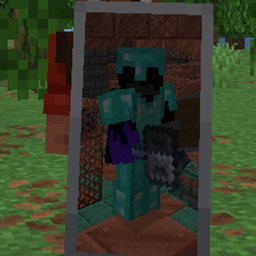
Custom Shields and Trims
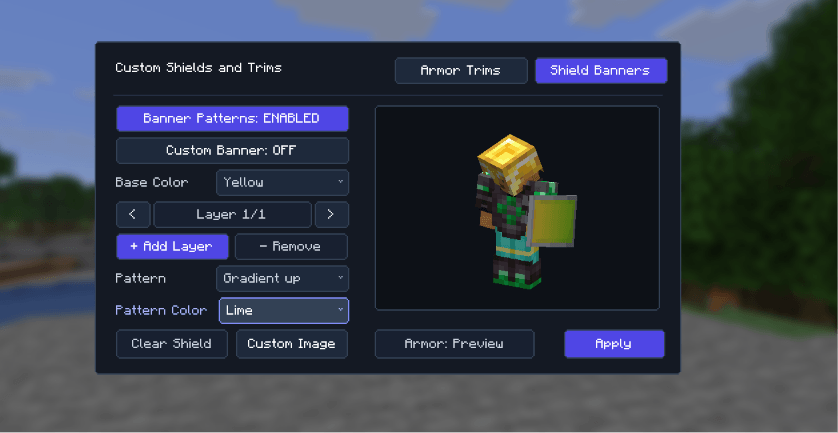
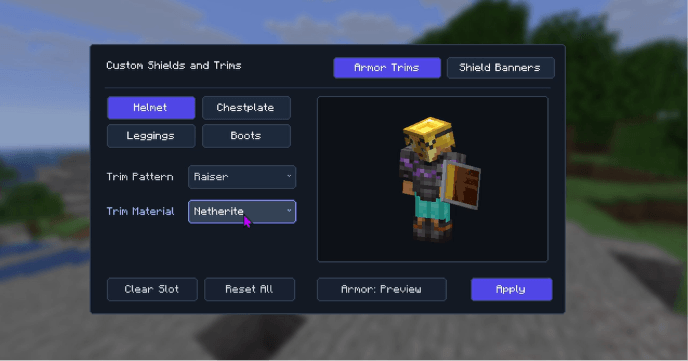
It allows the user to customize the banner and the appearance of the shield along with the trims on an armour is a clean and systematic way.
截图
介绍
Custom Shields and Armor-
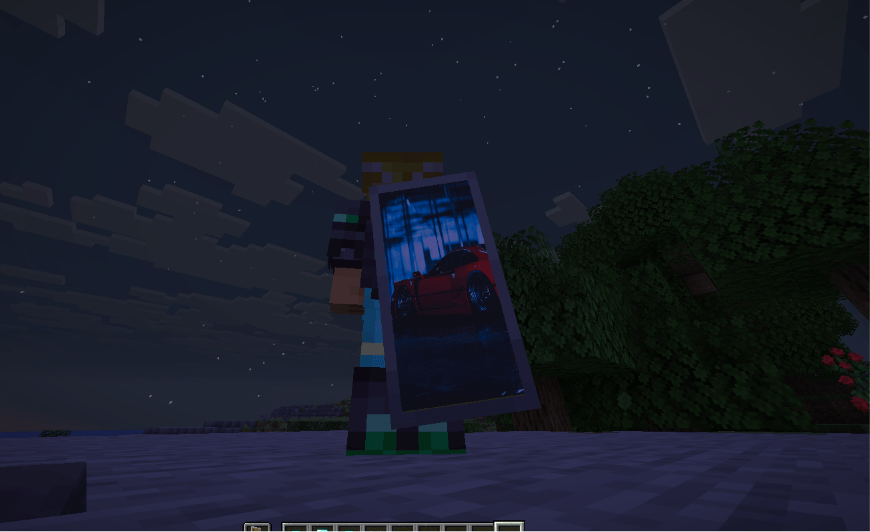
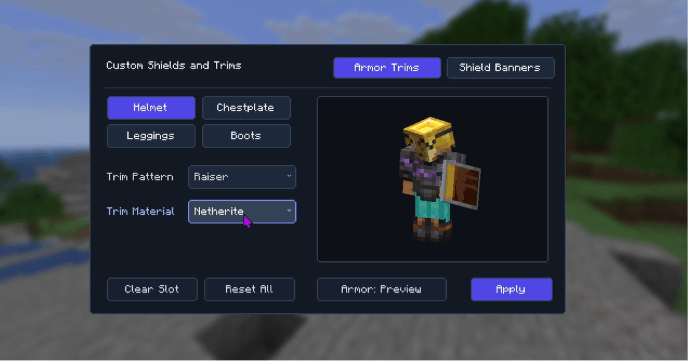
it is a light weight fabric mod which allows the user to change the banner pattern, shield appearance and armor trim to their liking though a in-game gui.
Features
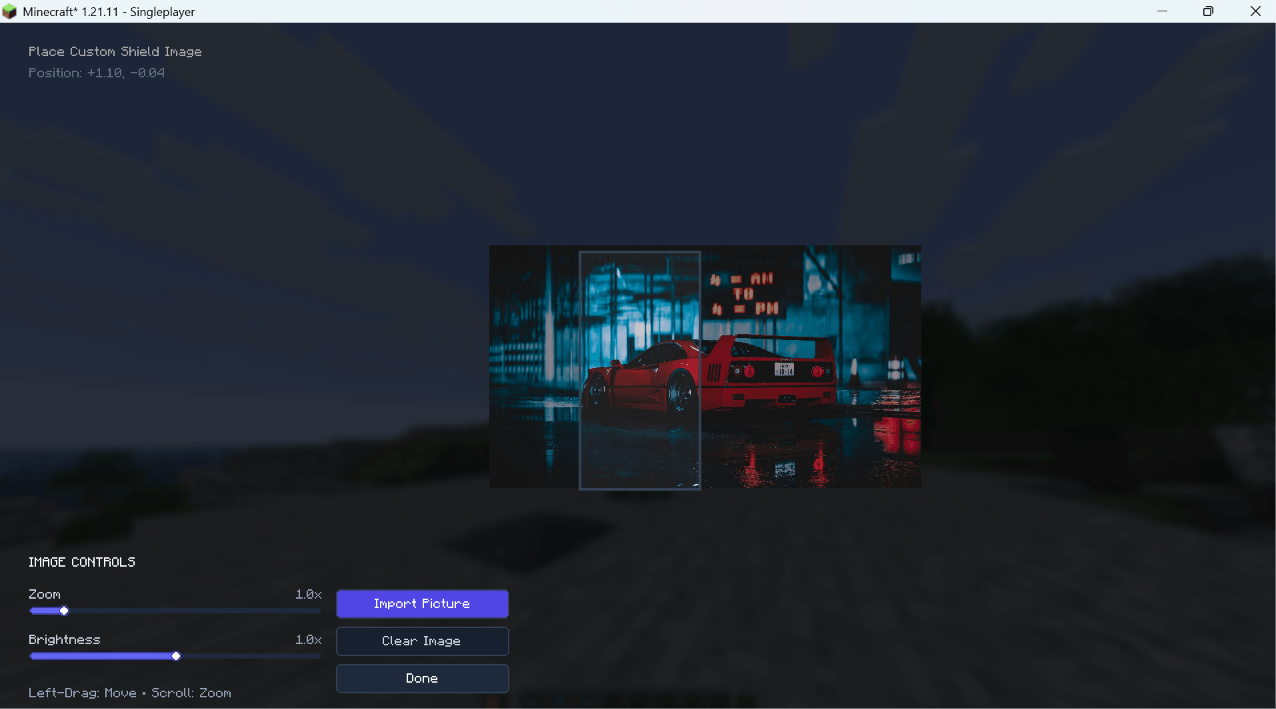
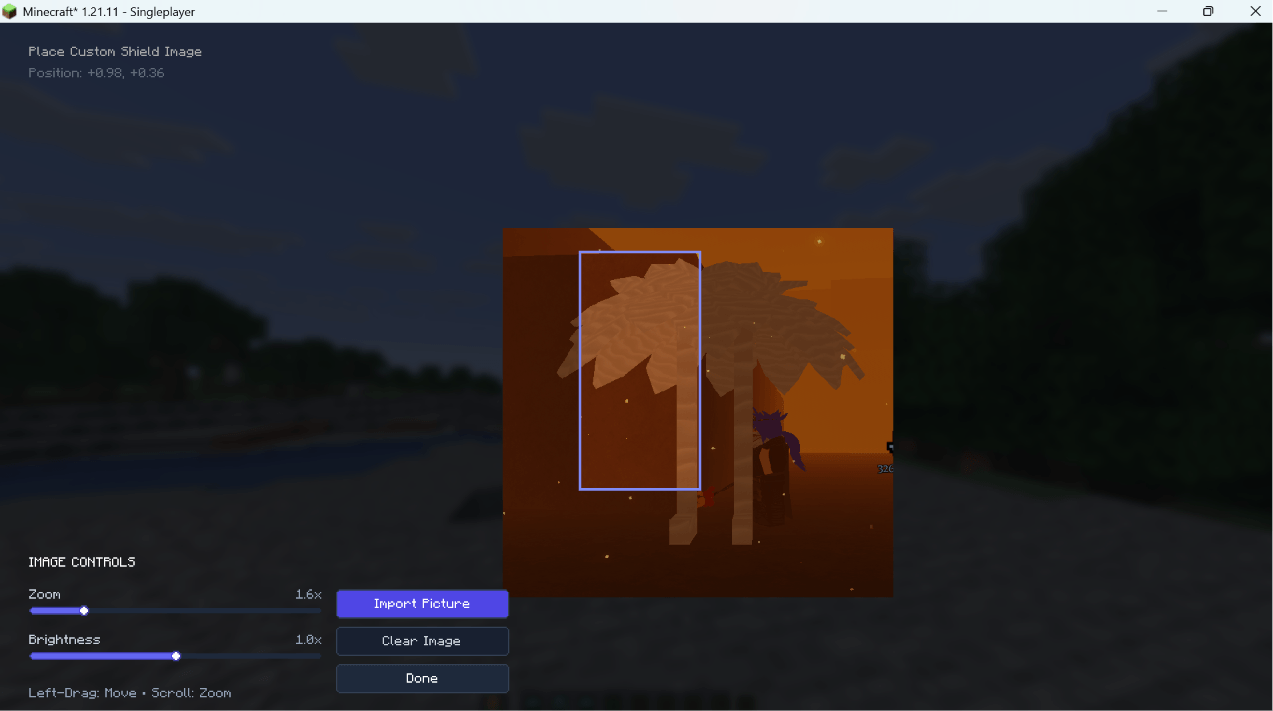
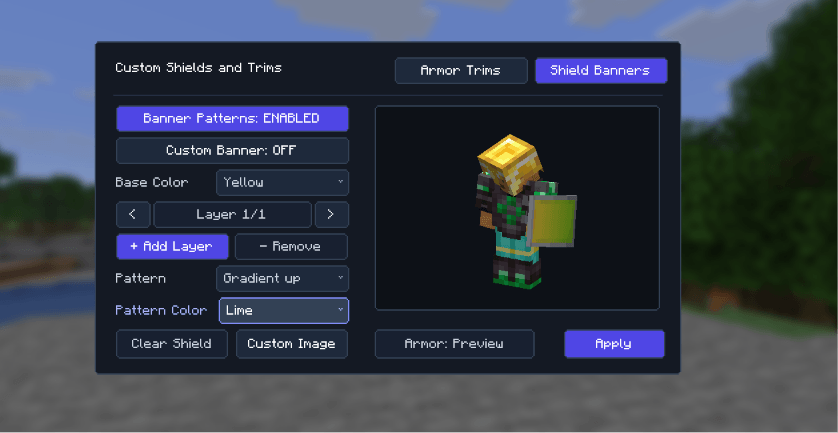
– Highly Customizable loom like interface for client side only.
– It contains all the banner/trim pattern available in the game.
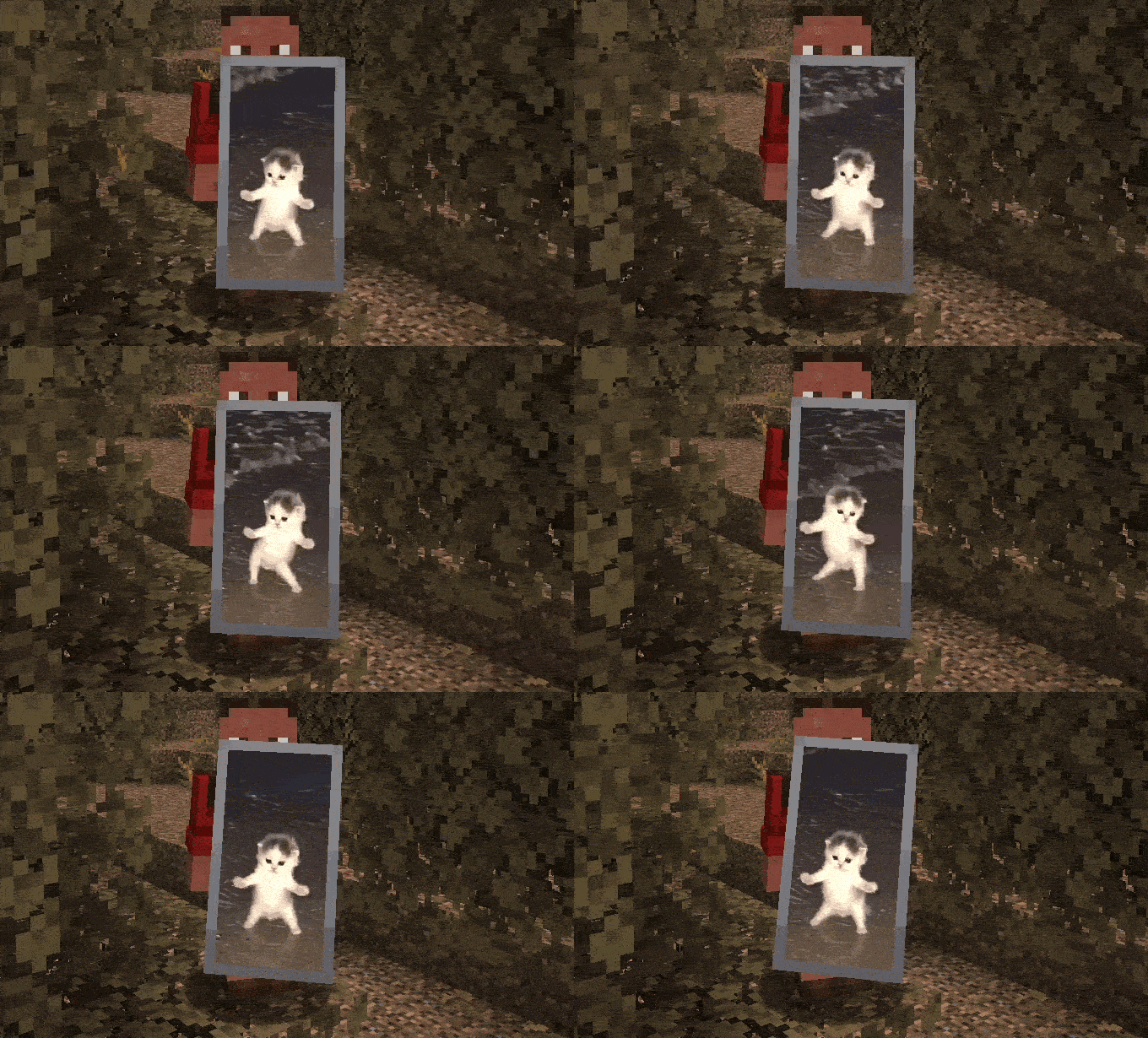
– It allows the user to attach any picture or GIF on the shield from their files.
– It allows the user to customize the armor trim and material to their liking.
– Light weight and user friendly gui
– Live player model preview with a toggle between preview armor and your currently equipped gear.
How to use?
– Press K in-game to open menu (can be changed through controls).
– Select your armor trims or shield patterns.
– Click Apply to save your style!
Feel free to leave feedback, report issues on Discord.
Thanks for downloading and using the mod! More features coming soon!
常见问题
Custom Shields and Trims 支持哪些 Minecraft 版本?
Custom Shields and Trims 支持 Minecraft Java 版 1.21.11–26.3,共 6 个版本,可用的加载器:Fabric。下载时注意选择和你游戏版本一致的文件。
Custom Shields and Trims 怎么安装?
先用 PCL2 或 HMCL 启动器安装对应版本的 Fabric,再把下载的 .jar 文件放进游戏目录的 mods 文件夹,重新启动游戏即可。开启了版本隔离的,mods 文件夹在 versions/版本名 下面。
astrolddd 的其他作品
查看全部 →
Clean Armor HUD
一款简洁清爽、现代风格的护甲 HUD,使用起来也很方便。

Simple Crosshair Editor
自定义准星编辑器,提供可绘制网格,界面简单易懂、风格现代,还有许多实用功能。

Simple Crosshair Edior
Create and customize your own pixel-based crosshair in-game.

Screenshot+
Screenshot+ is a lightweight client-side Fabric mod that transforms Minecraft's basic screenshot folder into a polished, in-game screenshot manager.
评论
登录后评论和评分