Mikasa Copy That Building
Client-side Fabric tool to copy loaded-chunk builds into JSON, NBT, .schem or .litematic. Set two corners, scan in the background without freezing gameplay, track progress and missing chunks, then export for later paste. No server mod required.
截图
介绍
Copy That Building
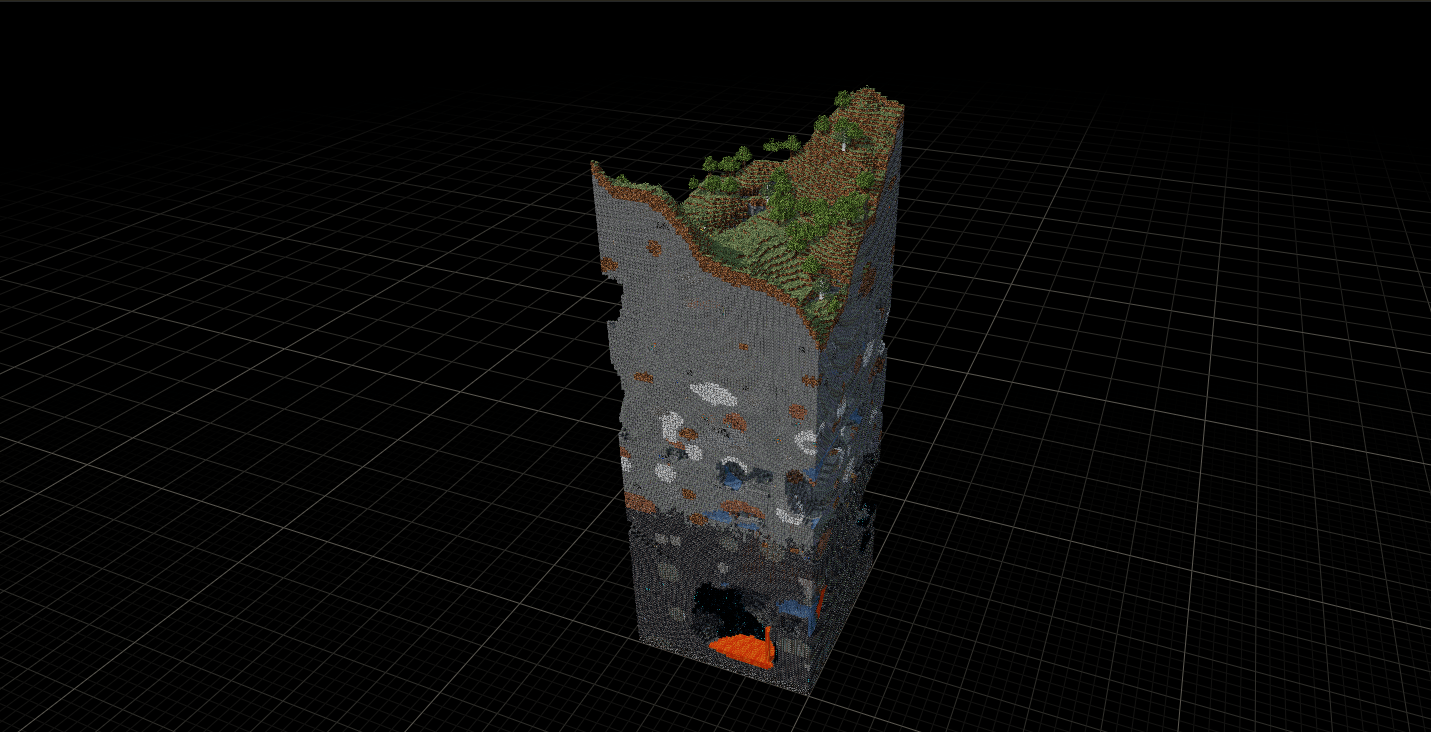
Client-only Fabric utility by Mikasa for copying building regions from already loaded client chunks into export files.
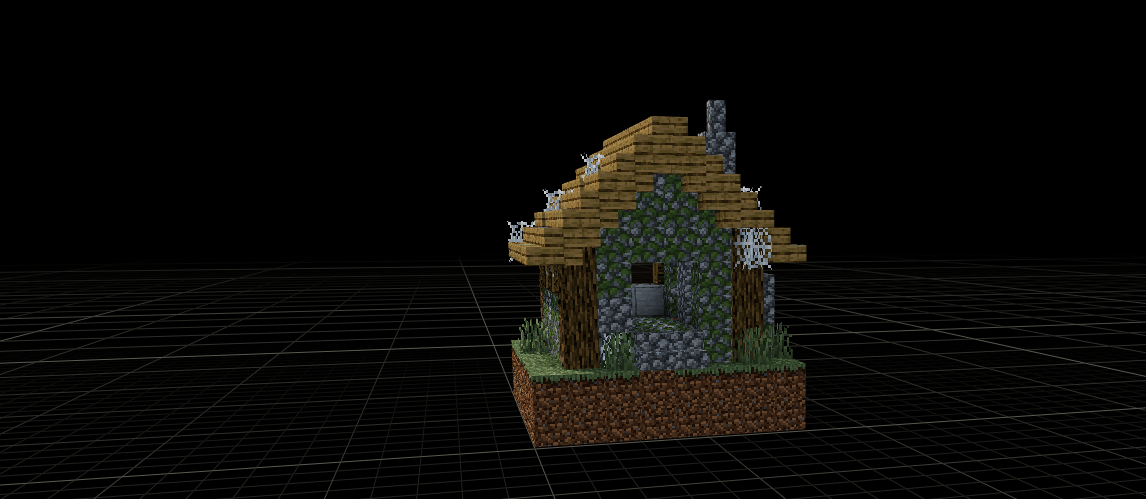
Built for builders, server admins, and anyone who wants to save a build before it’s gone. Copy fortresses, spawns, arenas, or your own creations from any world you have access to — then rebuild them later in your own world or server. This mod only reads and exports. Pasting back into a world is handled by a separate server mod (Place That Building).
Why use Copy That Building?
- Client-side only — no server install, no permissions needed to copy.
- Background scanning — the mod reads chunks on a worker thread, so movement and input stay smooth.
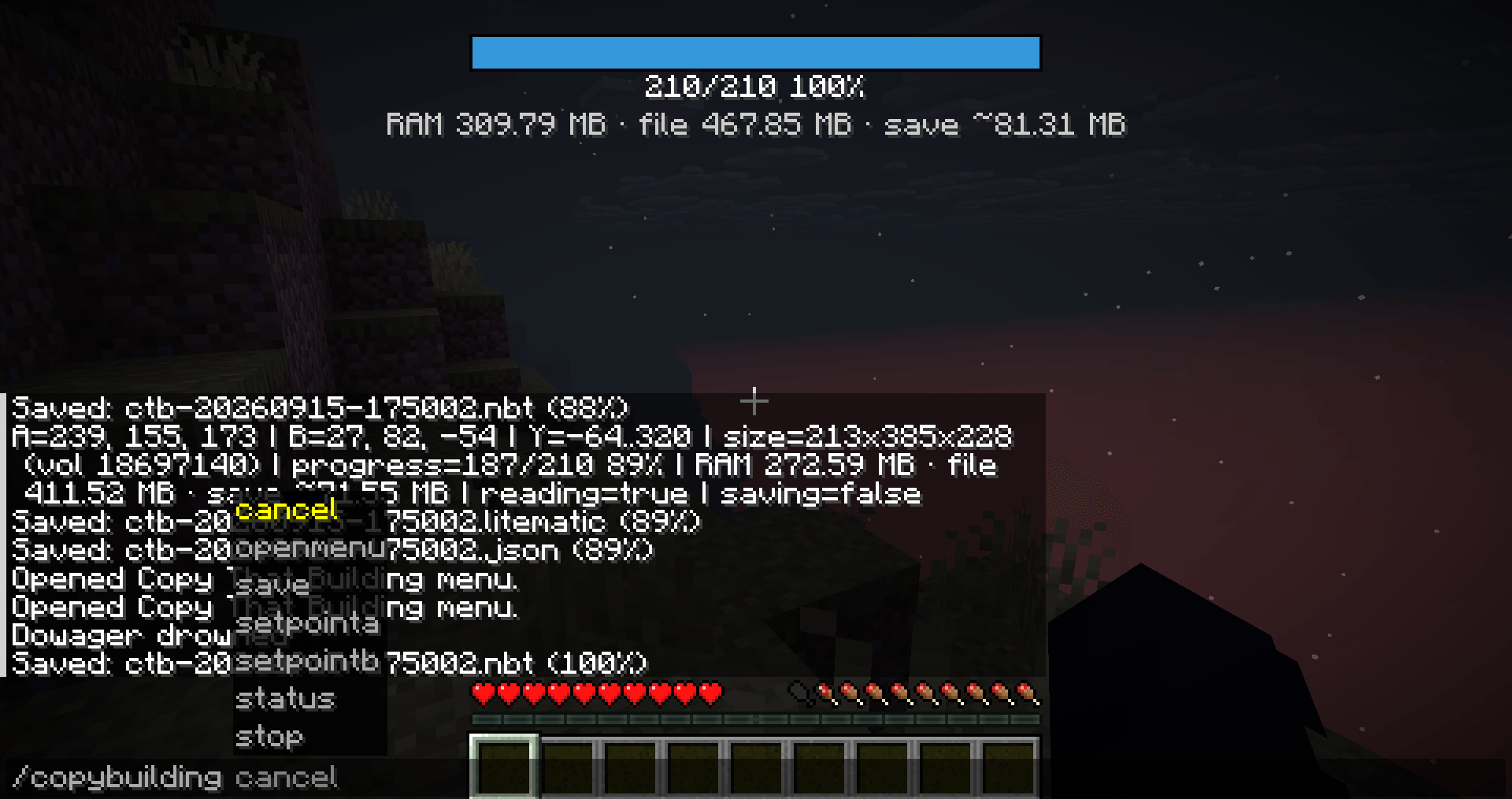
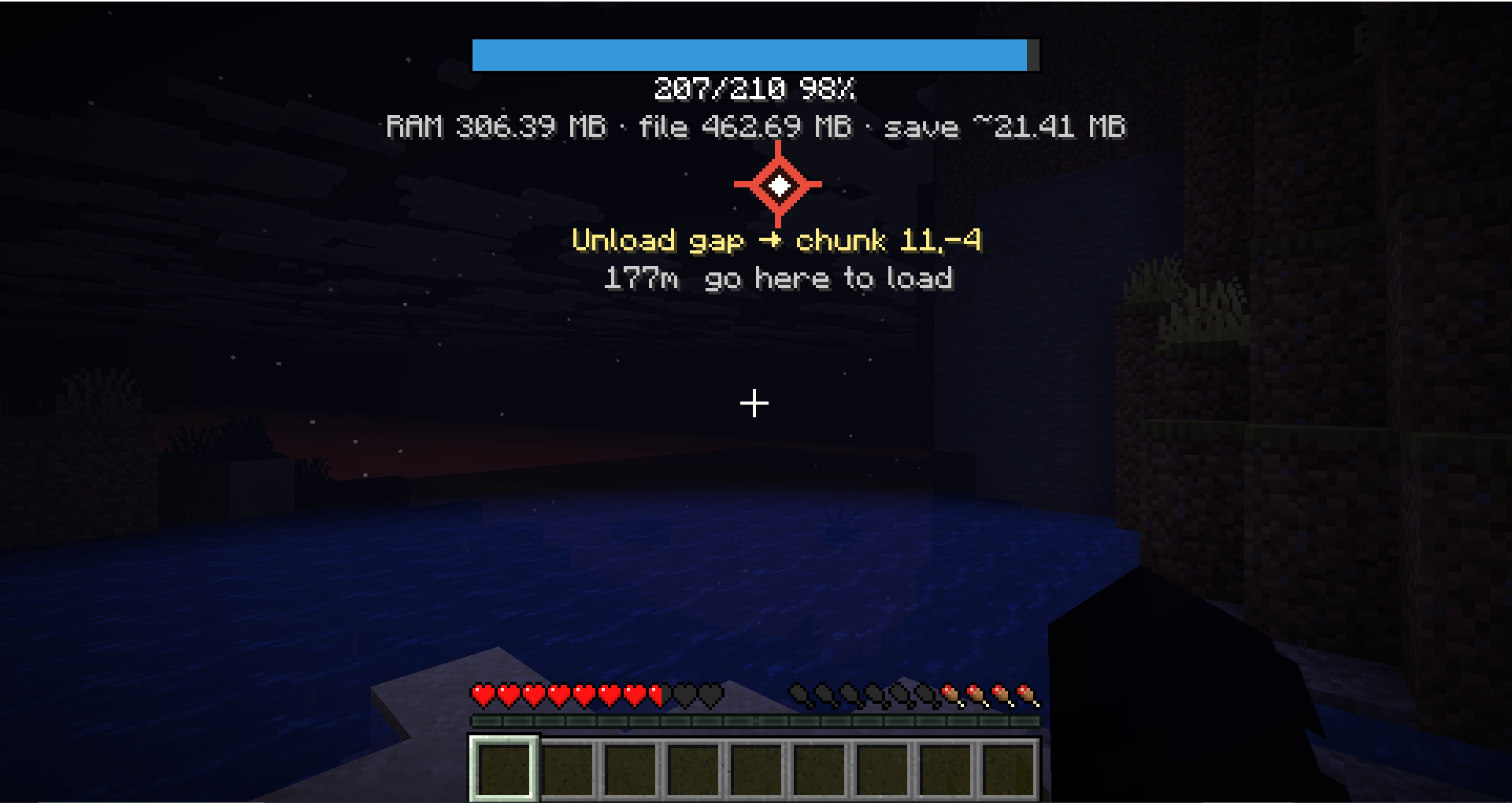
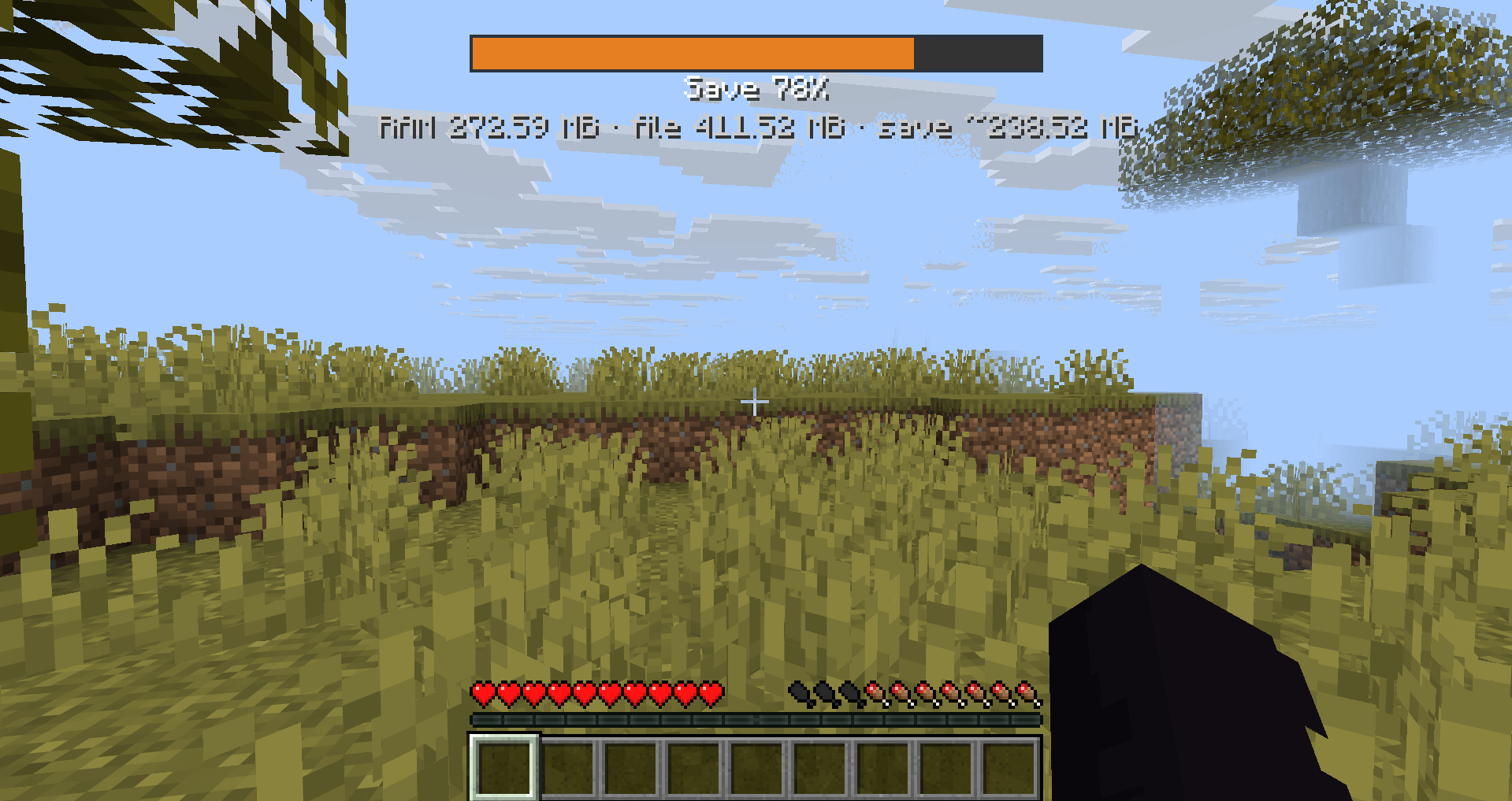
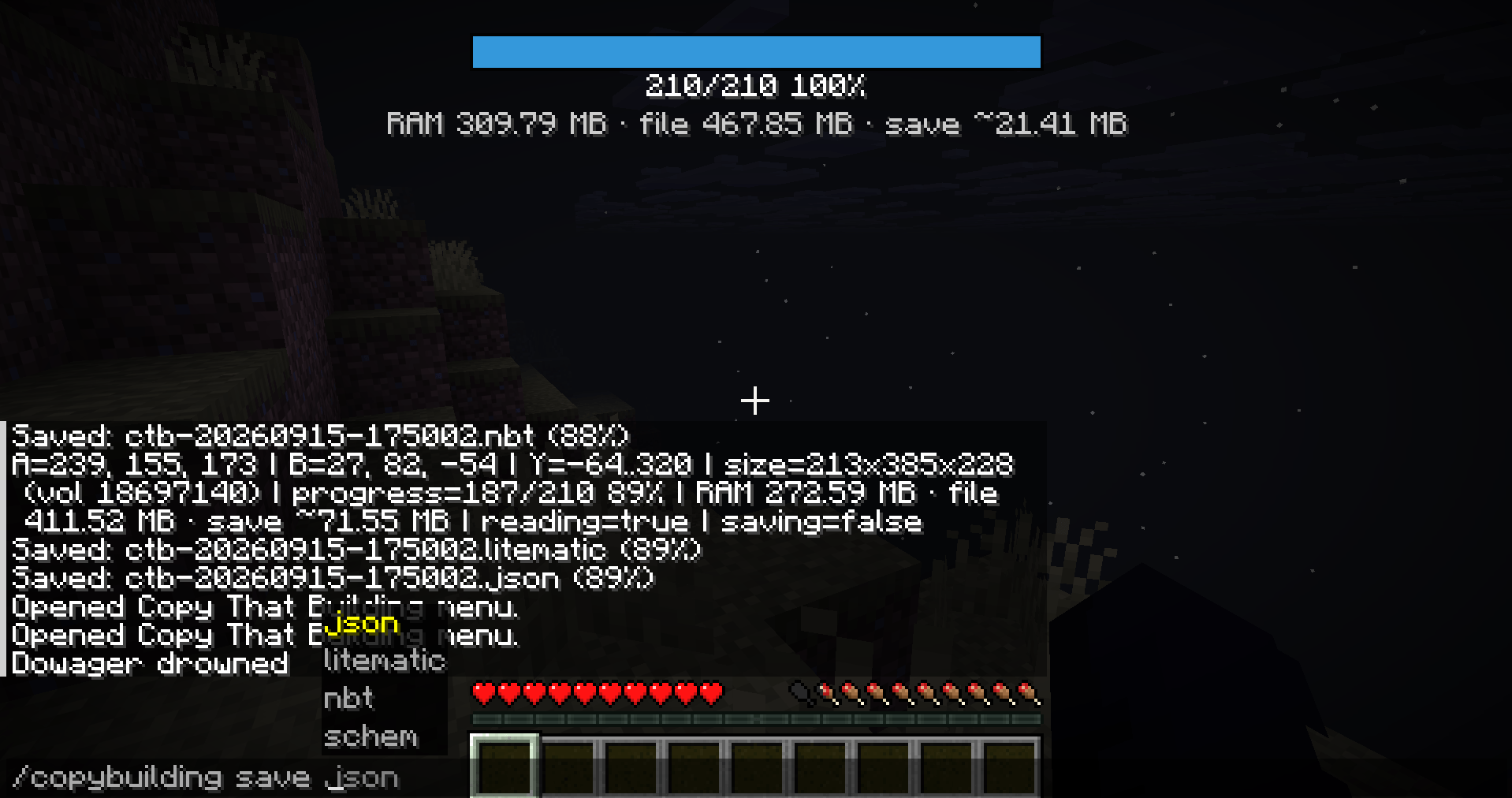
- Progress HUD — see chunks done, fill %, RAM usage, and estimated save size at a glance.
- Waypoint to missing chunks — a through-wall marker shows where you still need to walk so chunks load.
- Soft cancel — pause scanning and keep progress instead of losing everything.
- Four export formats — JSON, vanilla NBT, WorldEdit .schem, and Litematica .litematic.
- No keybinds — commands and menu only, so the mod leaves no trace in the keybind registry.
- No chunk forcing — the mod only reads what is already loaded, it never asks the server for more.
Features
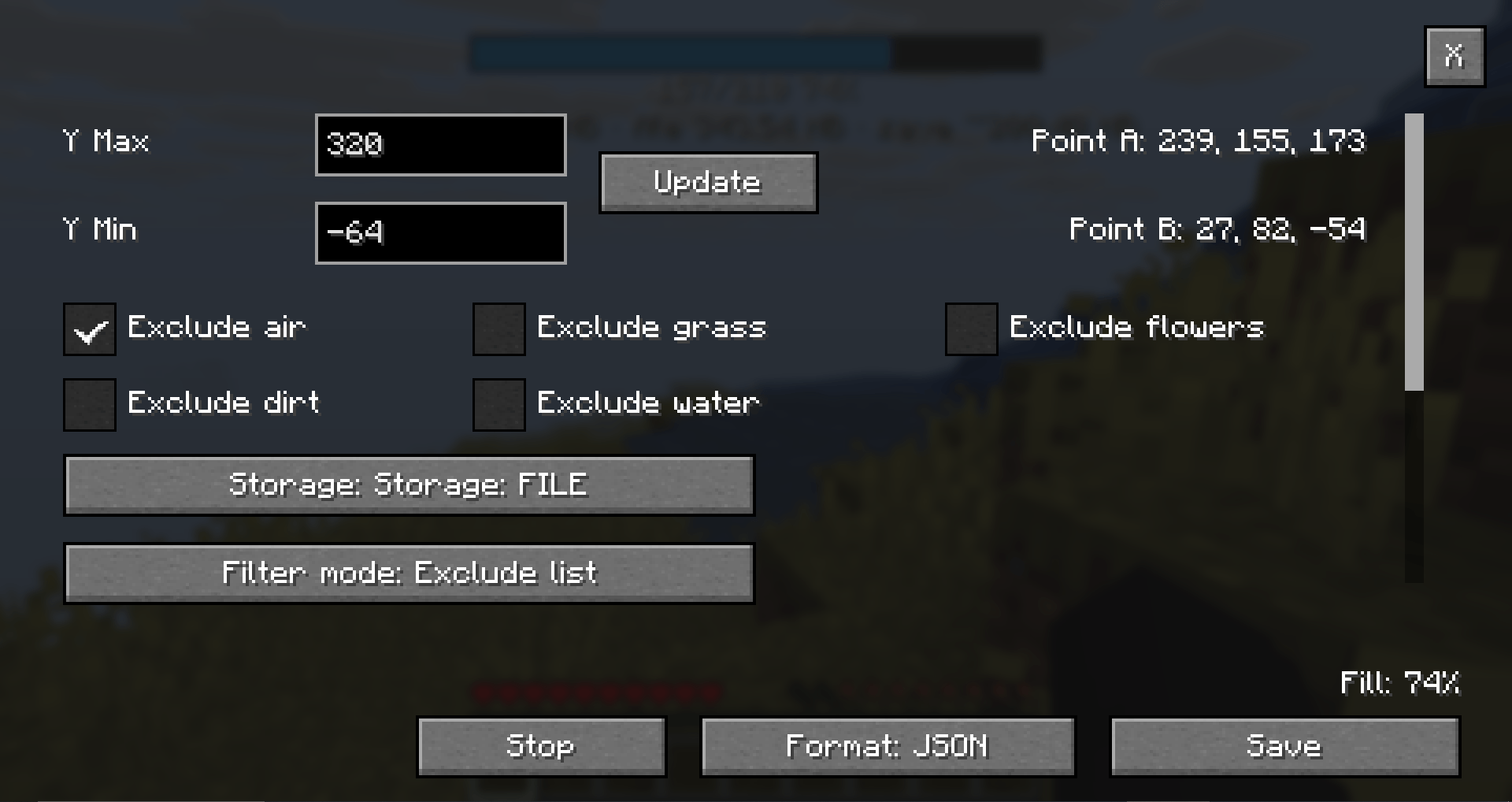
- Copy any box defined by two corners (point A / point B) plus Y Min / Y Max
- Reads only fully loaded client chunks — no chunk forcing
- Background worker thread — scanning and saving should not freeze movement or input
- Progress HUD: chunks done, fill %, RAM / estimated save size
- Waypoint to the nearest still-needed unloaded chunk (through-wall marker while looking at it)
- Storage modes: RAM (default) or FILE (live JSON flush while scanning)
- Soft Cancel (keep progress) vs hard Stop (free RAM, delete temp file)
- Changing A/B rebuilds the zone: overlapping scanned chunks are kept, the rest is discarded, progress updates
- Export formats: JSON, vanilla NBT, WorldEdit .schem, .litematic
- Remappable commands via
commands.json
– English UI labels (menu)
Requirements
- Minecraft 26.3
- Fabric Loader ≥ 0.19.3
- Fabric API
- Java 25+
– Client only — server install not required
Quick start
- Look at a block →
/copybuilding setpointA - Opposite corner →
/copybuilding setpointB(reading starts when both are set) - Open menu →
/copybuilding openmenu - Adjust Y / filters if needed → Update
- Walk so needed chunks load (follow the waypoint if shown)
- Choose format → Save
- Chat shows:
Saved: ctb-yyyyMMdd-HHmmss.<ext> (N%)Exports go to:
.minecraft/config/Mikasa-copy-building/exports/
text
Example scenario
You are on a server and see a fortress you want to rebuild in your own world.
- Stand at one corner and run /copybuilding setpointA.
- Walk to the opposite corner and run /copybuilding setpointB.
- Scanning starts automatically. Open the menu with /copybuilding openmenu to adjust Y range or filters.
- If some chunks are still missing, follow the on-screen waypoint until they load.
- When the progress bar reaches 100%, run /copybuilding save schem.
- The file lands in .minecraft/config/Mikasa-copy-building/exports/.
- Later, in your own world, paste it with WorldEdit or Place That Building.
Commands
| Action | Default |
|---|---|
| Open menu | /copybuilding openmenu |
| Point A | /copybuilding setpointA |
| Point B | /copybuilding setpointB |
| Status | /copybuilding status |
| Save | /copybuilding save json / nbt / schem / litematic |
| Cancel | /copybuilding cancel — pause reading, keep data |
| Stop | /copybuilding stop — abort, free memory, delete temp JSON |
Command names are remappable in:
config/Mikasa-copy-building/commands.json
text
Restart the client after editing that file.
How scanning works
- The selection is a box from A/B on X/Z and Y Min…Y Max vertically
- Any remaining loaded chunk can be read (not stuck on queue order) — works with low view distance
- If no needed chunks are loaded, reading pauses; progress is kept
- When you enter a needed chunk, it is read and the bar moves
- Filename is automatic:
ctb-yyyyMMdd-HHmmss(session start time)
Changing points A / B
- Builds a new zone
- Already scanned chunks that still fully cover what the new zone needs stay in memory
- Chunks outside the new box are cleared
– Progress becomes kept / newTotal
Storage
| Mode | Behavior |
|---|---|
| RAM (default) | Keep capture in memory until Save / Stop |
| FILE | Periodically flush live JSON under exports/ while scanning |
Stop clears RAM and deletes the live FILE json. Points A/B are kept.
Export formats
| Format | Extension | Notes |
|---|---|---|
| JSON | .json |
Custom mikasa-copy-building v1 (for Place That Building) |
| NBT | .nbt |
Vanilla-like structure template |
| SCHEM | .schem |
Sponge Schematic v2 (WorldEdit / FAWE) |
| LITEMATIC | .litematic | Litematica (single region) |
Filters (menu)
- Exclude air / grass / flowers / dirt / water
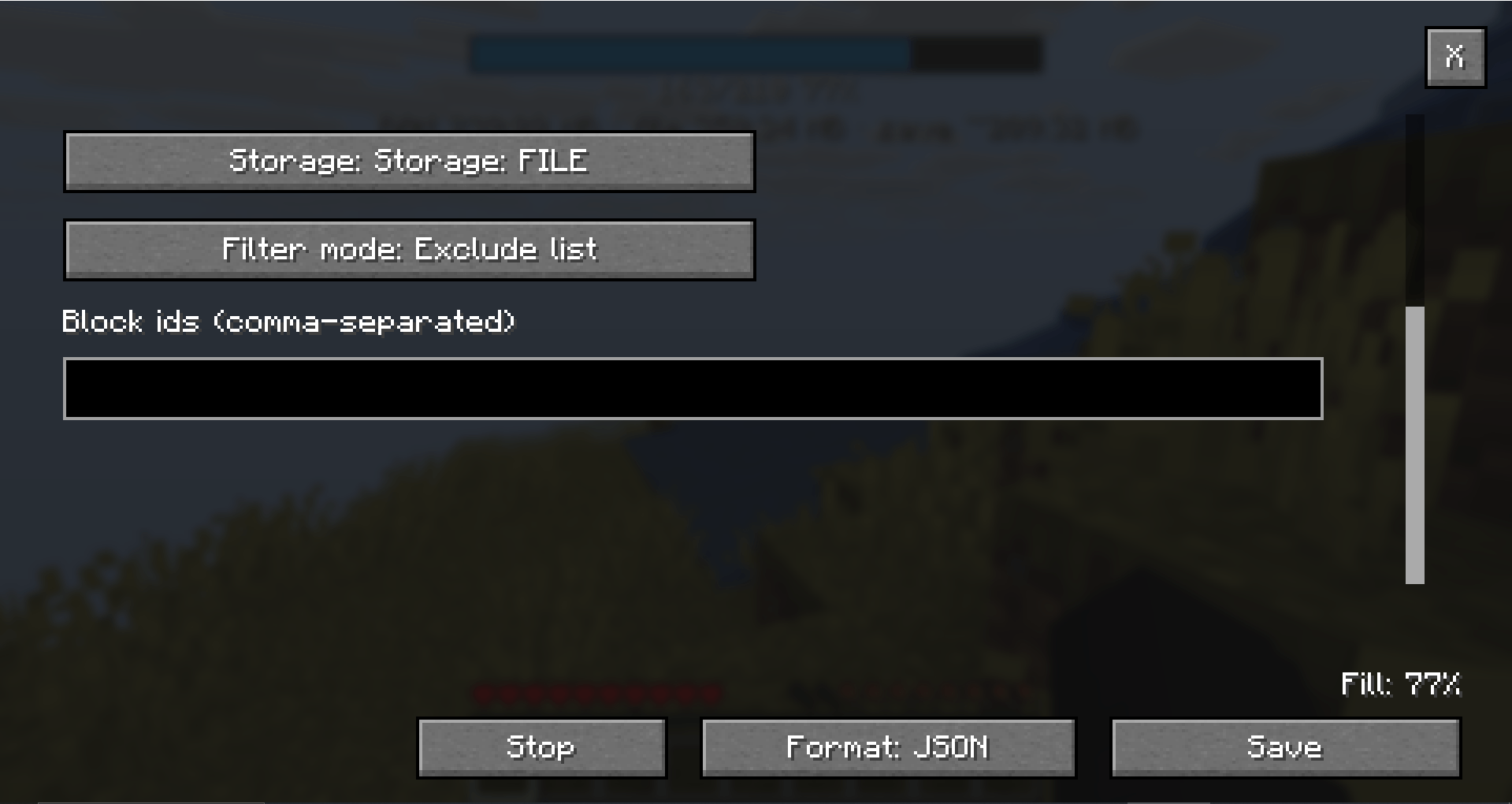
- Block id list with Exclude or Include mode
Example: minecraft:stone, minecraft:oak_log
Notes
- Does not place blocks
- Does not use keybinds (commands + menu only)
- Does not load unloaded chunks for you — walk (or raise view distance) so they load
– Use on worlds/servers you are allowed to copy from
License
MIT — Author: Mikasa
常见问题
Mikasa Copy That Building 支持哪些 Minecraft 版本?
Mikasa Copy That Building 支持 Minecraft Java 版 26.2–26.3,共 2 个版本,可用的加载器:Fabric。下载时注意选择和你游戏版本一致的文件。
Mikasa Copy That Building 怎么安装?
先用 PCL2 或 HMCL 启动器安装对应版本的 Fabric,再把下载的 .jar 文件放进游戏目录的 mods 文件夹,重新启动游戏即可。开启了版本隔离的,mods 文件夹在 versions/版本名 下面。
MikasaNotAvailable 的其他作品
查看全部 →
Mikasa Mob Health Bar
A minimalist client-side HUD that displays the target's name, a red health bar, and exact Current/Max HP at the top center of your screen when looking at any mob.
Mikasa TP Commands
Server-side Fabric teleport toolkit: /tp, TPA requests, and homes with JSON or optional PostgreSQL/MySQL storage. No client mod required!
评论
登录后评论和评分