介绍
Client Data Command





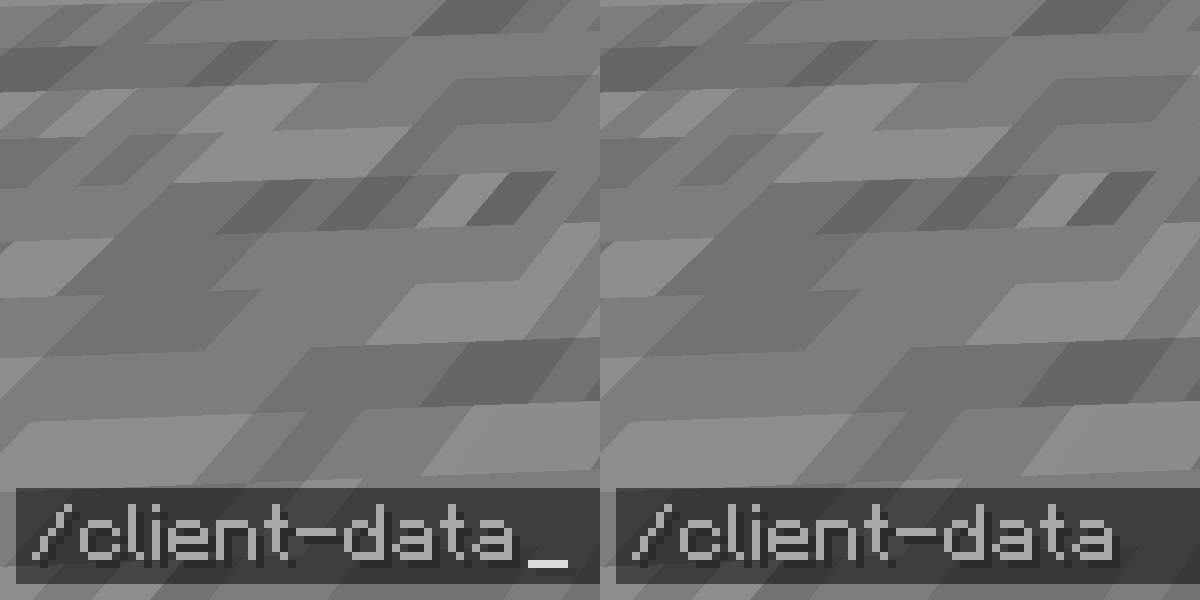
Add client-sided Data command. View NBT easier without permission.
Requirements
Commands
Client-Data
client-data
    ... get <TARGET> [<path>] [<scale>]
    ... merge <TARGET> <nbt>
    ... modify <TARGET> <targetPath> <MODIFICATION>
        ... from <SOURCE> [<sourcePath>]
        ... string <SOURCE> [<sourcePath>] [<start>] [<end>]
        ... value <value>
... remove <TARGET> <path><TARGET>=(block <targetPos> | entity <target>)<MODIFICATION>=(append|insert <index>|merge|prepend|set)<SOURCE>=(block <sourcePos> | entity <source>)
About this command, please visit Commands/data page of Minecraft Wiki.
Storage data is not supported and there are no plans about.
Datac
datac (get|merge|modify|remove) ...
Shorthand version of Client-Data command.
Known Issues
Notes
- The mod file name indicates the mod name, loader and version:
(mod name)-(mod loader)-(mod version)+mc(built minecraft version).jar- For example:
FabricModTemplate-fabric-1.0+mc1.21.jar
常见问题
Client Data Command 支持哪些 Minecraft 版本?
Client Data Command 支持 Minecraft Java 版 1.21–1.21.5,共 6 个版本,可用的加载器:Fabric。下载时注意选择和你游戏版本一致的文件。
Client Data Command 怎么安装?
先用 PCL2 或 HMCL 启动器安装对应版本的 Fabric,再把下载的 .jar 文件放进游戏目录的 mods 文件夹,重新启动游戏即可。开启了版本隔离的,mods 文件夹在 versions/版本名 下面。运行环境:仅客户端。
NoEul 的其他作品
查看全部 →
Slyde More
A Fabric mod that allows dragging sliders further without screen width limit when used with Slyde mod
Revert Stackable Curing Discount
Revert the villager curing discount system to before MC-181190 fix
Crash Command
You just lost the game - Make a crash the game and JVM using the command
Crash Command
You just lost the game - Make a crash the game and JVM using the command
评论
登录后评论和评分