Chat Highlight & Sound
作者:Catomon
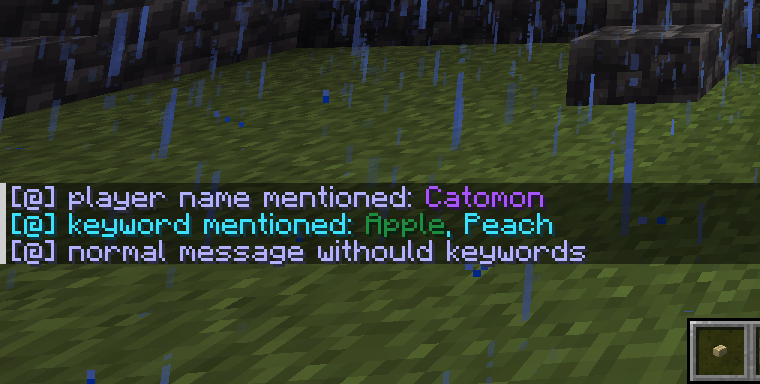
Highlights your name and custom words in chat, changes message color, and plays sounds
截图
介绍
中文介绍正在准备中,下面暂时显示原文。
CHAS allows you to add colors and sounds to chat messages.
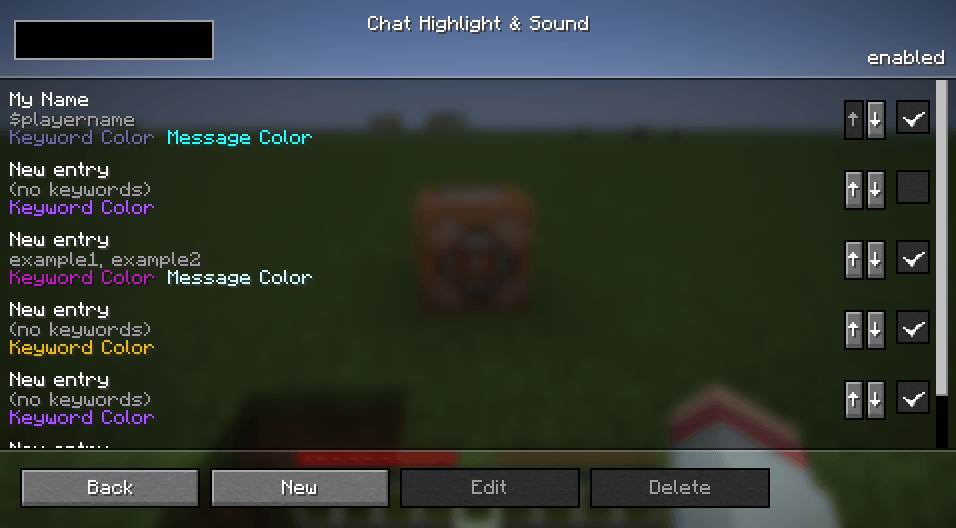
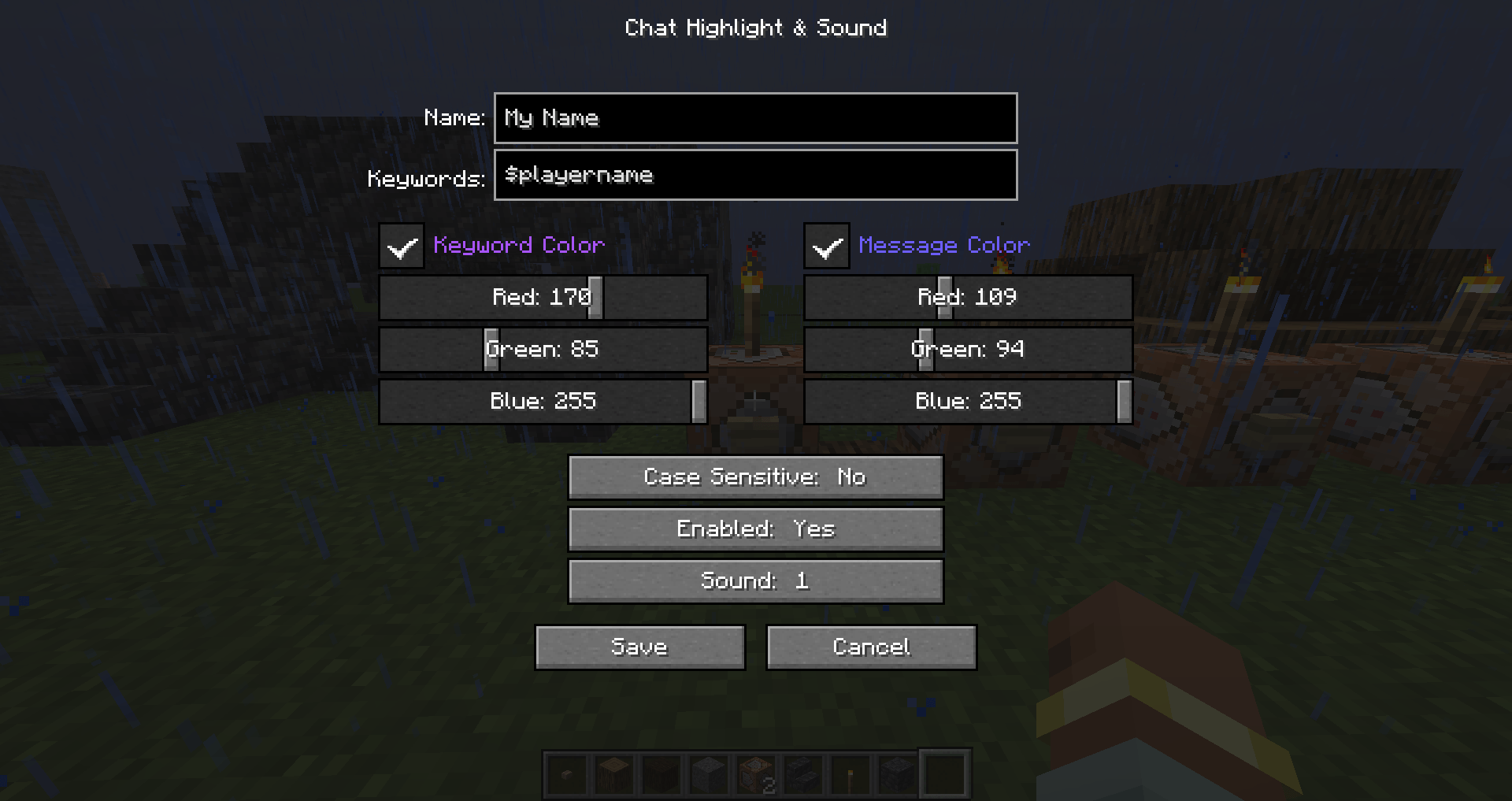
You can configure colors and sounds for all messages or specific keywords.
- On fabric the config screen can be opened by pressing ‘U’.
- On forge, it is accessible via Mods menu.
- You can also open it by using the /chas or /chathighlightandsound command.
常见问题
Chat Highlight & Sound 支持哪些 Minecraft 版本?
Chat Highlight & Sound 支持 Minecraft Java 版 1.20.1–26.3,共 10 个版本,可用的加载器:Fabric / Forge / NeoForge。下载时注意选择和你游戏版本一致的文件。
Chat Highlight & Sound 怎么安装?
先用 PCL2 或 HMCL 启动器安装对应版本的 Fabric / Forge / NeoForge,再把下载的 .jar 文件放进游戏目录的 mods 文件夹,重新启动游戏即可。开启了版本隔离的,mods 文件夹在 versions/版本名 下面。
Catomon 的其他作品
查看全部 →
Easy Mob Spawn Control
by Catomon
通过游戏内菜单快速调整生成率、禁用不受欢迎的生物、更改生物上限等。
100.3万
1 天前
Modrinth · CurseForge

Psycho Villagers
by Catomon
藏身于村民之中的杀人狂魔
28.3万
1 天前
CurseForge

Chat Highlight & Sound
by Catomon
在聊天中高亮你的名字和自定义词,改变消息颜色,并播放音效
21.5万
20 天前
Modrinth

Pop-up Emotes
by Catomon
自定义表情,并在角色头顶显示弹出效果
15.8万
16 天前
Modrinth
评论
登录后评论和评分