
challengetimer
An advanced Minecraft Timer Mod for Challenges etc with countdowns, stopwatches, gradients and more
截图
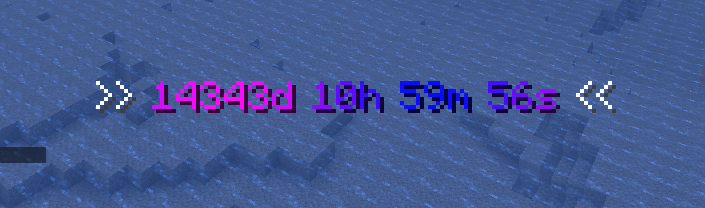
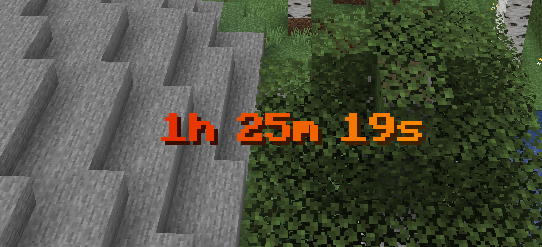
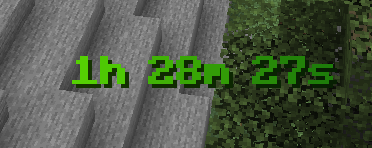
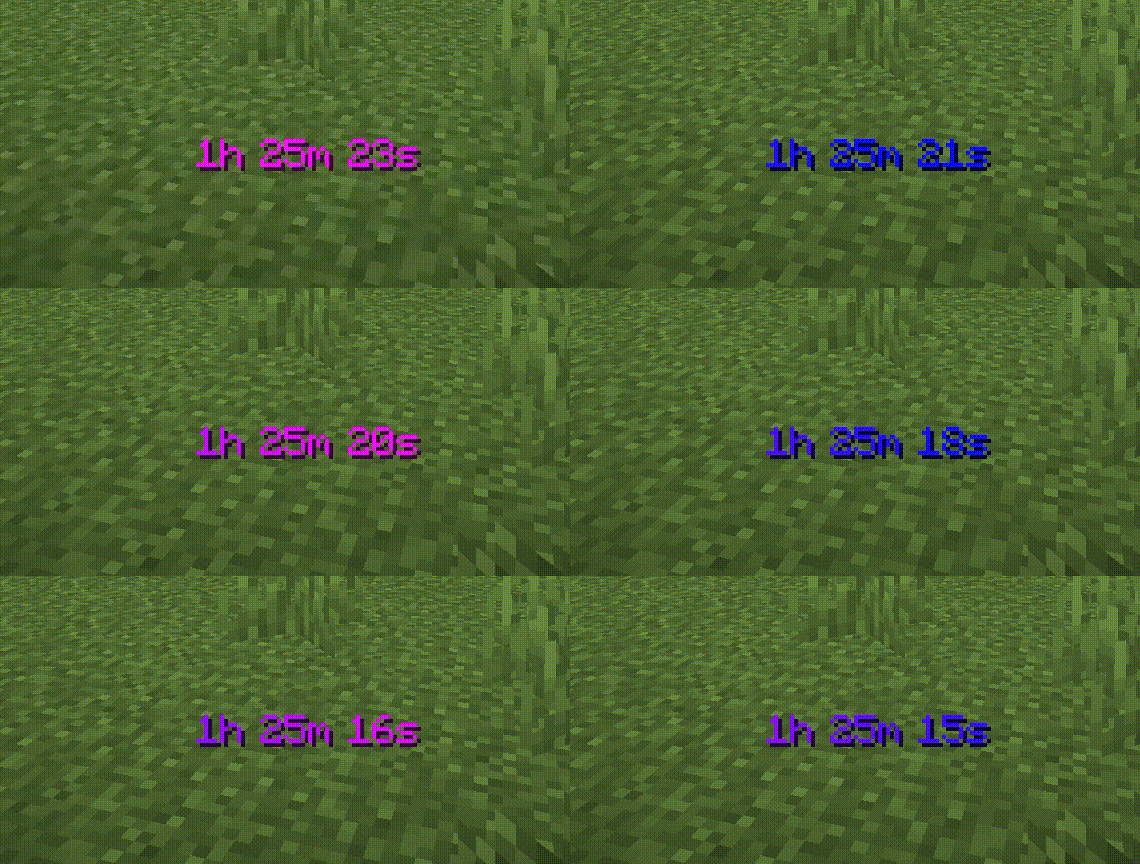
介绍
# Challenge Timer
An advanced Minecraft Timer Mod for Challenges etc.
Tutorial: https://youtu.be/aHcGYtDmxuk
## Features
– Countdown
– Countup (Stopwatch)
– multiple Timers supported
– Colors (names + hex-codes)
– Color Gradients (static & animated)
– customize animationtime + direction
– advanced Time Indication
– set Pre- & Suffix
– retime
– retype (count up/down)
– customize finished text (shown when the timer is over)
– format text (bold,underlined,..)
– pause timers
## Upcoming:
– more advanced formatting options
– assign timers to players
– more colors in gradients possible
## Usage
How to add Countdown
“`
/timer add Countdown <time></time>
<time> given like “2d6h20m13s”</time>
Keywords:
‘d’ : days
‘h’ : hours
‘m’ : minutes
‘s’ : seconds
“`
How to add Stoppwatch
“`
/timer add Countup <time> Countup
“`</time>
How to start the Timer
“`
/timer start
“`
How to reset the Timer
“`
/timer reset
“`
How to remove Timer
“`
/timer remove
“`
How to change the shown Timer
“`
/timer set
“`
How to set Timer Color
“`
/timer set color
“`
How to use an animated Gradient
“`
/timer set color gradient animated
“`
How to set Timer Time
“`
/timer set time <time>
“`</time>
How to set Pre/Suffix
“`
/timer settings prefix/suffix
! the pre/suffix color is the default_color
“`
How to set default Timer Color
“`
/timer settings default_color
“`
How to set finished-text (text shown after timer over)
“`
/timer settings finished_text
Keywords:
{name} = name of current timer
“`
How to pause/unpause
“`
/timer pause
“`
How to en/disable timers
“`
/timer en/disable
“`
## System Infos
**Minecraft Verion:** Minecraft Java Fabric 1.21.5
**Fabric Loader:** 0.16.14 (usually preset)
## 🔗 Links
[](https://www.aaircrafter.online/linktree)
[](https://www.aaircrafter.online/discord)
[](https://www.youtube.com/@AAirCrafter)
[](https://www.tiktok.com/@aaircrafter)
[](https://modrinth.com/user/AAirCrafter)
[](https://www.planetminecraft.com/member/aaircrafter/)
## Authors
– [@AAirCrafter](https://github.com/AAirCrafter)
## License
[AAirCrafter’s License](https://www.aaircrafter.online/license)
常见问题
challengetimer 支持哪些 Minecraft 版本?
challengetimer 支持 Minecraft Java 版 1.21.5–1.21.10,共 2 个版本,可用的加载器:Fabric。下载时注意选择和你游戏版本一致的文件。
challengetimer 怎么安装?
先用 PCL2 或 HMCL 启动器安装对应版本的 Fabric,再把下载的 .jar 文件放进游戏目录的 mods 文件夹,重新启动游戏即可。开启了版本隔离的,mods 文件夹在 versions/版本名 下面。
AAirCrafter 的其他作品
查看全部 →
see invis players
(See Invis Players)可让你看到隐形玩家的半透明身影
see invis players
(看见隐形玩家)让你能看到隐形玩家的半透明身形

AAirCrafter’s blue UI
a blue minecraft ui texturepack

ChallengeTimer
an advanced timer/stopwatch for challenges etc
评论
登录后评论和评分