
CC:Gamepad
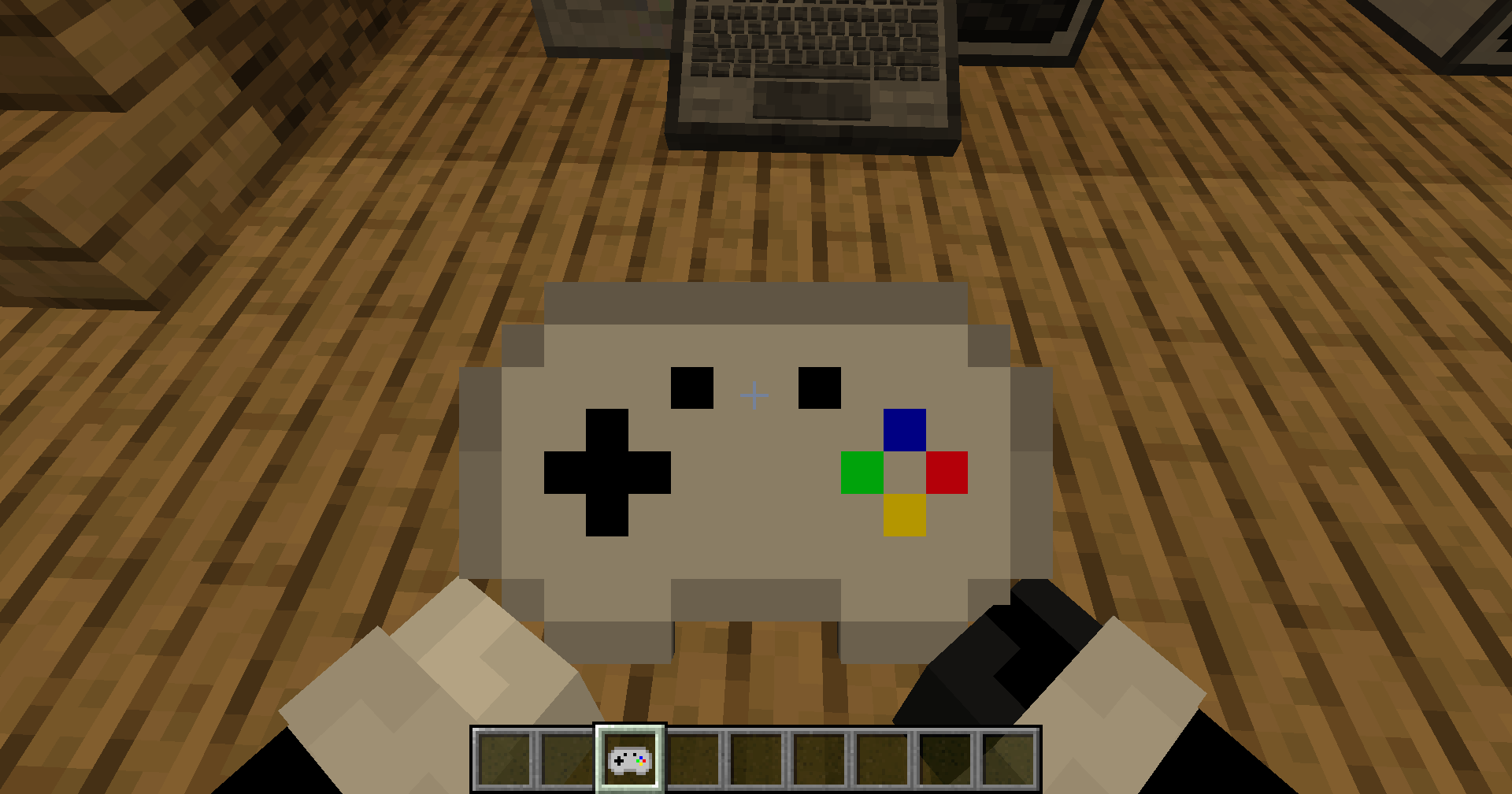
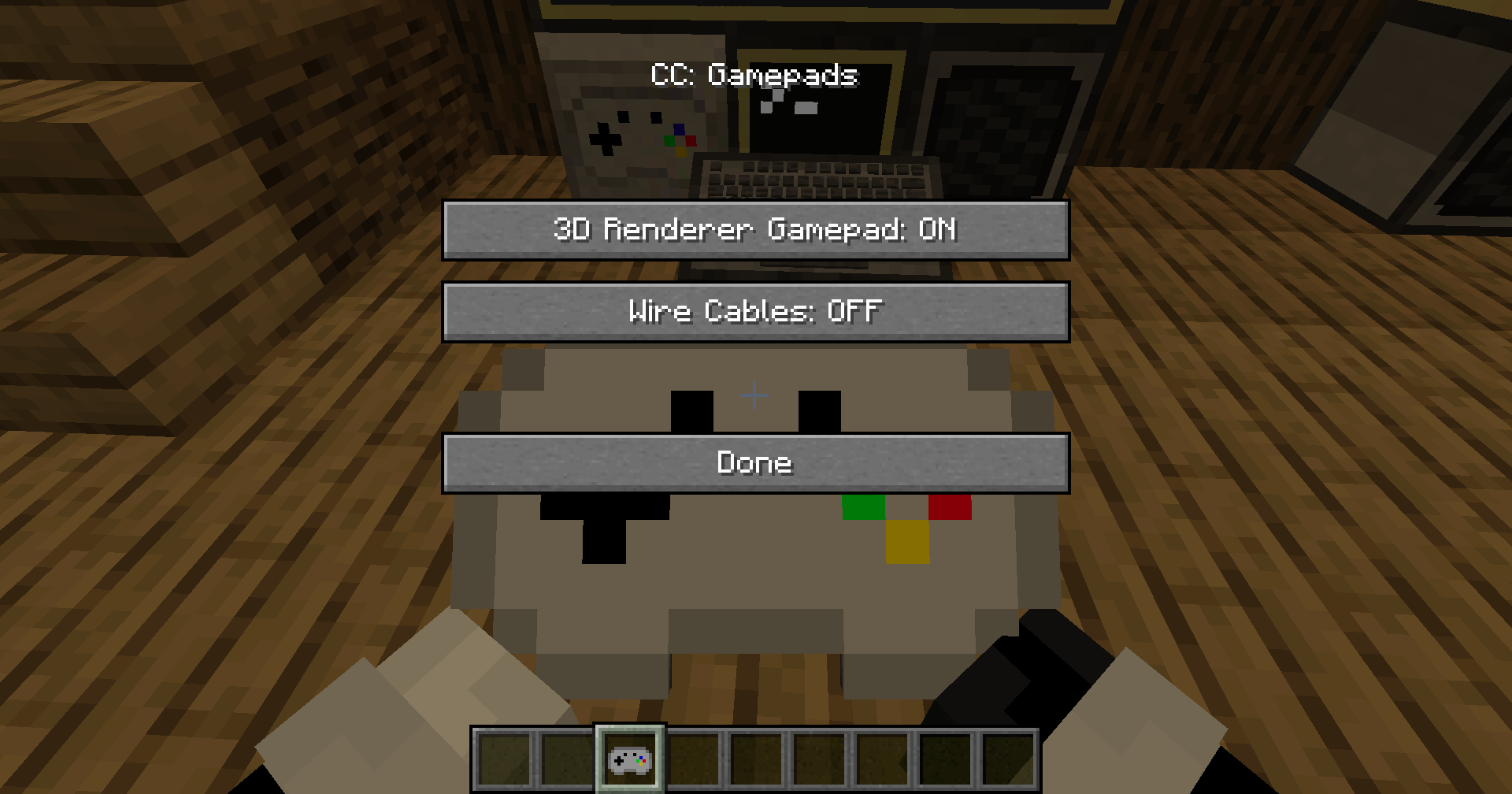
CC: Gamepads adds a CC:Tweaked peripheral block which lets ComputerCraft computers read real gamepad/controller input from players.
截图
介绍
CC: Gamepads adds a CC:Tweaked peripheral block which lets ComputerCraft computers read real gamepad/controller input from players.
The controller is read on the player client, sent to the server, and exposed to Lua through a bound Gamepad Peripheral. This works in singleplayer, LAN, and dedicated multiplayer servers.
Requirements
Minecraft 1.21.1
NeoForge 21.1.x
CC:Tweaked 1.117.1
How To Use
Place a Gamepad Peripheral block next to, or connected by modem to, a CC:Tweaked computer.
Hold a Gamepad item.
Sneak-right-click the Gamepad Peripheral with the Gamepad item to bind it.
Keep the bound Gamepad item in your main hand or off hand.
Plug in/connect with bluetooth your/a controller and run Lua code on the computer.
Up to 4 players can send input to the same Gamepad Peripheral at once. Each player gets a slot from 1 to 4.
Lua Peripheral
Wrap the peripheral like any other CC:Tweaked peripheral:
local pad = peripheral.find(“gamepad”)
Functions
getPlayers()
Returns a list of connected controller states.
Each entry includes:
slot: player slot, 1 to 4
player: player name
playerId: player UUID
controllerId: client controller id
controllerName: controller name
guid: controller GUID
buttons: numbered button table
buttonNames: named button table
axes: numbered axis table
axisNames: named axis table
updatedAt: server timestamp
getState(slot)
Returns the full state table for one slot.
Throws an error if no controller is bound to that slot.
isDown(slot, button)
Returns true if a numbered button is held.
Buttons:
A
B
X
Y
Left bumper
Right bumper
Back/select
Start
Guide/home
Left stick
Right stick
D-pad up
D-pad right
D-pad down
D-pad left
isButtonDown(slot, name)
Returns true if a named button is held.
Names:
a b x y
leftBumper rightBumper
back select start guide home
leftStick rightStick
dpadUp dpadRight dpadDown dpadLeft
getAxis(slot, axis)
Returns a numbered axis value.
Axes:
Left X, -1 to 1
Left Y, -1 to 1
Right X, -1 to 1
Right Y, -1 to 1
Left trigger, 0 to 1
Right trigger, 0 to 1
getAxisValue(slot, name)
Returns a named axis value.
Names:
leftX leftY rightX rightY leftTrigger rightTrigger
getMaxPlayers()
Returns 4.
getButtonCount()
Returns 15.
getAxisCount()
Returns 6.
Events
When controller state changes, attached computers receive:
cc_events, “gamepad”, slot, playerName, controllerId
Example:
local event, kind, slot, player, controllerId = os.pullEvent(“cc_events”)
if kind == “gamepad” then
print(player .. ” updated slot ” .. slot)
end
Example Lua Program
This prints basic state for slot 1 and exits when Start is pressed.
local pad = peripheral.find(“gamepad”)
if not pad then
error(“No gamepad peripheral found”)
end
print(“Waiting for gamepad input…”)
while true do
local event, kind, slot, player = os.pullEvent(“cc_events”)
if kind == “gamepad” and slot == 1 then
local lx = pad.getAxisValue(1, “leftX”)
local ly = pad.getAxisValue(1, “leftY”)
local a = pad.isButtonDown(1, “a”)
local b = pad.isButtonDown(1, “b”)
term.clear()
term.setCursorPos(1, 1)
print(“Player: ” .. player)
print((“Left stick: %.2f %.2f”):format(lx, ly))
print(“A: ” .. tostring(a))
print(“B: ” .. tostring(b))
print(“Start exits”)
if pad.isButtonDown(1, “start”) then
break
end
end
end
Multiplayer Notes
Controller input is only accepted from the player who sent it.
The player must be holding a Gamepad item bound to the target peripheral.
Controller IDs and GUIDs are verified server-side.
Packet sizes, string lengths, button counts, axis counts, and axis values are validated before the state is accepted.
Player state is cleared when they disconnect or when their controller list changes.
常见问题
CC:Gamepad 支持哪些 Minecraft 版本?
CC:Gamepad 支持 Minecraft Java 版 1.21.1,可用的加载器:NeoForge。下载时注意选择和你游戏版本一致的文件。
CC:Gamepad 怎么安装?
先用 PCL2 或 HMCL 启动器安装对应版本的 NeoForge,再把下载的 .jar 文件放进游戏目录的 mods 文件夹,重新启动游戏即可。开启了版本隔离的,mods 文件夹在 versions/版本名 下面。运行环境:客户端和服务端都要装。
tiktop101 的其他作品
查看全部 →
CC:DirectGPU
DirectGPU is a high-resolution monitor and GUI add-on for CC: Tweaked; the Fabric and Forge versions have been discontinued due to maintenance difficulties, and development is now exclusive to NeoForge 1.21.1.

CC:HQ Speakers
CC HQ Speakers A mod for Minecraft CC Tweaked Speaker's uses cc tweakeds speakers and adds higher quality support and most importantly mp3s

CC:LiftLink
CC:LiftLink provides ComputerCraft integration for Create elevators, allowing full control through a single redstone contact. Instead of wiring every floor or connecting to the pulley, you can manage floor calls, track real-time movement, and query elevato
评论
登录后评论和评分