
Buddy Drones
A minecraft 1.21 fabric/neoforge mod, created for the curseforge "The Future" modjam. Adds personal, modular drones.
截图


介绍
A mod for Fabric/NeoForge 1.21.1, made for the CurseForge “The Future” ModJam.
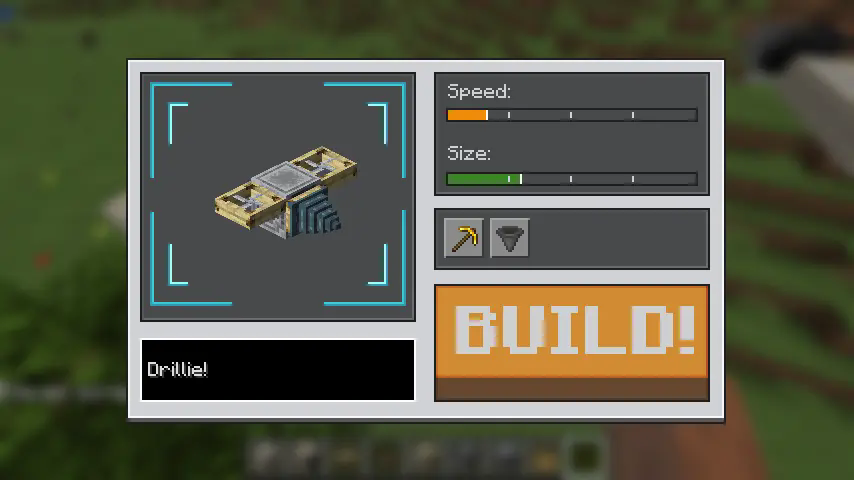
What is it? 🤖
At the heart of Buddy Drones is the ability to construct your very own personal drone from the ground up. The materials you choose will directly influence your drone’s appearance and abilities. Each drone is a miniature, hovering version of the blocks it was crafted with, showcasing your creativity and resourcefulness.
How it works ⚙️
- Build Your Drone: You build drones out of blocks. The drone will be a small, flying version of the blocks you used. New different rotor blocks are also added by the mod.
- Abilities from Blocks: The blocks you use to build the drone give it special abilities. ✨
- Behaviour: When equipped, the drone will hover around the player, and automatically use its abilities.
- Drone Abilities: Your drone can help you with tasks like:
- Shooting arrows at enemies 🏹
- Helping you mine ⛏️
- Picking up items for you 🎒
- …and much more!
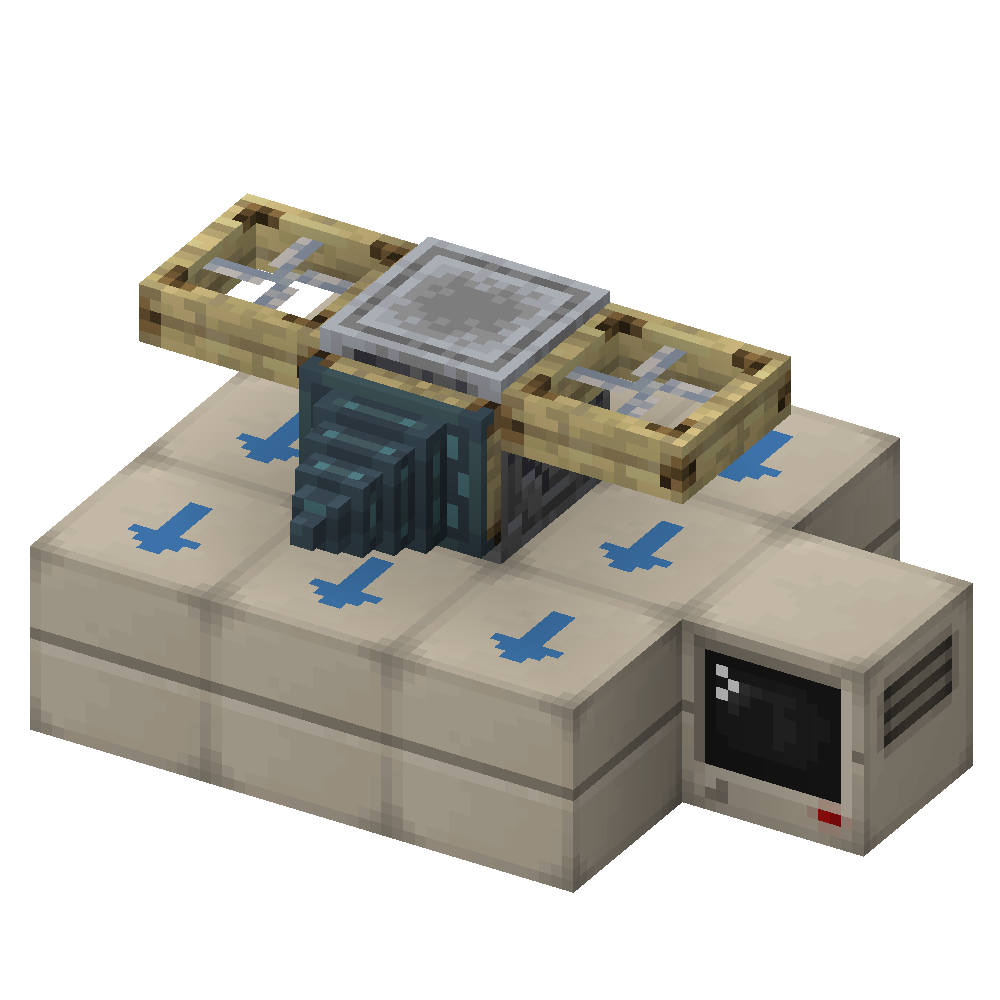
Be Creative! 🎨
Every drone is different and shows off what you built it with. Experiment with different blocks to see what your drone can do and create a unique companion for your adventures. And then impress your friends with the shiny drone you’ve built.
Mod Info ℹ️
- Minecraft Version: 1.21.1
- Modloaders: Fabric and NeoForge
- Wiki: An in-game wiki is available if you install the optional “Oracle Index” mod. You can also find the wiki online.
- Compatibility: The drone can be equipped with (optional) “Accessories” mod.
常见问题
Buddy Drones 支持哪些 Minecraft 版本?
Buddy Drones 支持 Minecraft Java 版 1.21.1,可用的加载器:Fabric / NeoForge。下载时注意选择和你游戏版本一致的文件。
Buddy Drones 怎么安装?
先用 PCL2 或 HMCL 启动器安装对应版本的 Fabric / NeoForge,再把下载的 .jar 文件放进游戏目录的 mods 文件夹,重新启动游戏即可。开启了版本隔离的,mods 文件夹在 versions/版本名 下面。运行环境:客户端和服务端都要装。
rearth 的其他作品
查看全部 →
Oritech
一款专注于科技的模组,包含会动的机械、多样的处理方式,以及大量全新的机制与设备

Oracle Index
一个用于 Minecraft Fabric / NeoForge 的客户端文档查看模组,旨在配合 wiki 与 moddedmc.wiki 一起使用。

Simple Conveyor Belts
A basic conveyor belt mod. Adds spline-based item belts, that transport items from point A to B. Allows for item logistics in any shape and form.
ae2helpers
Small addon for AE2 for 1.21.1. Adds the option to auto-import pending crafts in the crafting terminal. Also adds a "Crafting Result Import Card" item.
评论
登录后评论和评分