介绍
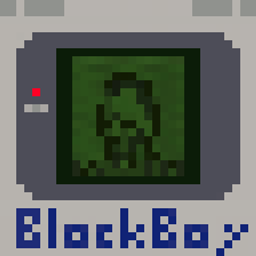
BlockBoy
Gameboy (Color) emulator for fabric servers.
Works serverside as well as in single player.
Optionally supports the simple voice chat mod for audio.
Put Gameboy (.gb) or Gameboy Color (.gbc) roms in a folder called roms in your server’s root directory – this can be configured in configs/blockboy.json.
Save files will be placed in the roms/ folder – this can also be configured.
Commands:
/blockboy <rom name>
To leave the current game:
/exit
The screen can be scaled using /scale 1-5
Permissions for Luckperms and friends: blockboy.command, with vanilla permission level 1
Controls:
- WASD = D-PAD
- Jump = A
- Sneak = B
- Left Click = Start
- Right Click = Select
常见问题
BlockBoy 支持哪些 Minecraft 版本?
BlockBoy 支持 Minecraft Java 版 1.21–1.21.5,共 6 个版本,可用的加载器:Fabric / Quilt。下载时注意选择和你游戏版本一致的文件。
BlockBoy 怎么安装?
先用 PCL2 或 HMCL 启动器安装对应版本的 Fabric / Quilt,再把下载的 .jar 文件放进游戏目录的 mods 文件夹,重新启动游戏即可。开启了版本隔离的,mods 文件夹在 versions/版本名 下面。
tomalbrc 的其他作品
查看全部 →
filament
为基于 Fabric 的服务器添加由数据驱动的物品、方块、装饰和生物。 无需安装客户端模组!

filament
数据驱动的方块、物品和装饰,适用于基于 Fabric 的服务端。无需客户端模组!

Visual Jukebox
显示唱片机中的唱片,带有旋转动画,以及带插入/弹出动画的静态选项。适用于 Fabric 服务端。

Toms Server Additions: Decorations & Furniture
服务端装饰与家具,自带专属工作台方块!无需客户端模组!
评论
登录后评论和评分