
介绍
✨ FEATURES ✨
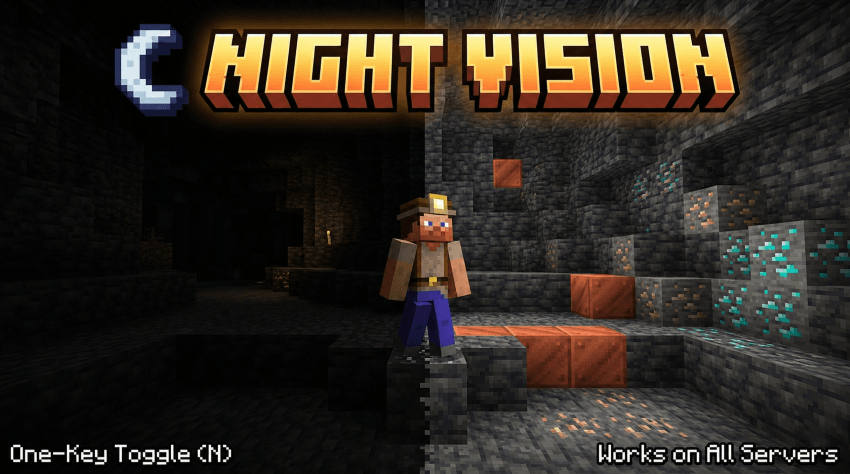
Press N for night vision
Smooth eases over a configurable number of ticks (no jarring flash)
Adjustable brightness from 100% (vanilla cap) all the way to 1600% (true full-bright)
In-game config screen
Hotbar message shows the current state when toggled (can be disabled)
Persistent settings in config/nightvision.json
Full command suite: /nightvision toggle | on | off | status | brightness <100..1600>
❓ FAQ ❓
Will I get banned for using this on a server?
Server side anti cheat can’t detect this. That said, follow your server’s rules, some ban full bright mods.
Does it work with shader packs?
Sometimes.
Can I rebind the toggle key?
Yes.
Can I add this to my modpack?
Yes.
🐛Where do I report bugs?🐛
Report issues on the GitHub issue tracker. Please include your loader (Fabric / NeoForge), loader version, and a latest.log
常见问题
Full Brightness (NIGHT VISION) 支持哪些 Minecraft 版本?
Full Brightness (NIGHT VISION) 支持 Minecraft Java 版 1.7.2–26.3,共 84 个版本,可用的加载器:Fabric / Forge / NeoForge / Quilt。下载时注意选择和你游戏版本一致的文件。
Full Brightness (NIGHT VISION) 怎么安装?
先用 PCL2 或 HMCL 启动器安装对应版本的 Fabric / Forge / NeoForge / Quilt,再把下载的 .jar 文件放进游戏目录的 mods 文件夹,重新启动游戏即可。开启了版本隔离的,mods 文件夹在 versions/版本名 下面。
hooneybAdgers 的其他作品
查看全部 →
Elytra Slot!
Adds a slot to wear the elytra with chest armor

Immersive Portal
Turn portals into CONTINUOUS pathways.

Armor Durability HUD Display
Vanilla style widget showing your armor and a low durability warning.

TaCZ Reforged
An unofficial port of TaCZ, bringing guns to modern minercraft
评论
登录后评论和评分