
截图
介绍
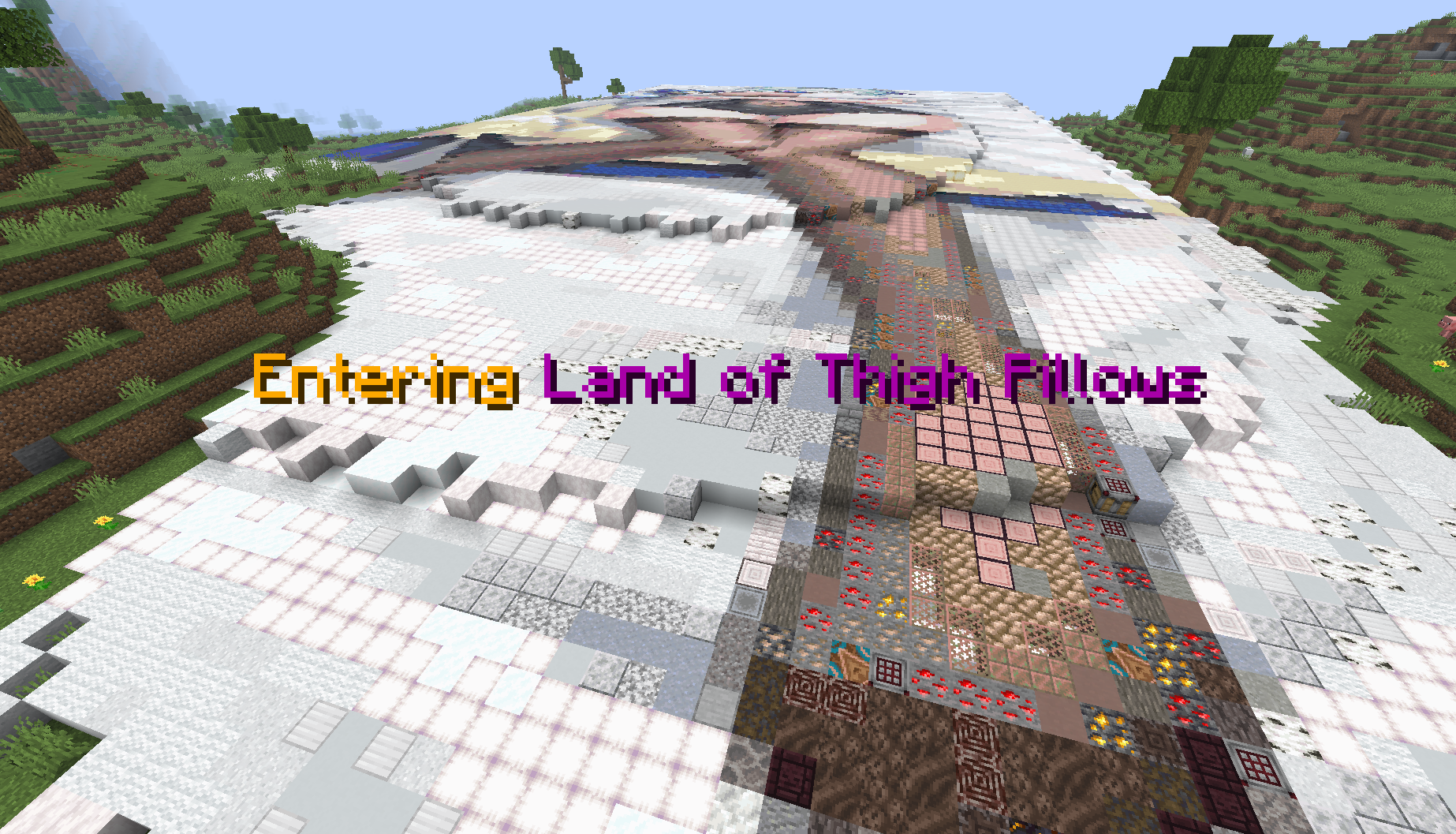
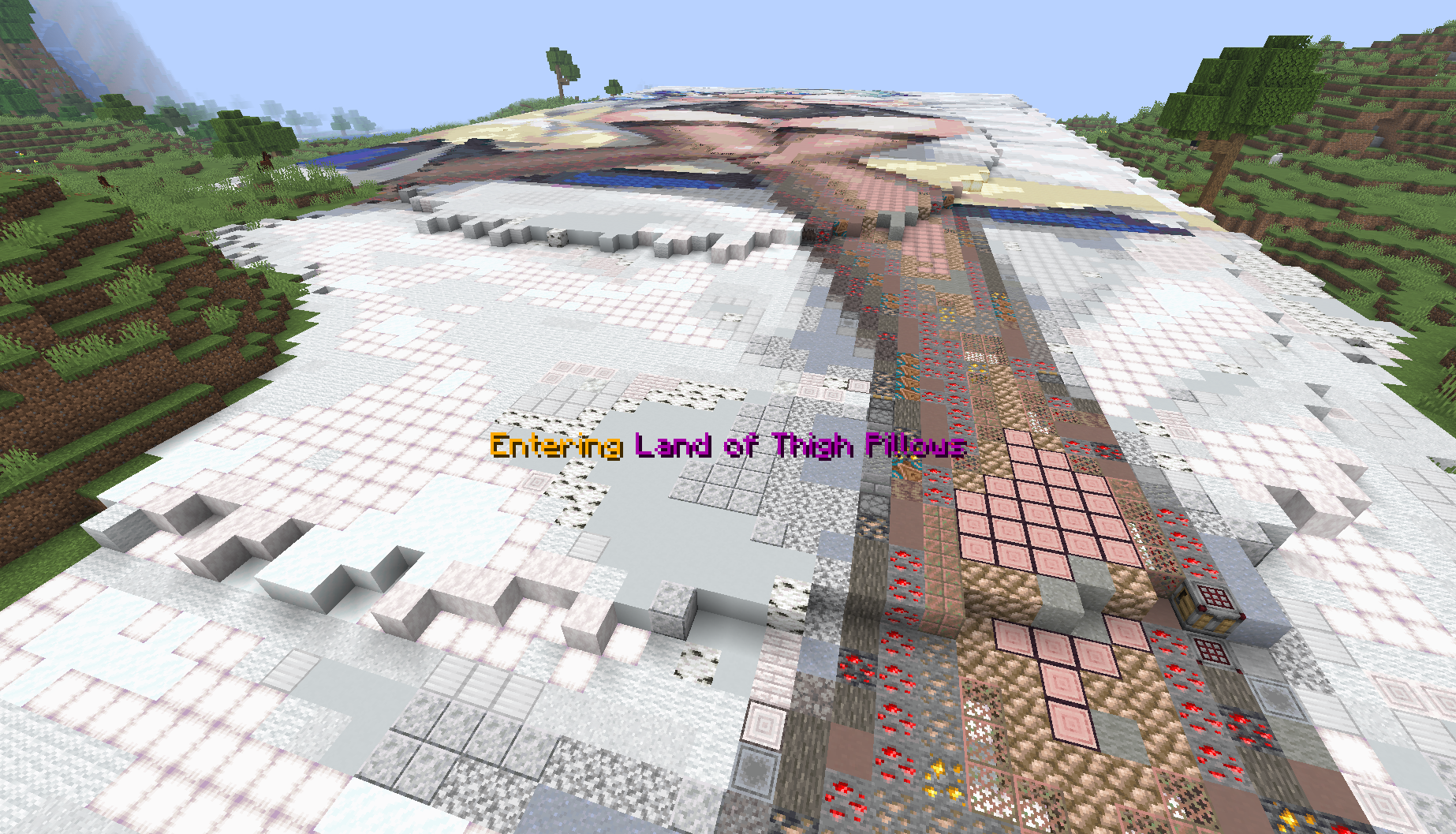
Sign Alerts allows you to create areas using signs. When a player enters or leaves the area, they will receive a popup notification displaying the Area name using completely vanilla methods allowing this to run completely server-side.
Sign-Based Areas
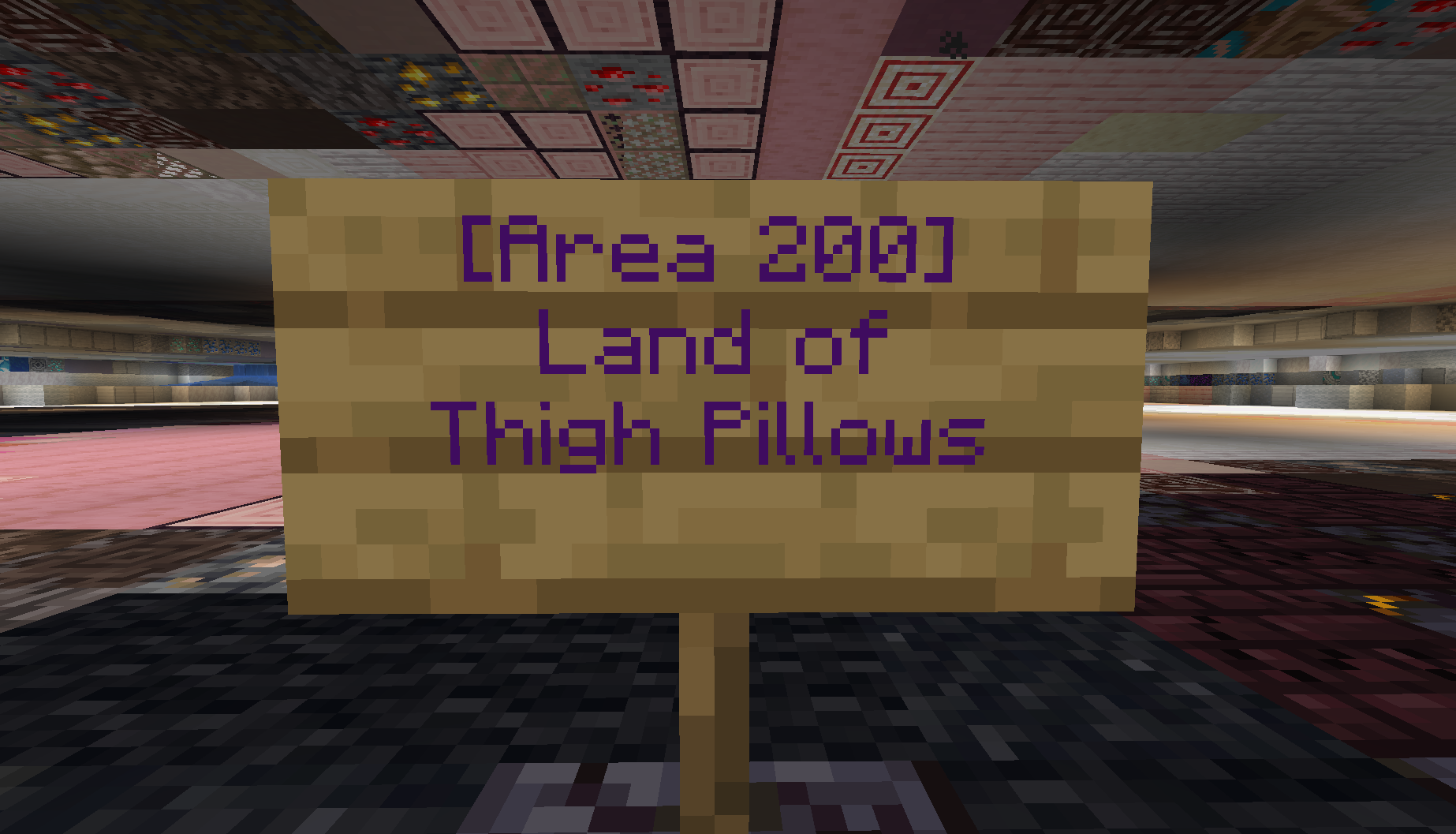
Create areas by placing a sign with the format:
[Area <radius>]
Display Name
Additional Text
More Text
The first line defines the area radius, while the remaining lines create the display name shown to players. Both the back and front can be used to create areas and all lines under the area will be joint into a single text. By default a sign must be waxed after completing the format in order to register it’s area
Customizable Display
Choose how area notifications appear to players:
- Action Bar – Subtle messages above the hotbar
- Title/Subtitle – Screen-center notifications
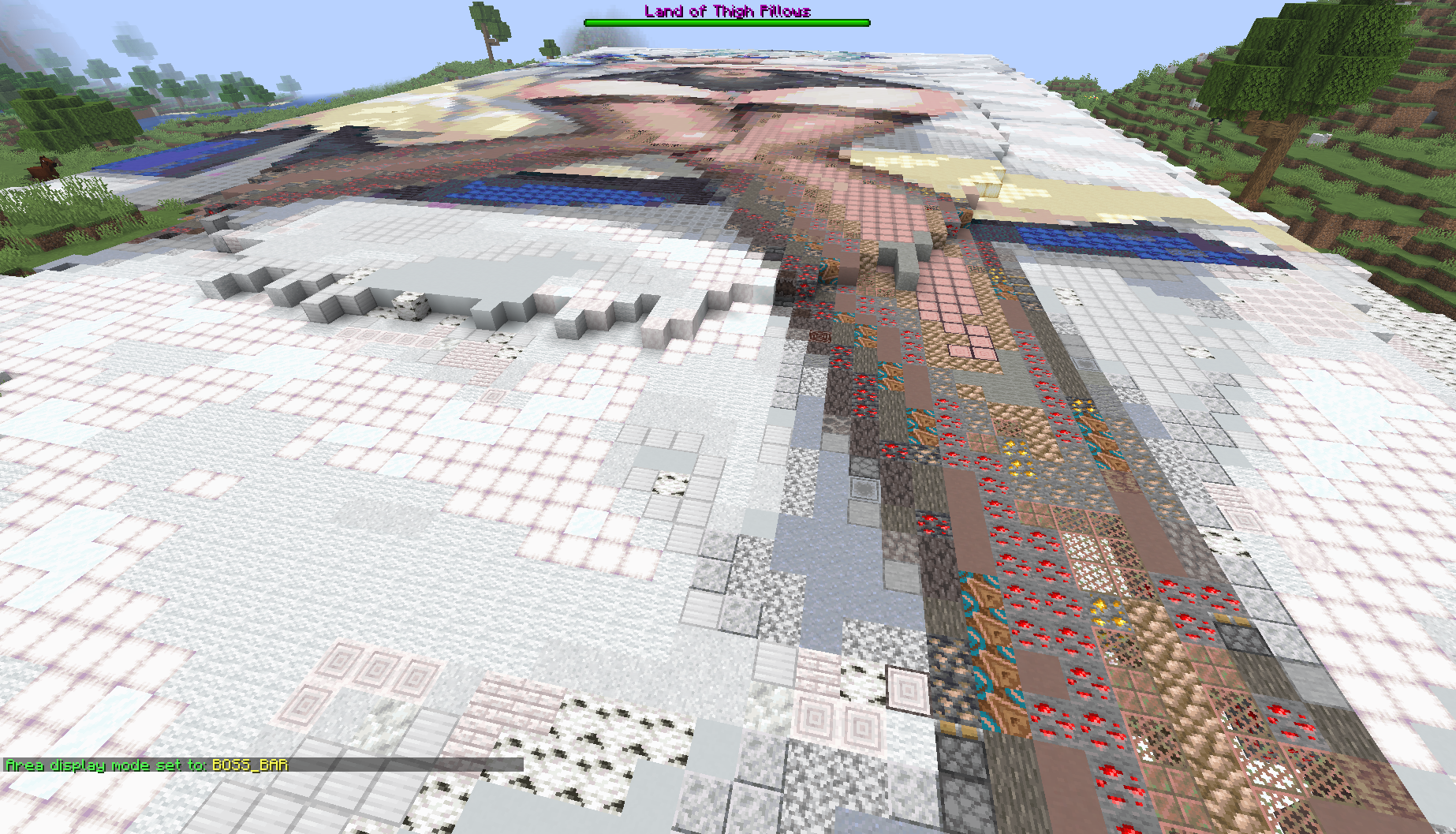
- Boss Bar – Persistent bar at the top of the screen
Area names automatically use the sign’s text color with limitations based on avaliable text colours and if dark colours are allowed.
Visual Beacons
When signs have glowing ink applied, colored beacon beams mark the far outlines, making it easy to locate areas from a distance. Due to vanilla restrictions this can cause significant lag to players and should probably be avoided.
Commands
Setting/Admin Commands
/areaDisplay mode <actionBar|title|bossBar>– Set notification style/areaDisplay mode title <title|subtitle>– Set title display type/areaDisplay maxRadius <1-500>– Set maximum area radius/areaDisplay waxedRequired <true|false>– Toggle waxed sign requirement/areaDisplay glowBeams <true|false>– Enable/disable beacon beams/areaDisplay allowDarkText <true|false>– Control dark color visibility/areaDisplay list all– View all registered areas/areaDisplay list within <radius>– List areas within range/areaDisplay list page <number>– Paginated area list
Player Commands
These commands are saved per-player and won’t affect others.
/areaToggle areaNotice– Hide/show area entry/exit messages/areaToggle particleDisplay– Toggle beacon beam visibility
Inspired By
This mod provides server-side functionality similar to the client side Areas mod, allowing servers to create area without requiring players to install the mod on their client.
Config
On first launch, a config file is created at config/signalerts.json with the following default settings:
- Maximum area radius: 100 blocks
- Display mode: Action Bar
- Waxed signs required: true
- Glowing beams allowed: false
- Dark text colors allowed: false
All settings can be modified via commands or by editing the config file directly.
#
Feel free to use this mod in other modpacks but keep the download within the Modrinth Ecosystem and do not reupload
Other Mods


常见问题
Area Sign Alerts 支持哪些 Minecraft 版本?
Area Sign Alerts 支持 Minecraft Java 版 1.21.10–26.3,共 7 个版本,可用的加载器:Fabric。下载时注意选择和你游戏版本一致的文件。
Area Sign Alerts 怎么安装?
先用 PCL2 或 HMCL 启动器安装对应版本的 Fabric,再把下载的 .jar 文件放进游戏目录的 mods 文件夹,重新启动游戏即可。开启了版本隔离的,mods 文件夹在 versions/版本名 下面。运行环境:仅服务端。
A5ho9999 的其他作品
查看全部 →
Totem Party Popper
更改你的图腾及图腾触发时的粒子颜色(和显示设置)

Hopper The Hedgehog (Faster Hoppers/Dispensers)
提高漏斗、发射器和投掷器的传输速度或数量,快捷且可自定义。

Smelter The Hedgehog (Fast Furnace/Smelting)
提高熔炉、高炉和烟熏炉的烧炼速度。快捷且可自定义。

Stonecutter GUI Remastered
将切石机界面改得更清晰,放大图标并支持自动补充。
评论
登录后评论和评分