
截图


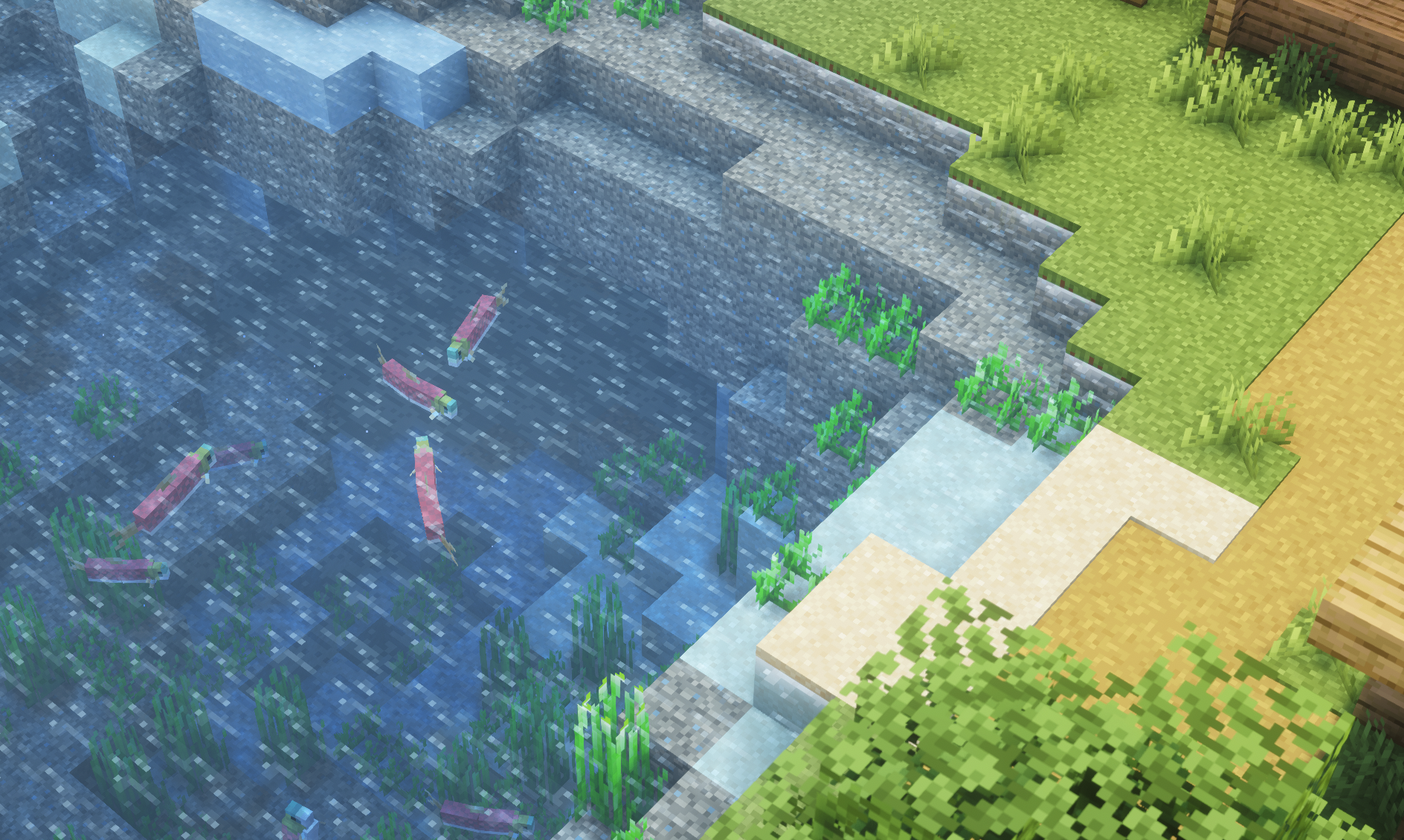
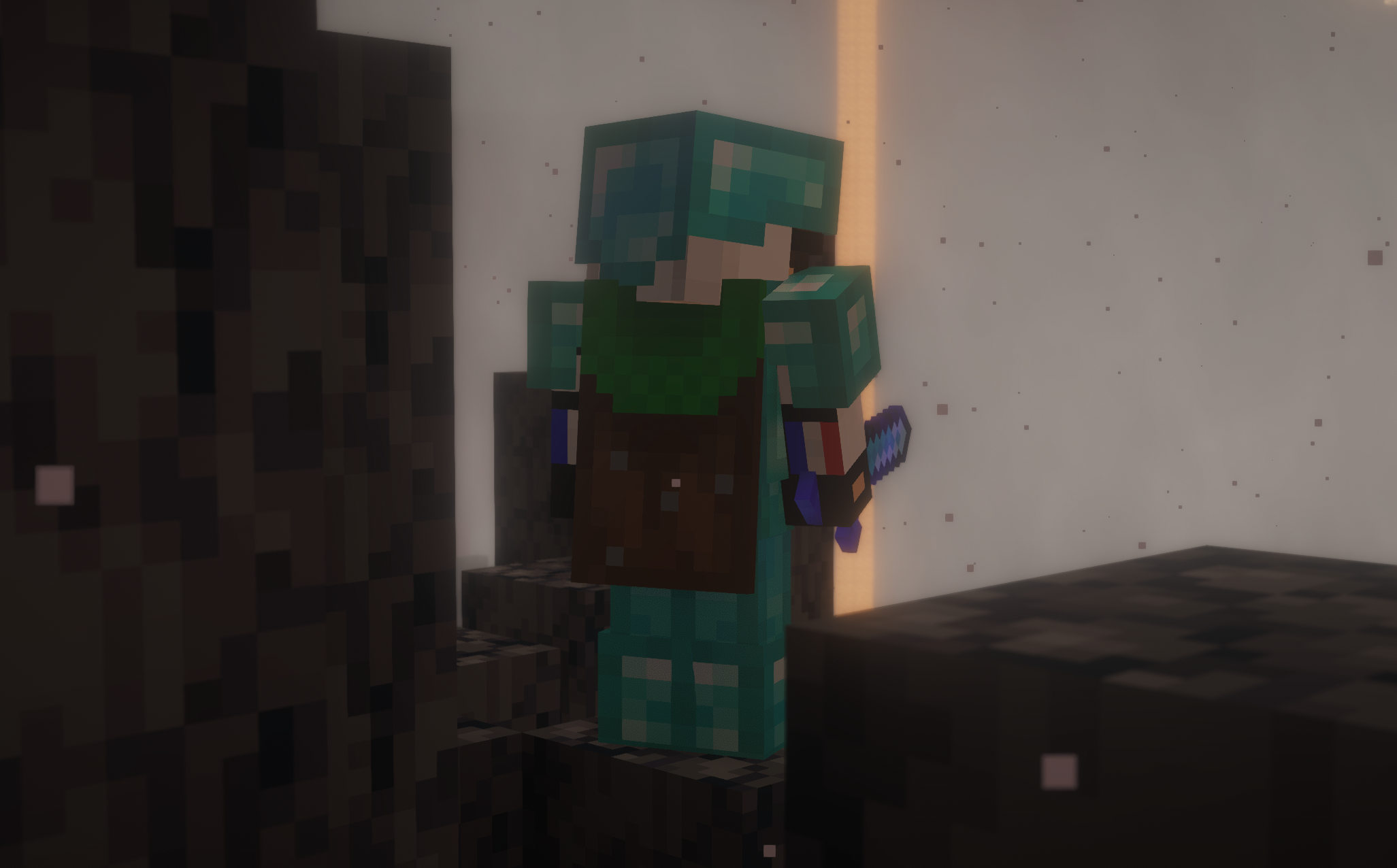
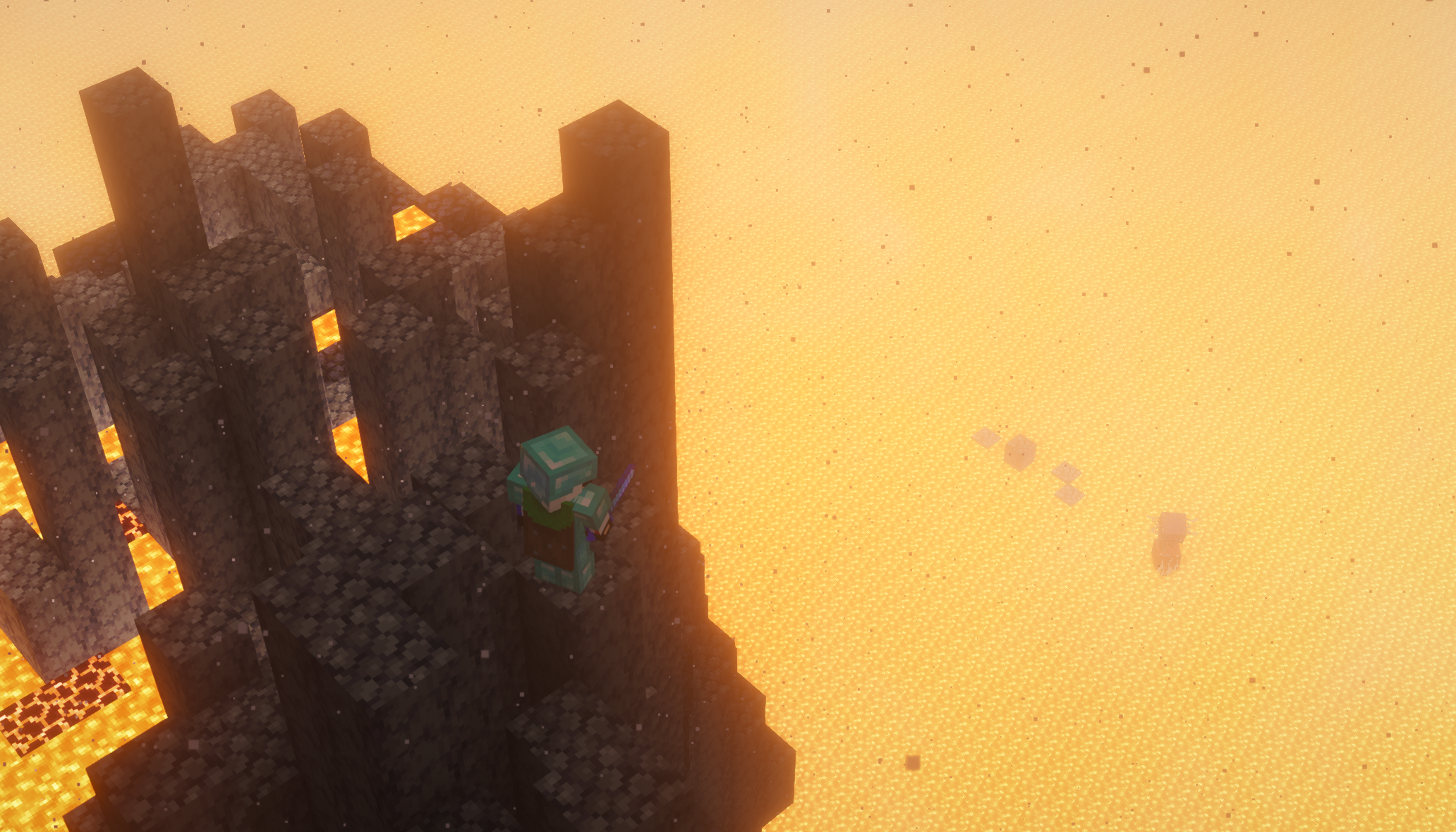
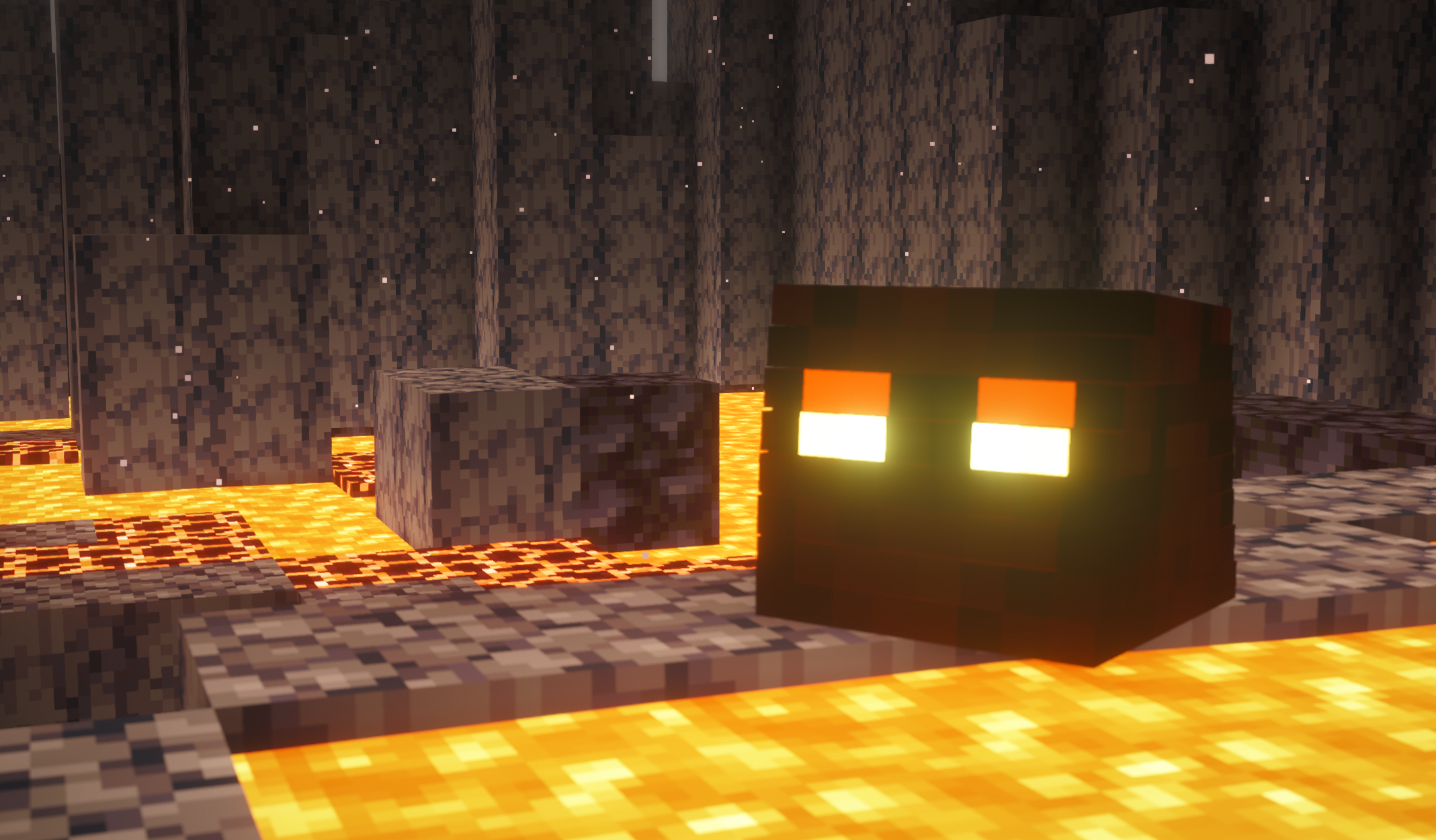
介绍
AFK Cinematics
Adds unique and visually attractive scene to Minecraft. Whenever a player goes AFK (Away From Keyboard), the mod automatically starts cinematic camera shots with Minecraft music that look like scenes from a movie.
AFK Cinematics is the result of countless hours of development, testing, and hard work, made possible by the support of players like you. If you enjoy the mod and would like to show your appreciation for the time and effort behind it, consider Buying me a coffee. Your support helps me continue improving AFK Cinematics and creating more free Minecraft mods!





Turn off this Setting to get Smooth FPS
Make sure to turn off reduce FPS when AFKm, to get unlimited smooth FPS (unlimited e.g. system dependent)

These smooth camera movements make your gameplay look cool, dynamic, and professional, especially useful for content creators or players who just want a more immersive experience.
Documentation – Visit Wiki Page
Working
As soon as the player stays inactive for a set amount of time (25 Seconds Default), the mod triggers automatic cinematic shots. The camera starts moving around your character, creating a movie-like effect without any manual effort.
You can also manually start the cinematic mode anytime using commands.
Available Commands
Here are the available commands in the mod:
New commands for version 26.3 or Later
/afkc choose <music> start– Start cinematic with selected minecraft music/afkc cinematicbars ON|OFF– Turn ON and OFF Cinematics Black Bars in cinematic
Basic commands for All versions
/afkc time– Set the AFK time after which cinematic mode will start/afkc start– Start cinematic mode instantly without waiting/afkc about– Show information about the mod/afkc music– Toggle cinematic music on/off
Recommended Mods & Shaders
To make the cinematic experience even more immersive, you can use the following (make sure its creator’s opinion):
- Complementary Shaders – Adds realistic lighting and visuals
- Music Mods / Background Music – Enhances the cinematic feel
- Ambient Sound Mod – Adds natural environmental sounds
- Sound Physics Remastered – Realistic sound effects with echo and depth
Showcase Video
常见问题
AFK Cinematics 支持哪些 Minecraft 版本?
AFK Cinematics 支持 Minecraft Java 版 1.21.1–26.3,共 16 个版本,可用的加载器:Fabric。下载时注意选择和你游戏版本一致的文件。
AFK Cinematics 怎么安装?
先用 PCL2 或 HMCL 启动器安装对应版本的 Fabric,再把下载的 .jar 文件放进游戏目录的 mods 文件夹,重新启动游戏即可。开启了版本隔离的,mods 文件夹在 versions/版本名 下面。运行环境:仅客户端。
spunkyinsaan 的其他作品
查看全部 →
Spunky PVP Texture Pack
Spunky Insaan 制作的自定义 PvP 材质包,旨在提升你的 Minecraft PvP 与 SMP 游戏体验。

Brightness Plus
Allows you to set your brightness beyond default levels with enhanced controls

Spunky Boost
优化 PojavLauncher 性能的最佳整合包!全版本可用

Armour Durablity Hud
Display the durability of all wearable equipment directly on the HUD with customizable positioning and scaling
评论
登录后评论和评分