
Brightness Plus
Allows you to set your brightness beyond default levels with enhanced controls
截图

介绍
Brightness Plus
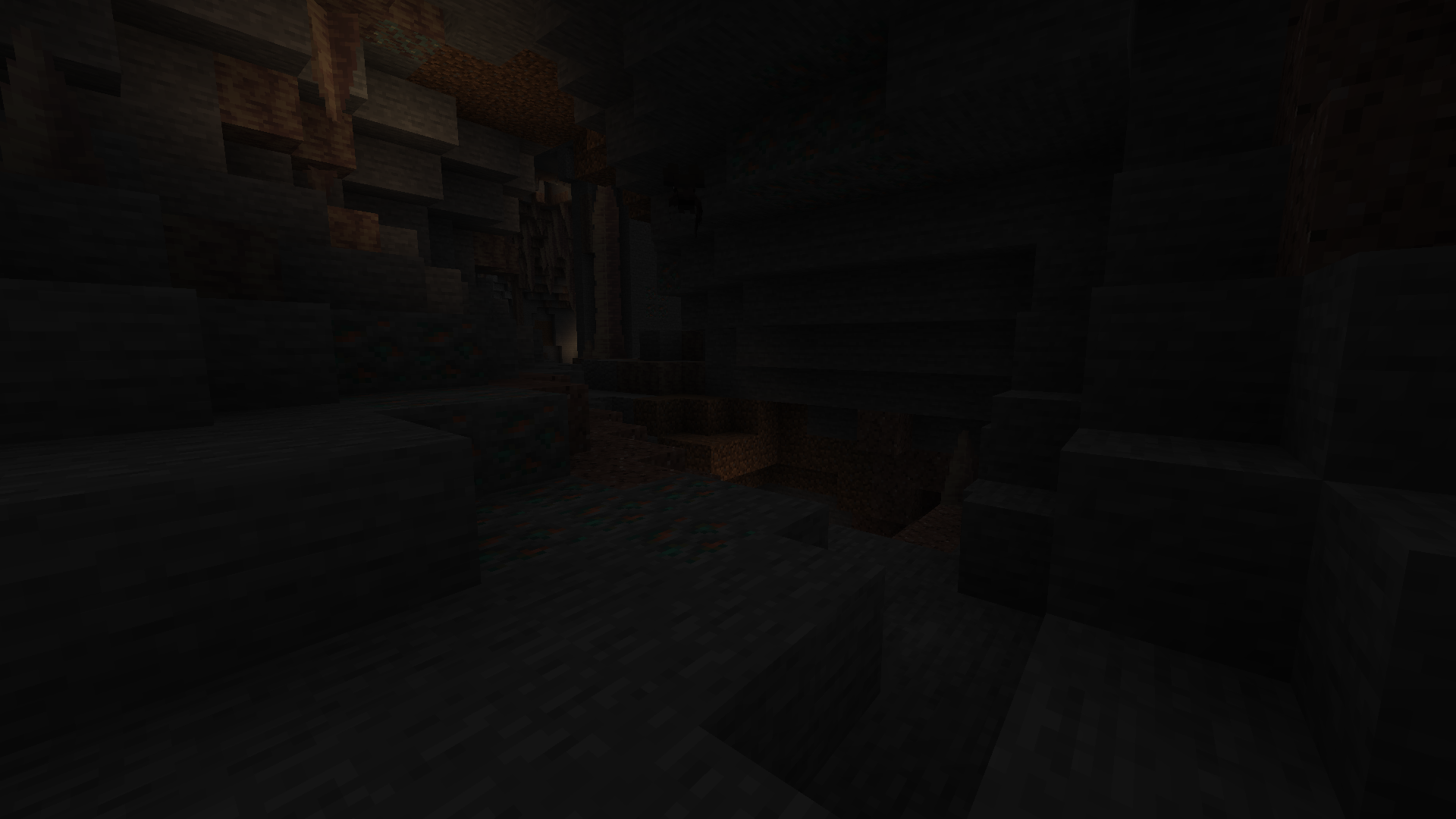
Brightness Plus is a simple Fabric mod that lets you control your Minecraft brightness beyond the default limits. Whether you’re mining deep underground, exploring caves, or just want a clearer view, this mod gives you full control over how bright your world can be.
Features Overview
- Adjust brightness from 0% (default) up to 1200%
- Set a custom keybind to toggle (Default is B) brightness on or off instantly
- Fully compatible with Minecraft 1.21 to latest
- Increase and decrease brightness accordingly with keybind ( use – to decrease, use = to increase)
- Lightweight and easy-to-use
- Fabric-based (not Forge)
If you’ve ever wished Minecraft was brighter and more customizable, Brightness Plus is the perfect solution. Stay in control of your visuals and play the way you like!
Compatability
- Sodium
- Optifine
- Vulkan
Version Numbering
I use a date-based version numbering system for my Modrinth project versions.
- Format:
MONTH.YEAR+mc.VERSION - Example:
10.26+mc1.21.11(October 2026) - First update of the month:
1.10.26+mc1.21.11 - Second update of the month:
2.10.26+mc1.21.11
The month and year represent when the update is released, while the number at the beginning indicates the update number for that month. The mc part specifies the supported Minecraft version.
Will Cause Issue on
- BadOptimizations Because of different rendering function
常见问题
Brightness Plus 支持哪些 Minecraft 版本?
Brightness Plus 支持 Minecraft Java 版 1.20.1–26.3,共 23 个版本,可用的加载器:Fabric。下载时注意选择和你游戏版本一致的文件。
Brightness Plus 怎么安装?
先用 PCL2 或 HMCL 启动器安装对应版本的 Fabric,再把下载的 .jar 文件放进游戏目录的 mods 文件夹,重新启动游戏即可。开启了版本隔离的,mods 文件夹在 versions/版本名 下面。运行环境:仅客户端。
spunkyinsaan 的其他作品
查看全部 →
Spunky PVP Texture Pack
Spunky Insaan 制作的自定义 PvP 材质包,旨在提升你的 Minecraft PvP 与 SMP 游戏体验。

Spunky Boost
优化 PojavLauncher 性能的最佳整合包!全版本可用

Armour Durablity Hud
Display the durability of all wearable equipment directly on the HUD with customizable positioning and scaling

ZoomX
A Simple & Lightweight Zooming mod for Minecraft (Vanilla/Sodium)
评论
登录后评论和评分