Admin Command Menu
An intuitive GUI menu that gives admins easy access to essential Minecraft server commands.
截图
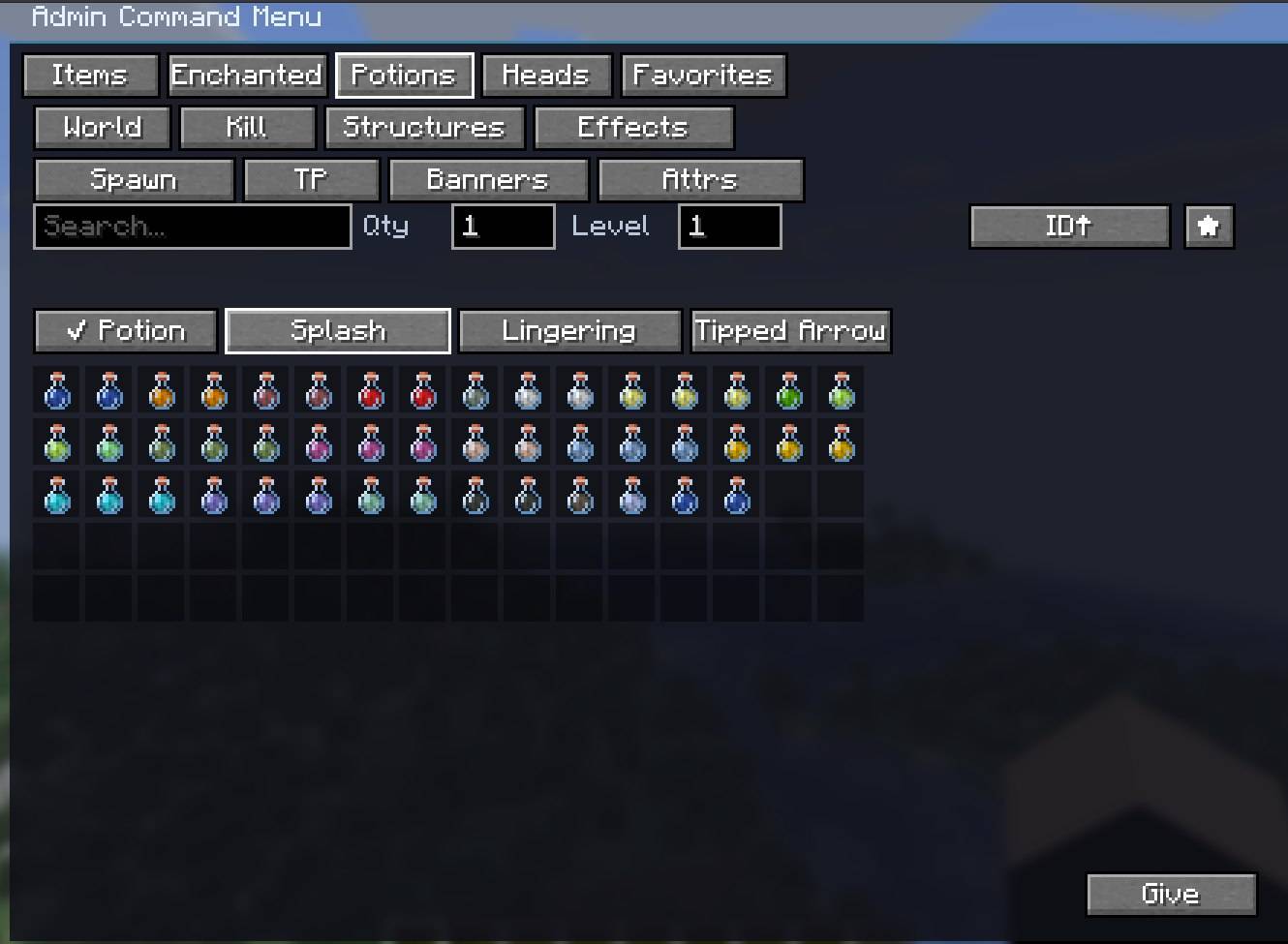
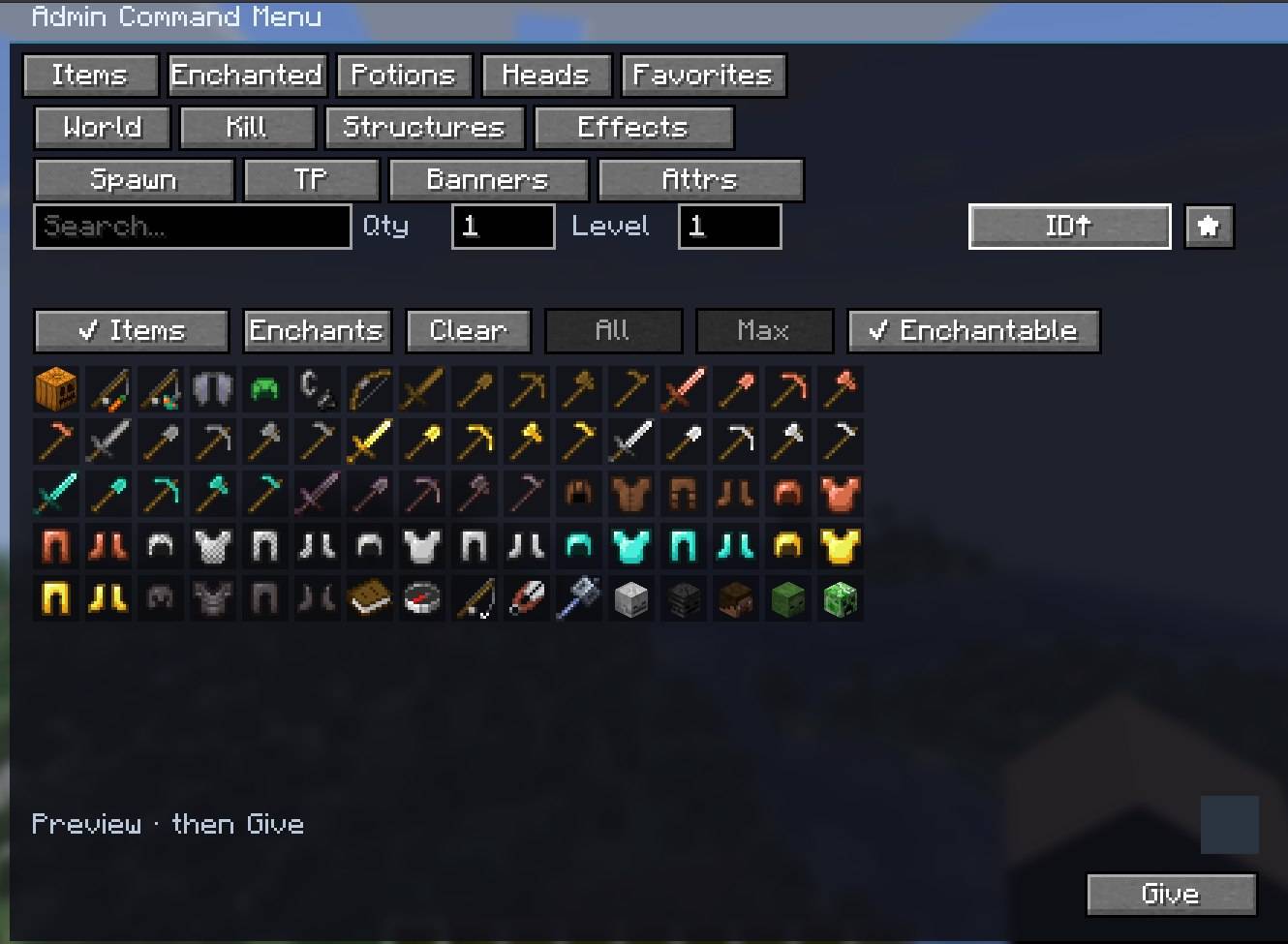
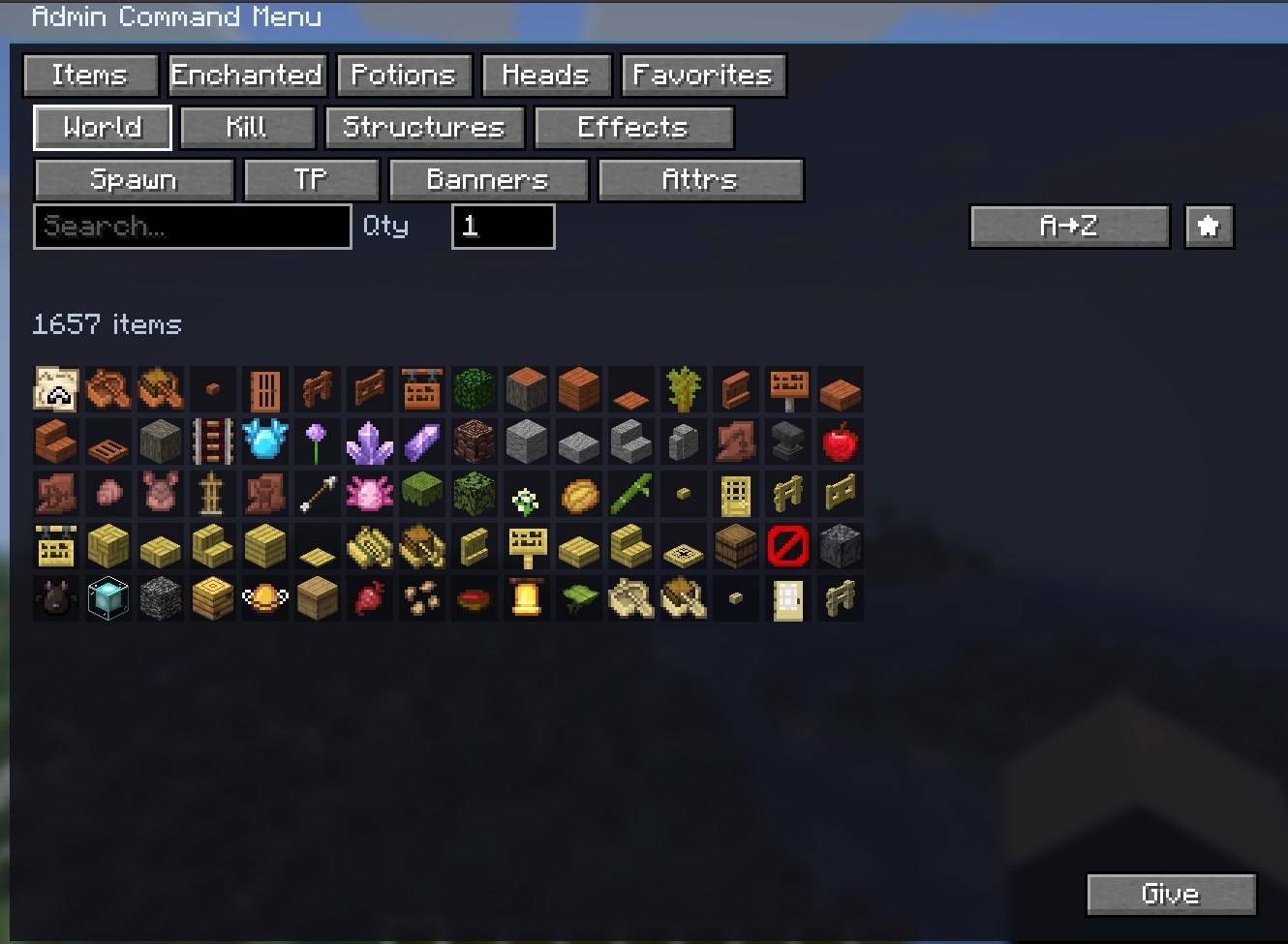
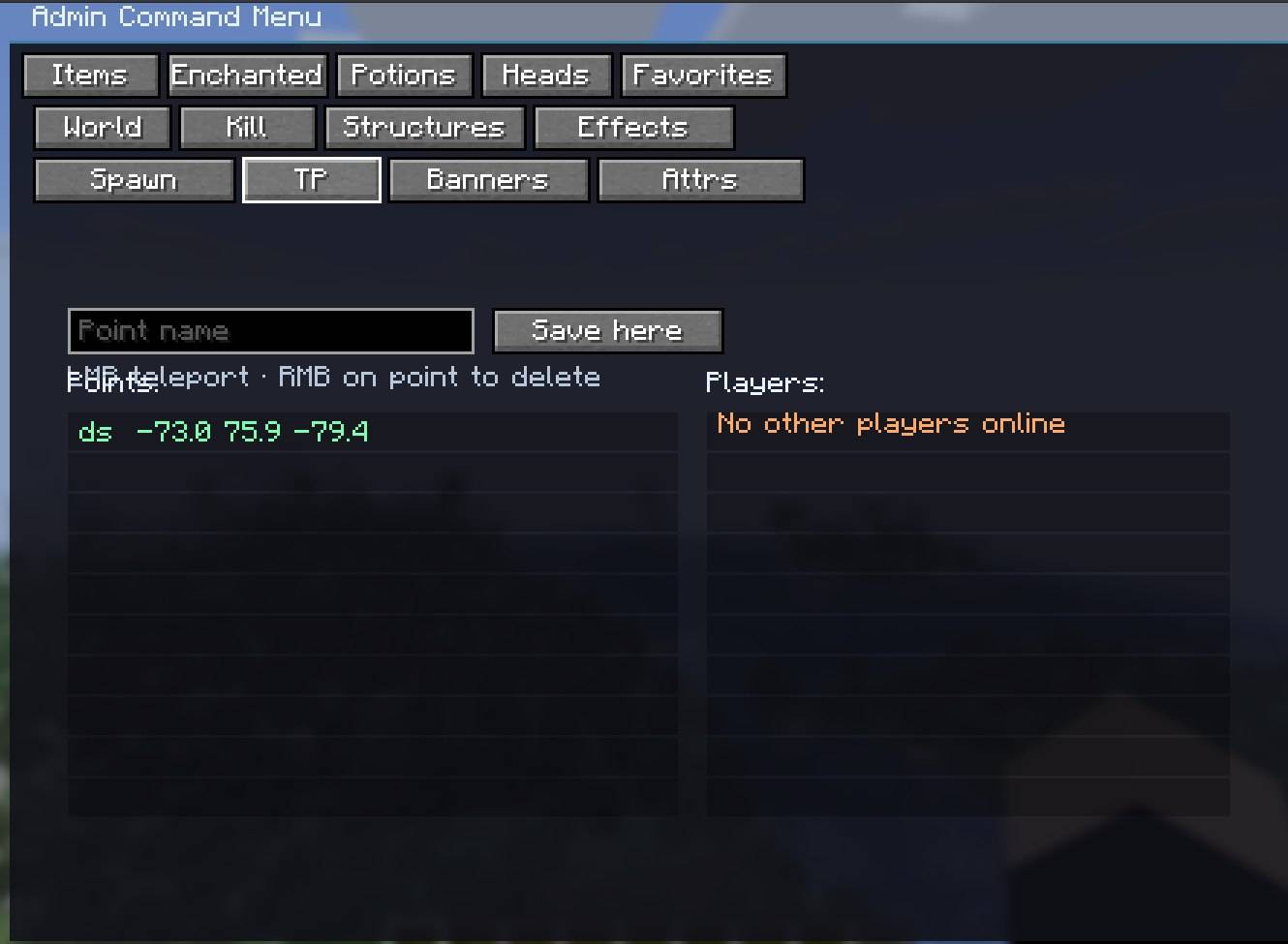
介绍
👑 Admin Command Menu 👑
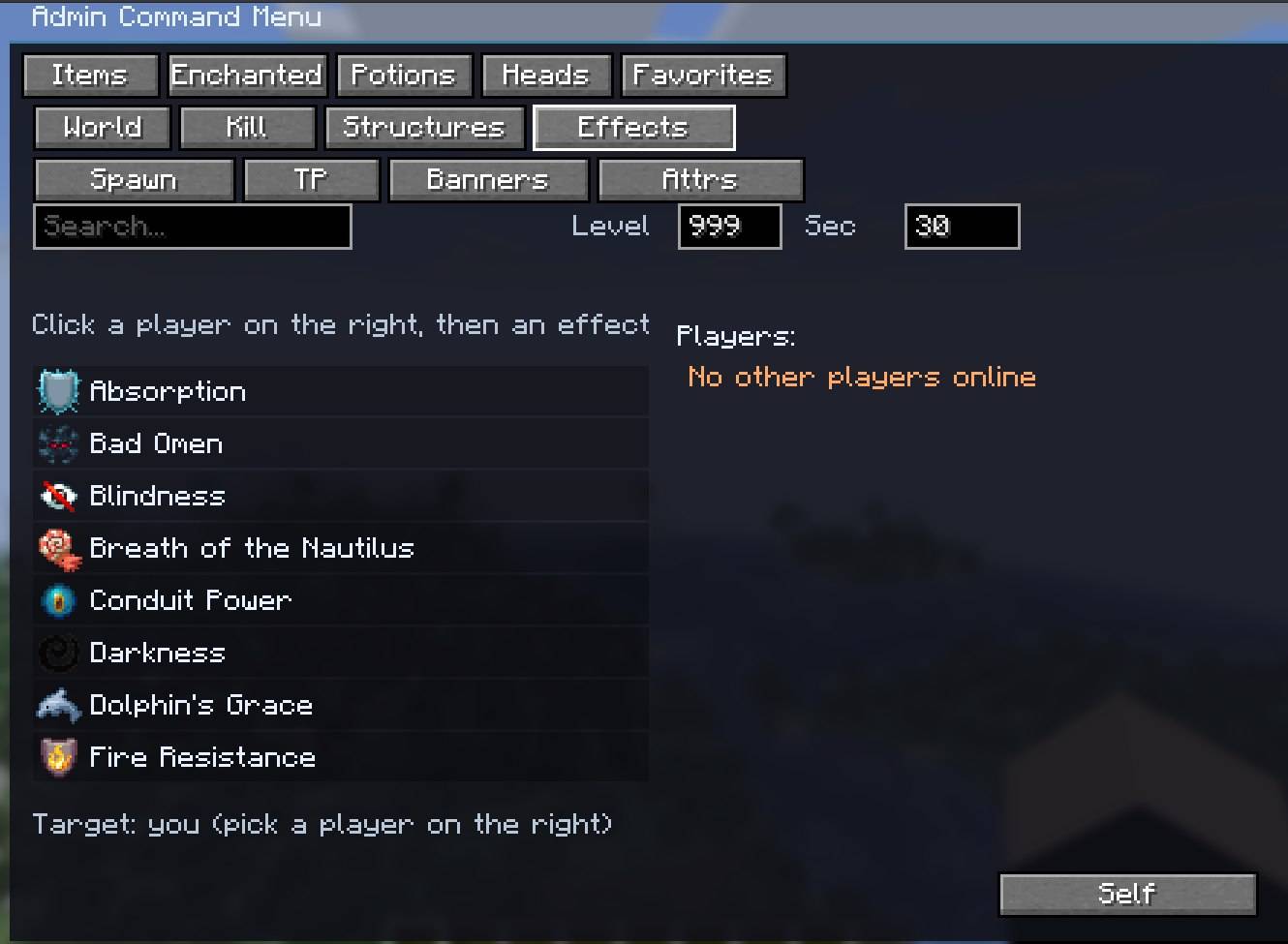
Admin Command Menu is a comprehensive, all-in-one administrative utility for Minecraft 26.3. It gives operators full control over the world and players through an intuitive GUI — no need to memorize /give, /effect, /summon, /attribute, or /teleport NBT.
Client-side only: install it on your client. The server does not need the mod. Open with P (operator permission required). The menu remembers your last tab, scroll, and fields when you reopen it.
Key Features:
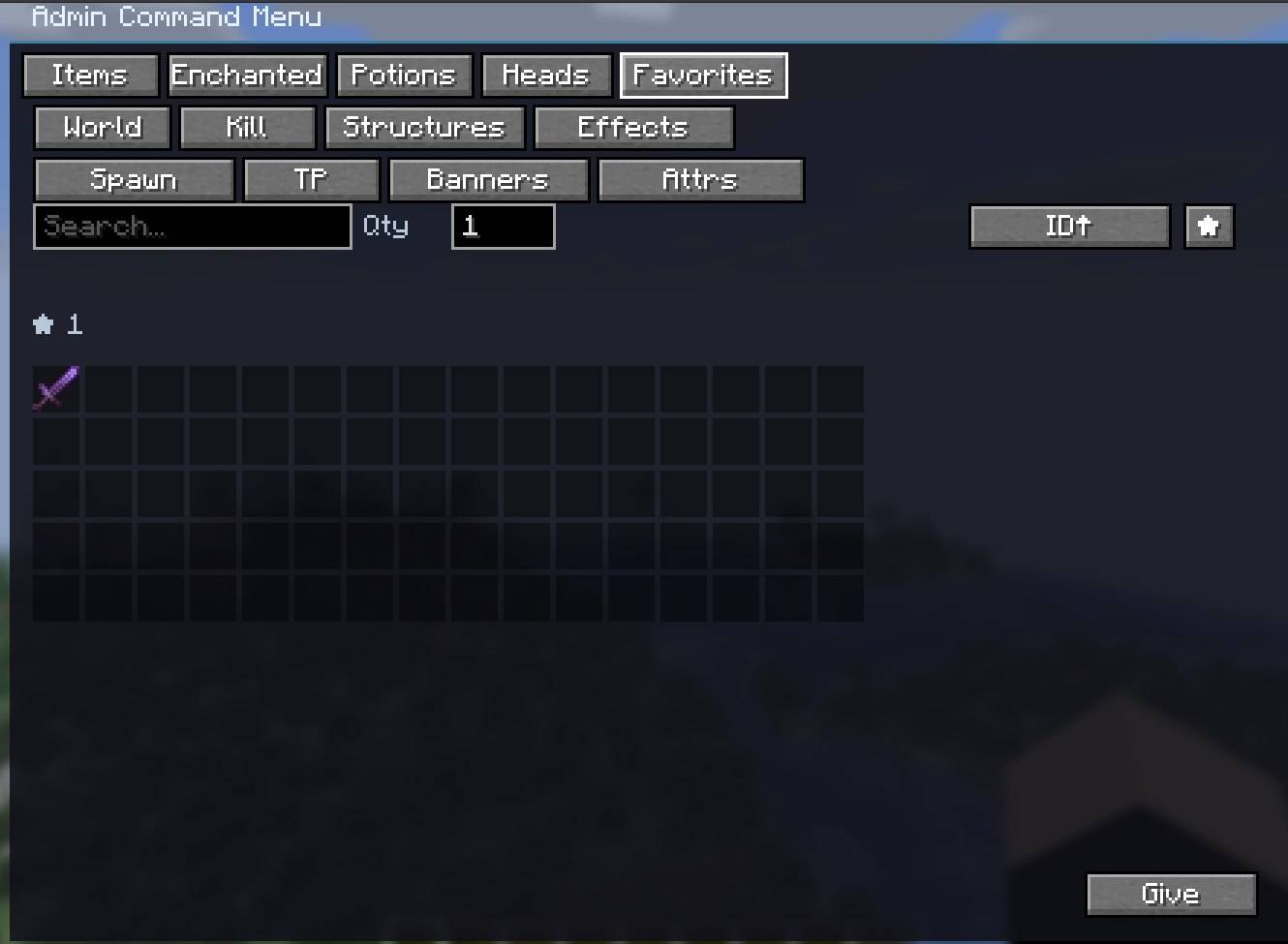
Custom Item & Enchantment Generator: Browse any item, attach custom enchantments, and push levels past vanilla limits. Star items to keep them in Favorites.
Potion Brewer & Customizer: Craft drinkable, splash, or lingering potions, plus tipped arrows, with custom amplifier and duration.
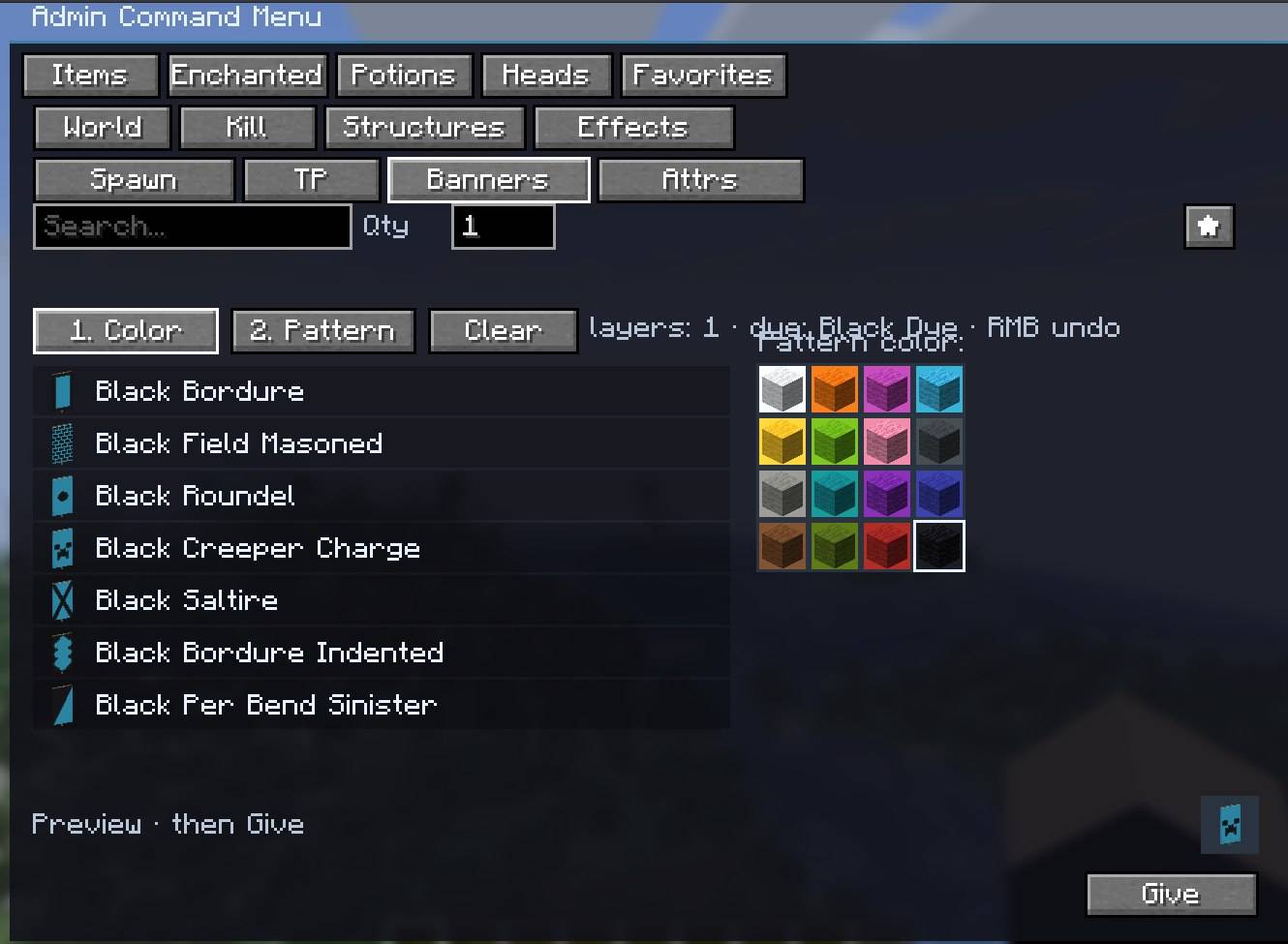
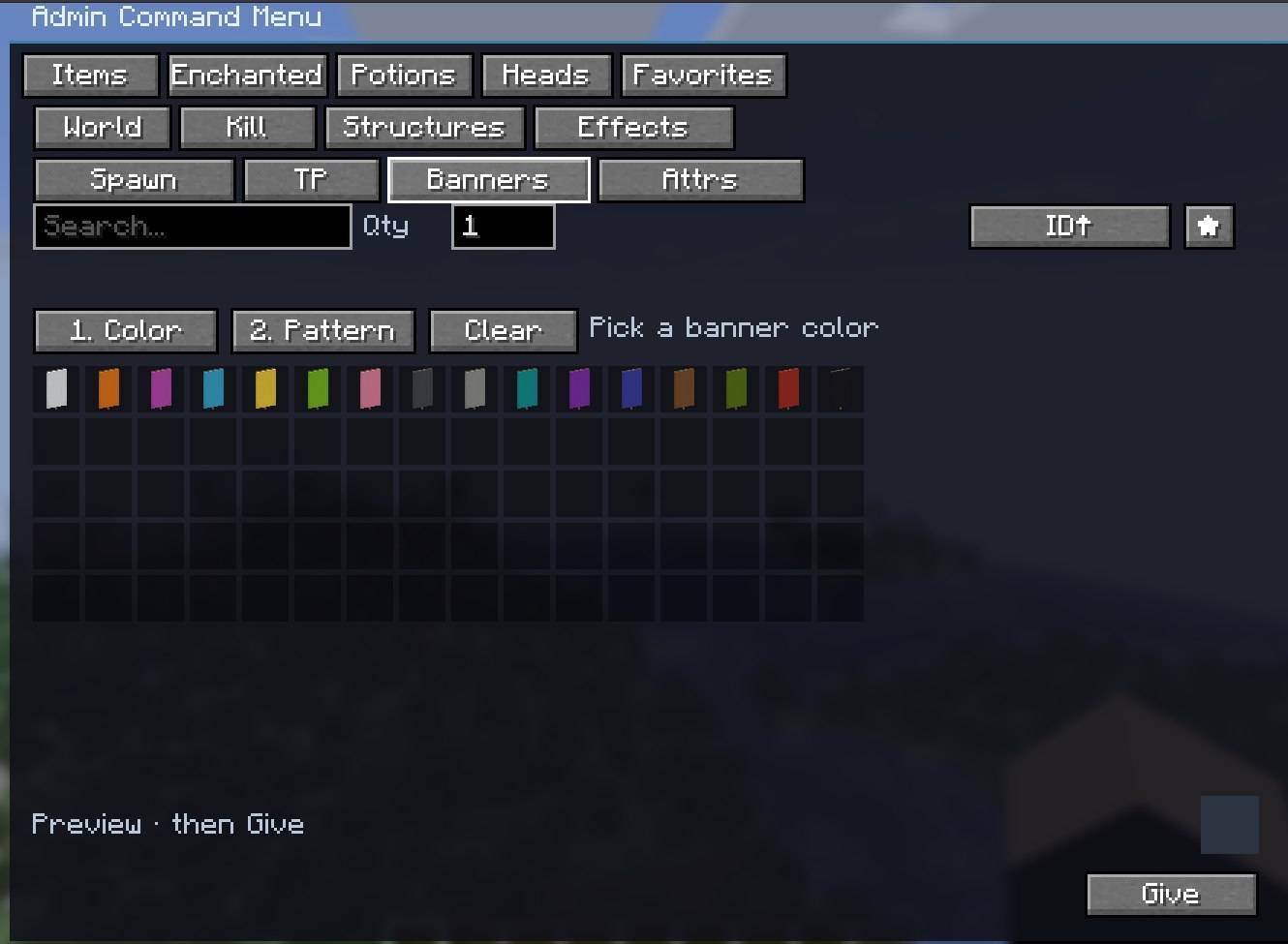
Banner Designer: Build custom banners layer by layer, then give the result in one click.
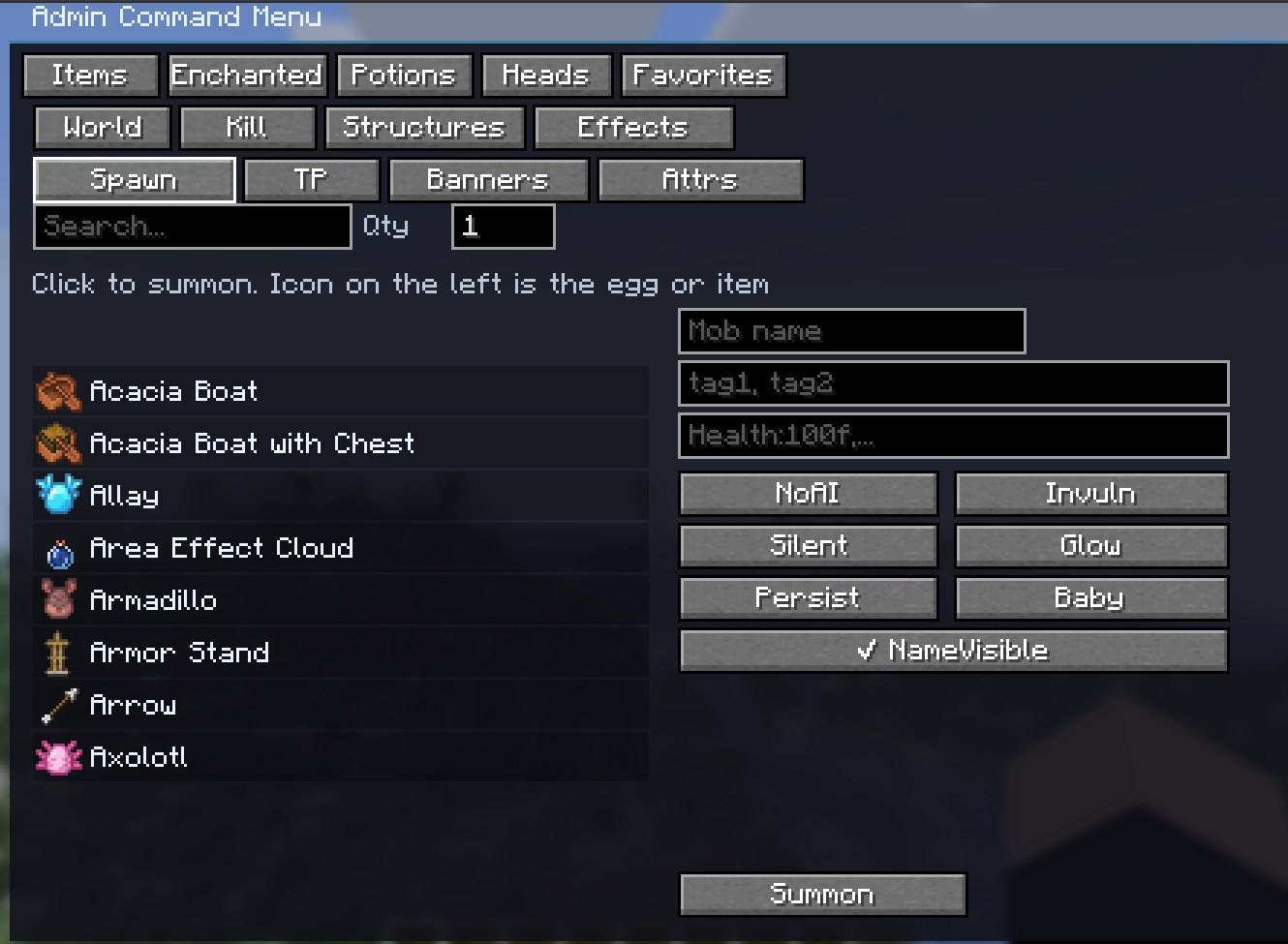
Mob & Entity Summoner: Spawn any entity with a custom name, tags, NBT, and flags (NoAI, Invulnerable, Silent, Glowing, Persist, Baby, NameVisible).
Attribute Editor: Set or reset base attributes on yourself or the nearby mob you are looking at — health, speed, scale, attack, and more.
Teleport & Waypoint Hub: Save named waypoints, teleport in one click, or jump to an online player.
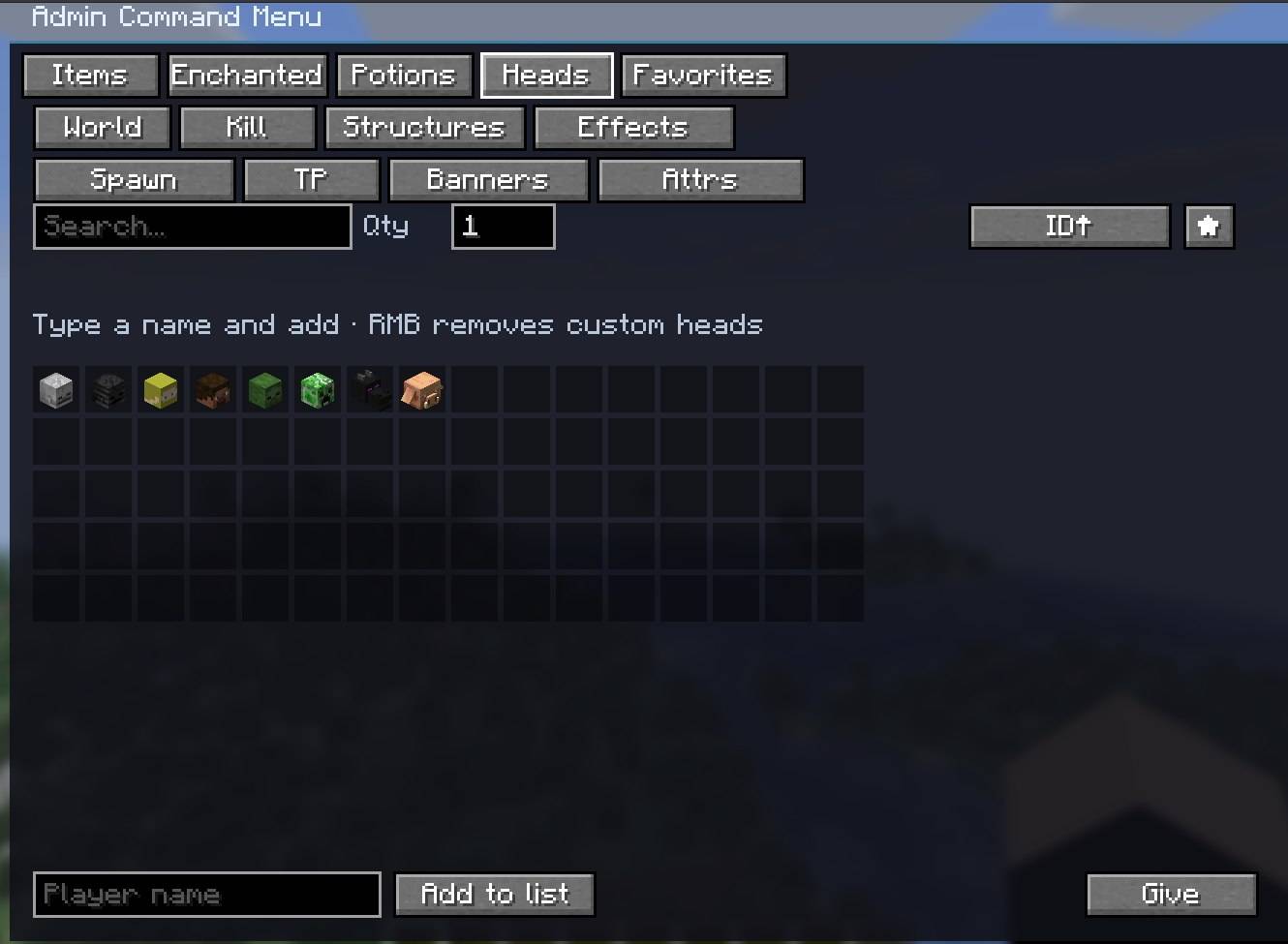
Skull & Player Head Fetcher: Get mob heads or fetch any player head by username (online or offline).
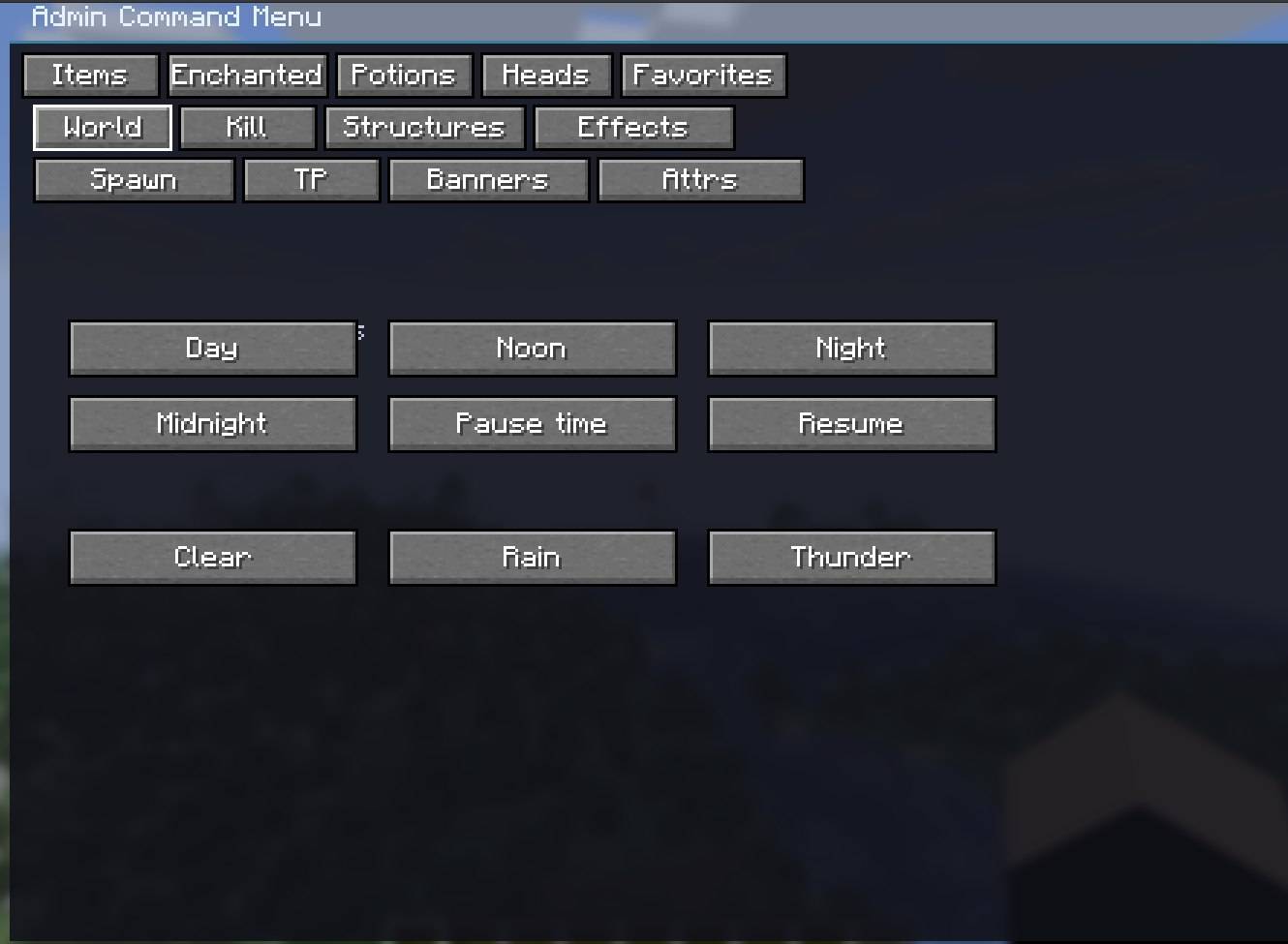
World Controls: Set time (day, noon, night, midnight), pause or resume the daylight cycle, and switch weather (clear, rain, thunder).
Mass Entity & Lag Cleaner: One-click clear for hostile mobs, friendly animals, dropped items, falling blocks, or specific players.
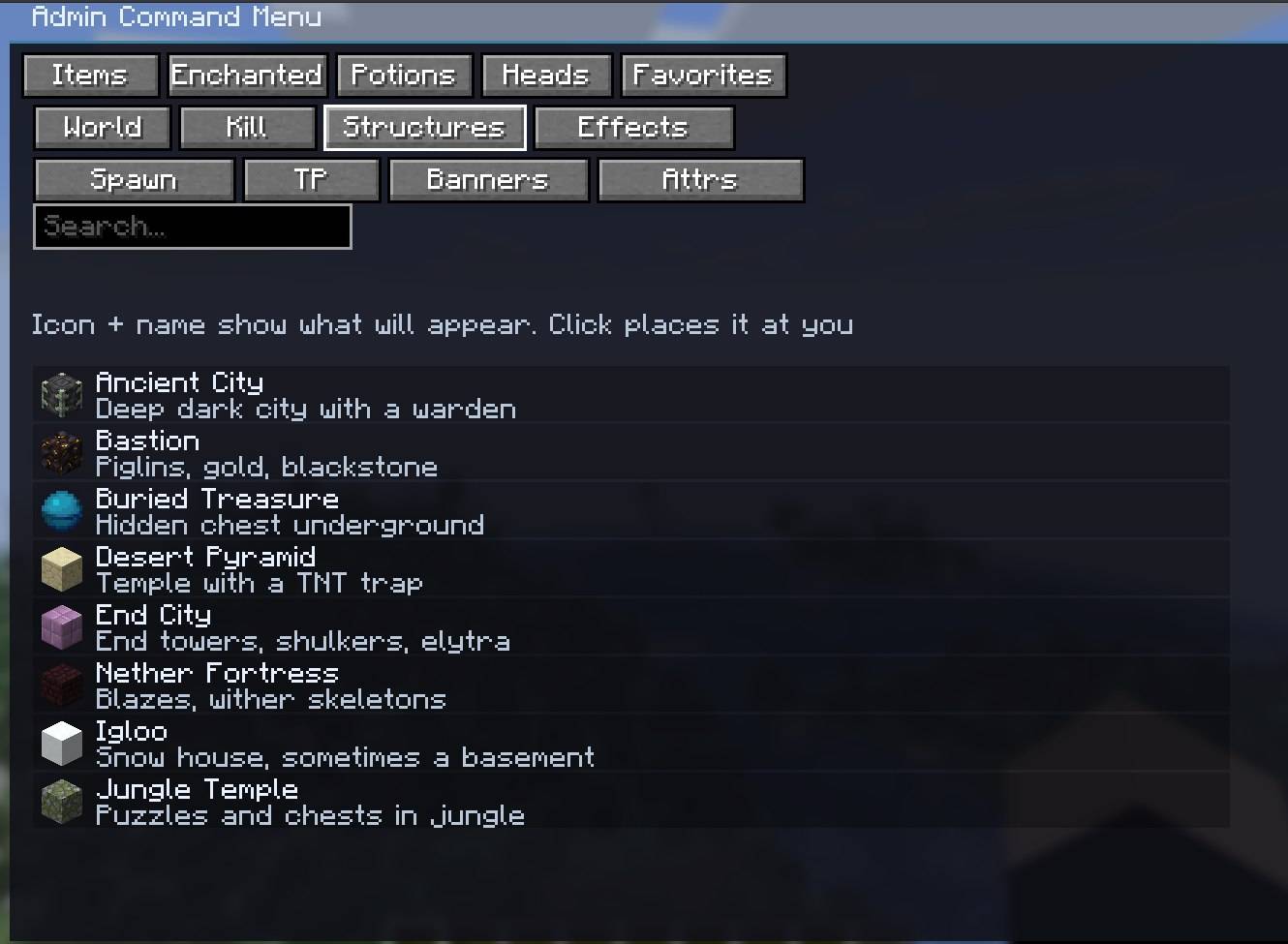
Structure Placer: Search and place vanilla structures at your current coordinates.
Status Effect Manager: Apply effects with custom level and duration to yourself or a selected online player.
常见问题
Admin Command Menu 支持哪些 Minecraft 版本?
Admin Command Menu 支持 Minecraft Java 版 1.21.11–26.3,共 3 个版本,可用的加载器:Fabric / NeoForge。下载时注意选择和你游戏版本一致的文件。
Admin Command Menu 怎么安装?
先用 PCL2 或 HMCL 启动器安装对应版本的 Fabric / NeoForge,再把下载的 .jar 文件放进游戏目录的 mods 文件夹,重新启动游戏即可。开启了版本隔离的,mods 文件夹在 versions/版本名 下面。
PatronRusMan 的其他作品
查看全部 →
Flots
Flat Overworld, Nether, and End with vanilla biomes and structures. Same seed, same biome map — no mountains.

Simple Command Binds
Bind a key or mouse button to a chat command or message. Open the panel with K. Client-side only.
评论
登录后评论和评分