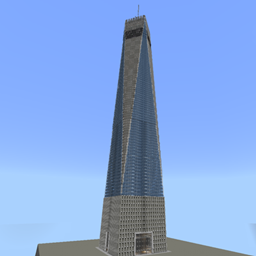
One World Trade Center 1:1
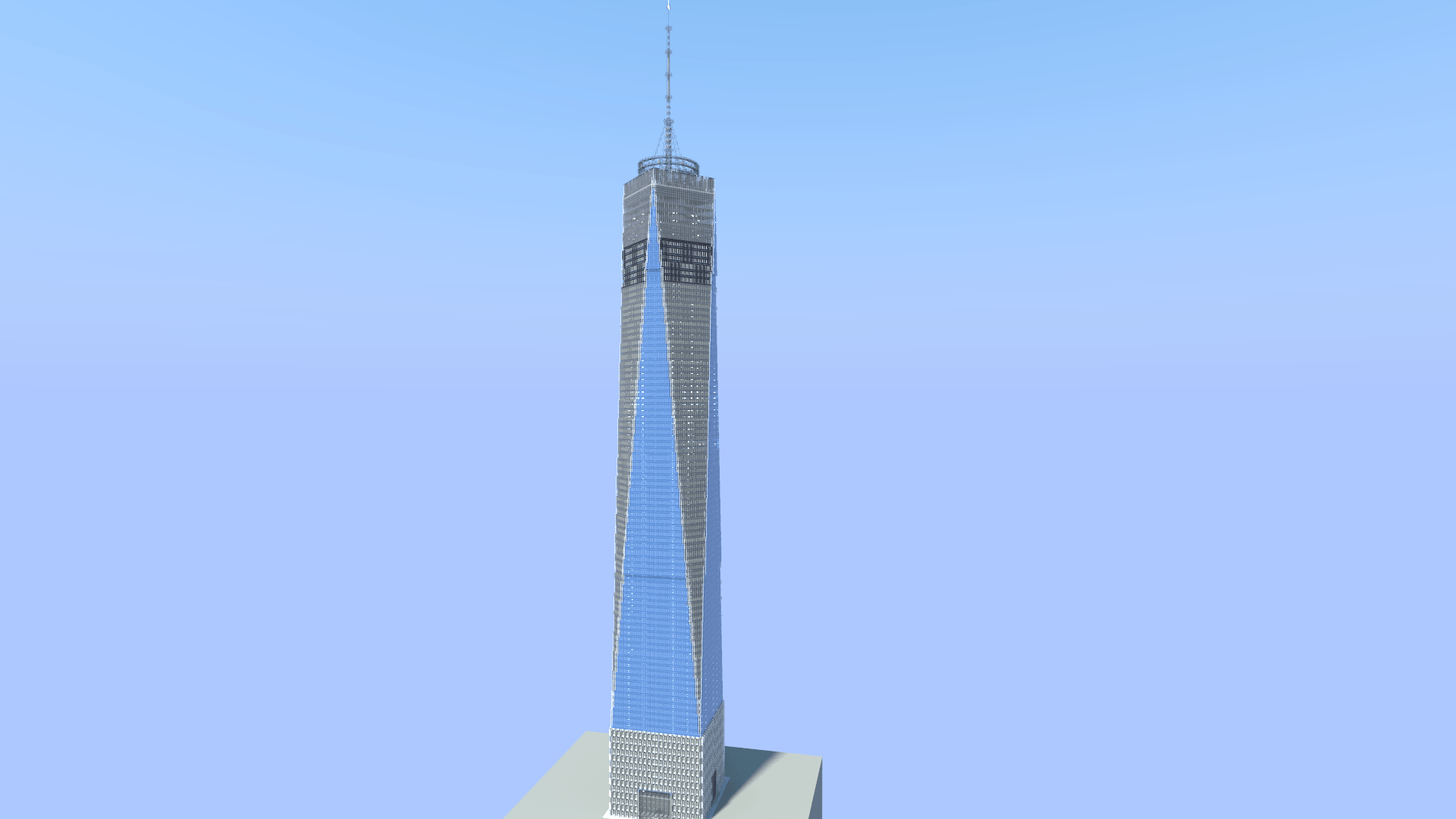
Download a 1:1-scale One World Trade Center map for Minecraft Java Edition! Explore the iconic NYC skyscraper in a detailed world with the included height-extension datapack.
截图
介绍
One World Trade Center 1:1
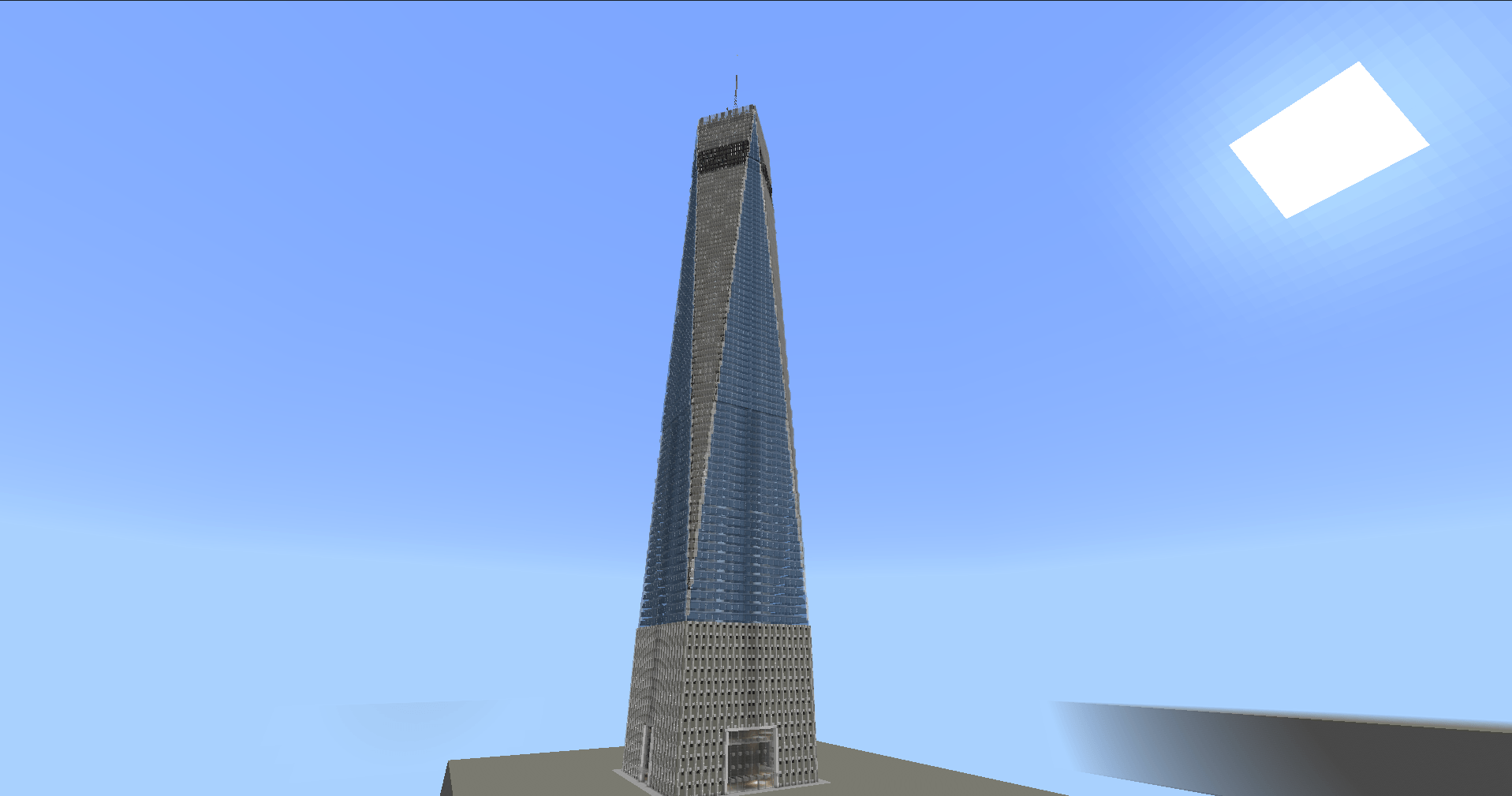
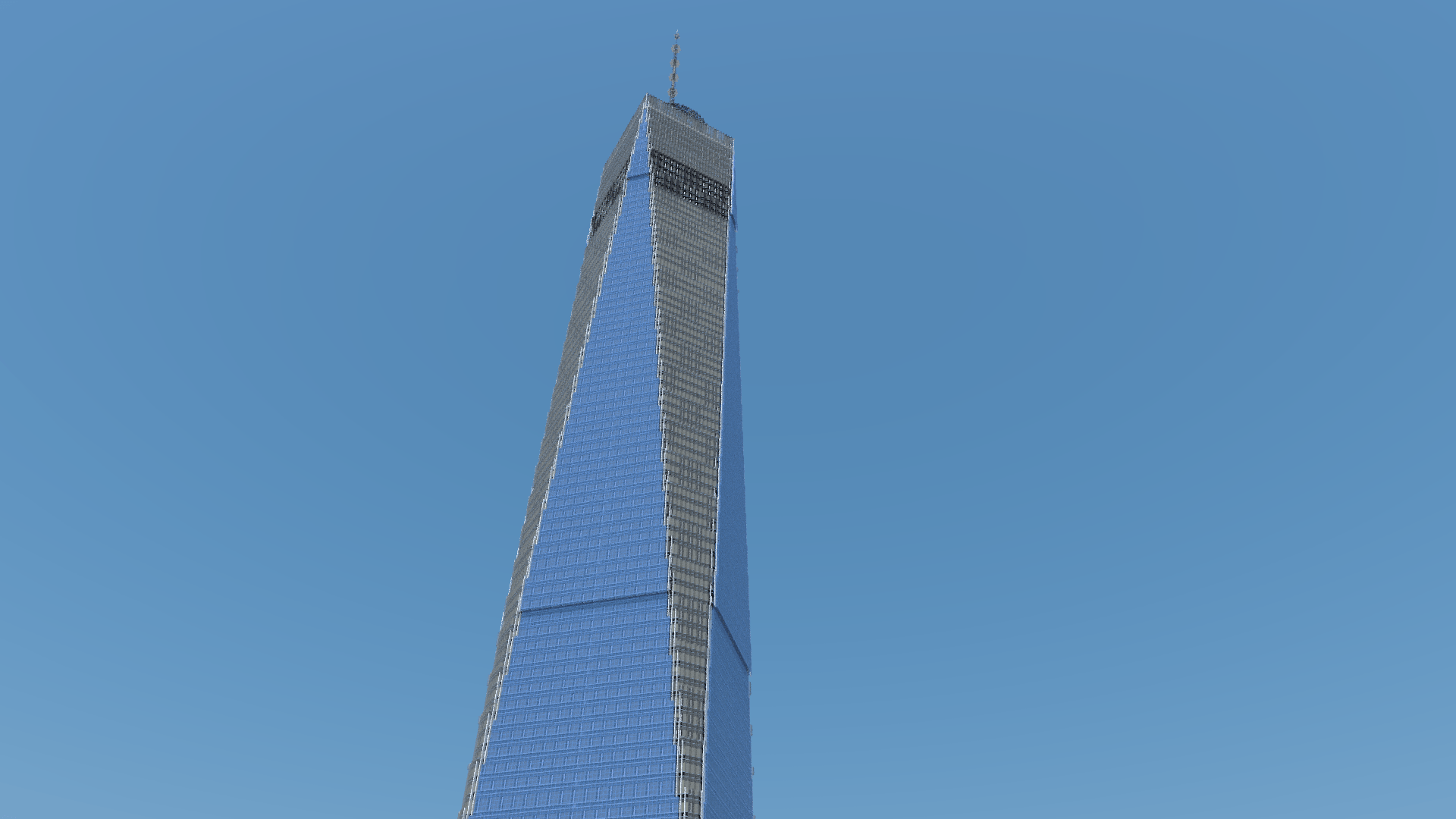
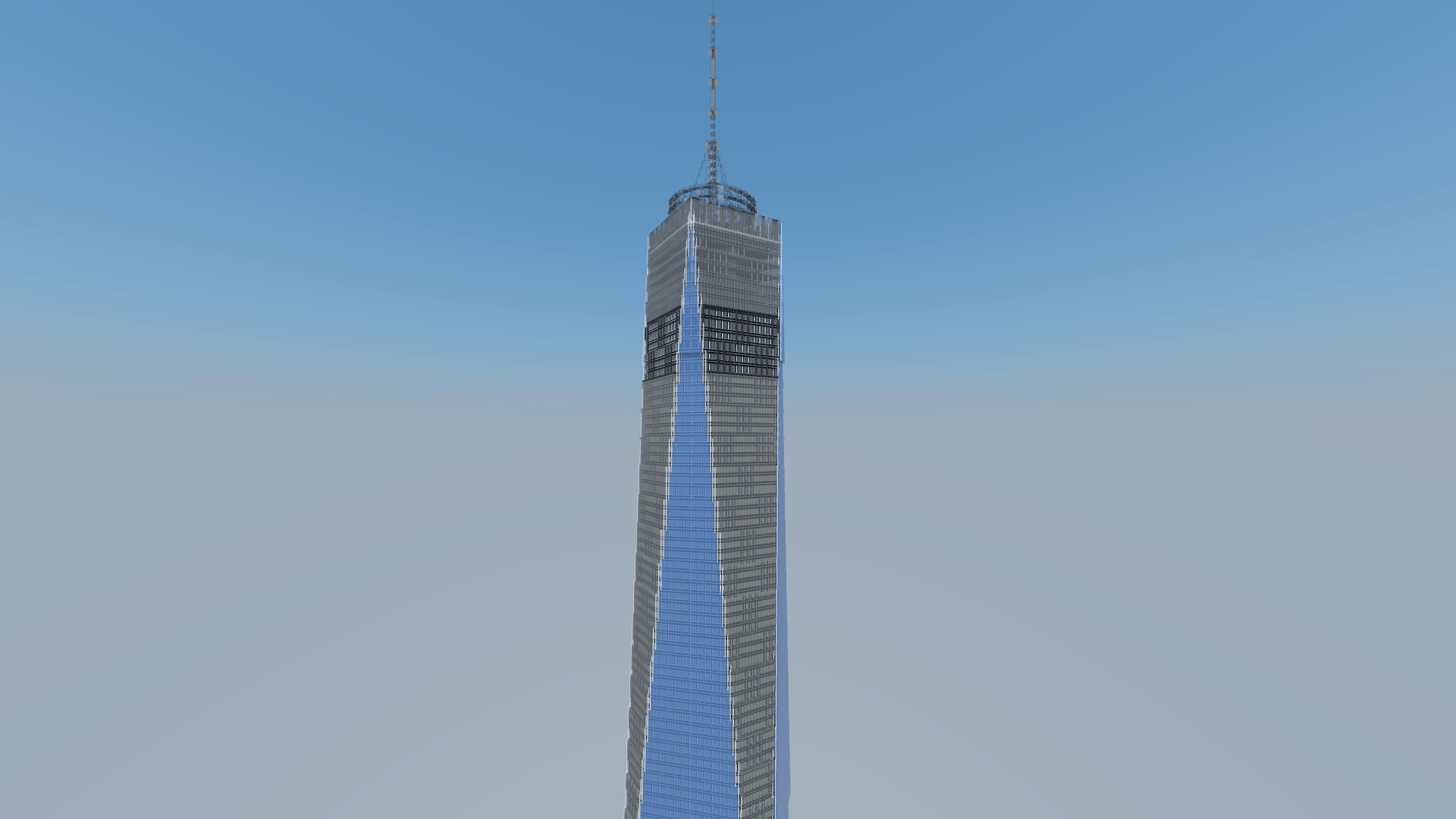
Explore a detailed 1:1-scale recreation of One World Trade Center in New York City, built for Minecraft Java Edition.
The skyscraper has been recreated at a scale of 1 block = 1 meter, allowing you to explore one of the most recognizable landmarks in the New York City skyline in Minecraft.
Features
-
1:1-scale recreation of One World Trade Center
-
Detailed exterior and skyscraper structure
-
Ready-to-play Java world in
.zipformat -
Suitable for exploration, screenshots, city projects, and showcase videos
Compatibility
Available for Minecraft Java Edition 26.3 and 1.21.11. Download the ZIP matching your Minecraft version.
Keep the included height-extension datapack enabled. Do not remove or disable it.
Installation
Download the ZIP matching your Minecraft version. Extract it and place the enclosed world folder in your Minecraft saves folder, then open it from Singleplayer.
Usage & Credits
You may use this world and its buildings in your own Minecraft projects.
You may also use this world in videos, screenshots, livestreams, and other publicly shared content. However, clear credit to the original creator is required.
Redistribution of this world or its buildings as a downloadable file is not permitted without permission.
Do not claim this world or its buildings as your own creation.
Created by MakoEnergyGamer.
常见问题
One World Trade Center 1:1 支持哪些 Minecraft 版本?
One World Trade Center 1:1 支持 Minecraft Java 版 1.21.11–26.3,共 2 个版本。下载时注意选择和你游戏版本一致的文件。
One World Trade Center 1:1 怎么安装?
解压下载的文件,把里面的存档文件夹放进游戏目录的 saves 文件夹(开启了版本隔离的在 versions/版本名/saves),重新打开游戏就能在「单人游戏」里看到。请用 1.21.11–26.3 版本打开,版本不对可能导致地图损坏。
MakoEnergyGamer 的其他作品
查看全部 →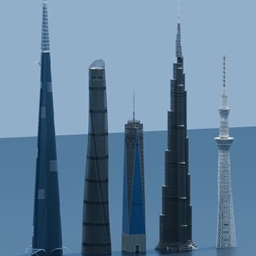
World Towers 1:1 Java
Download a 1:1-scale collection of famous skyscrapers and towers for Minecraft Java Edition, including Burj Khalifa, Jeddah Tower, Tokyo Skytree, and more.
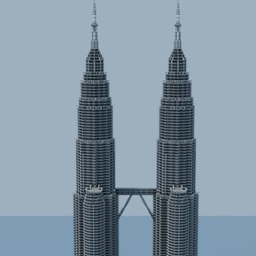
Petronas Twin Towers 1:1
Explore a 1:1-scale recreation of the Petronas Twin Towers for Minecraft Java Edition.

Automatic Nightscape Designer
Automatically detects building interiors and safely places customizable lighting for nighttime cityscapes.
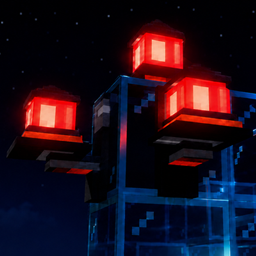
Realistic Aviation Obstruction Lights
Adds realistic aviation obstruction lights for buildings, towers, and other structures.
评论
登录后评论和评分