
Automatic Nightscape Designer
Automatically detects building interiors and safely places customizable lighting for nighttime cityscapes.
截图

介绍
Automatic Nightscape Designer
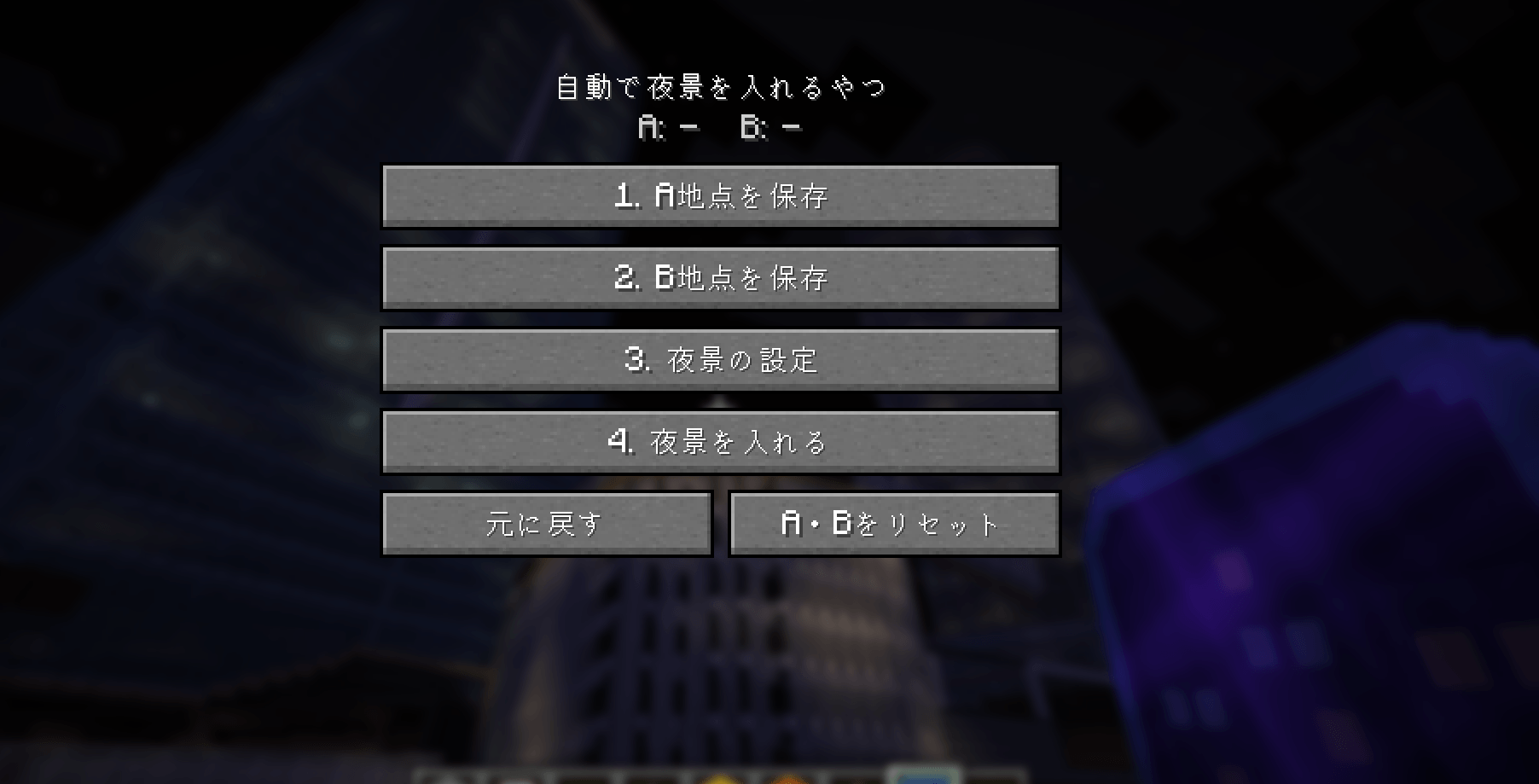
Automatic Nightscape Designer detects building interiors and automatically places lighting to create nighttime cityscapes. It works with existing buildings instead of adding new structures or decorative blocks.
This is the Minecraft Java Edition version of Automatic Nightscape Designer, built for Fabric.
Features
- Detects floors, ceilings, exterior walls, and enclosed interiors
- Office and Hotel lighting modes
- Adjustable number of illuminated floors
- Adjustable Glowstone and Sea Lantern ratio
- Safe placement checks and Undo support
- English and Japanese interface
- The dedicated tool is listed in the Tools & Utilities tab of the Creative inventory
Requirements and Limitations
- Minecraft Java Edition 26.2
- Fabric Loader 0.19.5 or later
- Fabric API 0.159.0+26.2 is required
- Java 25
- Operator permission is required
- For multiplayer, install the mod and Fabric API on both the client and server
- Open structures, buildings without intermediate floors, and unsupported modded blocks may not be recognized
- One selection is limited to 256 blocks wide, 256 blocks deep, 384 blocks tall, and 24,000 light sources
Installation
- Install Fabric Loader for Minecraft 26.2.
- Download Fabric API 0.159.0+26.2.
- Put this mod JAR and the Fabric API JAR in the mods folder.
- Launch Minecraft using the Fabric profile.
Basic Use
- Use the dedicated tool to save Point A and Point B around the building.
- Choose the lighting mode, number of illuminated floors, and light-source ratio.
- Start the operation and wait for scanning and placement to finish.
- Use Undo to safely revert the most recent operation when needed.
日本語説明
Automatic Nightscape Designerは、建物の室内を認識し、夜景用の照明を自動配置します。新しい建造物や装飾ブロックを追加するのではなく、すでにある建物に対して動作します。
これはFabric向けに制作したMinecraft Java Edition版です。
主な機能
- 床・天井・外壁・囲まれた室内を認識
- オフィスモードとホテルモード
- 点灯する階の量を調整
- グロウストーンとシーランタンの割合を調整
- 安全な設置確認とUndo機能
- 日本語・英語UI
- 専用ツールはクリエイティブインベントリの「道具と実用品」に追加
必要環境と制限
- Minecraft Java Edition 26.2
- Fabric Loader 0.19.5以降
- Fabric API 0.159.0+26.2が必要
- Java 25
- オペレーター権限が必要
- マルチプレイではクライアントとサーバーの両方に本MODとFabric APIを導入
- 開放された建物、中間階がない建物、未対応のMOD追加ブロックは認識できない場合があります
- 1回の選択範囲は幅256、奥行き256、高さ384ブロック、光源24,000個までです
導入方法
- Minecraft 26.2用のFabric Loaderを導入します。
- Fabric API 0.159.0+26.2をダウンロードします。
- 本MODのJARとFabric APIのJARをmodsフォルダーへ入れます。
- MinecraftランチャーでFabricのプロファイルを選んで起動します。
基本的な使い方
- 専用ツールで建物を囲むA地点とB地点を保存します。
- 照明モード、点灯する階の量、光源の割合を設定します。
- 処理を開始し、認識と設置が完了するまで待ちます。
- 必要な場合はUndoで直前の施工を安全に元へ戻せます。
常见问题
Automatic Nightscape Designer 支持哪些 Minecraft 版本?
Automatic Nightscape Designer 支持 Minecraft Java 版 26.2,可用的加载器:Fabric。下载时注意选择和你游戏版本一致的文件。
Automatic Nightscape Designer 怎么安装?
先用 PCL2 或 HMCL 启动器安装对应版本的 Fabric,再把下载的 .jar 文件放进游戏目录的 mods 文件夹,重新启动游戏即可。开启了版本隔离的,mods 文件夹在 versions/版本名 下面。
MakoEnergyGamer 的其他作品
查看全部 →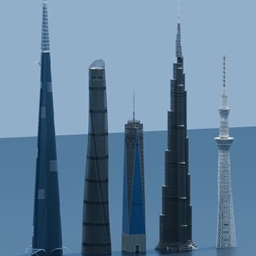
World Towers 1:1 Java
Download a 1:1-scale collection of famous skyscrapers and towers for Minecraft Java Edition, including Burj Khalifa, Jeddah Tower, Tokyo Skytree, and more.
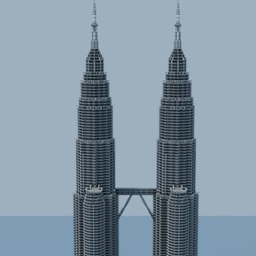
Petronas Twin Towers 1:1
Explore a 1:1-scale recreation of the Petronas Twin Towers for Minecraft Java Edition.
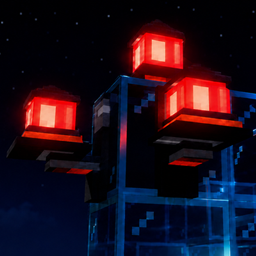
Realistic Aviation Obstruction Lights
Adds realistic aviation obstruction lights for buildings, towers, and other structures.
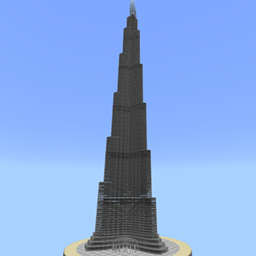
Burj Khalifa 1:1
Download a 1:1-scale Burj Khalifa map for Minecraft Java Edition! Explore the iconic Dubai skyscraper in a detailed world with the included height-extension datapack.
评论
登录后评论和评分