
截图
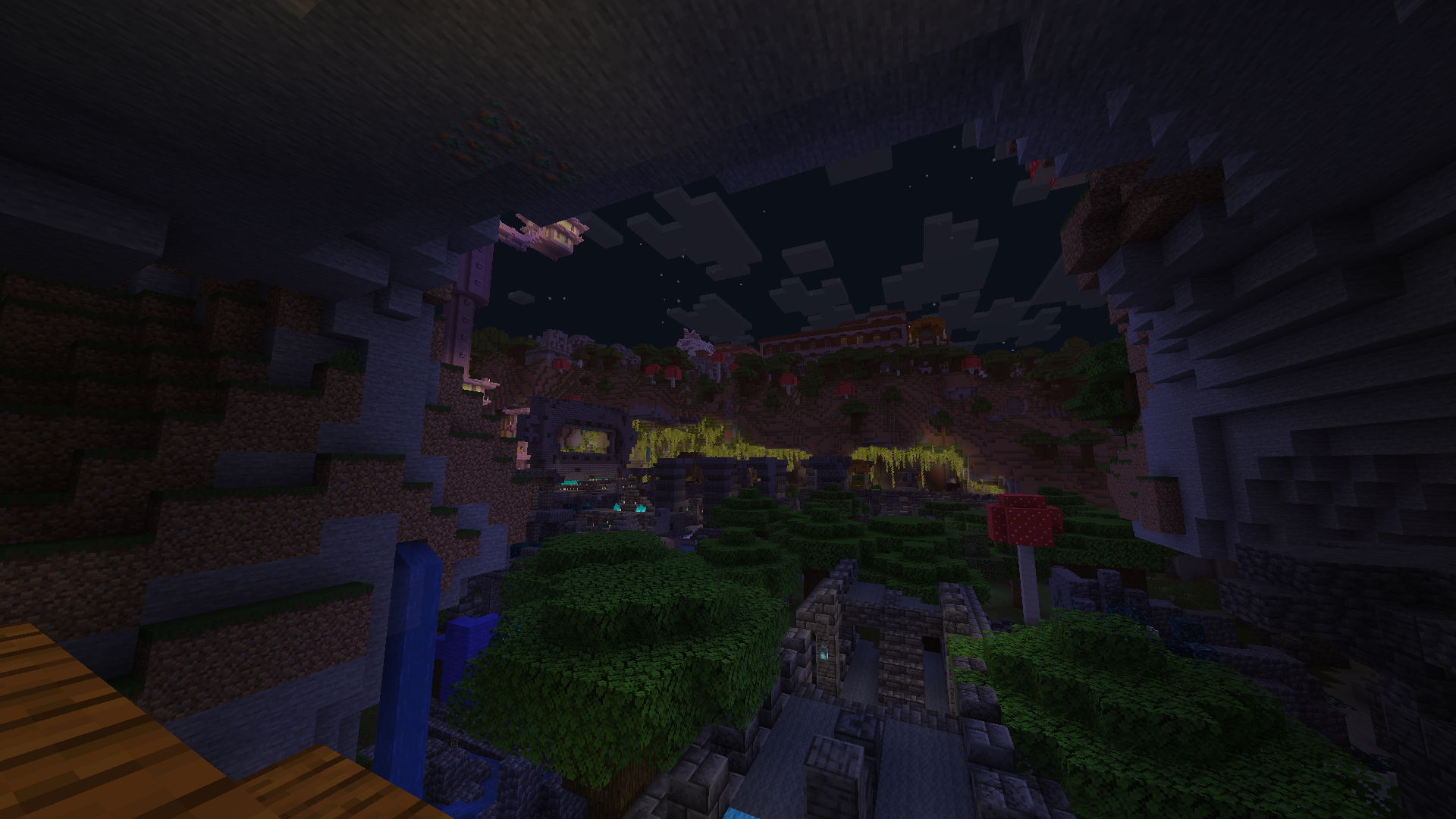
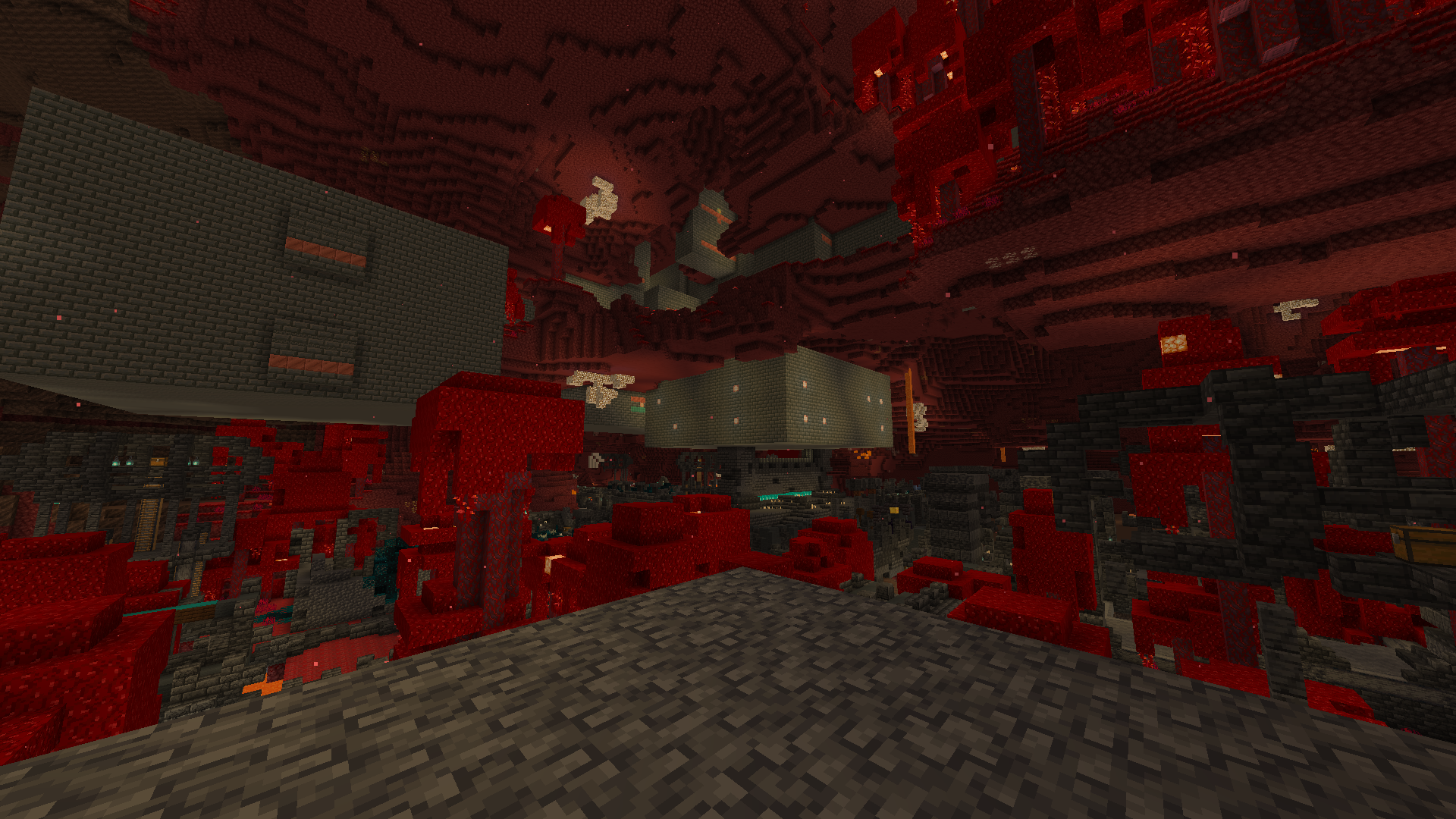
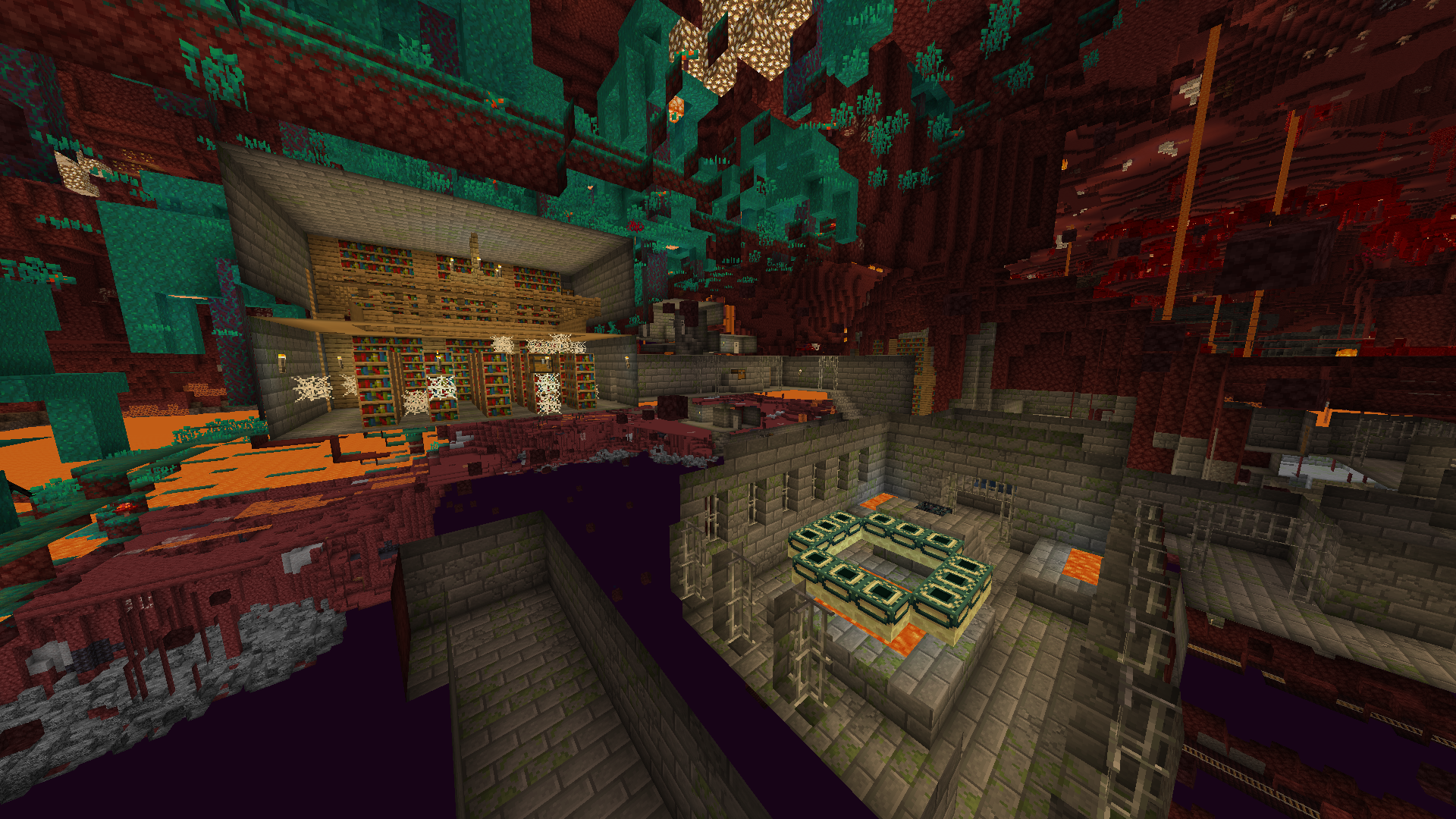
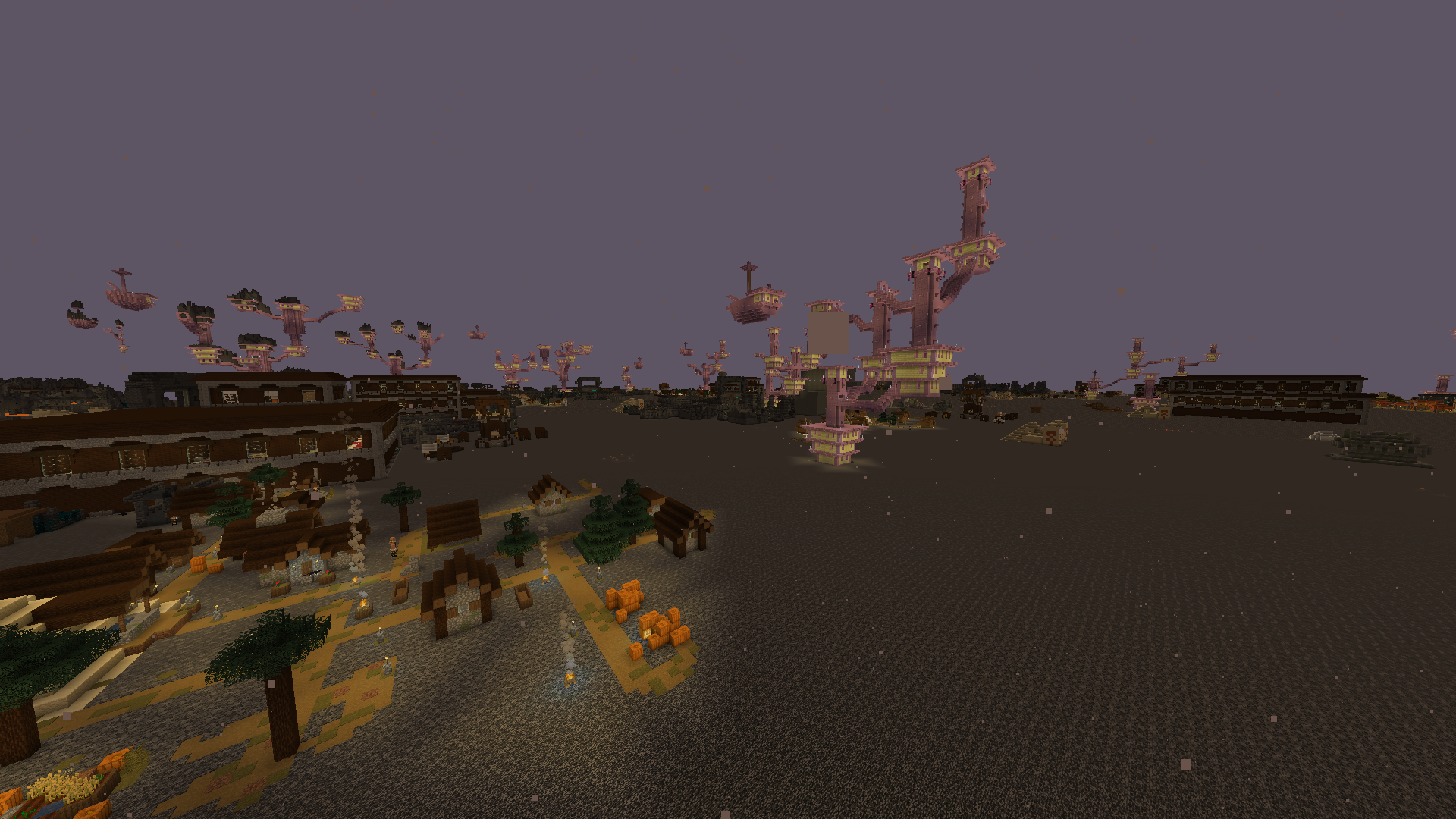
介绍
中文介绍正在准备中,下面暂时显示原文。
IMPORTANT:
- MAKE SURE YOU DOWNLOAD THE RIGHT VERSION, CHAOS RELEASES ARE DIFFERENT
- if youre returning here to update the datapack and dont know how then read this
- open your world folder (usually found at %appdata%/.minecraft/saves/
- then navigate to the “datapacks” folder
- replace the old version with the new one
- make sure you download the right datapack for your version!
- _note: you have to visit new chunks to see changes!_
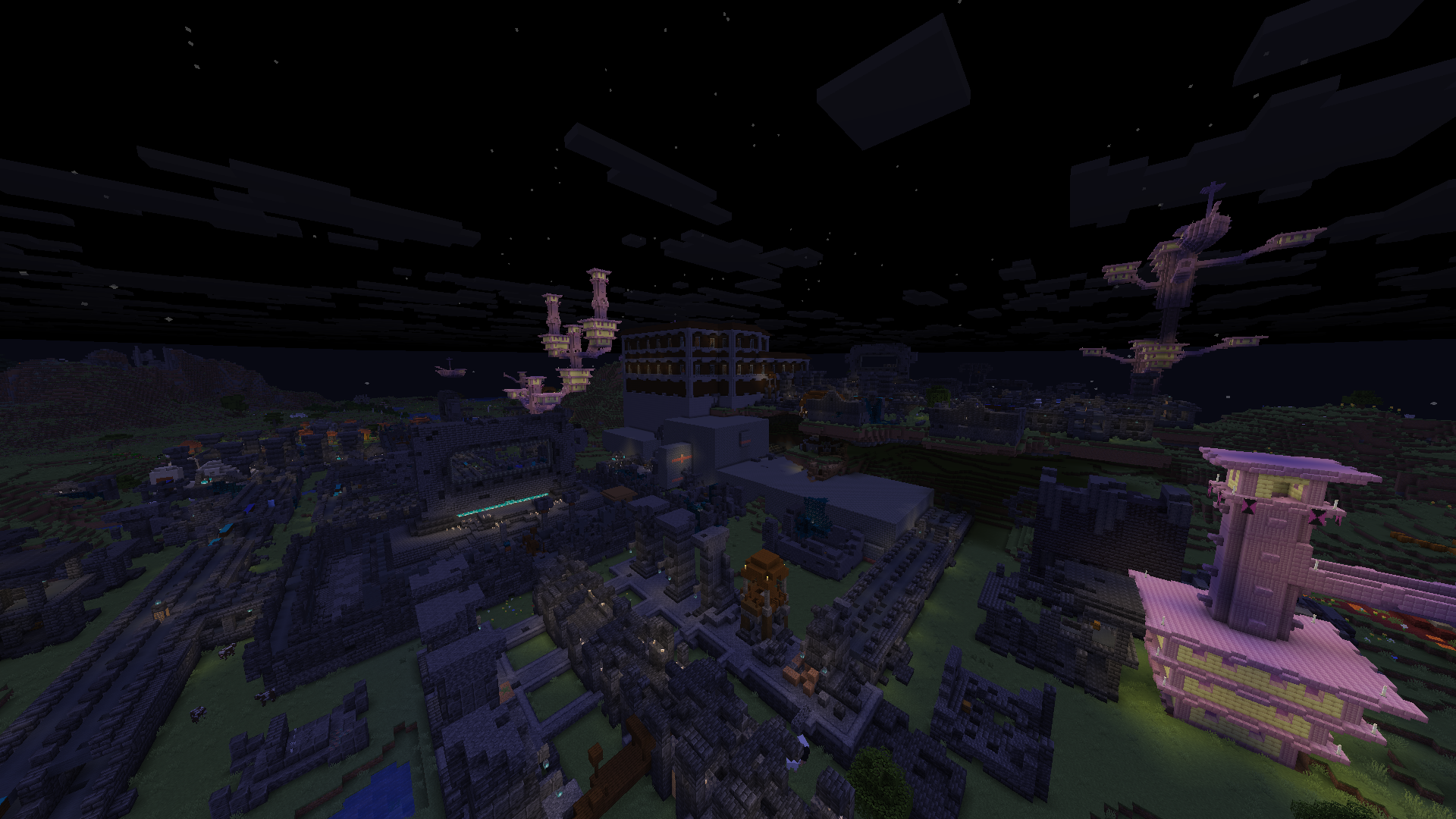
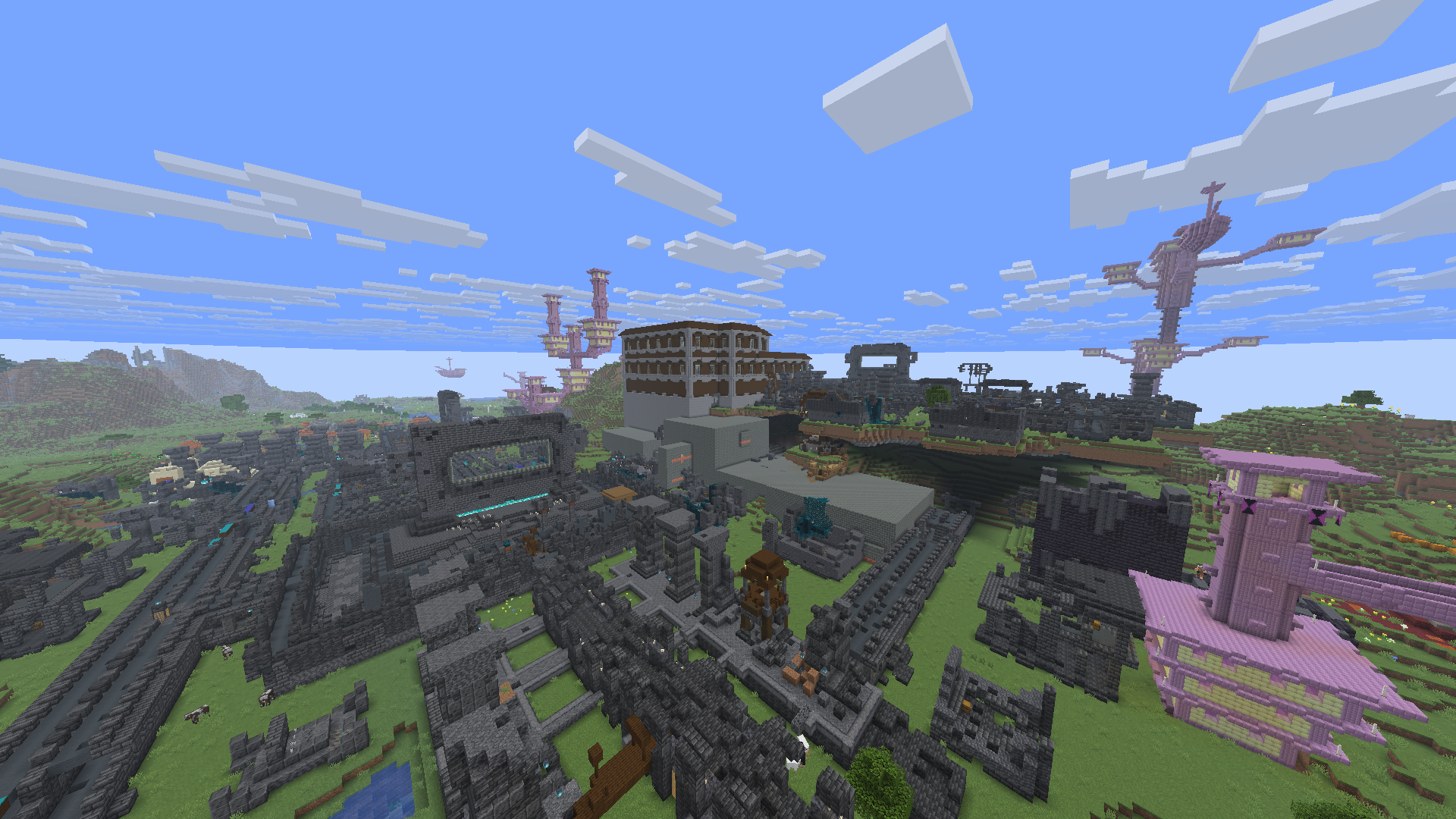
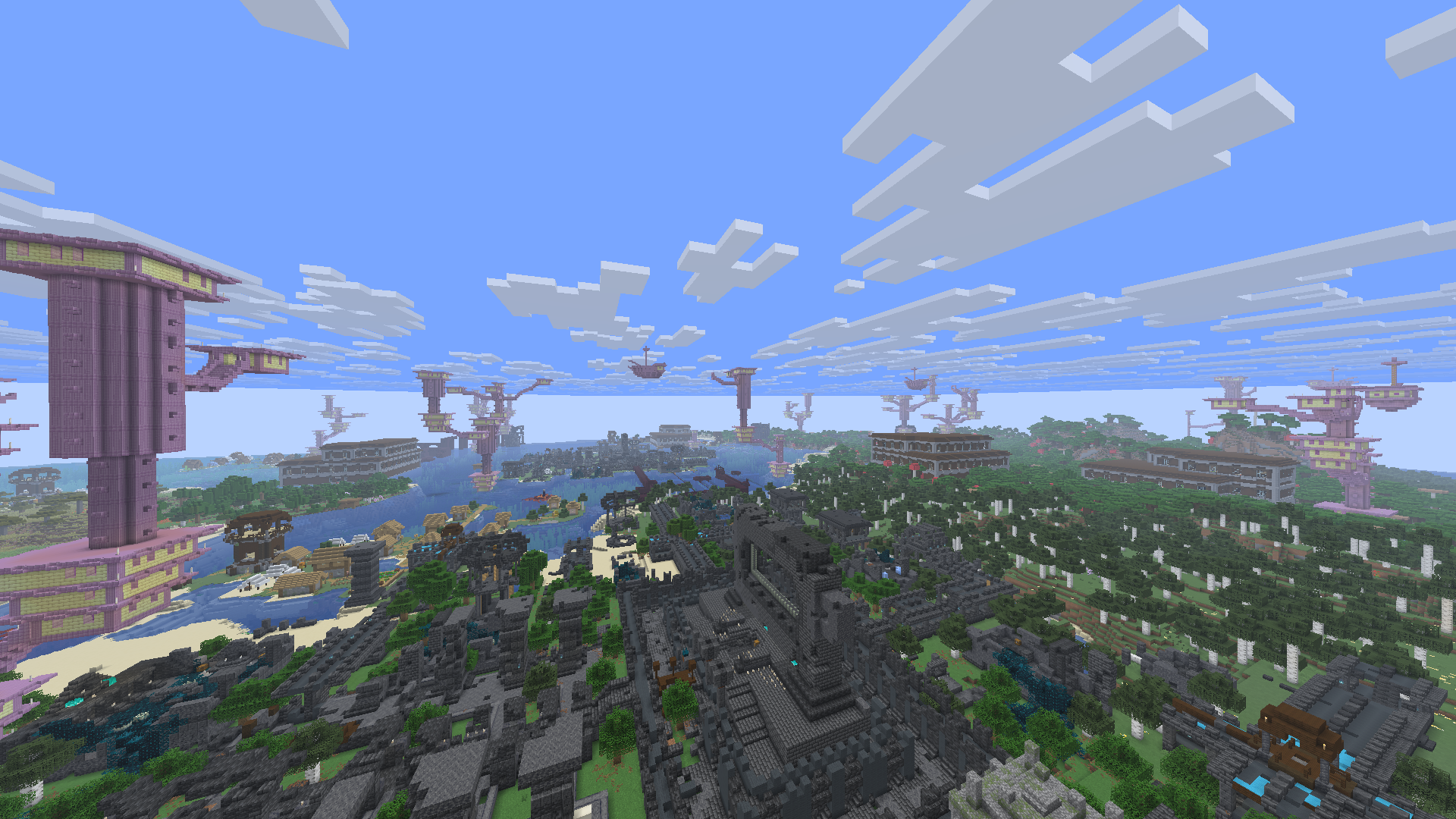
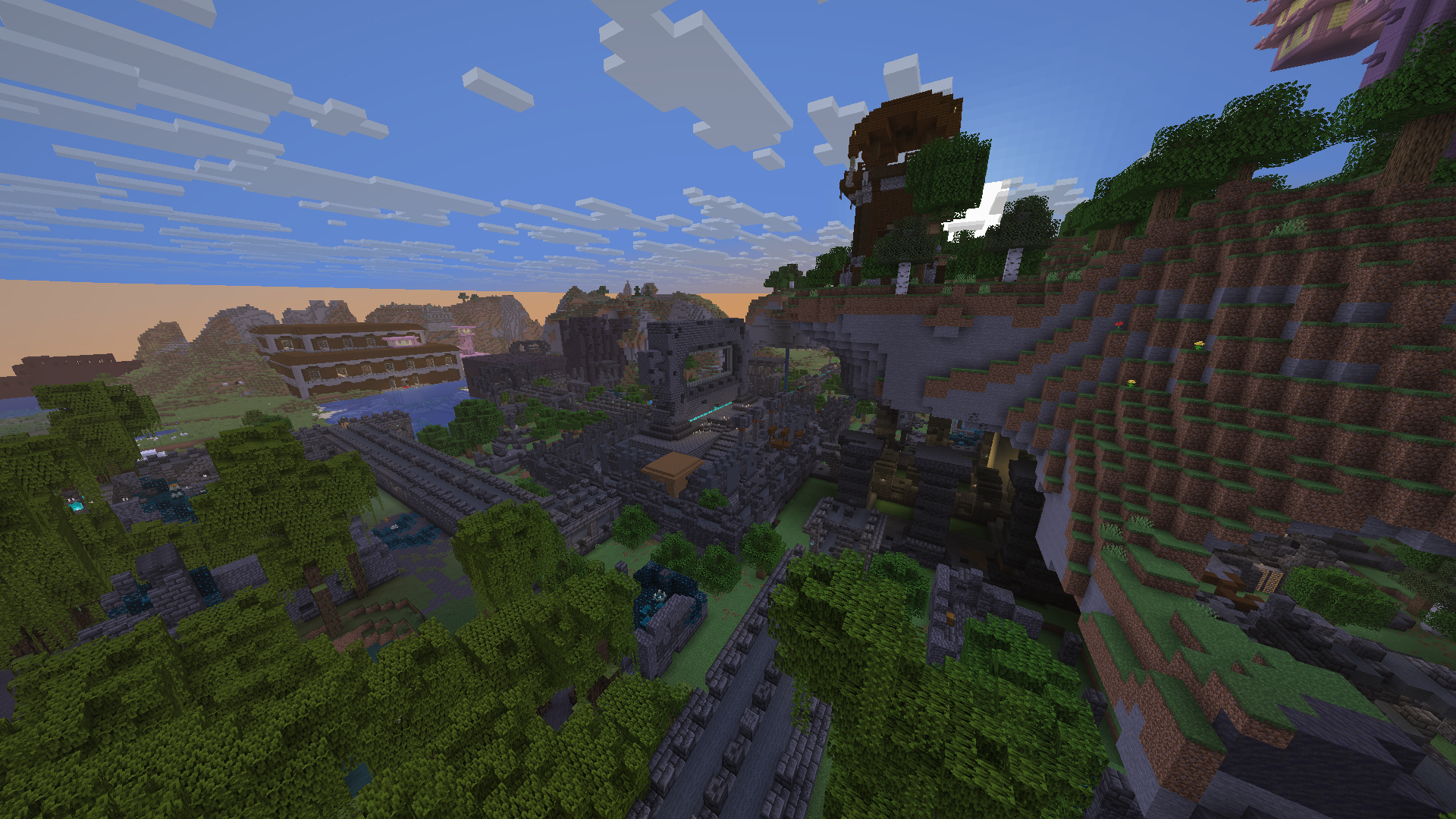
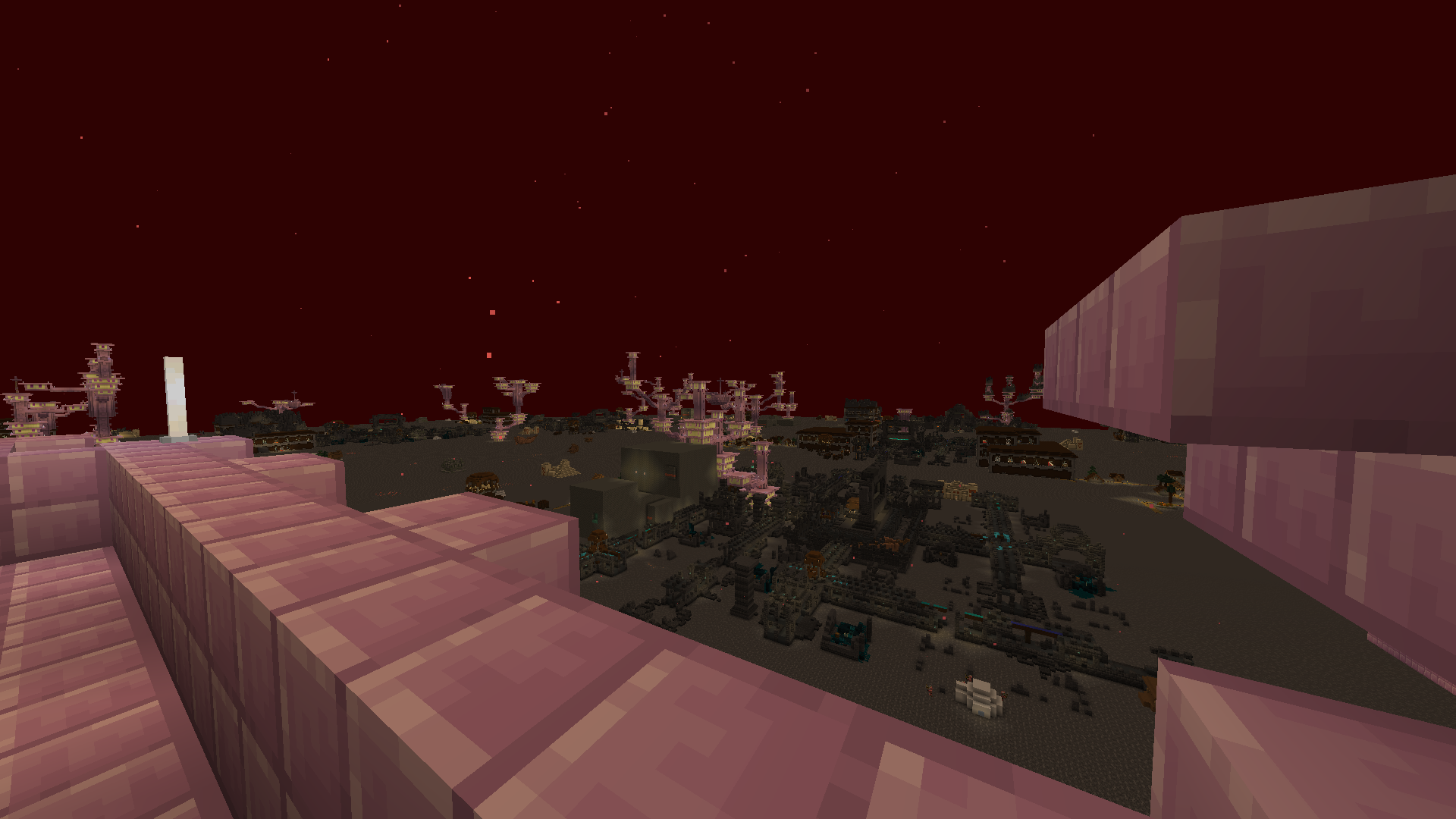
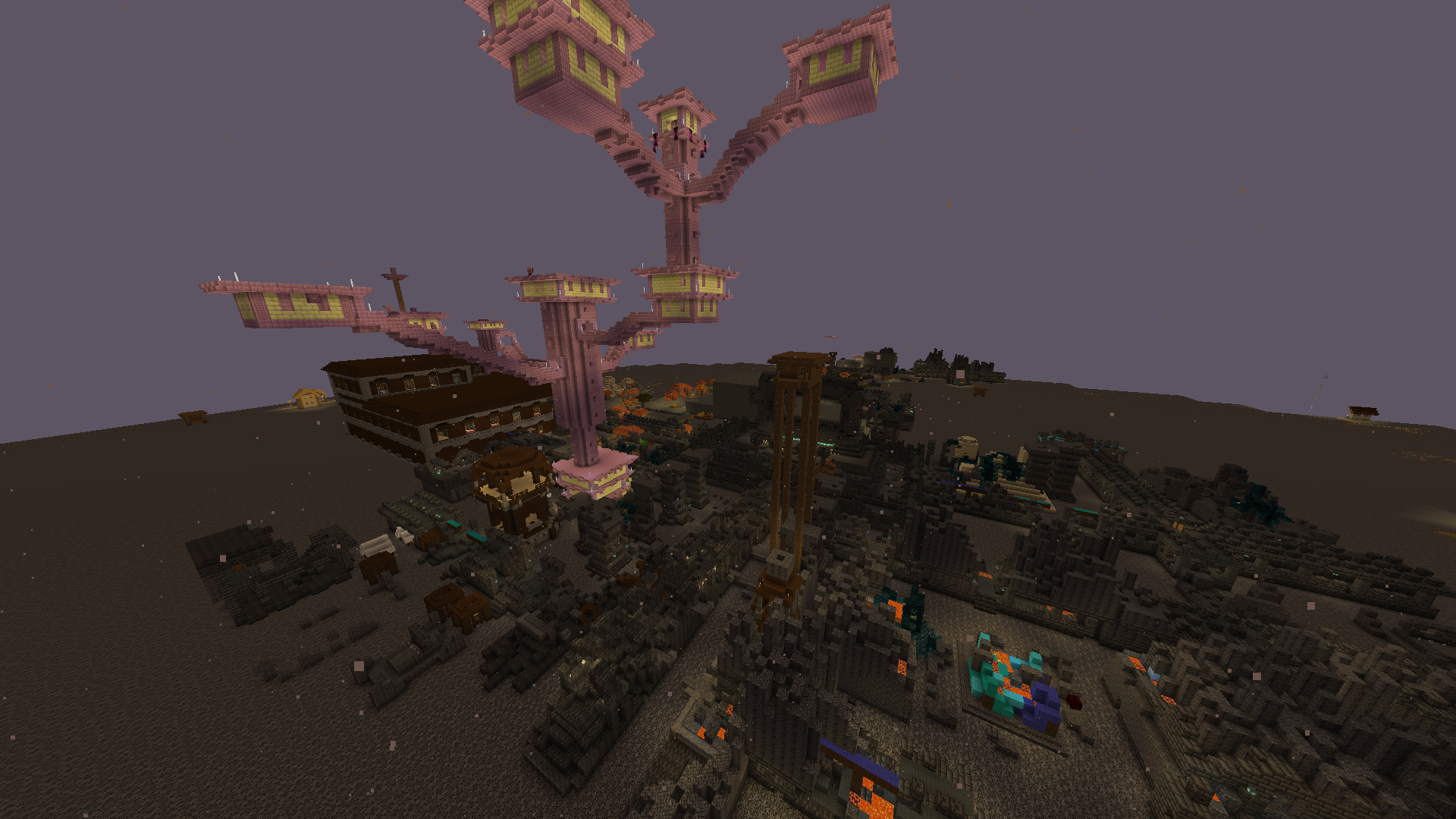
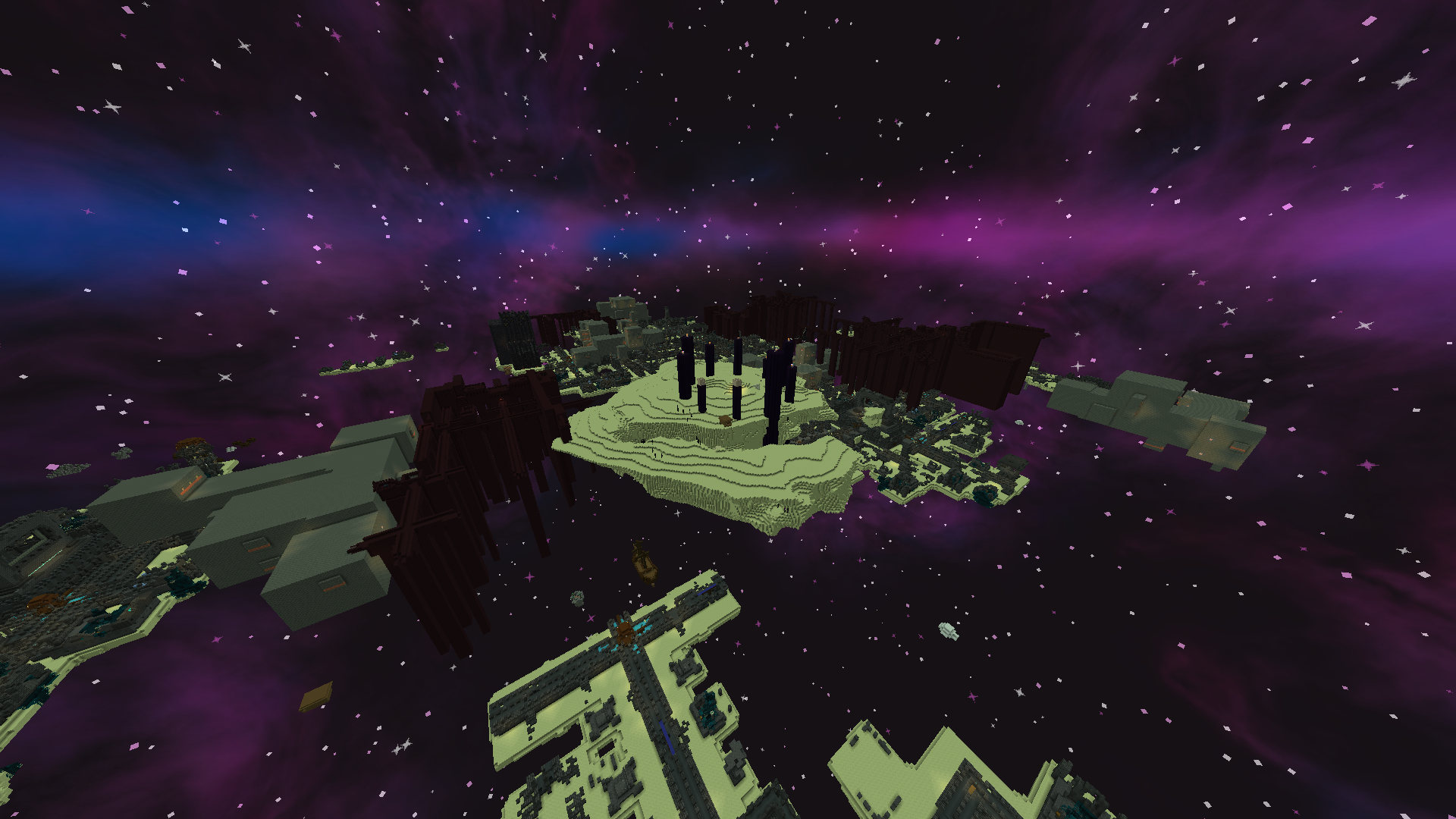
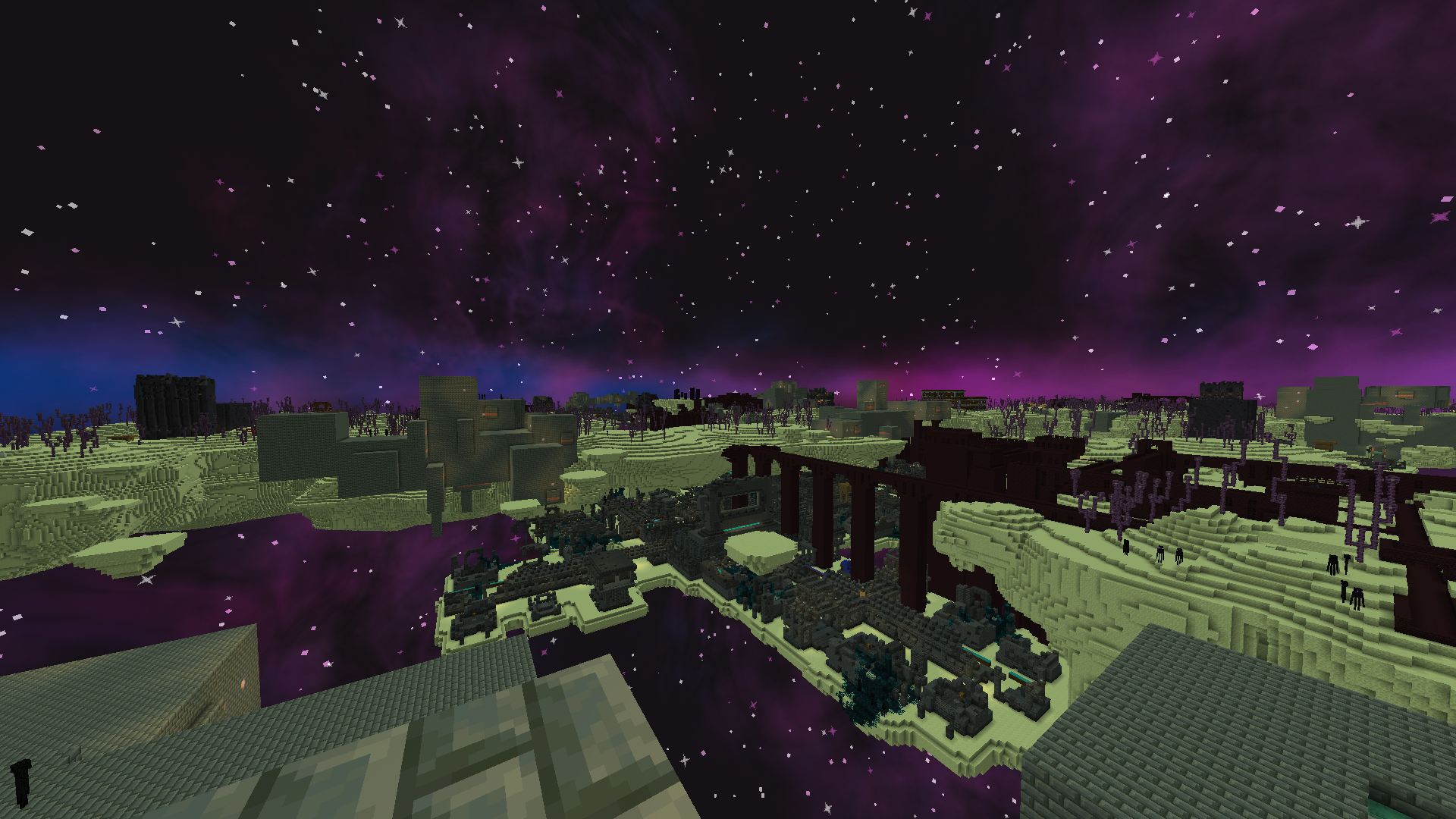
All structures now appear EVERYWHERE
- Every single vanilla structure is now able to generate anywhere across all minecraft dimensions
- Significantly increases the spawn rates of all structures
- Intended for fun challenges and minecraft videos
- Extended possible spawn y level for some structures
Things to note
- If you are planning to use this datapack in your video, please make sure to add a link directly to this page in your videos description
- This datapack uses experimental settings (every time you join your world with this datapack you will be notified about this)
- Worlds using this datapack might have slightly longer loading times due to the handling of all the stuctures
- Altough it is not recommended you can add this datapack to worlds you care about, however expect some chaos!
- Although this datapack claims that all structures spawn everywhere, ocean monuments are an exception (due to hardcoded limits), version 1.3.0 provides experimental ocean monuments as a custom structure if you really want them everywhere!
Installation Instructions:
- Download the .zip file of the datapack
- When creating a new world select the “datapacks” option and add the downloaded file here
- If you are playing on an existing world open your world folder
- From there navigate to the “datapacks” folder and drop the downloaded file here
- _note that you will have to explore new chunks to see the new structures!_
常见问题
Structures Everywhere 支持哪些 Minecraft 版本?
Structures Everywhere 支持 Minecraft Java 版 1.21.11–26.3,共 6 个版本。下载时注意选择和你游戏版本一致的文件。
Structures Everywhere 怎么安装?
新建世界时在「数据包」里把下载的 .zip 拖进去;已有的存档,把文件放进存档目录下的 datapacks 文件夹,进游戏输入 /reload 即可生效。服务器同样放在世界目录的 datapacks 里。
Peteyy 的其他作品
查看全部 →
Restored Ancient City
by Peteyy
The Ancient City has been fixed/repaired to its original form!
348
7 天前
Modrinth

Ancient City spawns in all Cave Biomes
by Peteyy
Allows ancient cities to generate in every single cave biome, alongside allowing them to generate up to y=30.
197
20 天前
Modrinth

Ancient City in All Dimensions
by Peteyy
Allows ancient cities to generate across all dimensions with a couple of tweaks to make them balanced
193
1 个月前
Modrinth

Experimental Snapshot Ancient City
by Peteyy
The first ever look at ancient cities brought back to recent versions
135
1 个月前
Modrinth
评论
登录后评论和评分