Printer Datapack
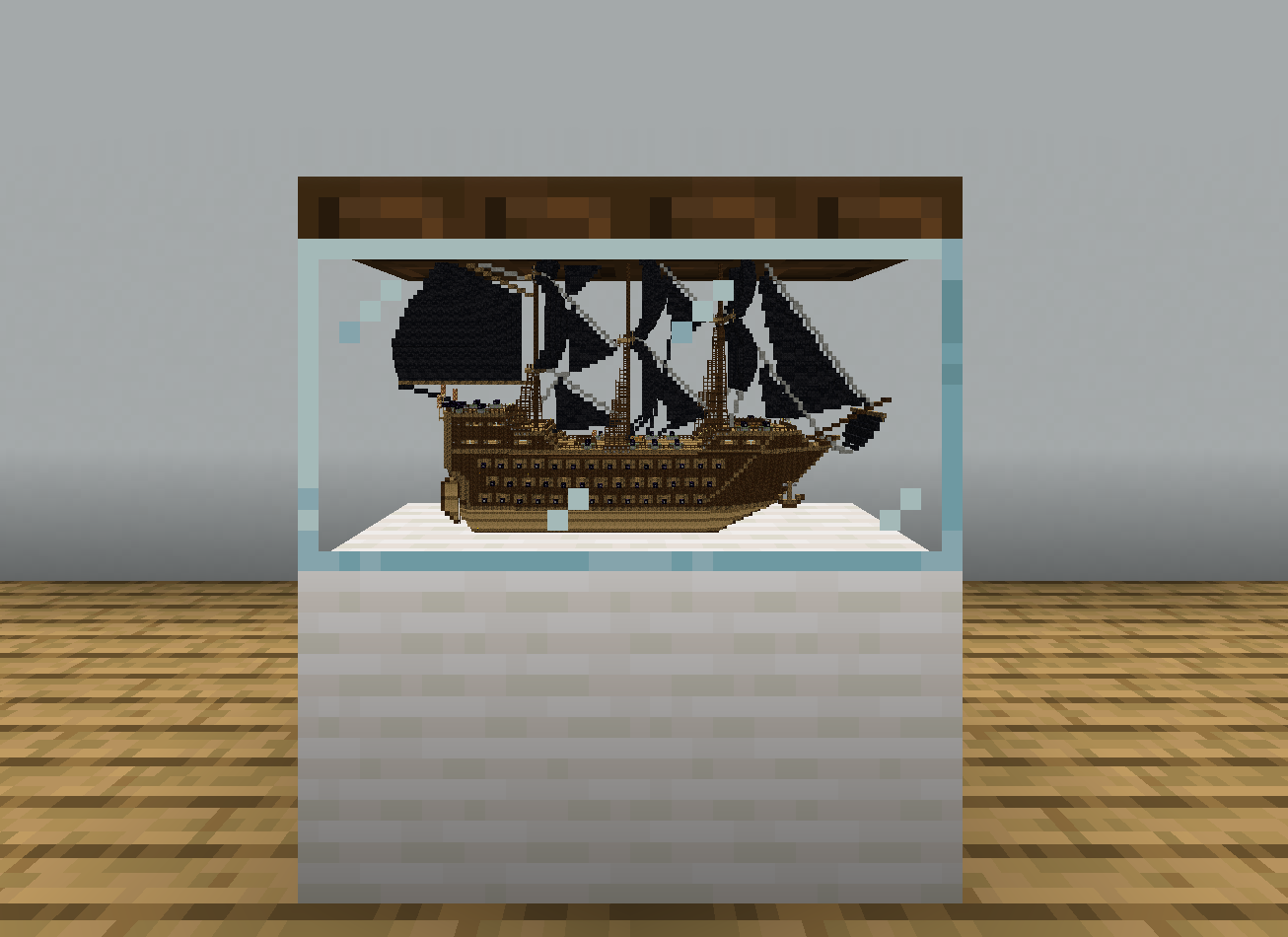
This datapack adds a way to shrink down any build to a single block!
截图

介绍
About
This Datapack adds a way to shrink down any build to a single block! Requires you to have OP commands.
New
This is a short list of all the new features. For more information, expand the tabs bellow.
- Printing Selection (x16, x32 and x64)
- Printing Location
- Print Remover
Printing Selection
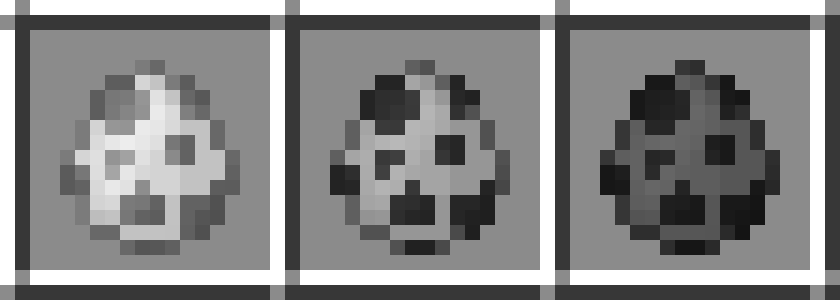
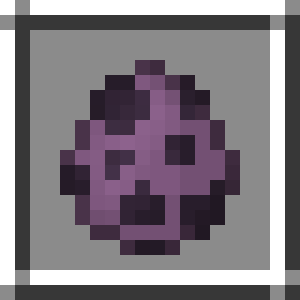
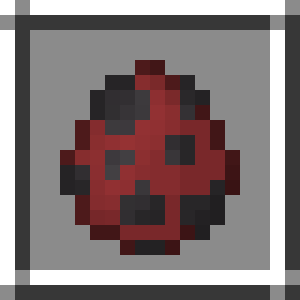
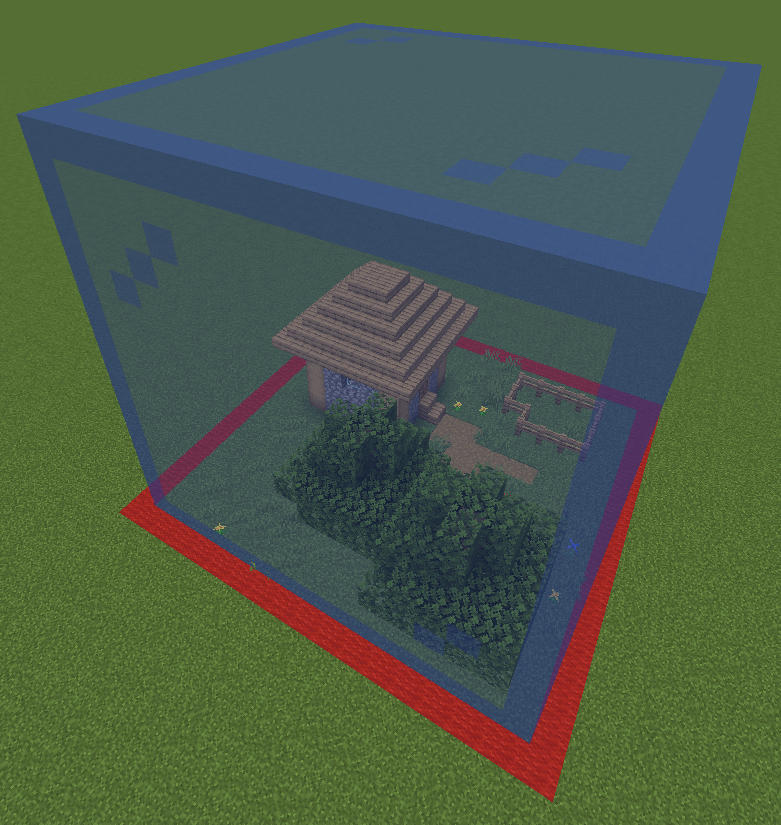
Before you print, select whatever area you want. There are three sizes when selecting: 16x16x16, 32x32x32 and 64x64x64. To select an area, place down the selection spawn eggs. They can be obtained using /function give:print_X with X being 16, 32 or 64. When placing the spawn egg you will grab the lowest x,y,z coordinates of your selection. Additionally, there will be a preview to see the area you selected.
Printing Location
Can be obtained using /function give:print_location.
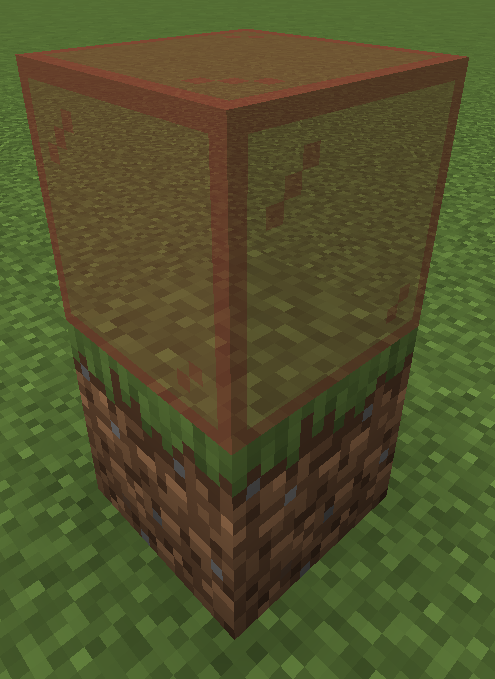
Place down to select the spot where you would like to have your print. There will be a preview to see the area the print will be made. Left-Click the printing location to remove the location and to remove the selection. Right-Click the printing location to start printing.
Print Remover
Can be obtained using /function give:print_remover.
Place down to remove any print made on that block.
The prints are made out of block displays, which are entities. With small prints, such as 16x16x16, this won’t produce any lag. However, large prints using the 64x64x64 printer may result in lag, and may take hours to complete.
⚠️ Bugs
If you notice any bugs report them in the [bugs] text channel in my discord server
Download
To download the datapack, you have two options to add it to your world:
- Creating a new world:
- Download the Printer_Datapack.zip file
- Click Create new world in minecraft
- Click Data Packs
- Drag the Printer_Datapack.zip file into there, and make sure you put it on the ‘selected’ side (right side)
- Add to existing world:
- Download the Printer_Datapack.zip file
- Select your world in the single player menu
- Click Edit at the bottom of the screen
- Click Open World Folder
- Click on the datapacks folder
- Drag the Printer_Datapack.zip file into there
常见问题
Printer Datapack 支持哪些 Minecraft 版本?
Printer Datapack 支持 Minecraft Java 版 1.20.2–1.20.6,共 5 个版本。下载时注意选择和你游戏版本一致的文件。
Printer Datapack 怎么安装?
新建世界时在「数据包」里把下载的 .zip 拖进去;已有的存档,把文件放进存档目录下的 datapacks 文件夹,进游戏输入 /reload 即可生效。服务器同样放在世界目录的 datapacks 里。
GoldenRobotII 的其他作品
查看全部 →
Space Race
Space Race is a Datapack that allows you to build your OWN rocket and explore the solar system!
Christmas Datapack
A Datapack that adds 12 new Christmas features to Minecraft! A Christmas tree and presents, candy canes and roast chicken feasts, and a bunch more cool items!

Block Display Helper
This datapack helps with the block display entity with special items, such as a move stick, a scale stick and a rotate stick.

Whopper Datapack
This datapack adds an entire new food system, to create the perfect WHOPPER! (from the Burger king meme)
评论
登录后评论和评分