
截图



介绍
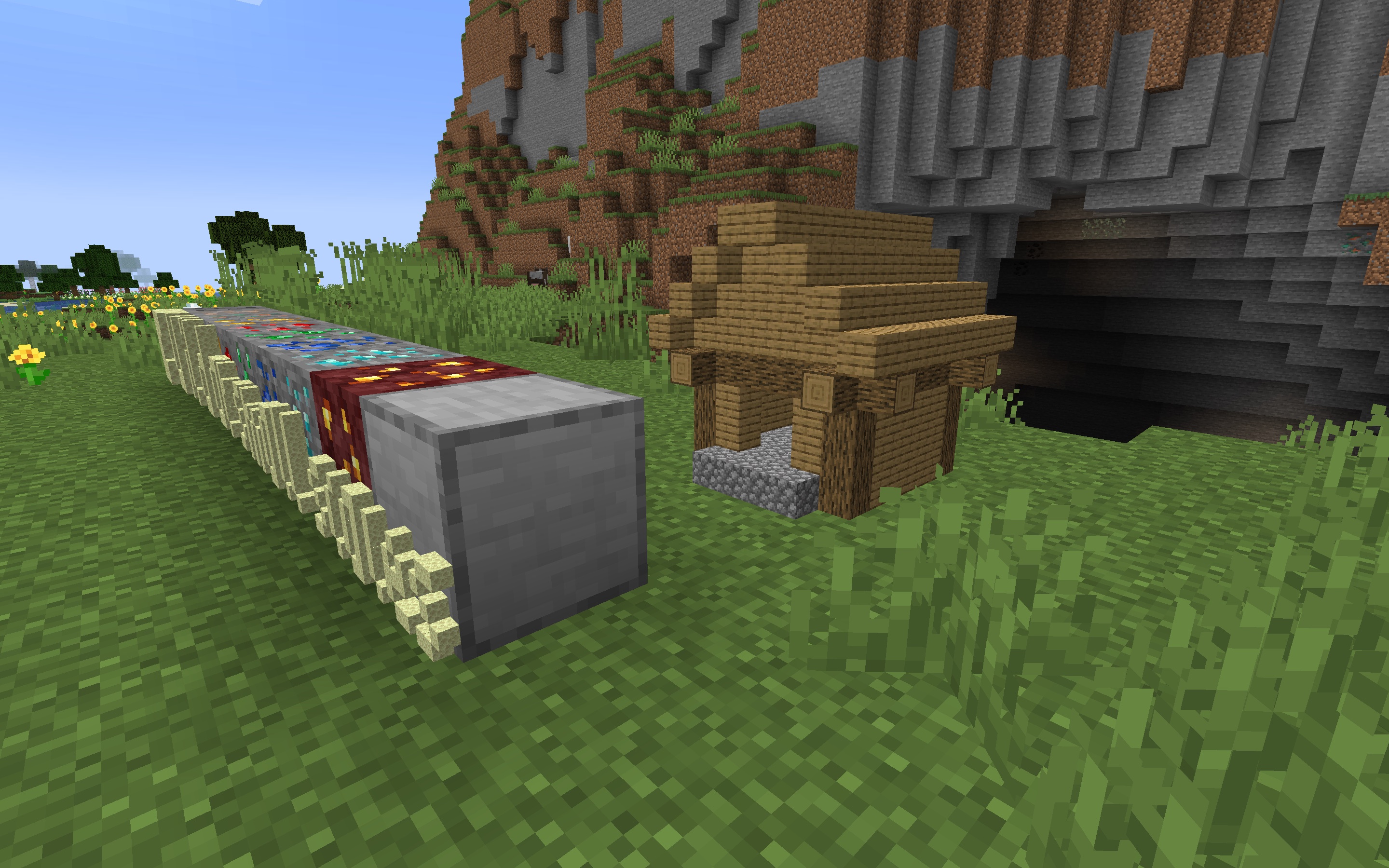
Are regular Minecraft blocks too big for you? Have you always wished for more options to decorate your world? Then Microbuilder is the datapack for you! With this pack, you can build moderately small to tiny scenes in the word.
How to use
You can place and break micro blocks in Micro Building Mode, which you can toggle using /trigger microbuilder. In Micro Building Mode, you can simply right click to place and left click to break micro blocks. You can also use a Glass Bottle on the micro scene to pick it up and move it around.
If 4 micro blocks per block space is too big, or too small for your liking, you can change the building scale using /trigger microbuilder.scale set [value]. The default scale is 4 micro blocks per block, but you can change it to anywhere from 2 to 16.
Supported blocks
Microbuilder currently supports 641 Minecraft blocks! You can build with all full blocks, pillars, slabs, stairs, fences, walls, pressure plates, buttons, and much more. Fences and similar blocks will connect to each other, and most blocks behave generally as you would expect them to. Some blocks that are not yet implemented include doors, trapdoors, and fence gates.
常见问题
Microbuilder 支持哪些 Minecraft 版本?
Microbuilder 支持 Minecraft Java 版 1.20–1.20.4,共 5 个版本。下载时注意选择和你游戏版本一致的文件。
Microbuilder 怎么安装?
新建世界时在「数据包」里把下载的 .zip 拖进去;已有的存档,把文件放进存档目录下的 datapacks 文件夹,进游戏输入 /reload 即可生效。服务器同样放在世界目录的 datapacks 里。
Eroxen 的其他作品
查看全部 →
MC Paint
数据包,让你在游戏内创建并放置自定义画作

Catenary
Adds hanging chains and ropes as decorations, no resourcepack required. Now with ziplines!

Map Preview Icons
Shows a preview of maps on their item icon. No more searching through 100 identical looking maps in your inventory!

InstaSlate
Insta-mine Deepslate with an Efficiency 5 Netherite Pickaxe + Haste 2
评论
登录后评论和评分