
Map Preview Icons
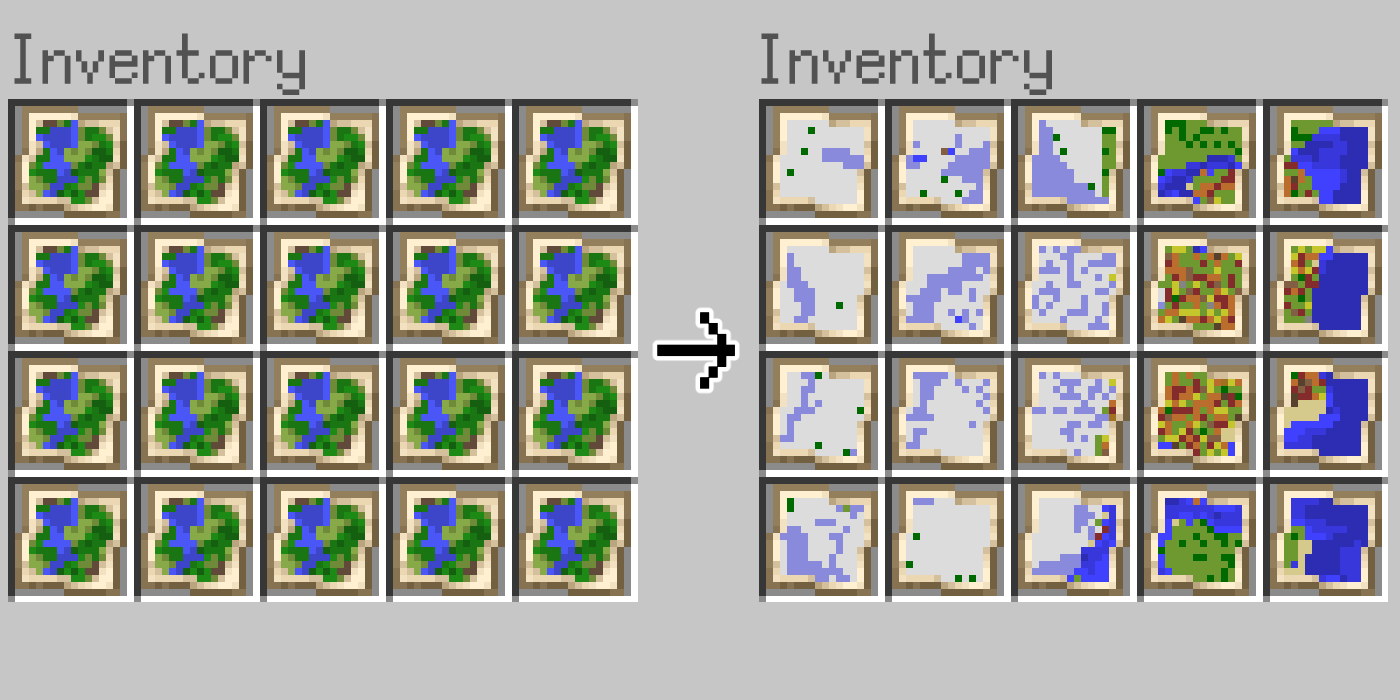
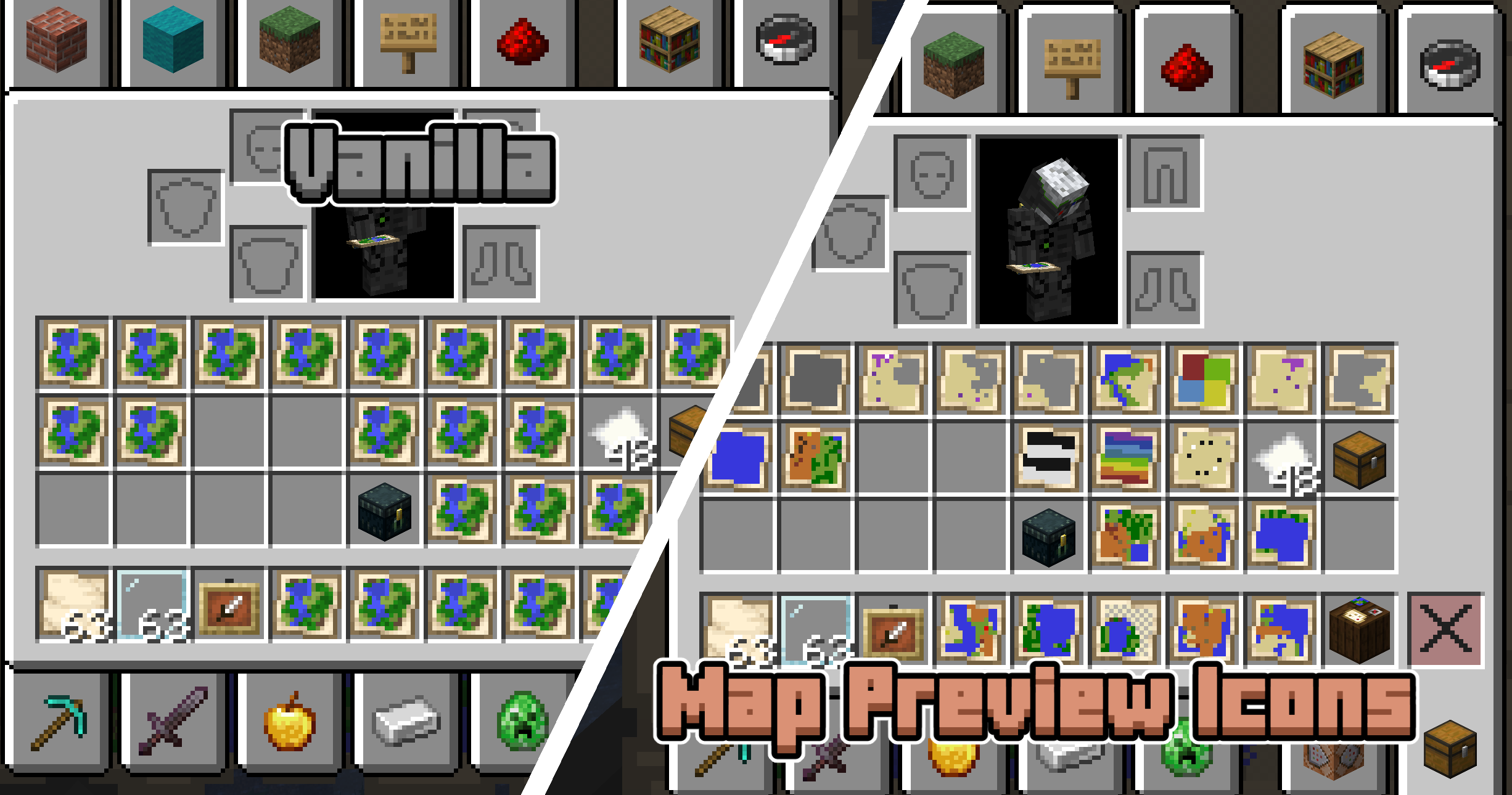
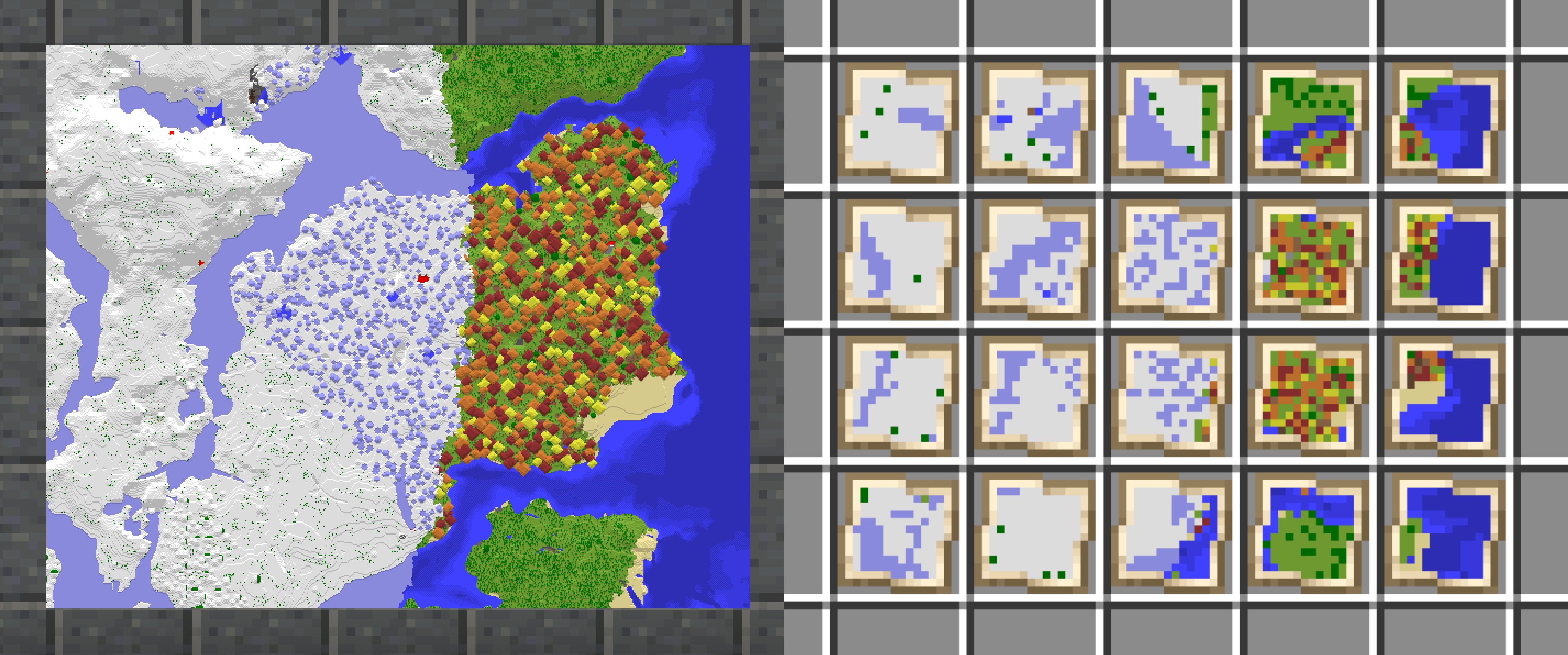
Shows a preview of maps on their item icon. No more searching through 100 identical looking maps in your inventory!
截图
介绍
| ⓘ Note |
|:—————————-|
| This datapack comes with a required resourcepack! Download it by clicking the version you want and scrolling down to the supplementary files section.
For the mod version you don’t need to do this, as it already contains both the datapack and resourcepack.|
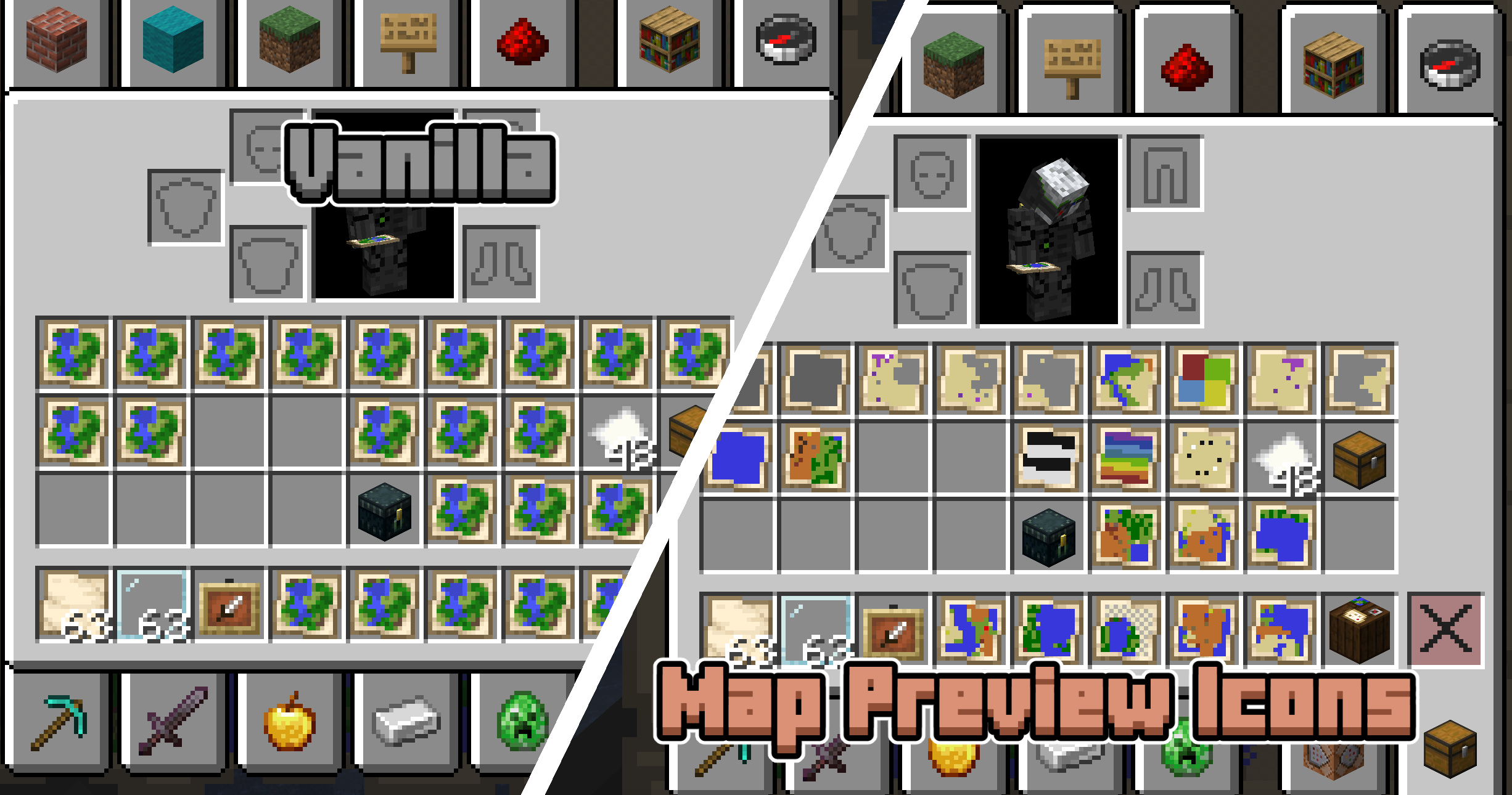
If you’ve ever used maps in Minecraft, you’ve probably ran into the issue where you have dozens of maps in your inventory, and now you need to hold them one by one to find the one you’re looking for. With Map Preview Icons, that’s a thing of the past! Map item icons now show a little preview of the map, so you can tell them apart at a glance.
How it works + limitations
This project uses both a datapack and a resourcepack. The resource pack makes the map item model a composite of a bunch of pixels that can individually be coloured through custom model data. When you’re holding a map, the datapack scans the blocks around you to set the right colours on that custom model data.
One technical limitation of Datapacks is that they cannot read map data. Map Preview Icons tries to circumvent this issue by tracking where each map was made with a custom system. The moment you create a new map your position is recorded and stored, and when you use a Cartography Table your inventory is monitored for changes.
This way of doing things has some limitations! First of all, any maps you made before installing this pack will not show a preview, since the pack was not there to record you making the map. Also, in some rare edge cases the monitoring of the Cartography Table may not give correct results. Both of these issues can be fixed by manually setting the map’s metadata. You can do this by using the Quick Actions (default keybind: G) and following the instructions that pop up.
One more note: this datapack disables the vanilla recipe to extend (zoom out) maps in the Crafting Table. You can now only extend maps in the Cartography Table.
常见问题
Map Preview Icons 支持哪些 Minecraft 版本?
Map Preview Icons 支持 Minecraft Java 版 26.3,可用的加载器:Fabric / Forge / NeoForge / Quilt。下载时注意选择和你游戏版本一致的文件。
Map Preview Icons 怎么安装?
把下载的 .zip 文件(不用解压)放进游戏目录的 resourcepacks 文件夹,进游戏后在「选项 → 资源包」里把它移到右边启用。
Eroxen 的其他作品
查看全部 →
MC Paint
数据包,让你在游戏内创建并放置自定义画作

Catenary
Adds hanging chains and ropes as decorations, no resourcepack required. Now with ziplines!

InstaSlate
Insta-mine Deepslate with an Efficiency 5 Netherite Pickaxe + Haste 2

Pumpkin Carving
Datapack to carve custom 3D pumpkins, voxel-by-voxel!
评论
登录后评论和评分