
Lock Dimensions
A simple datapack that allows server admins to enable or disable the nether or the end
截图
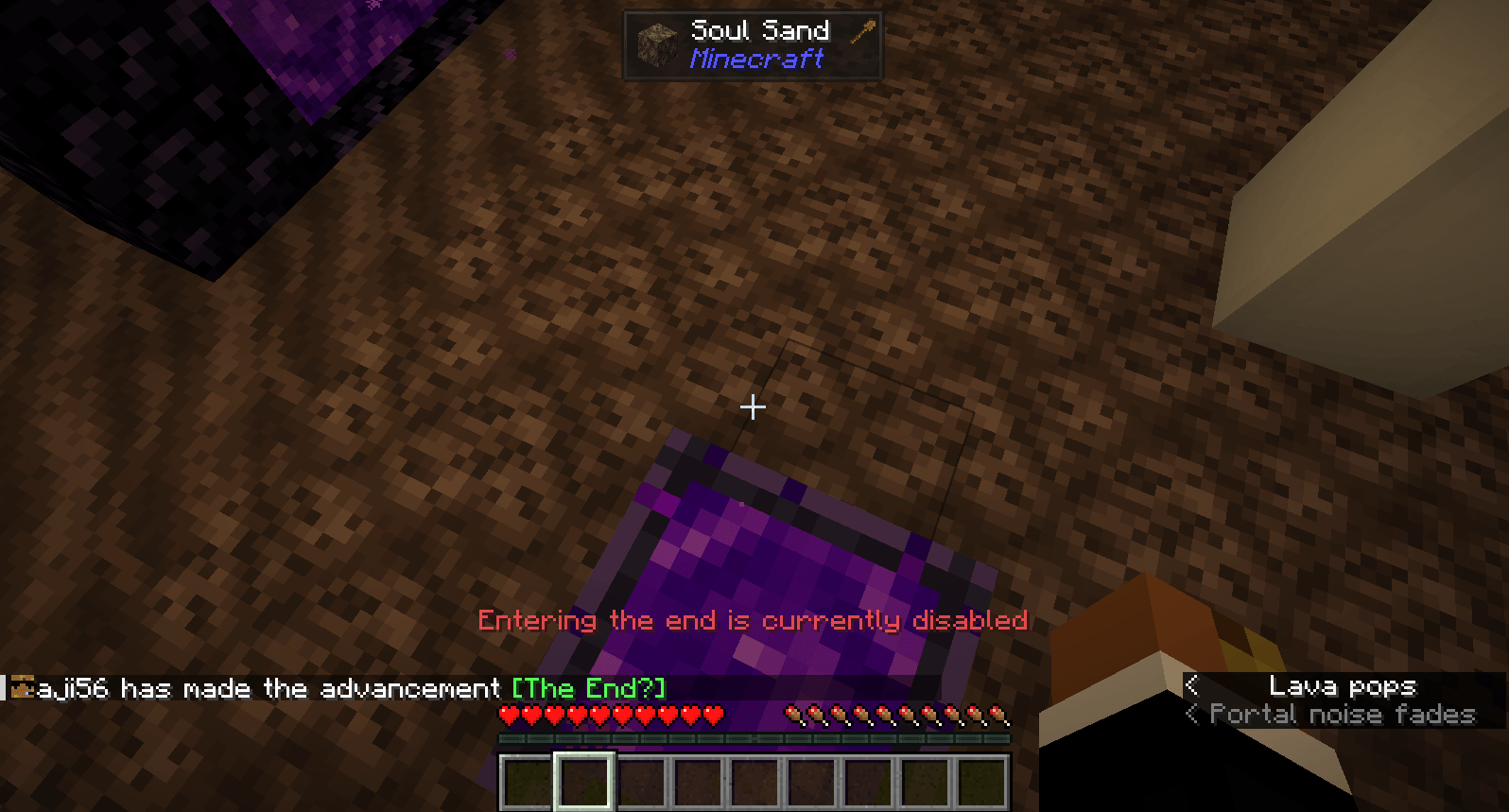
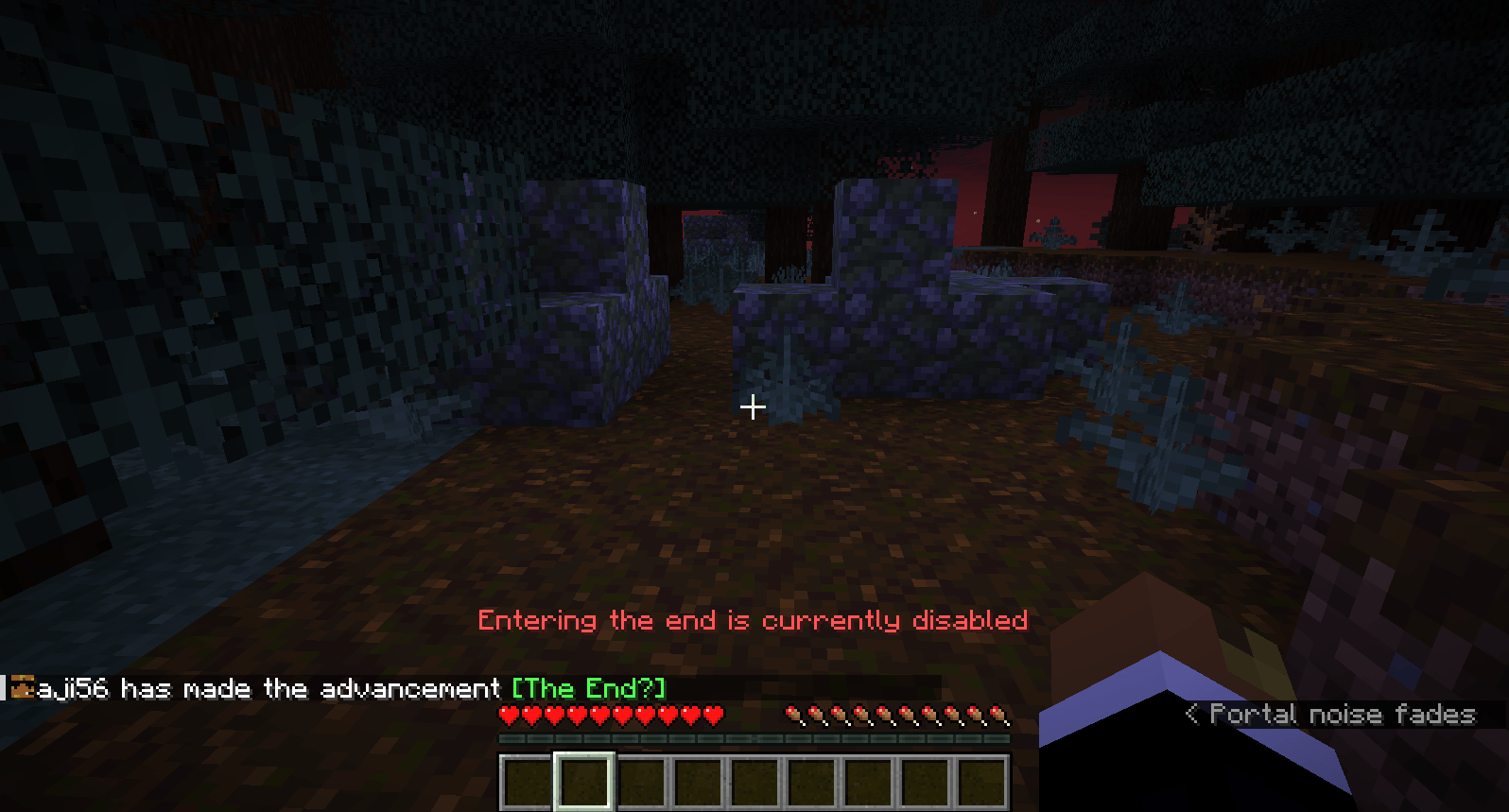
介绍
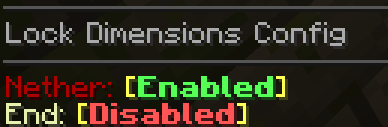
With this datapack, server operators can use the simple configuration command to enable or disable the nether or the end separately.
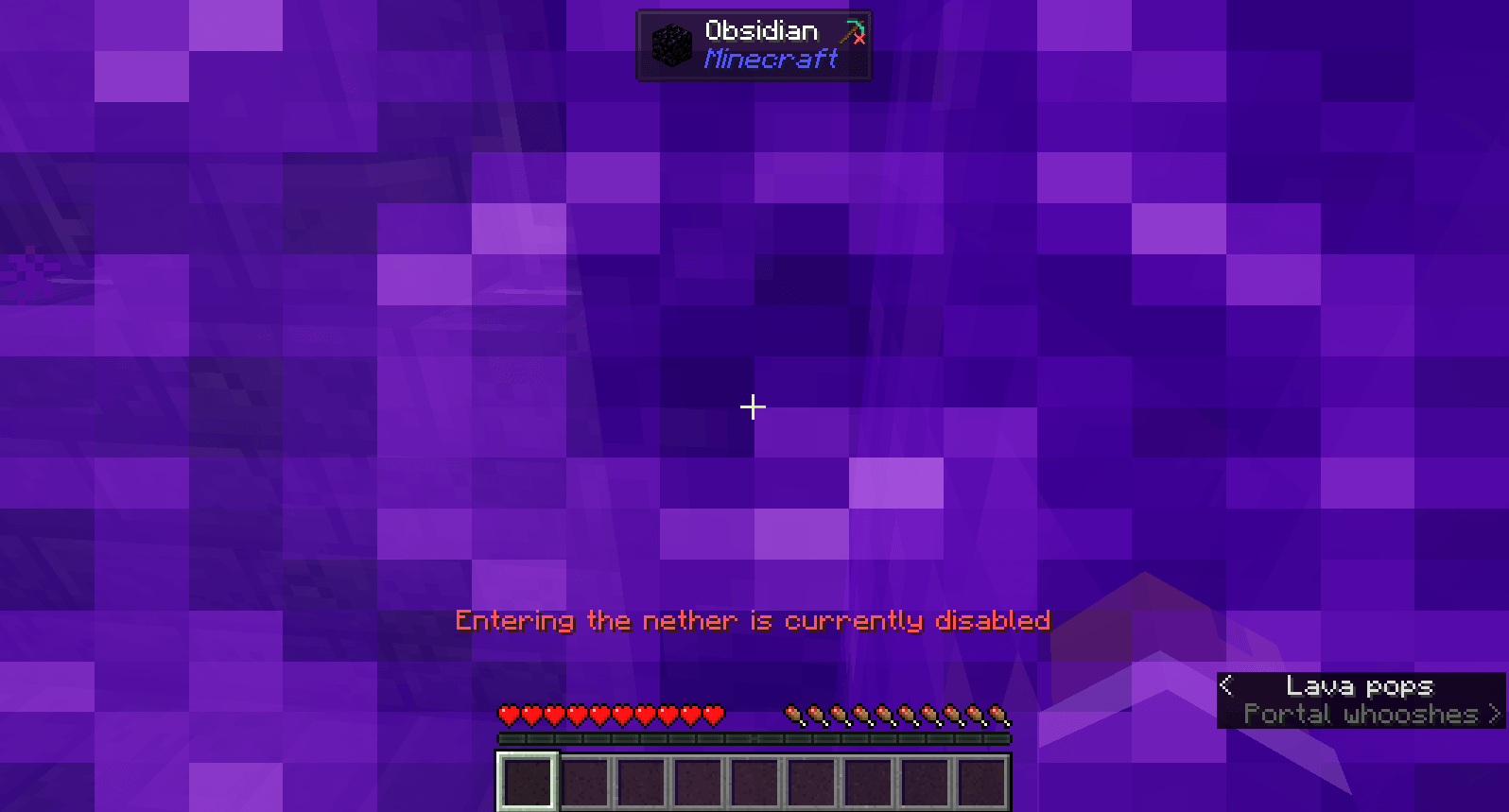
When the nether is disabled, the gamerule allow_entering_nether_using_portals will be set to false, preventing anyone from traveling there, and giving a message that says the nether is disabled if someone touches a portal block. Any player already in the nether, when it gets disabled, or who gets there through some way other than a nether portal, will be sent to their spawn point (unless their spawn point is in the nether) and shown a message that says the nether is disabled.
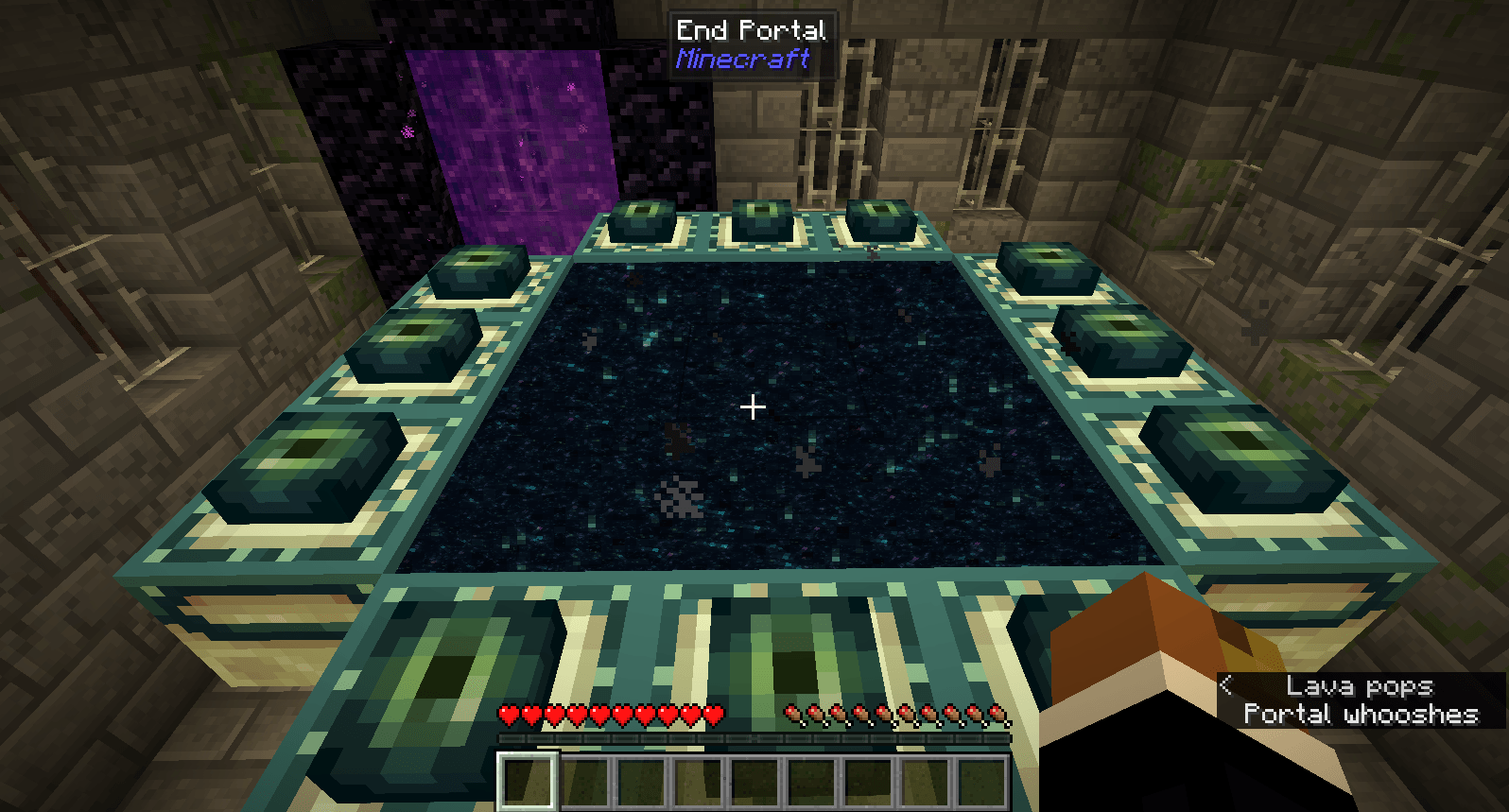
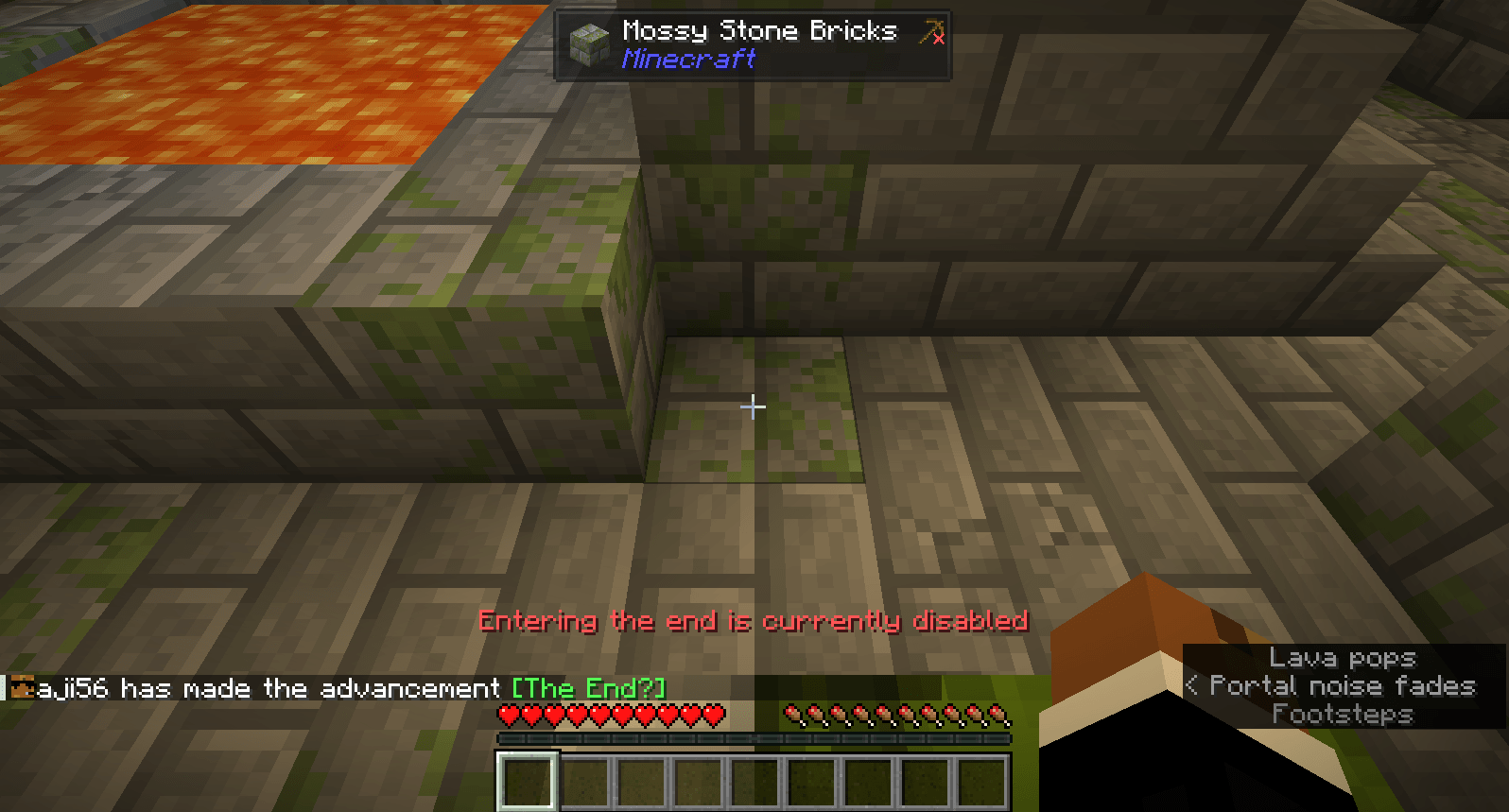
Unlike nether portals, end portals can’t be disabled simply with a gamerule, when a player enters the end portal while the end is disabled, they will be sent to their spawn point and shown a message that says the end is disabled.
Currently has no support for disabling dimensions aside from the nether or the end.
To open the configuration, run the command /function lock_dimensions:config with operator permissions.
If you notice any bugs or have constructive feedback, please let me know.
常见问题
Lock Dimensions 支持哪些 Minecraft 版本?
Lock Dimensions 支持 Minecraft Java 版 26.2–26.3,共 2 个版本。下载时注意选择和你游戏版本一致的文件。
Lock Dimensions 怎么安装?
新建世界时在「数据包」里把下载的 .zip 拖进去;已有的存档,把文件放进存档目录下的 datapacks 文件夹,进游戏输入 /reload 即可生效。服务器同样放在世界目录的 datapacks 里。
aji56 的其他作品
查看全部 →
Stacking Items
Allows many item types that don't stack to 64 to stack higher, without breaking the game balance too much

Easier Enchanting
Adds recipes and features that make enchanting easier to do
Deep Bundles
Adds bundle variants that can hold more items and automatically pick up certain categories of items

Tool Progression
Locks tool recipes behind exploration
评论
登录后评论和评分