
截图
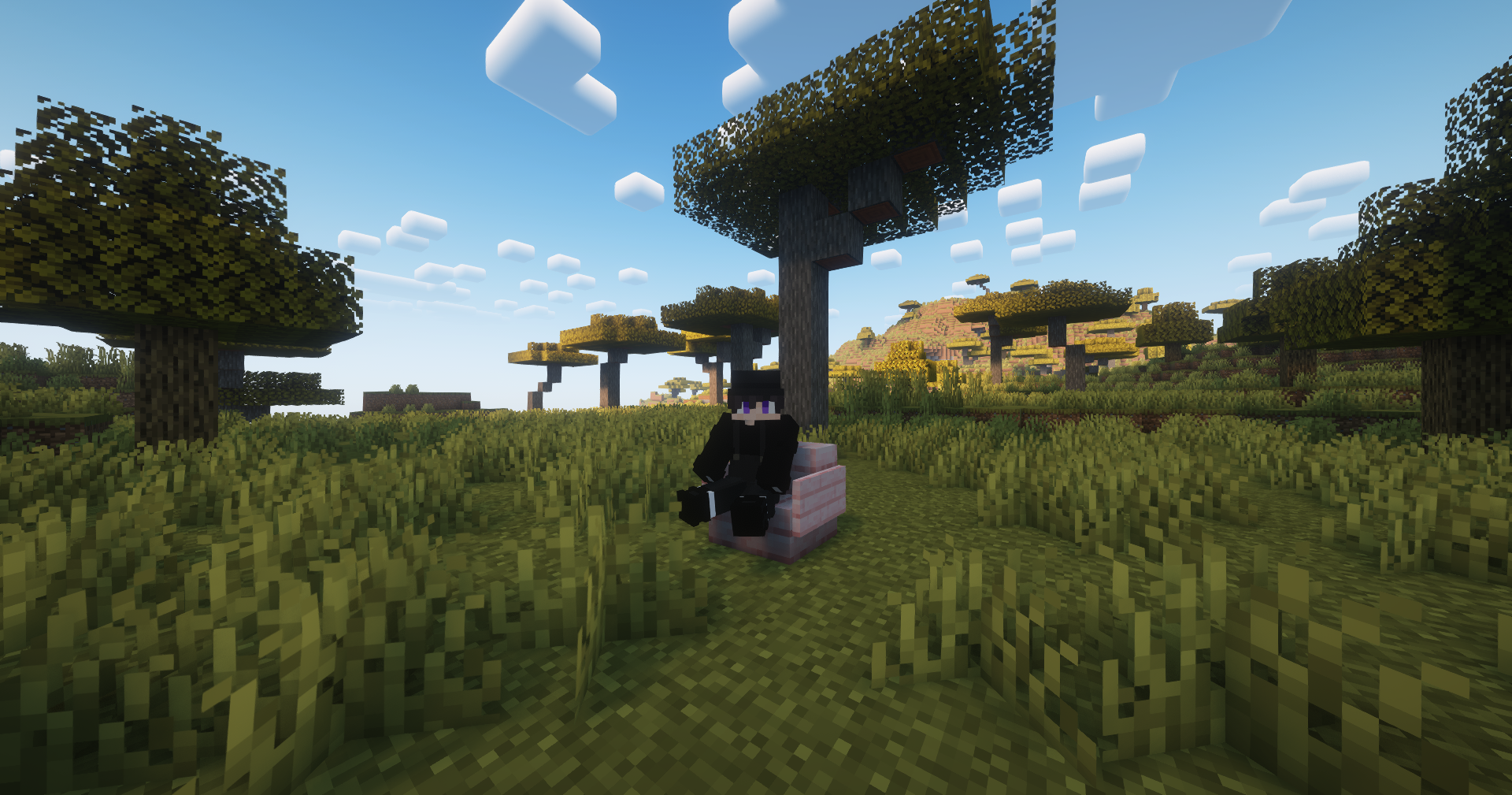
介绍
中文介绍正在准备中,下面暂时显示原文。
How to install
- Download the Data Pack
- Copy the data pack file into your world’s
datapacksfolder - Use
/reloadcommand in your world
How to use
Just use /trigger sit command.
Message setting
In EasySit\data\easysit\functions\messages, edit sit.mcfunction or sit_on_air.mcfunction
常见问题
EasySit 支持哪些 Minecraft 版本?
EasySit 支持 Minecraft Java 版 1.20.4–1.21.1,共 3 个版本。下载时注意选择和你游戏版本一致的文件。
EasySit 怎么安装?
新建世界时在「数据包」里把下载的 .zip 拖进去;已有的存档,把文件放进存档目录下的 datapacks 文件夹,进游戏输入 /reload 即可生效。服务器同样放在世界目录的 datapacks 里。
TheSalts 的其他作品
查看全部 →
TheSalt’s Text Effects
by TheSalts
Add dynamic text animations to your Minecraft world!
3,414
26 天前
Modrinth

Commanders Utilities
by TheSalts
Modpack for command users. Included optimizing mods and utilities.
3,409
1 年前
Modrinth

End Planet
by TheSalts
Add a beautiful blue planet in the sky of the end
1,441
5 个月前
Modrinth

Light Screen
by TheSalts
This removes the vignette effect, making the screen appear brighter in dark environments and when using Night Vision.
651
9 个月前
Modrinth
评论
登录后评论和评分