
Easy Holograms
A datapack that allows you to create text holograms easily. Working in survival
截图
介绍
Easy Holograms
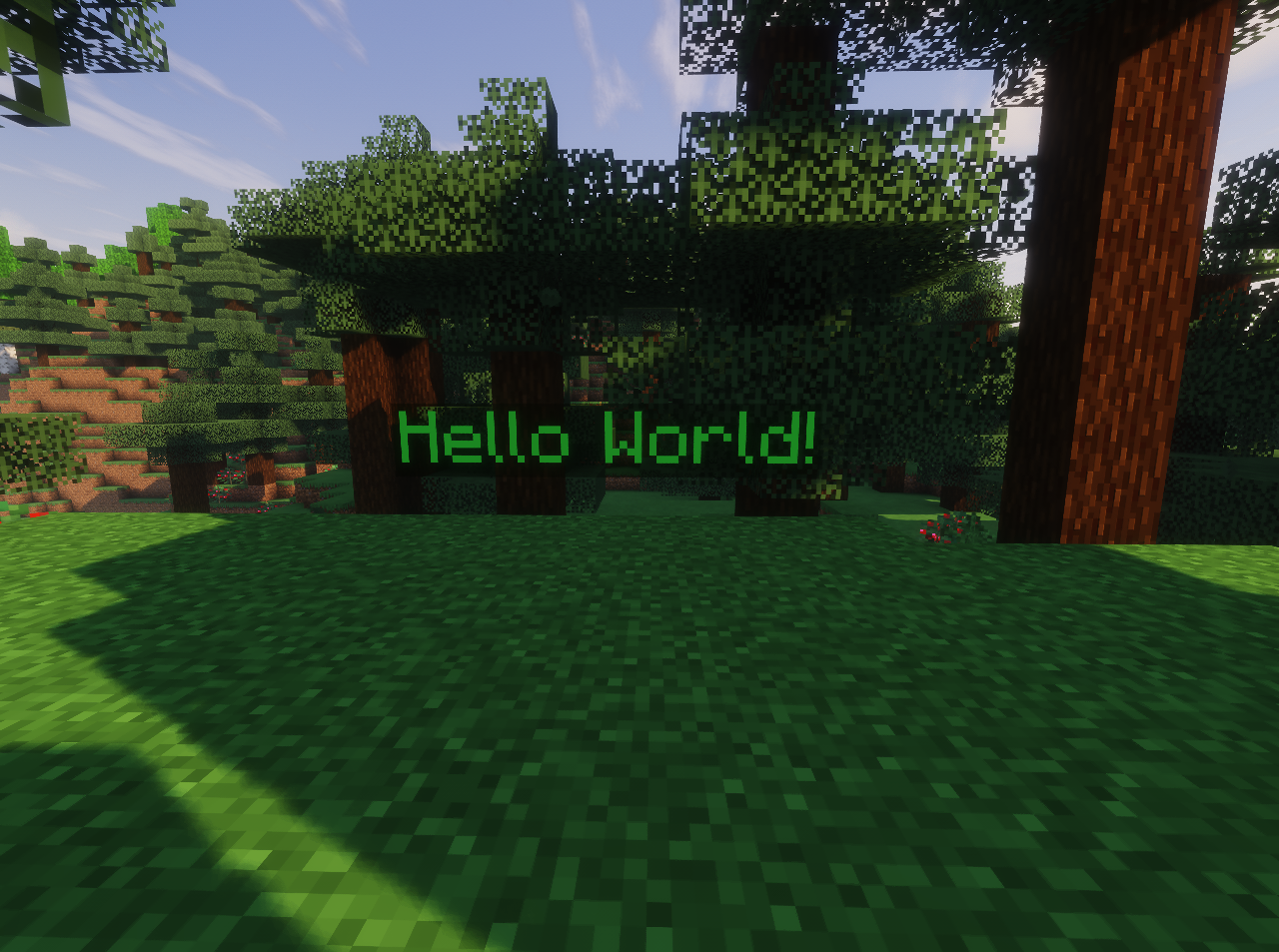
This datapack allows you to easily create custom text holograms in your Minecraft world. It also works in survival mode.
📄 Usage
To create your own hologram, you just need a book and quill and optionally a dye if you want to color your text.
Write the text that you want to appear on the hologram in the book and quill, then click Done. Now, stand where you want to create the hologram and use the command /trigger placeHolo while holding the book and quill in your main hand, then press Enter. Ta-da! Here’s your new hologram !
Note that the hologram’s orientation will depend on the direction you’re facing (west, south, north, or east).
If you want to color your text, just hold a dye in your off-hand while creating a hologram (Dye will not be consumed)
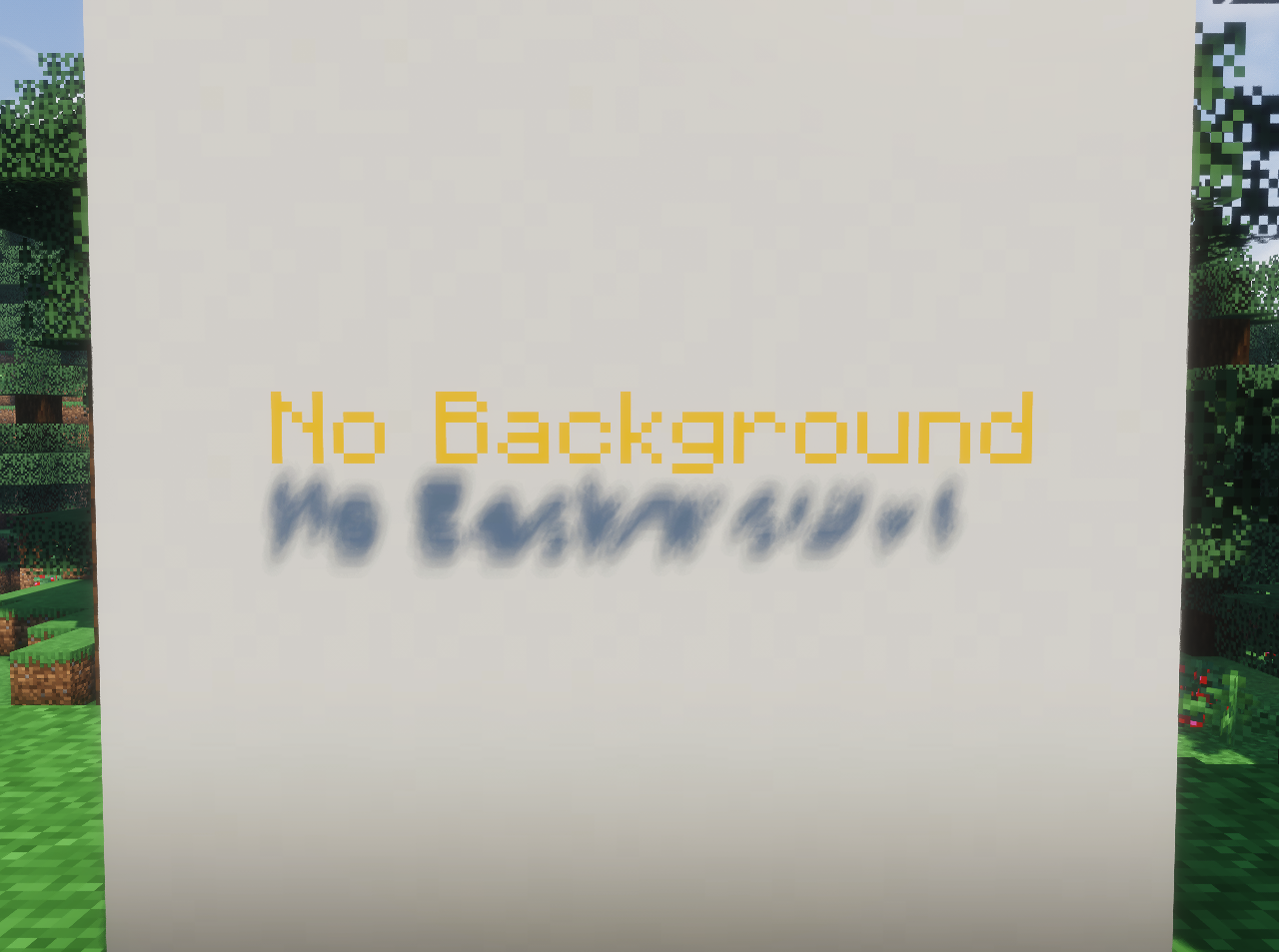
You can remove the background by using /trigger backgroundHolo if you wish (This action cannot be undone)
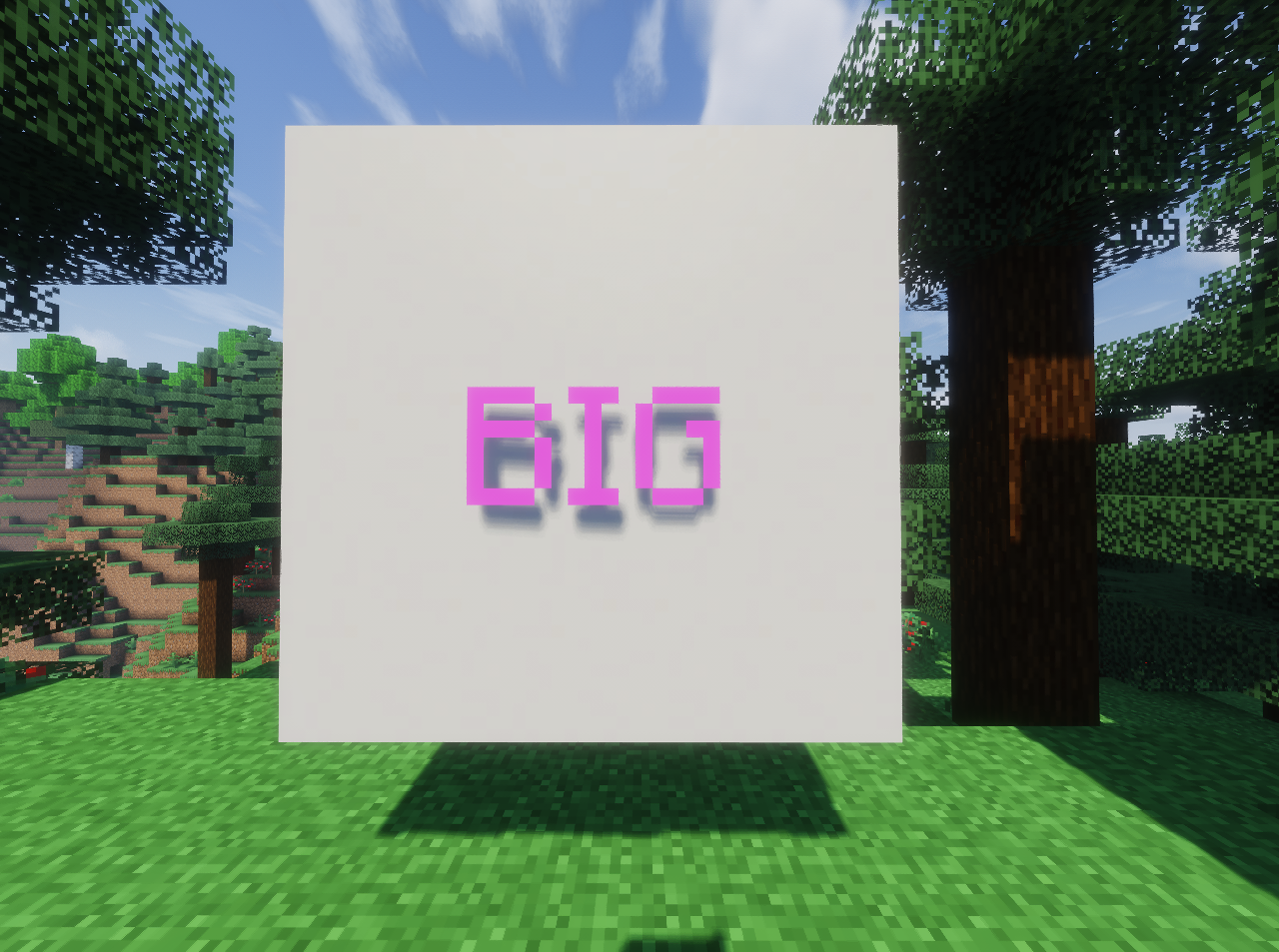
You can change the scale of your hologram by standing on it and executing /trigger scaleHolo set <int>. Default size is 1.
To delete a hologram, stand on the text and use /trigger deleteHolo.
If you want to prevent your hologram from being modified or deleted, you can use /trigger lockHolo. To allow changes again, use /trigger unlockHolo
🔧 Admin Commands
If you want to delete all holograms from your world, use the following command:
/function esholo:command/killall
A confirmation message will appear in chat, asking if you really want to remove all holograms.
Click the “Click here to execute” button, and then Yes to confirm.
📦 Uninstallation
The pack comes with an integrated uninstallation process. Please use /function esholo:command/uninstall before deleting the file from you datapack folder.
🧰 Report an issue
💬 If you encounter any issues with the datapack or have any suggestions, you can contact me through my Discord Server.
常见问题
Easy Holograms 支持哪些 Minecraft 版本?
Easy Holograms 支持 Minecraft Java 版 1.21.7–1.21.8,共 2 个版本。下载时注意选择和你游戏版本一致的文件。
Easy Holograms 怎么安装?
新建世界时在「数据包」里把下载的 .zip 拖进去;已有的存档,把文件放进存档目录下的 datapacks 文件夹,进游戏输入 /reload 即可生效。服务器同样放在世界目录的 datapacks 里。

评论
登录后评论和评分