
DisplayTime
A datapack that allows you to display in-game time and day count in Minecraft.
截图

介绍
Display Time
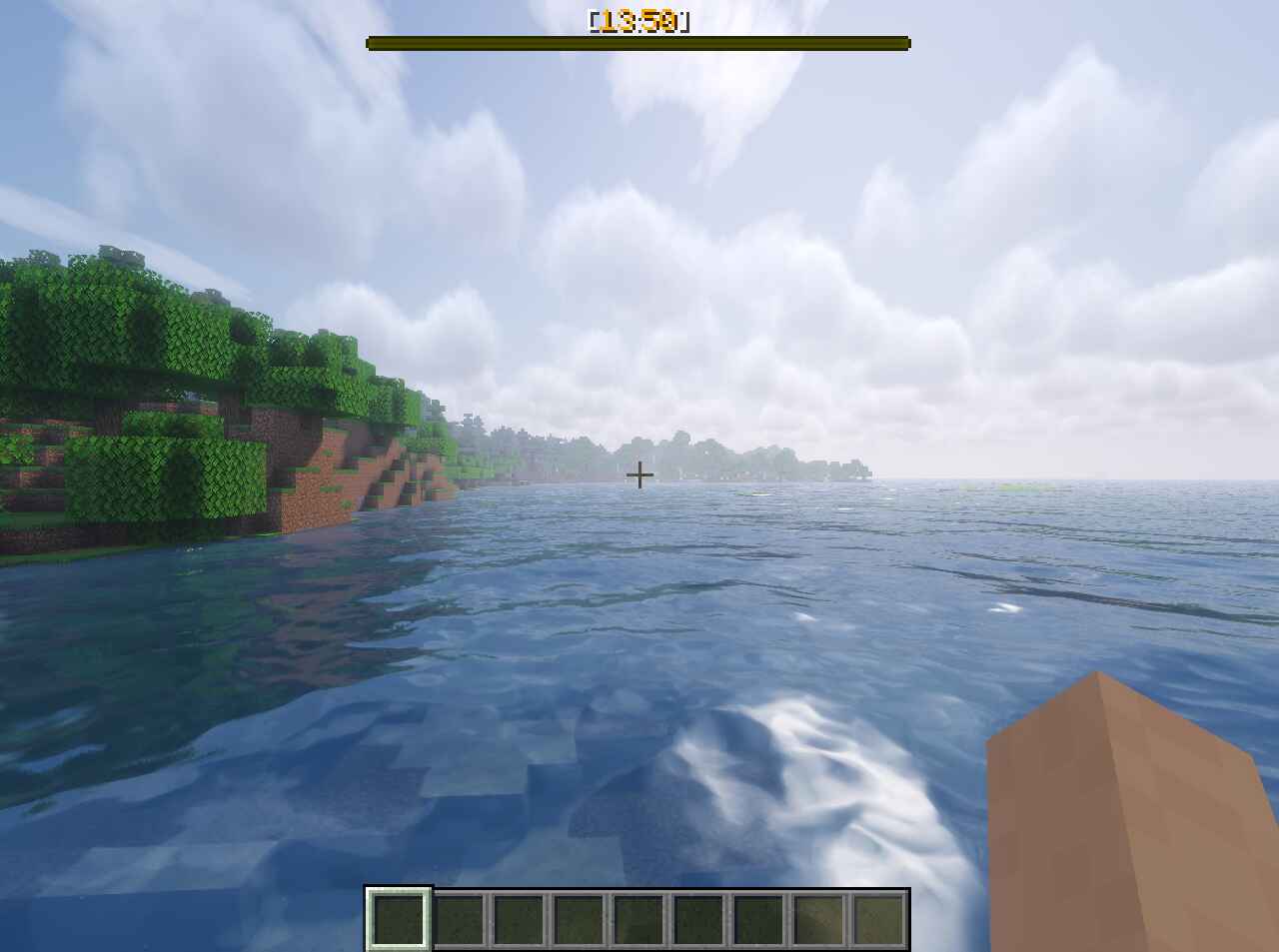
This datapack allows you to display in-game time and current day count.
⚙️ Options
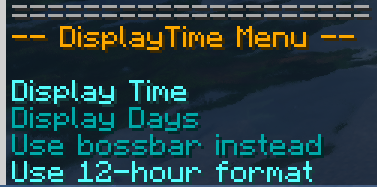
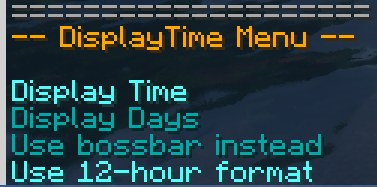
You can use the /trigger displayTime command to access the user options menu.
In this menu you can choose which information you want to display (Time, Day Count), you can also choose where you want to display them (Hotbar or Bossbar) and in which format (12H or 24H)
⚠️ The 12H format only works with the hotbar display.
📦 Installation and Uninstallation
Use /function displaytime:init command to initialize the datapack.
To properly uninstall the datapack, use the /function displaytime:uninstall command.
🧰 Report an Issue
💬 If you encounter any issues with the datapack or have any suggestions, you can contact me through my Discord Server.
常见问题
DisplayTime 支持哪些 Minecraft 版本?
DisplayTime 支持 Minecraft Java 版 1.21.5–1.21.10,共 6 个版本。下载时注意选择和你游戏版本一致的文件。
DisplayTime 怎么安装?
新建世界时在「数据包」里把下载的 .zip 拖进去;已有的存档,把文件放进存档目录下的 datapacks 文件夹,进游戏输入 /reload 即可生效。服务器同样放在世界目录的 datapacks 里。

评论
登录后评论和评分