
截图


介绍
中文介绍正在准备中,下面暂时显示原文。
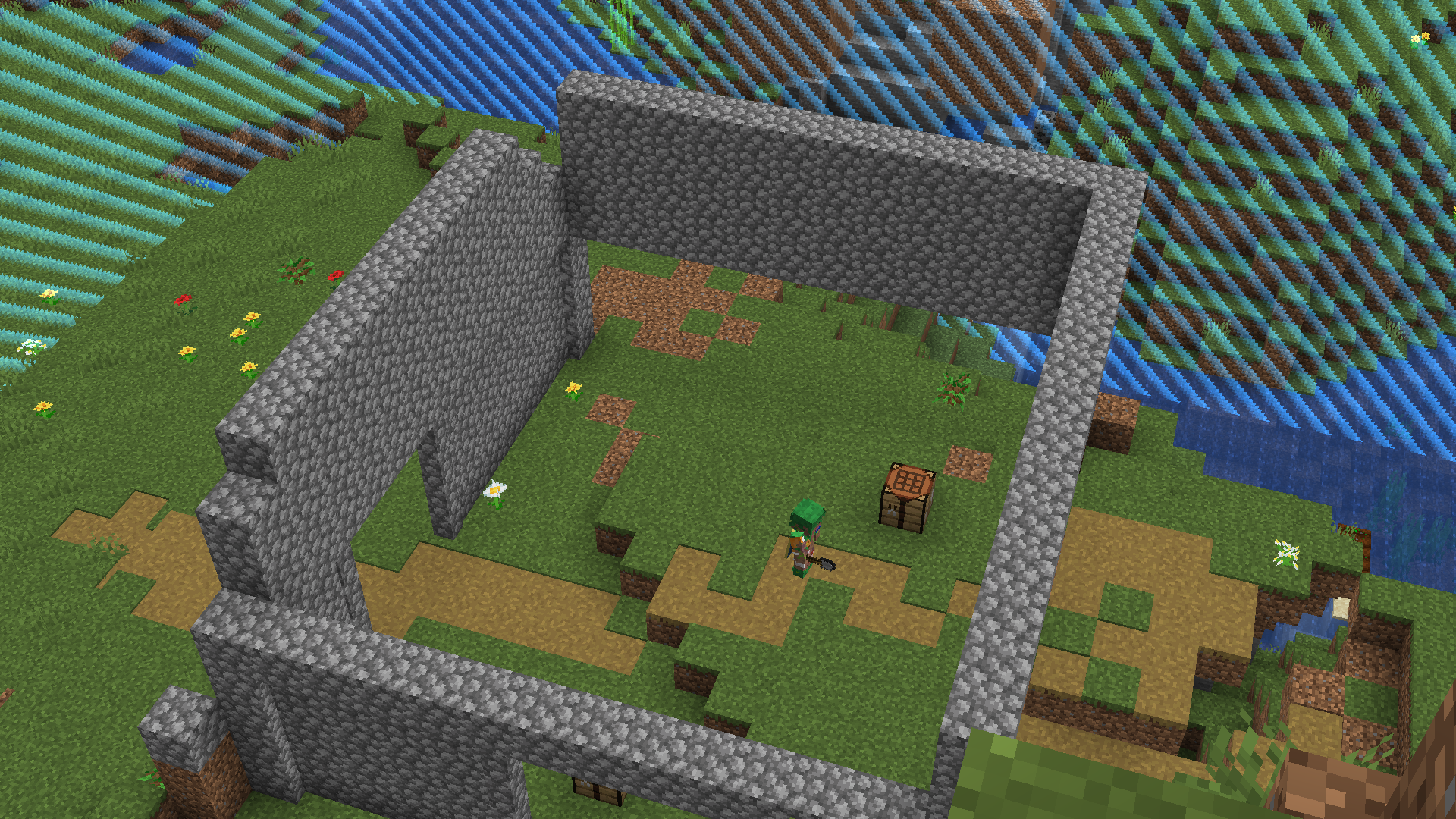
Add an extra challenge to your Minecraft World by putting a world border at the start, it starts off as 4 blocks wide as you progress the border gets bigger, but every 100 blocks, the timer becomes longer.
How To Setup The Datapack
Put the datapack into a world / server of your choice.
- If importing during a current world that’s already been booted up, install and type
/reloador reboot the world. - 1.0.3v and above do NOT need this prompt, but if you are playing on 1.0.2 and below this prompt will show up:

- You need OP in order to make sure this works.
Commands
If you want to modify how much time is added to timer every 100 blocks, Use this command:
Insert how long you want it to be in ticks (20 Ticks = 1 second)
Default is 100.
If you want to see the current border size, use this: ```/trigger bordersize```
It will display in your actionbar and show you the current border size.
# Crafting / Loot Tables
The Dirt block drops sticks along side with dirt.
Here is how you craft OAK PLANKS:

Note: Normal Oak crafting still works too!
You can also craft emeralds, this is how:

You can smelt Rotten Flesh for Leather:
常见问题
Border Expanse 支持哪些 Minecraft 版本?
Border Expanse 支持 Minecraft Java 版 1.20.6–26.2,共 4 个版本。下载时注意选择和你游戏版本一致的文件。
Border Expanse 怎么安装?
新建世界时在「数据包」里把下载的 .zip 拖进去;已有的存档,把文件放进存档目录下的 datapacks 文件夹,进游戏输入 /reload 即可生效。服务器同样放在世界目录的 datapacks 里。


评论
登录后评论和评分