
Create: Jukebox Displays
Adds the Jukebox as a display source for use with Create Display Links and Goggles.
截图


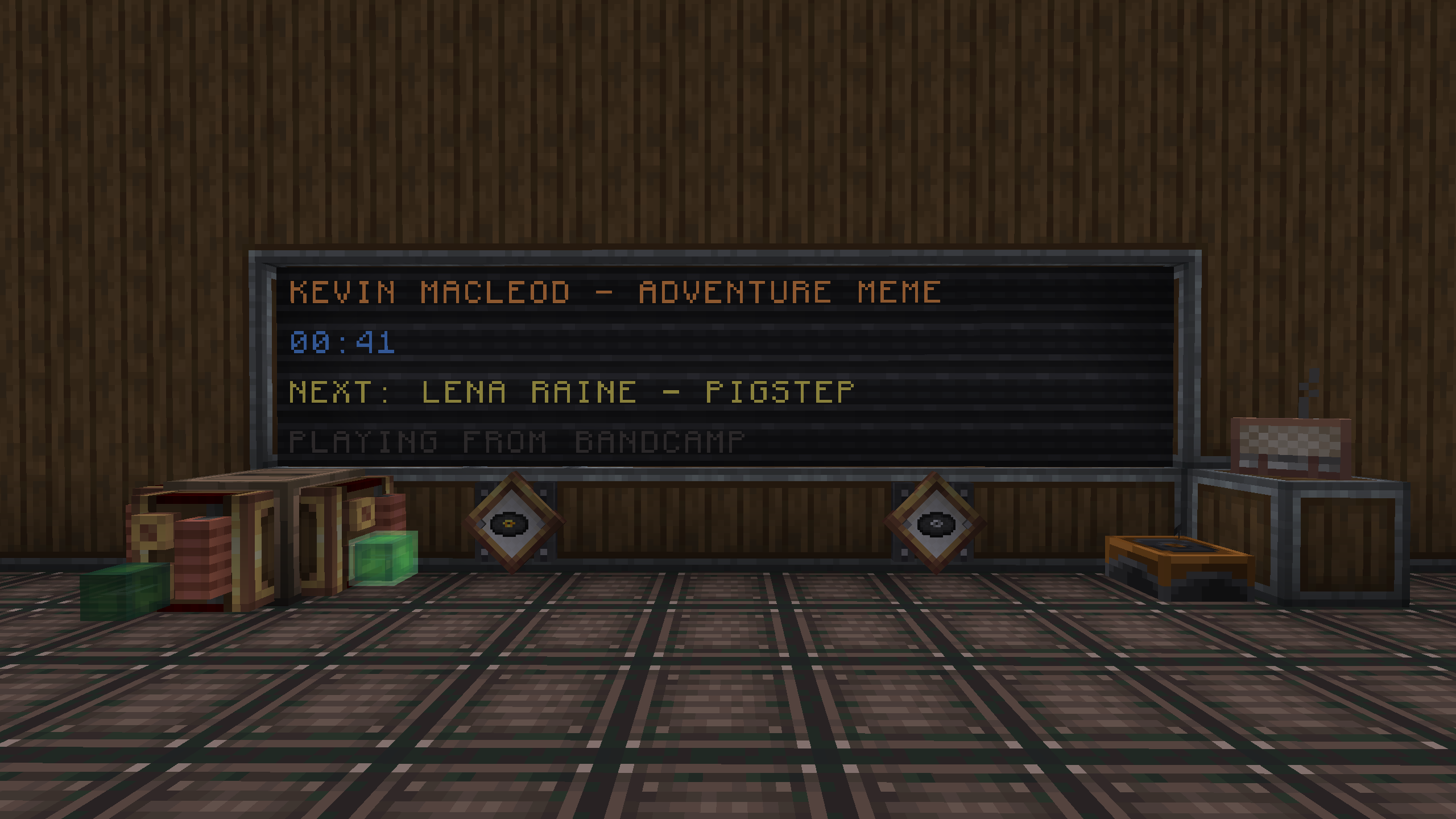

介绍
I made this mod because I wanted to make a now playing board but the Jukebox is not a display source in vanilla Create.
Optionally, even more possibilities are unlocked by using Etched + the Album Jukebox and its special display types
Wiki
Display Modes: https://docs.ducky.wiki/mods/createjukeboxdisplay/display_types
Display Modes
Current Song – Displays the full song title and artist (Artist – Title)
Song Title – Displays only the song title
Artist Name – Displays only the song artist
Short Elapsed Time – The amount of time the Jukebox has been playing the current track, formatted as
mm:ss
Long Elapsed Time – The amount of time the Jukebox has been playing the current track, formatted as
m minutes s seconds
Redstone Power – If applicable, the redstone power level provided by the currently playing music disc
Customizable Goggle Overlay
Choose between Informative and Compact styles, or disable goggle tooltips altogether.
Toggle certain parts of the overlay to fine-tune your ‘goggling’ experience
Made by @duckyyylol




常见问题
Create: Jukebox Displays 支持哪些 Minecraft 版本?
Create: Jukebox Displays 支持 Minecraft Java 版 1.21.1,可用的加载器:NeoForge。下载时注意选择和你游戏版本一致的文件。
Create: Jukebox Displays 怎么安装?
先用 PCL2 或 HMCL 启动器安装对应版本的 NeoForge,再把下载的 .jar 文件放进游戏目录的 mods 文件夹,重新启动游戏即可。开启了版本隔离的,mods 文件夹在 versions/版本名 下面。运行环境:客户端和服务端都要装。

评论
登录后评论和评分