
Dye Blocks
Concrete is so last year. Quench your thirst for actually solid-colored blocks without compromising on the vanilla feel!
截图


介绍
Dye Blocks
Concrete is so last year. Quench your thirst for actually solid-colored blocks without compromising on the vanilla feel!
Usage
- Craft the Dye Template item using x9 White Dye.
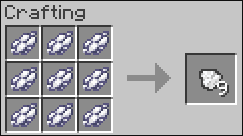
Dye Template crafting recipe
- Right now, the Dye Template item is only used to craft the Dye Template Block
- Craft the Dye Template Block using x9 Dye Template
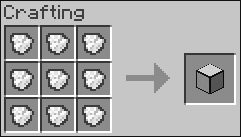
Dye Template Block crafting recipe
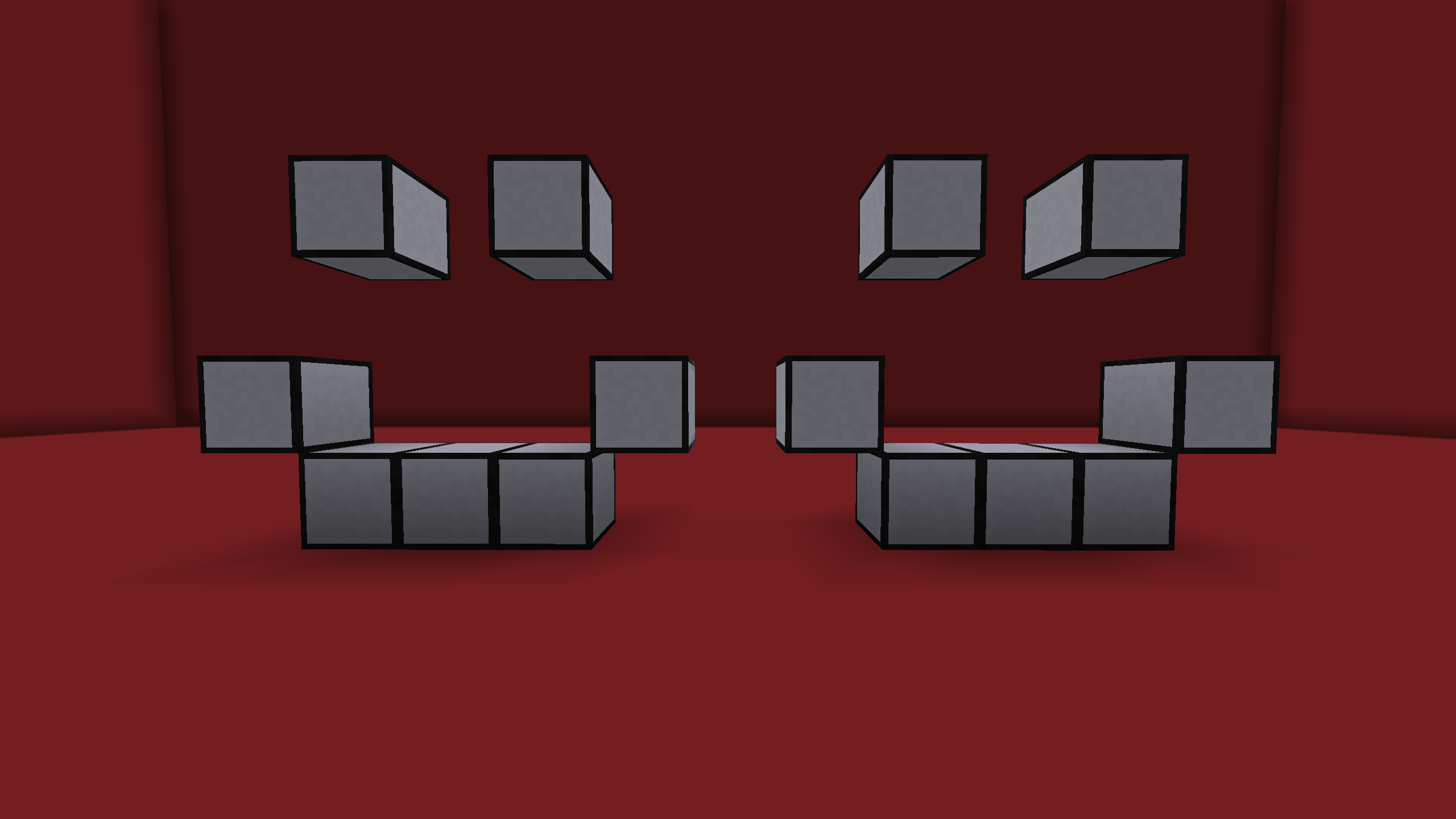
Dye Template Blocks
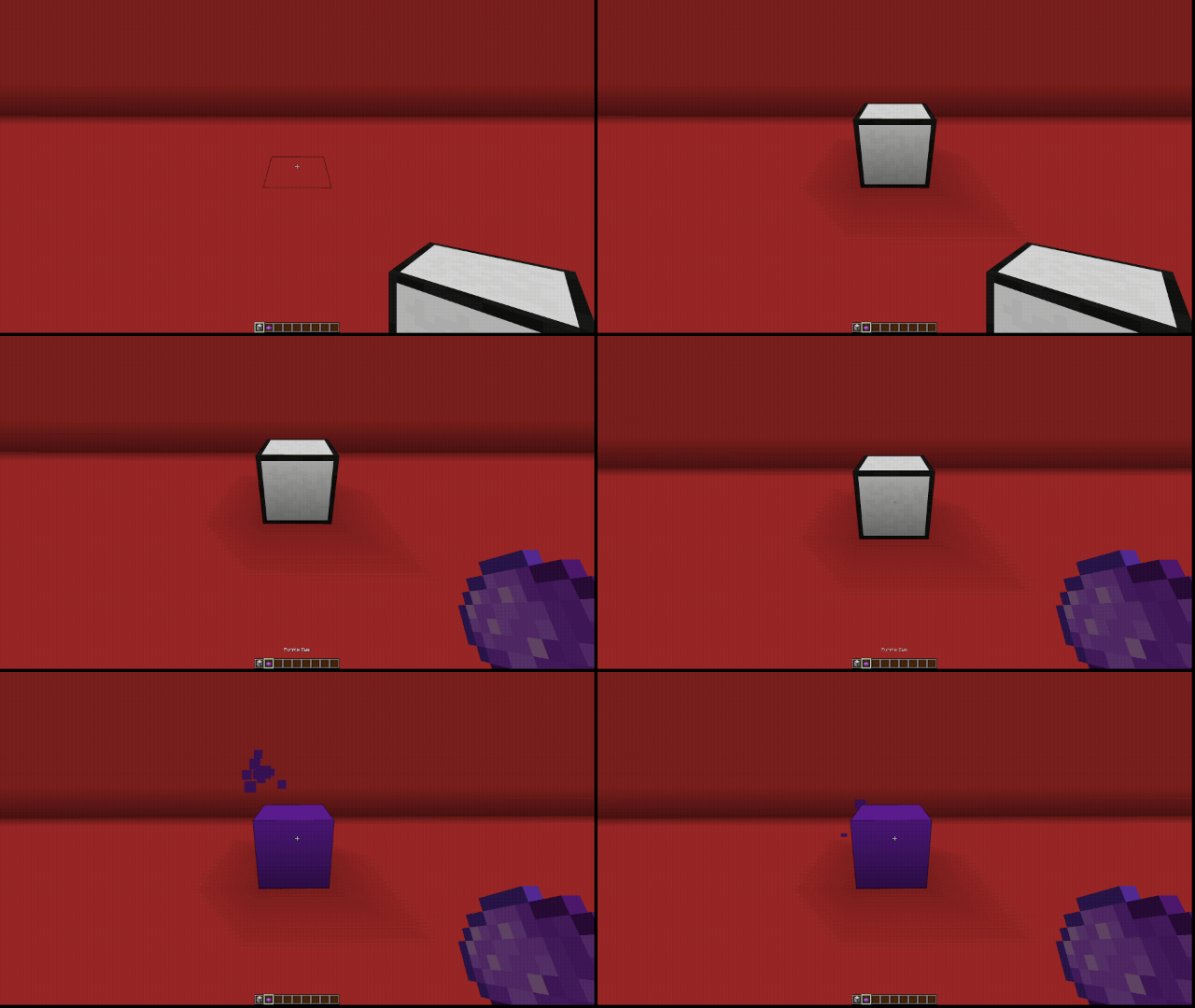
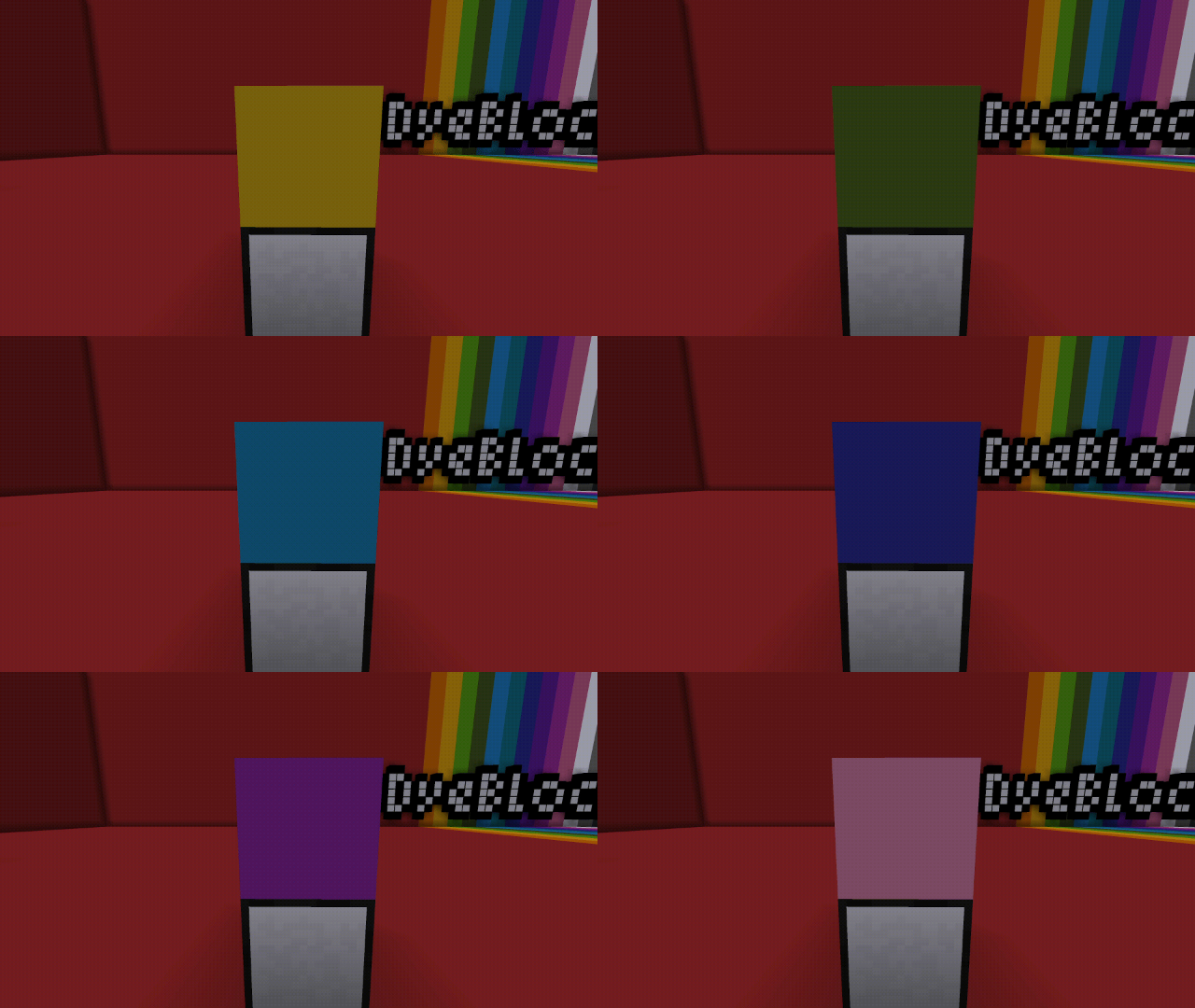
- Place & Right-click on a Dye Template Block with any dye to create a dye block.
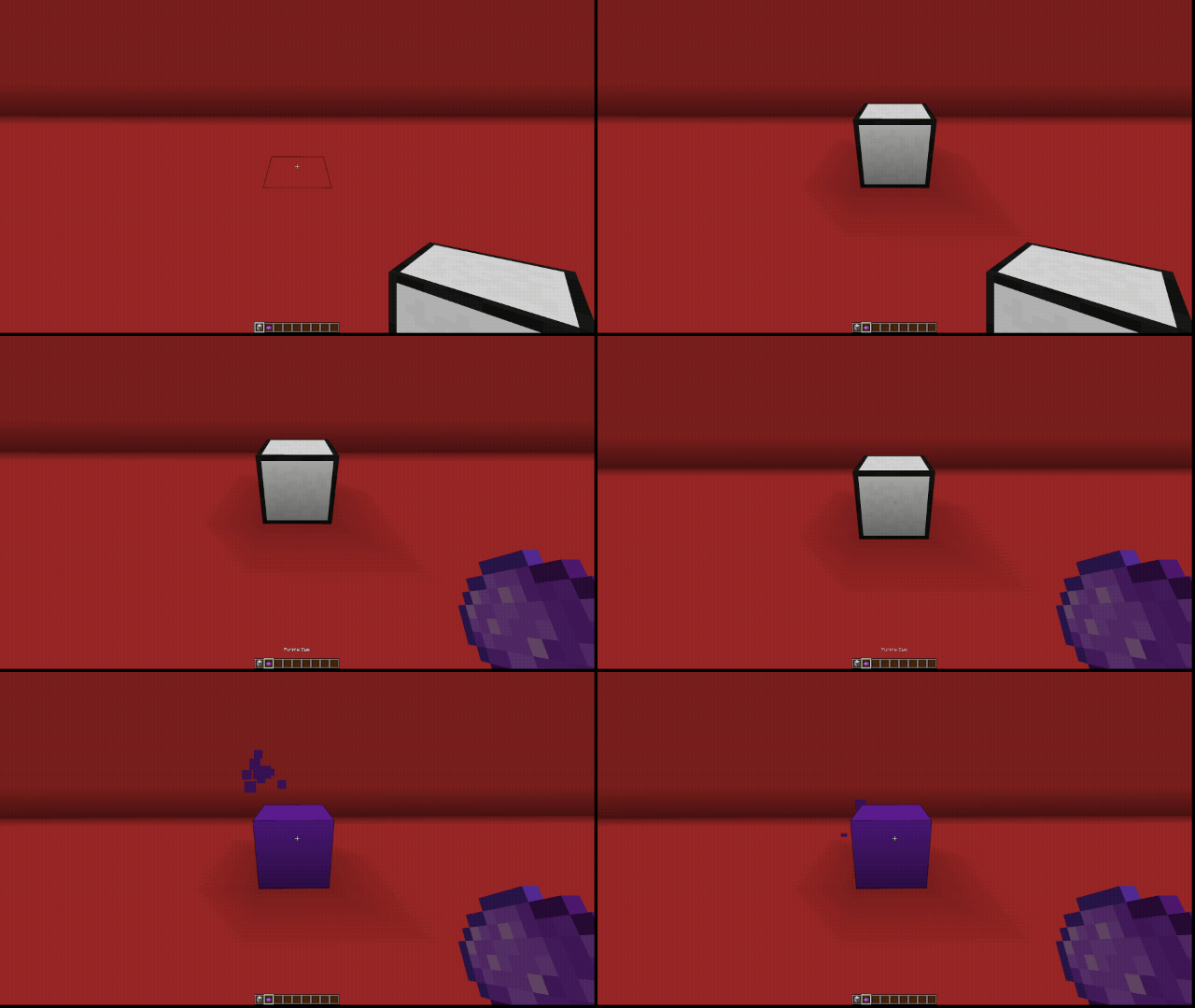
- The Super Dye Block is crafted shapelessly using x8 Dye Blocks and a Dye Template Block.
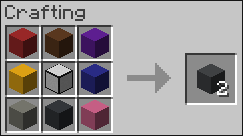
Super Dye Block crafting recipe
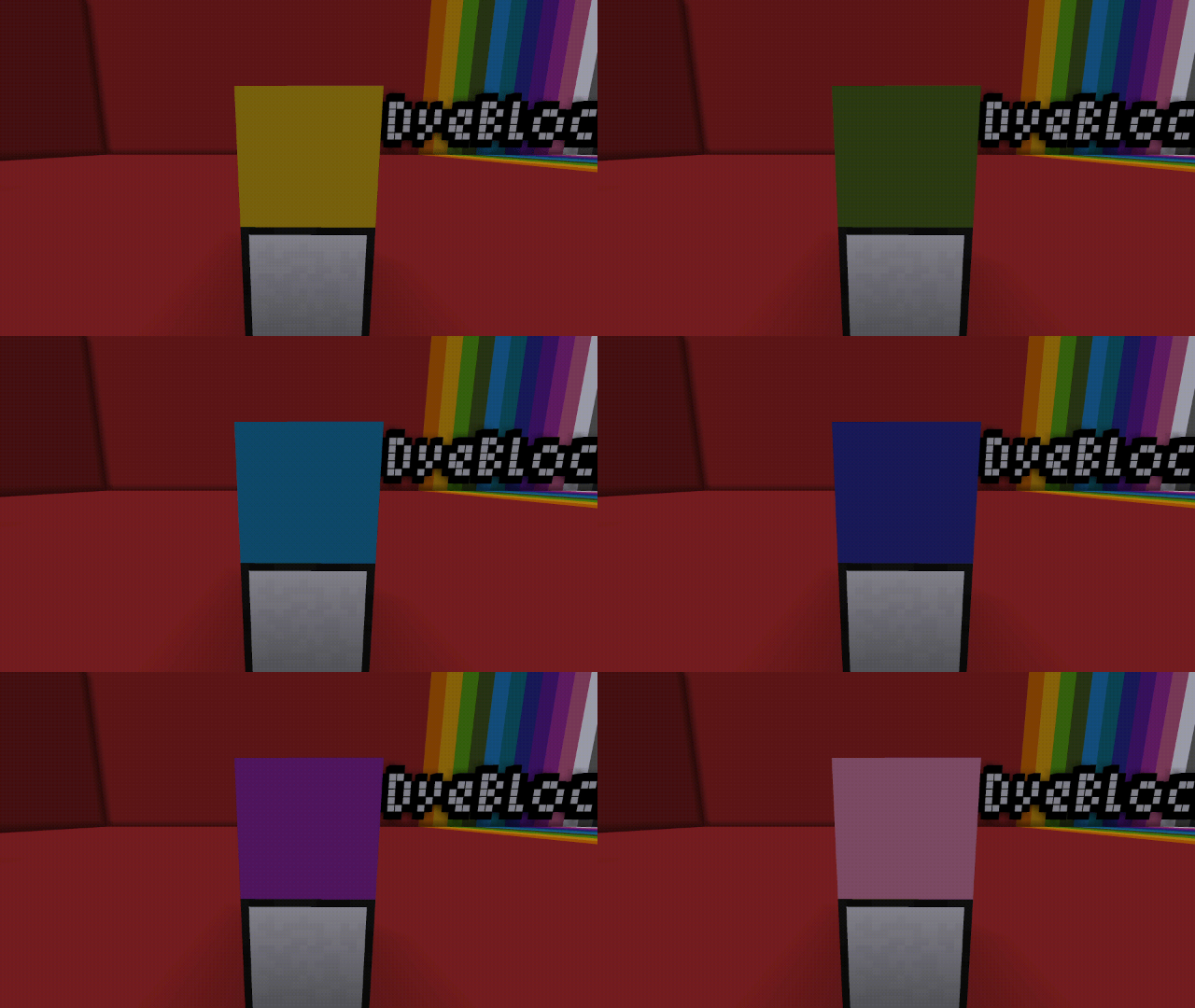
- The Super Dye Block cycles its texture between all 16 colored Dye Blocks.
Supported Versions
- NeoForge 1.21.1
Extra Info & Support
This is the first mod I’ve published, and my first time using NeoForge. I can not guarantee any new features, unless I hear something really good 😂
Join my Discord server if you have any issues installing/using the mod, I’ll do my best to help. 🙂
Made by @duckyyylol




常见问题
Dye Blocks 支持哪些 Minecraft 版本?
Dye Blocks 支持 Minecraft Java 版 1.21.1,可用的加载器:NeoForge。下载时注意选择和你游戏版本一致的文件。
Dye Blocks 怎么安装?
先用 PCL2 或 HMCL 启动器安装对应版本的 NeoForge,再把下载的 .jar 文件放进游戏目录的 mods 文件夹,重新启动游戏即可。开启了版本隔离的,mods 文件夹在 versions/版本名 下面。运行环境:客户端和服务端都要装。

评论
登录后评论和评分