
Dash’s Custom Background Music Mod
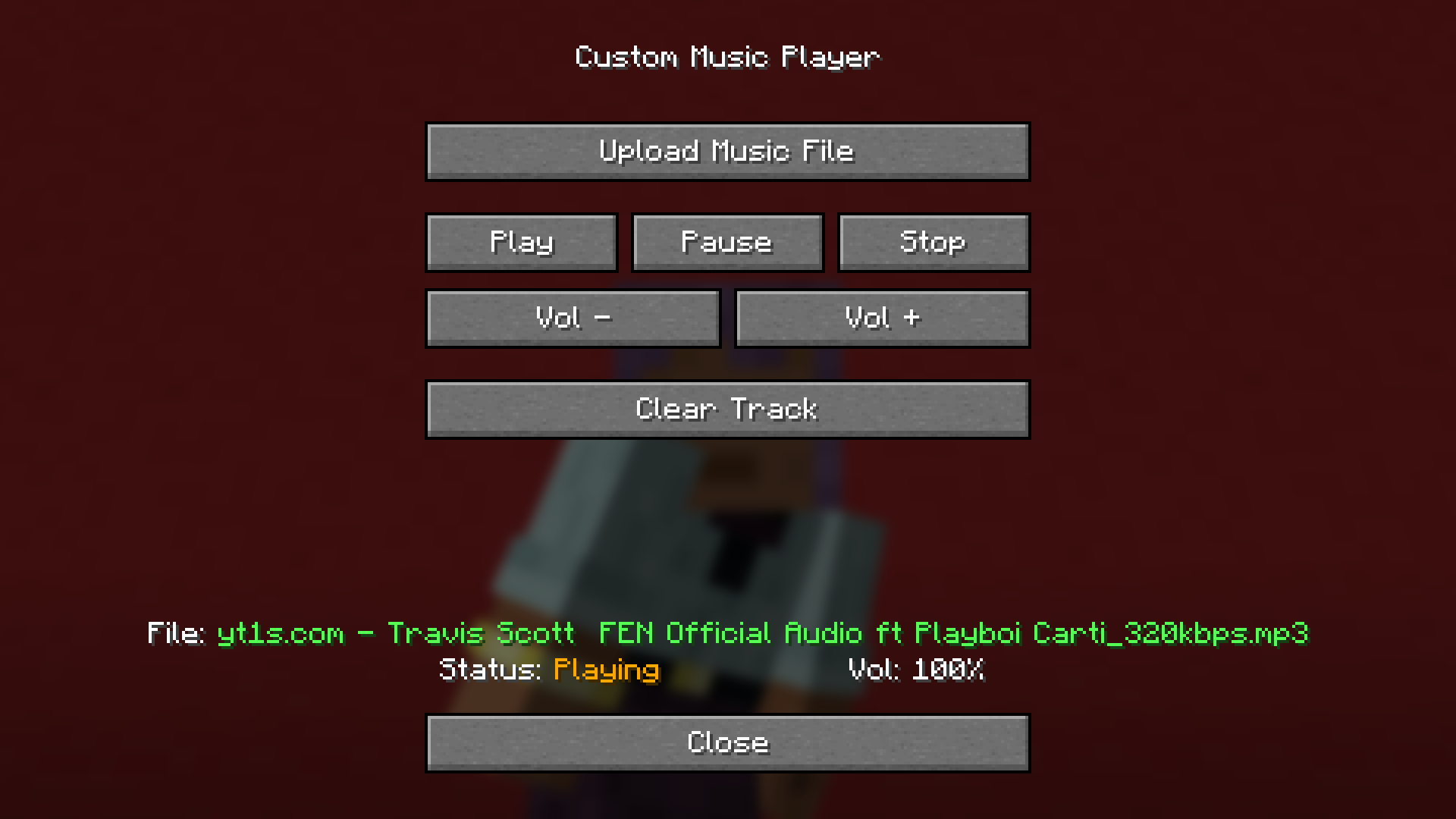
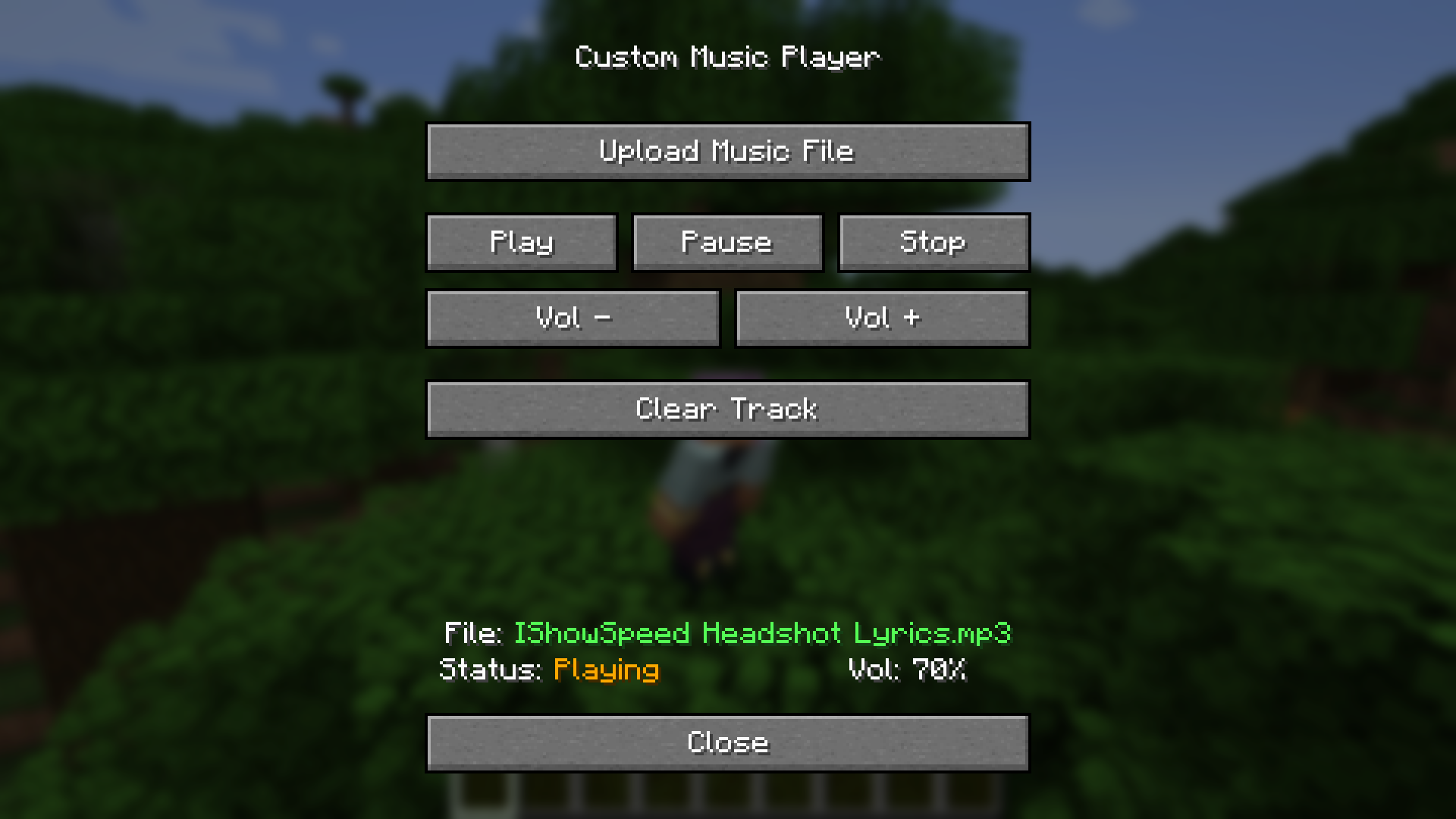
A JLayer based mod that allows the user to upload MP3 files to play as background music.
截图
介绍
Dash’s Custom Background Music Mod



Tired of the same old tracks? Dash’s Custom Background Music Mod gives you total control over your game’s atmosphere by allowing you to replace the vanilla soundtrack with your own music files. _Tutorials Below!_
🎵 Key Features
- Total Replacement: This mod automatically overrides Minecraft’s native music system. You’ll never have to worry about your custom tracks overlapping with the default game music.
- Easy MP3 Support: No complex conversions needed. Simply upload your
.mp3files and you’re ready to go. - Per-Track Volume Control: Fine-tune your experience with built-in volume sliders for every song you add. Make that boss theme epic or keep the building music subtle.
- Seamless Integration: Designed to feel like a native part of the Minecraft UI.
- Custom Playlists: As many playlists as you want!
📋 Compatibility
| Loader | Version | Status |
| :— | :— | :— |
| Neoforge | 1.21.1 | ✅ Supported |
🧑🏫 Playlist Tutorial
- Go to the instance root folder.

- Go to the instance config folder.

- Go to custom background music’s config.
- Create a new folder and name it whatever you’d like.

- Add your .mp3 files and launch the game!

💬 Frequently Asked Questions
Q: Will I hear the original Minecraft music? A: No. This mod completely overrides the vanilla music engine to ensure only your custom tracks play.
Q: Can I change the volume while a song is playing? A: Yes! The volume buttons update the audio levels in real-time.
Q: What file formats are supported? A: Only .mp3 files are supported thus far, I am unfortunately not planning to add compat for other formats.
Created by Dash Your world. Your music.
常见问题
Dash’s Custom Background Music Mod 支持哪些 Minecraft 版本?
Dash’s Custom Background Music Mod 支持 Minecraft Java 版 1.21.1,可用的加载器:NeoForge。下载时注意选择和你游戏版本一致的文件。
Dash’s Custom Background Music Mod 怎么安装?
先用 PCL2 或 HMCL 启动器安装对应版本的 NeoForge,再把下载的 .jar 文件放进游戏目录的 mods 文件夹,重新启动游戏即可。开启了版本隔离的,mods 文件夹在 versions/版本名 下面。运行环境:仅客户端。
Dash_Ketch Coding 的其他作品
查看全部 →
Dash’s Custom Music Discs Mod
An addon mod for Dash's Custom Background Music Mod that adds the ability to create, burn, and play custom music discs.
Dash’s Custom Background Music Mod
A JLayer based mod that allows the user to upload MP3 files to play as background music.

Dash’s ToDo Mod
A simple minecraft mod that lets the user have a ToDo list.

GAR Mod
This is a huge mod that adds Blueprint's GAR to Minecraft.
评论
登录后评论和评分