
截图
介绍
📝 Simple ToDo List



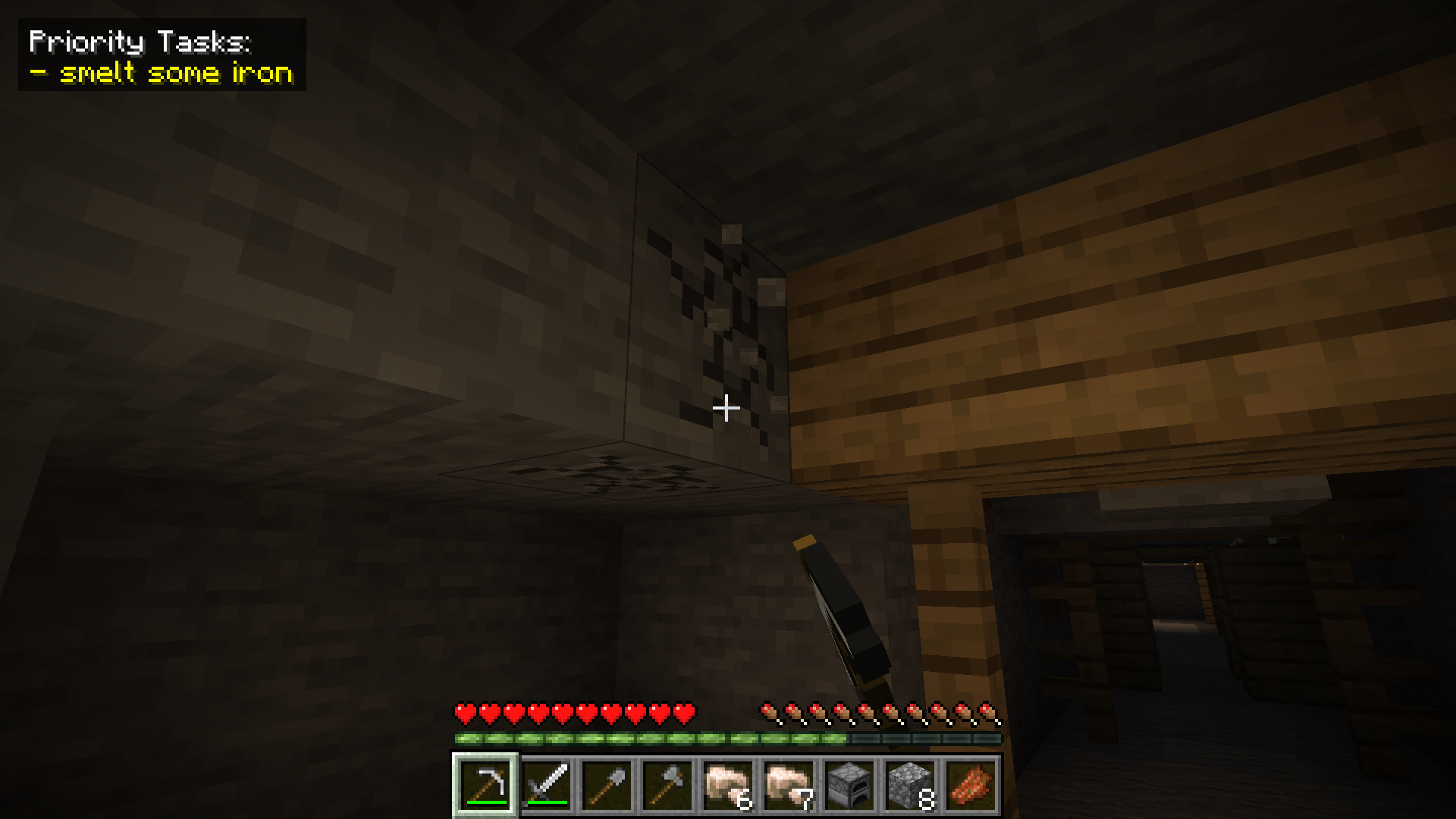
Keep your Minecraft projects organized without ever leaving the game! Whether you are planning a massive megabase or just reminding yourself to smelt some iron, this mod provides a clean, integrated way to manage your tasks.
🚀 Features
- Integrated ToDo GUI: A dedicated interface to add, edit, and remove your goals easily.
- Toggleable HUD: Keep your current tasks on-screen while you play, or hide them for full immersion.
- Smart Line Wrapping: No more cut-off text! Long tasks automatically wrap to fit the interface, keeping your list clean and readable.
- Icons! : Render you tasks list with icons by holding an item in your main hand and Ctrl + L-Clicking you task in the gui, then switching your hud mode to icons by using the new button in the gui!
- Lightweight & Fast: Designed to be performance-friendly and stay out of the way of your gameplay.
⌨️ Keybindings
Stay in control with these default hotkeys (you can rebind these in your standard Minecraft controls menu):
| Action | Key |
| :— | :— |
| Open ToDo Menu | N |
| Toggle HUD Visibility | H |
🛠️ How to Use
- Manage Tasks: Press ‘N’ to open the main menu. From here, you can add new objectives or check off completed ones.
- Visual Tracking: Your tasks will appear on your screen via the HUD.
- Icon Rendering: You can switch your task hud mode to icons for a more concise task list.
- Clean View: If you need a clear screen for a screenshot or combat, simply tap ‘H’ to toggle the HUD off.
📦 Installation
- Ensure you have the correct version of Fabric or Forge installed.
- Drop the
.jarfile into yourmodsfolder. - Launch the game and start crossing items off your list!
Made by Dash_Ketch
常见问题
Dash’s ToDo Mod 支持哪些 Minecraft 版本?
Dash’s ToDo Mod 支持 Minecraft Java 版 1.21.1,可用的加载器:NeoForge。下载时注意选择和你游戏版本一致的文件。
Dash’s ToDo Mod 怎么安装?
先用 PCL2 或 HMCL 启动器安装对应版本的 NeoForge,再把下载的 .jar 文件放进游戏目录的 mods 文件夹,重新启动游戏即可。开启了版本隔离的,mods 文件夹在 versions/版本名 下面。运行环境:仅客户端。
Dash_Ketch Coding 的其他作品
查看全部 →
Dash’s Custom Music Discs Mod
An addon mod for Dash's Custom Background Music Mod that adds the ability to create, burn, and play custom music discs.

Dash’s Custom Background Music Mod
A JLayer based mod that allows the user to upload MP3 files to play as background music.
Dash’s Custom Background Music Mod
A JLayer based mod that allows the user to upload MP3 files to play as background music.

GAR Mod
This is a huge mod that adds Blueprint's GAR to Minecraft.
评论
登录后评论和评分