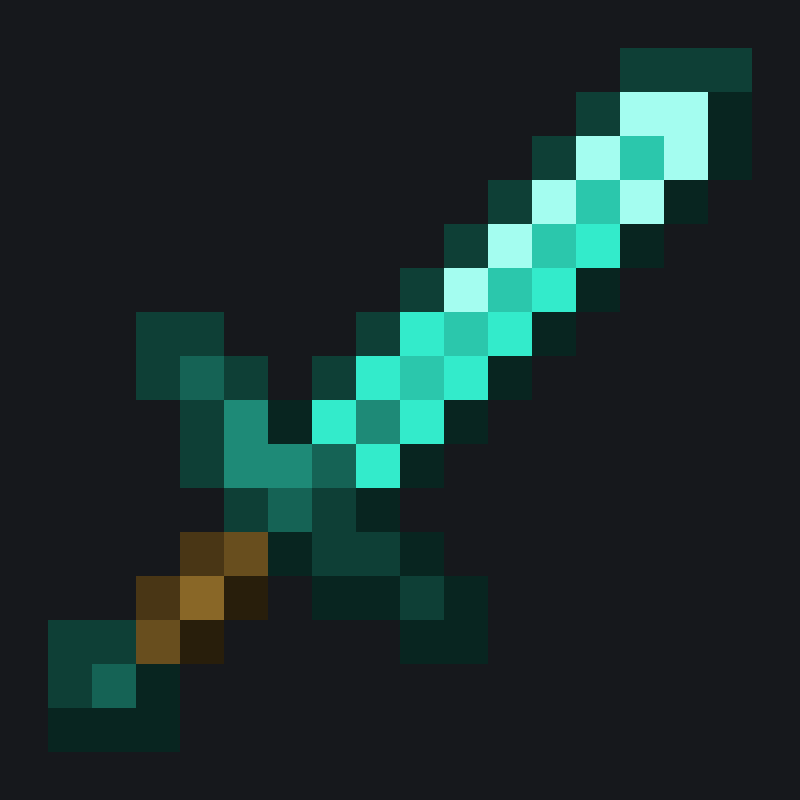
截图
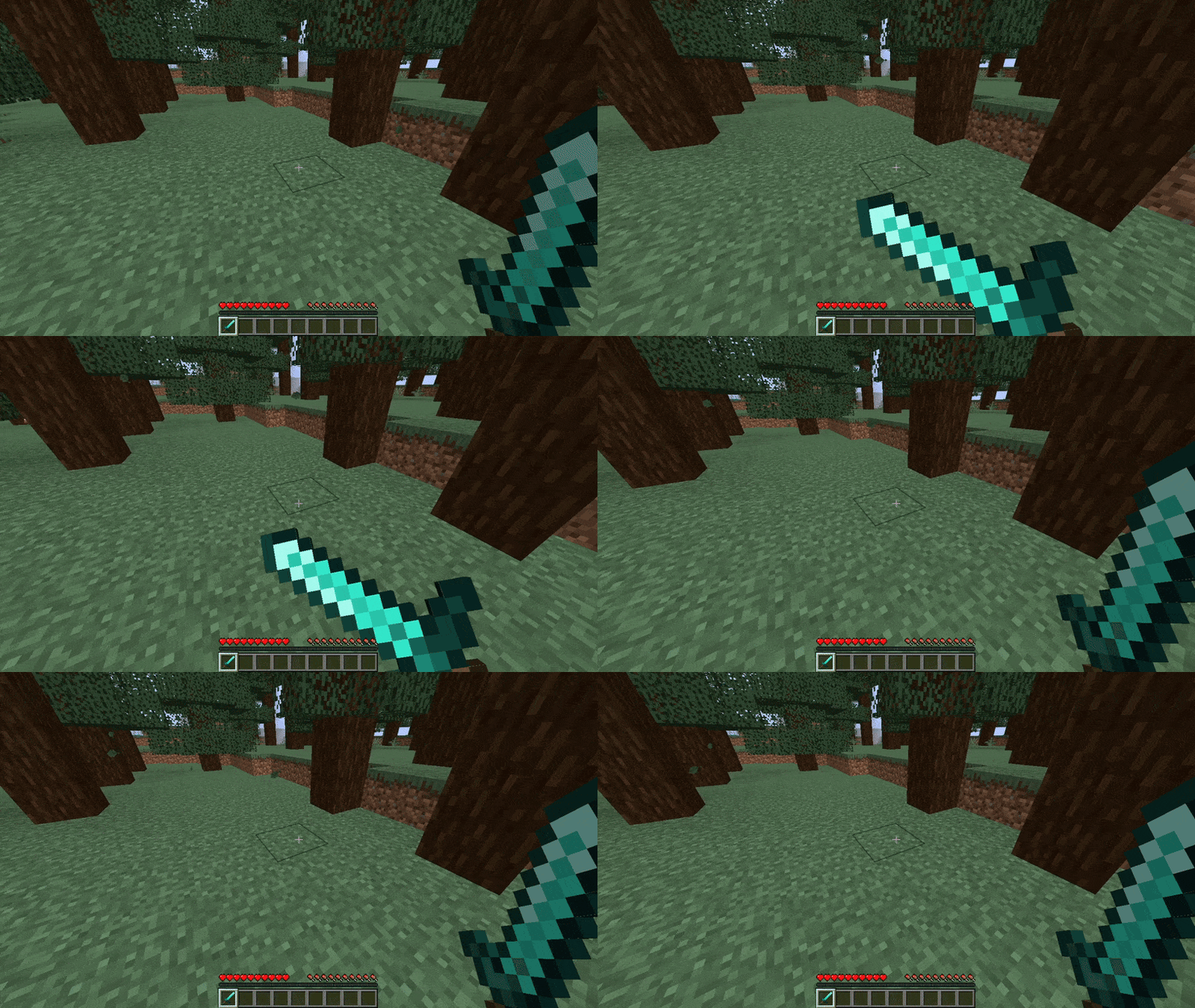
介绍
中文介绍正在准备中,下面暂时显示原文。
🛡️ Sword Blocking
This datapack brings the sword blocking feature back to the game.
🧱 Compatibility
- This datapack only works on versions 25w04a(1.21.5) and above
✨ Features
- Works with all swords
📦 Installation
- Download the datapack
.zipfile. - Place it in your world’s
datapacksfolder. - Use
/reloadafter joining the world. - You’re all set! Move around and see your coordinates at the bottom of your screen.
🌐 ITITAN Hosting

💬 Feedback and Request
_If you have a request or feedback, please write them in to my discord 3geetr._
常见问题
Sword Blocking 支持哪些 Minecraft 版本?
Sword Blocking 支持 Minecraft Java 版 1.21.5–26.3,共 12 个版本,可用的加载器:Fabric / Forge / NeoForge / Quilt。下载时注意选择和你游戏版本一致的文件。
Sword Blocking 怎么安装?
先用 PCL2 或 HMCL 启动器安装对应版本的 Fabric / Forge / NeoForge / Quilt,再把下载的 .jar 文件放进游戏目录的 mods 文件夹,重新启动游戏即可。开启了版本隔离的,mods 文件夹在 versions/版本名 下面。运行环境:客户端 / 服务端。
CrafTea 的其他作品
查看全部 →
Thirst Bar
by CrafTea, 3geE
Adds a thirst bar to the game.
2.9万
1 个月前
Modrinth

Glass Hotbar Connected
by CrafTea, 3geE
This resource pack changes the hotbar background to glass.
2.8万
3 个月前
Modrinth

Dennis Painting On Java Mod
by CrafTea, 3geE
Adds the Dennis(Good Boy) painting from Bedrock Edition to Java Edition.
1.3万
1 年前
Modrinth

Coordinate Bar
by 3geE, CrafTea
Displays your current coordinates in the action bar.
1.1万
1 年前
Modrinth
评论
登录后评论和评分