
截图
介绍
Ever used Spotlight from macOS, KDE’s KRunner or Visual Studio Code’s Command Palette? Did you ever wish that Minecraft had a similar feature? Anybody?
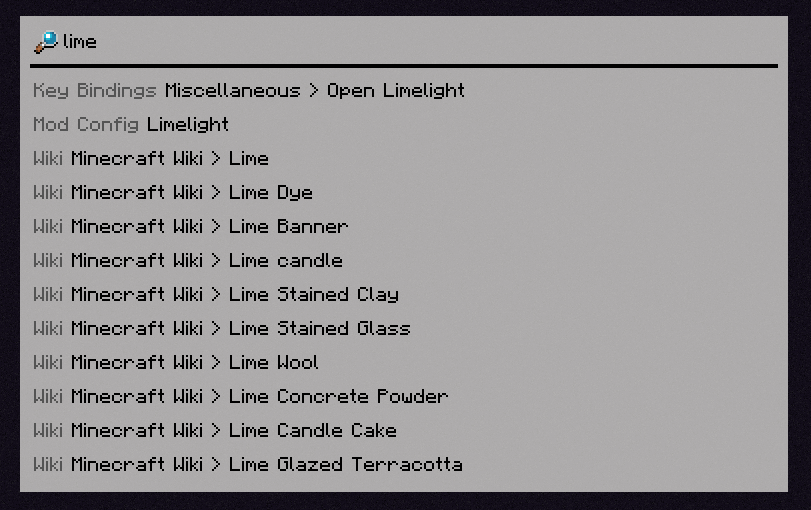
Limelight is a mod meant to add a command palette similar in design to macOS’s Spotlight. Just press the [ key (configurable via keybind) and start typing!
Features
Invoke Keybinds
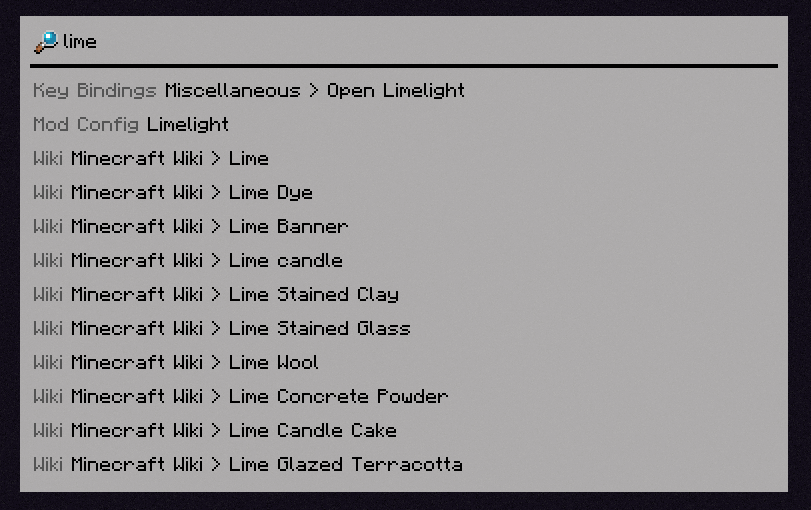
Similar in spirit to Too Many Binds, you can search for key bindings (even unbound ones) and run them from the command palette.

Open Mod Configs
If you have Mod Menu installed, you can search for mods’ names to open their respective config screens.

Calculator
Limelight includes a basic calculator that can be used to do quick math without leaving Minecraft.

Open Lavender Entries
If you have any mod’s Lavender book in your inventory, you can search for any entry from that book and immediately open it.
Query Wikis
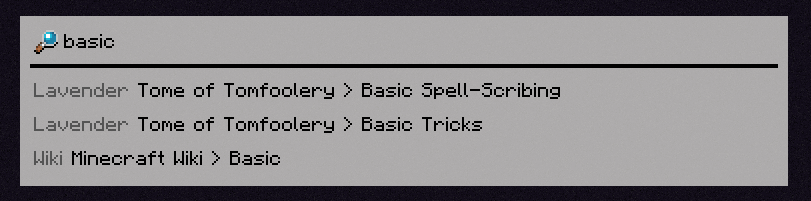
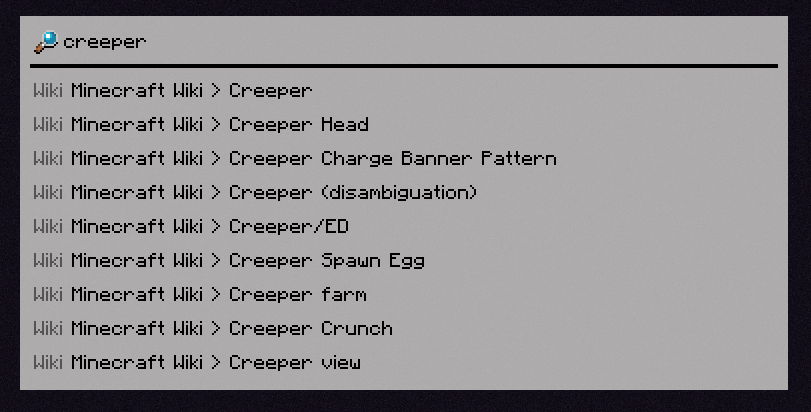
You can search through the Minecraft Wiki (and any wikis you manually add with a resource pack).
Bangs
You can specify what specifically you want to search for with a !bang, a feature borrowed from DuckDuckGo.
<img src="https://cdn.modrinth.com/data/cached_images/7fd7012505e1a0a7502abdbb02207f4fc1e6e9b3.png" alt="A search for !. Possible bangs are shown, and Limelight is showing a suggestion to autocomplete to ‘!config'” loading=”lazy”>
[INSERT FEATURE HERE]
Limelight includes an API for making extensions (which the aforementioned built-in extensions use themselves), which you can use in your mod to add compatibility or write a full-fledged Limelight addon.
常见问题
Limelight 支持哪些 Minecraft 版本?
Limelight 支持 Minecraft Java 版 1.21–1.21.5,共 3 个版本,可用的加载器:Fabric。下载时注意选择和你游戏版本一致的文件。
Limelight 怎么安装?
先用 PCL2 或 HMCL 启动器安装对应版本的 Fabric,再把下载的 .jar 文件放进游戏目录的 mods 文件夹,重新启动游戏即可。开启了版本隔离的,mods 文件夹在 versions/版本名 下面。运行环境:仅客户端。
enjarai 的其他作品
查看全部 →
Do a Barrel Roll
Minecraft 鞘翅版微软飞行模拟器。

CICADA
令人困惑、有趣且相当中立的开发辅助工具
Show Me Your Skin!
隐藏或自定义盔甲显示效果的模组。
Show Me Your Skin! (Hide armor)
一款可隐藏或自定义盔甲显示效果的模组。
评论
登录后评论和评分