
Create Style Scaffolding
Makes vanilla scaffolding act like Create's metal scaffolding
截图
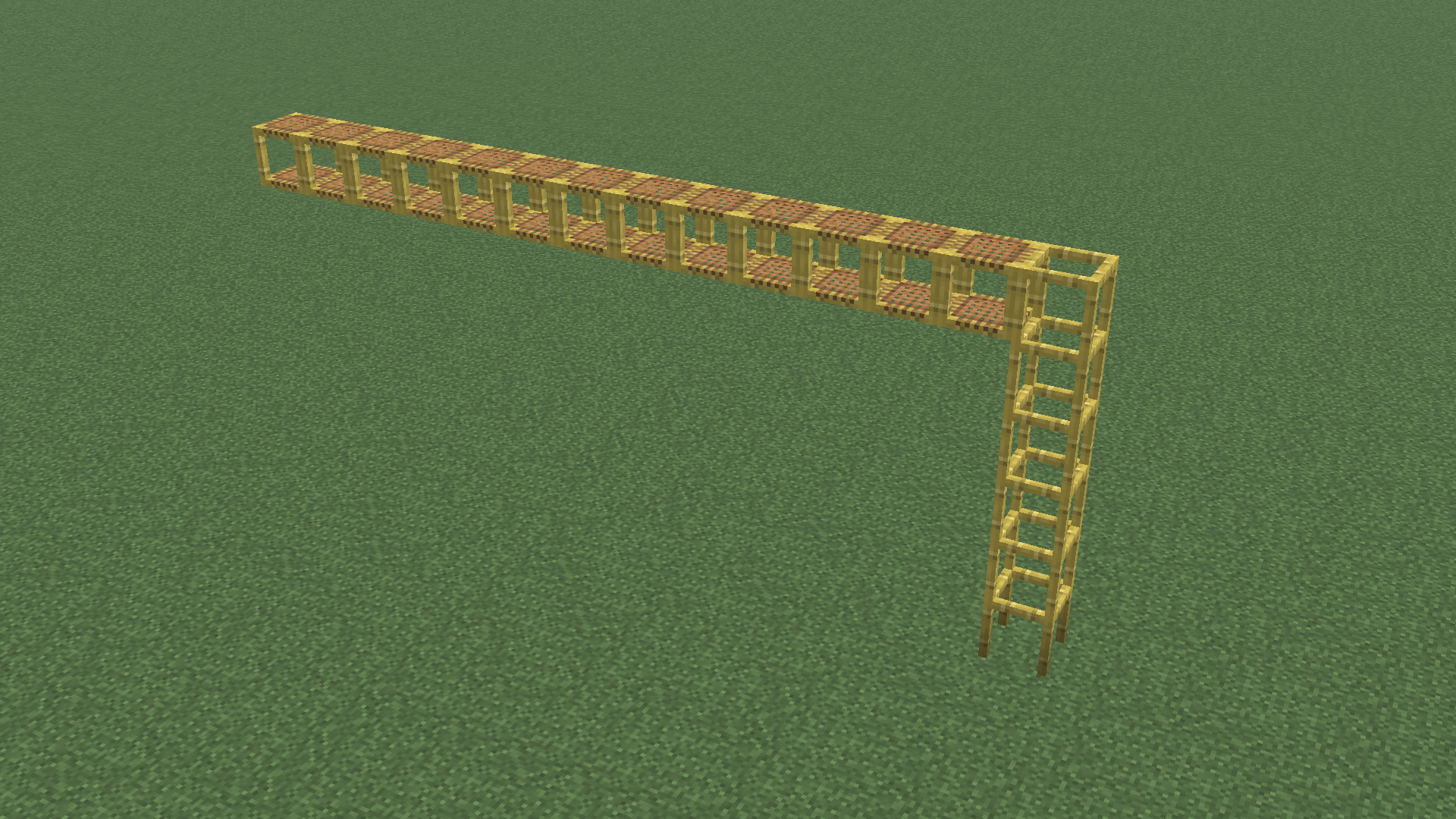
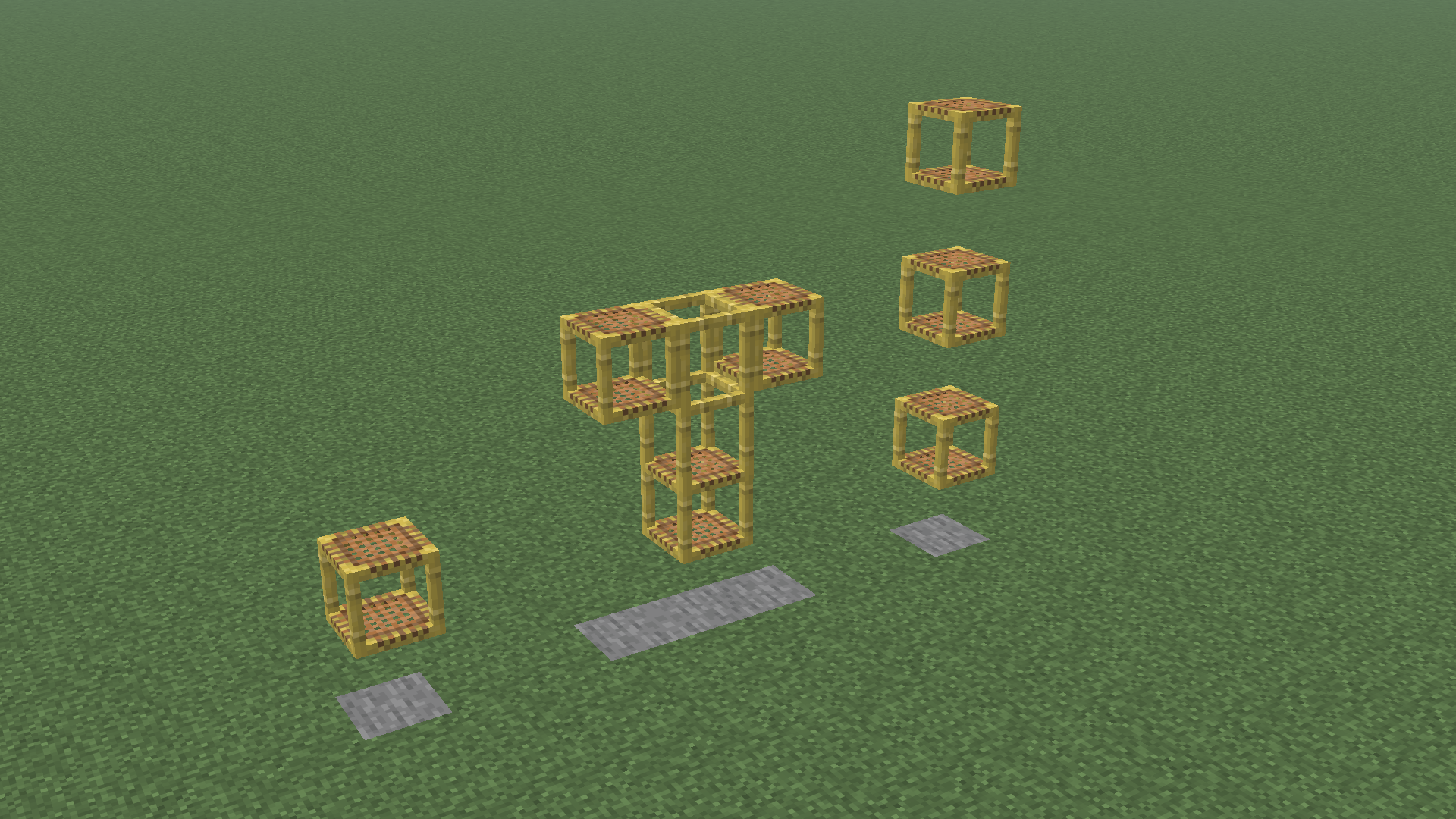
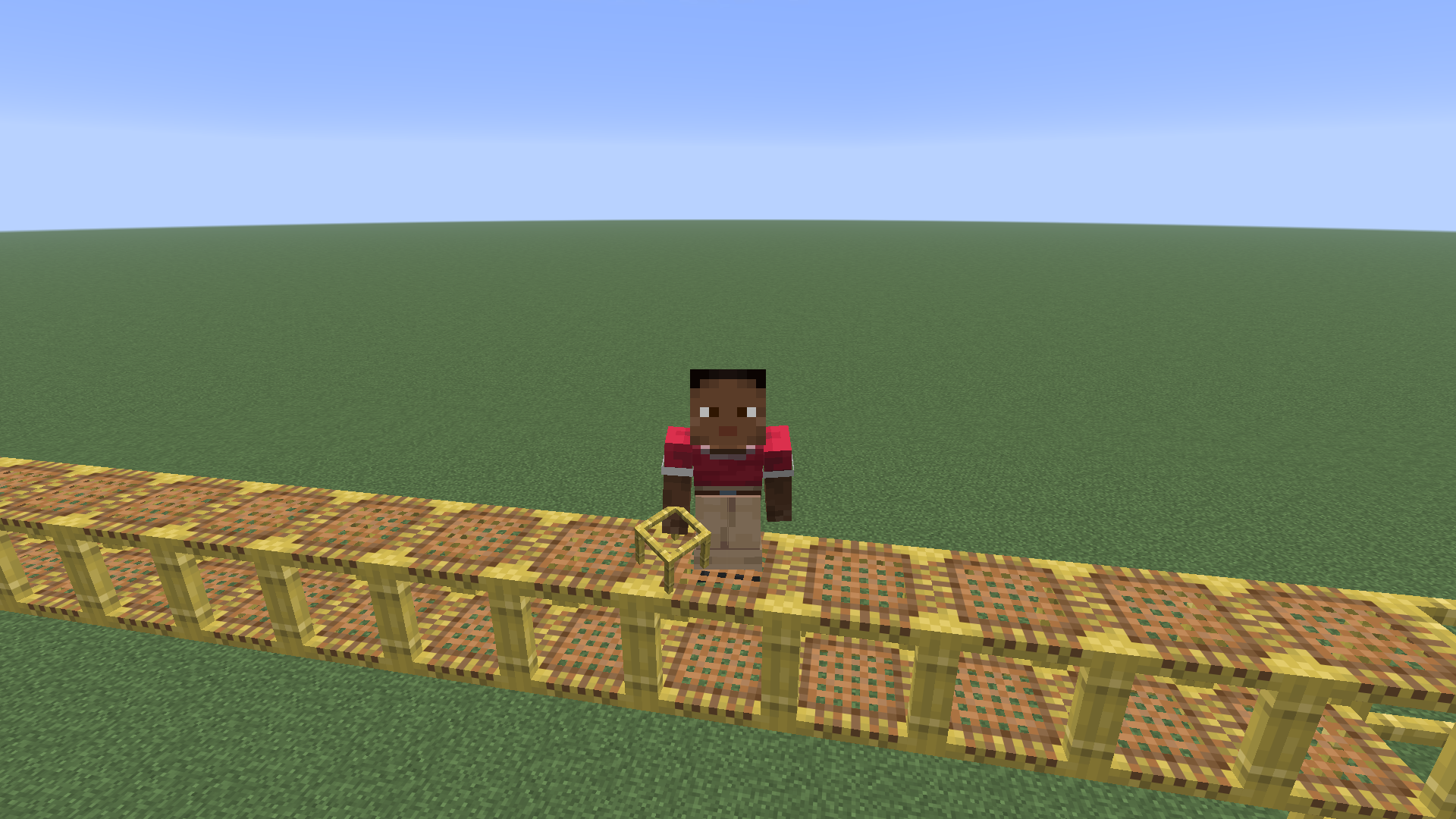
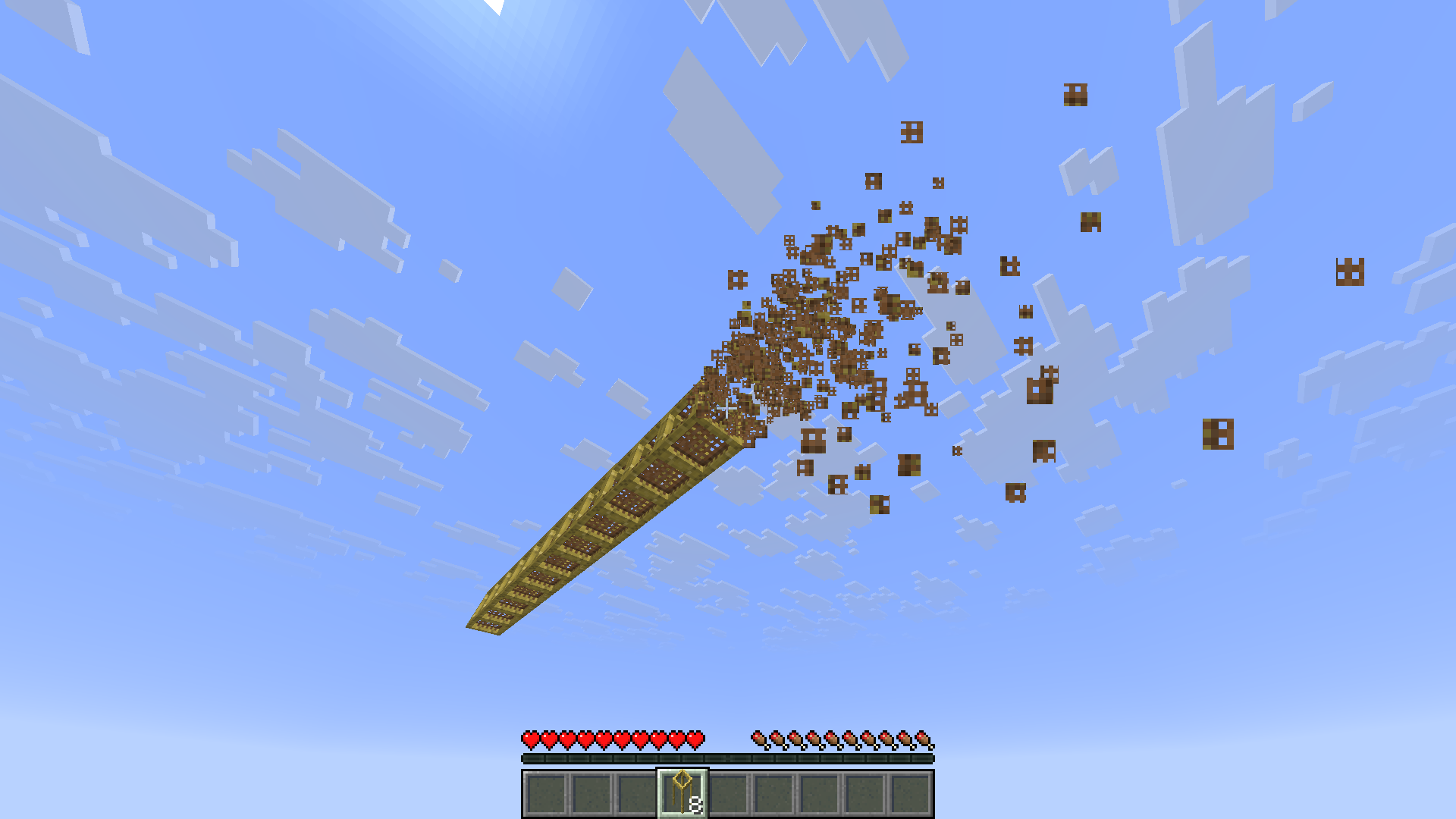

介绍
This mod changes vanilla scaffolding to act like the metal scaffolding from Create.
Features
| | |
| – | – |
| Scaffolding no longer falls after 7 blocks | Scaffolding no longer breaks when unsupported |
| | |
| You can crouch on horizontal scaffolding without falling to the lower level | Scaffolding goes straight into your inventory when broken (like using a Create wrench to pick up blocks) |
The netting texture on vertical scaffolding is removed (can be reverted by disabling the builtin resourcepack)
The mod does not require Create to be installed.
Credits
Thank you to the creators of Create for designing the metal scaffolding.
Icon based on the Create icon template by @voxel_dani from the Create mod discord server
常见问题
Create Style Scaffolding 支持哪些 Minecraft 版本?
Create Style Scaffolding 支持 Minecraft Java 版 26.1–26.3,共 5 个版本,可用的加载器:Fabric。下载时注意选择和你游戏版本一致的文件。
Create Style Scaffolding 怎么安装?
先用 PCL2 或 HMCL 启动器安装对应版本的 Fabric,再把下载的 .jar 文件放进游戏目录的 mods 文件夹,重新启动游戏即可。开启了版本隔离的,mods 文件夹在 versions/版本名 下面。运行环境:客户端和服务端都要装。
ThePotatoArchivist 的其他作品
查看全部 →
Tool Trims Mod
Fabric port of JoeFly's Tool Trims

Kitchen Projectiles
Make Farmer's Delight knives throwable

OmniCrossbow
Shoot every item from a crossbow, with a multitude of custom effects!

Classic Farlands
Brings the classic style of Far Lands to 1.21+
评论
登录后评论和评分