
DebugGUIScale
Allows players to customize the F3 menu & "Always On" scaling separately from the built-in GUI Scale
截图
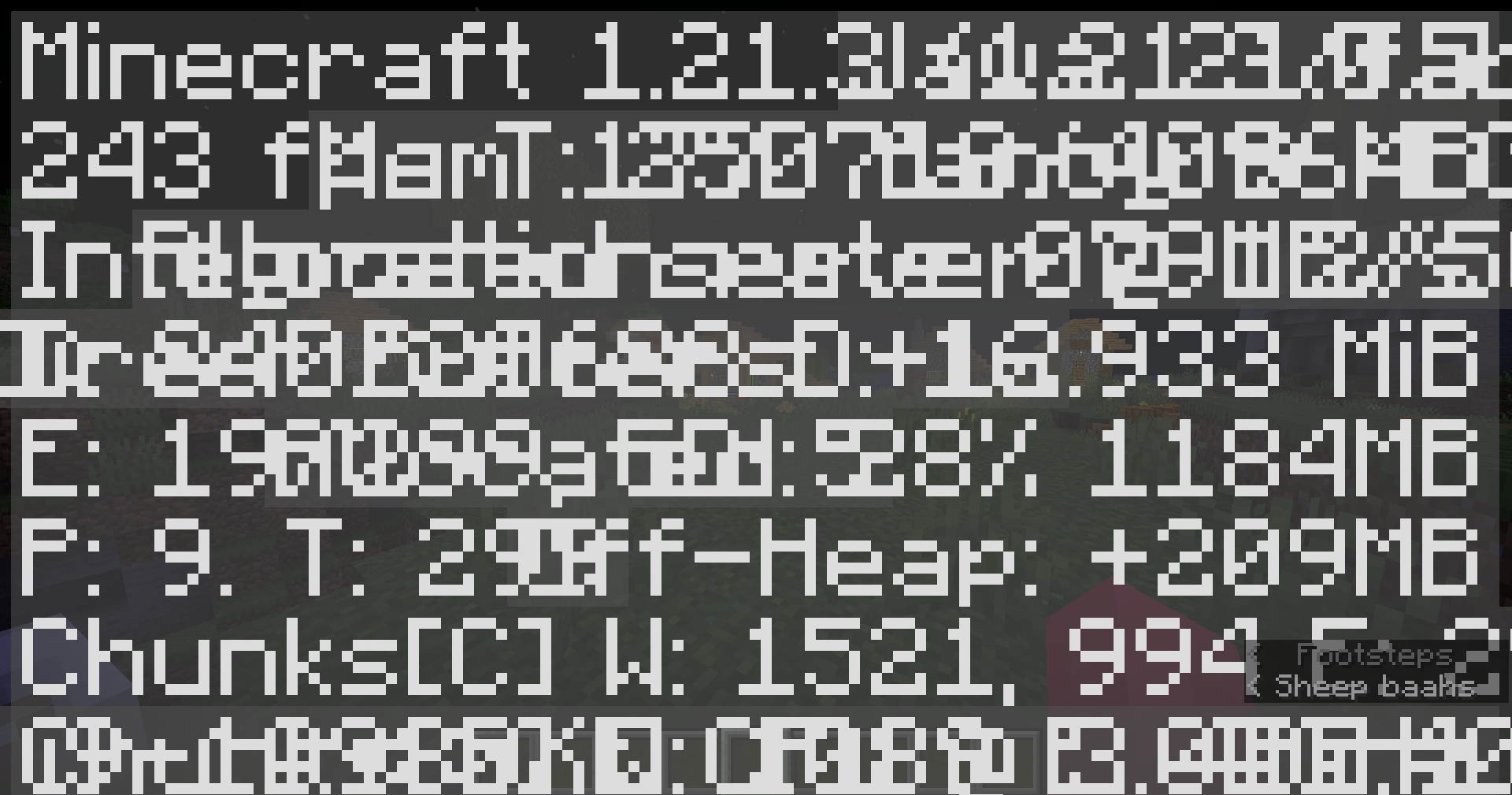
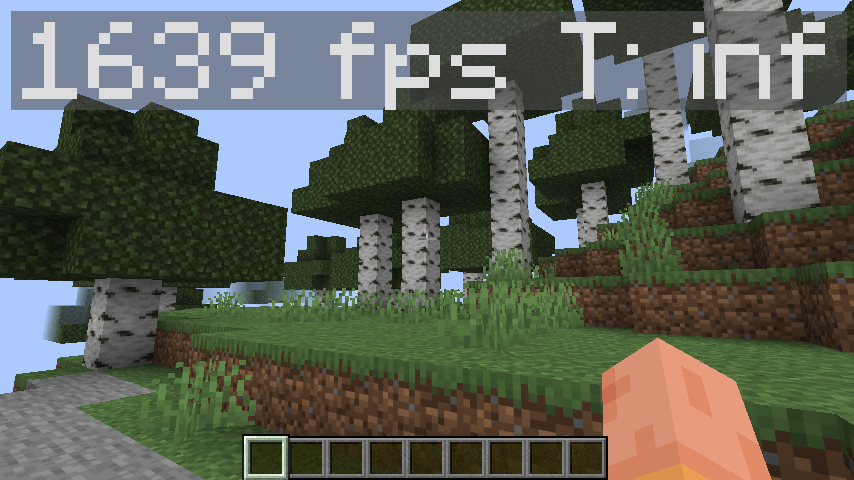

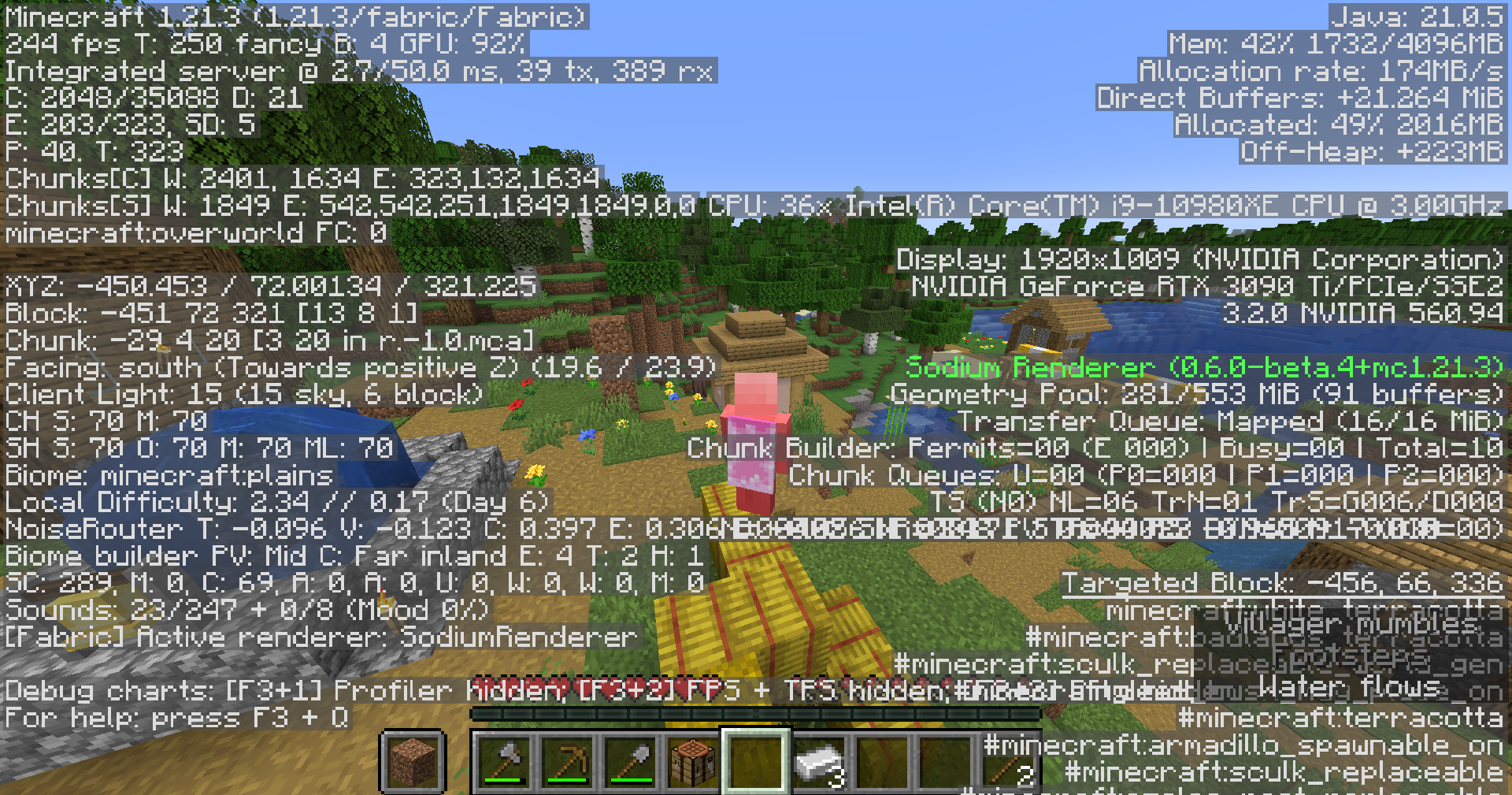
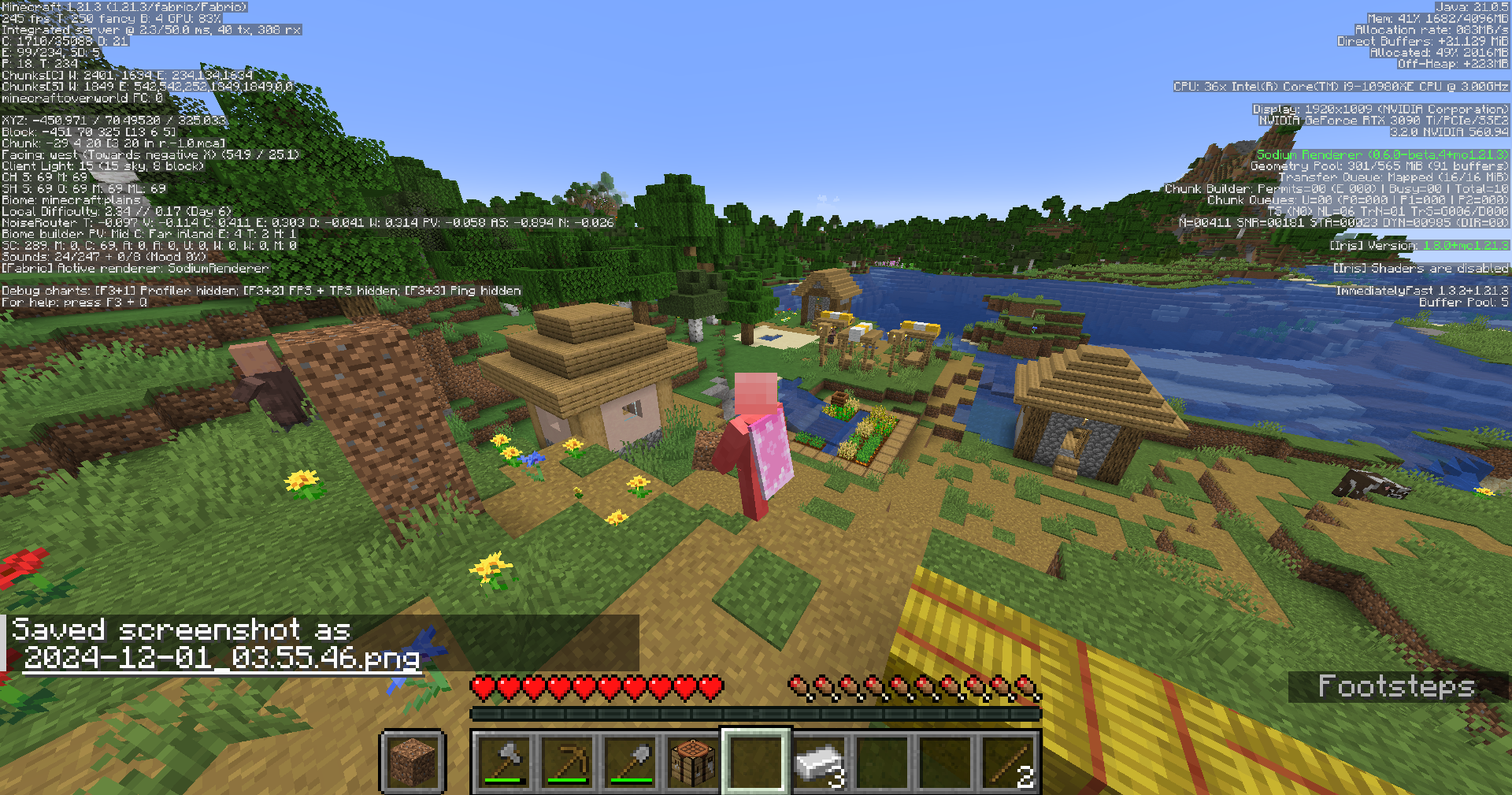
介绍
Debug GUI Scale: A Fabric mod that allows players to modify the Debug menu’s scaling independently from the GUI Scale!
Debug GUI Scale is a Fabric mod that allows players to adjust the Debug menu’s scale independently of the GUI Scale. Customize the Debug menu’s size to your preference without affecting the rest of your game’s interface!
This mod depends on the library mod Roselib!
ANNOUNCEMENT 9/19/2026:
DebugGUIScale will likely not be updated to Minecraft versions past 26.2, This is because Mojang has added THIS exact feature in 26.3 Snapshot 4, Making DebugGUIScale no longer applicable or useful… and simply for the lack of available time and resources.
DebugGUIScale will be ported to lower versions or loaders at some point as i migrate all of my projects over to Stonecutter.
Thanks all for using DebugGUIScale while it lasted!
Configuration:
Simmiliarly to RemoveAmbientFOV, The mod integrates directly into Minecraft’s Accessibility Options menu, exposing two sliders:
- Debug GUI Scale
- “Always” Overlay Scale”
Each option can be enabled or disabled independently and is saved to a simple JSON config file:
.minecraft/config/DebugGUIScale.json
ModMenu Configuration (Legacy – Click to expand)
ModMenu is no longer required to modify DebugGUIScale in favor of the Vanilla Options API Introduced in Rose Bush 1.3.1
Support for ModMenu might be dropped in a later release (game drop), DebugGUIScale 1.2 still supports ModMenu and does support the new values added.
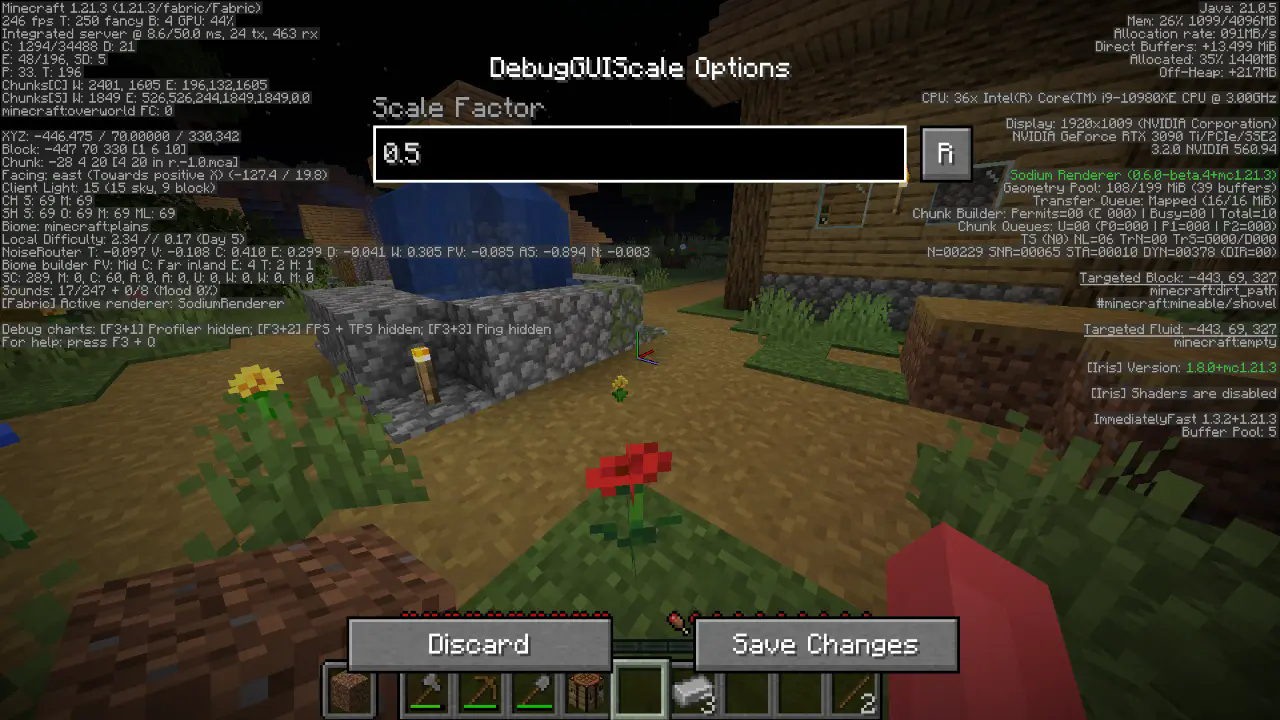
All options should be straightforward, so go nuts!
JSON Instructions (for legacy versions):
Quick Documentation JSON:
{
  "scale": 0.95 // this is the scale, yes it supports decimals up to 2 digits precision.
}
常见问题
DebugGUIScale 支持哪些 Minecraft 版本?
DebugGUIScale 支持 Minecraft Java 版 1.21–26.2,共 15 个版本,可用的加载器:Fabric。下载时注意选择和你游戏版本一致的文件。
DebugGUIScale 怎么安装?
先用 PCL2 或 HMCL 启动器安装对应版本的 Fabric,再把下载的 .jar 文件放进游戏目录的 mods 文件夹,重新启动游戏即可。开启了版本隔离的,mods 文件夹在 versions/版本名 下面。运行环境:仅客户端。
Aeroshide 的其他作品
查看全部 →
OfflineLAN
A mod that adds a toggle in the "Open To Lan" / "Multiplayer" menu to disable online-mode on the integrated server

Rose Bush
My custom fabric library for common bindings and backend

SpecSpoof
Modify your hardware configuration strings in the F3 Menu with FPS Spoofer built in!

BoostedExperience
Set a custom multiplier for experience gains (for the lazy people out there, including me)
评论
登录后评论和评分