
截图
介绍
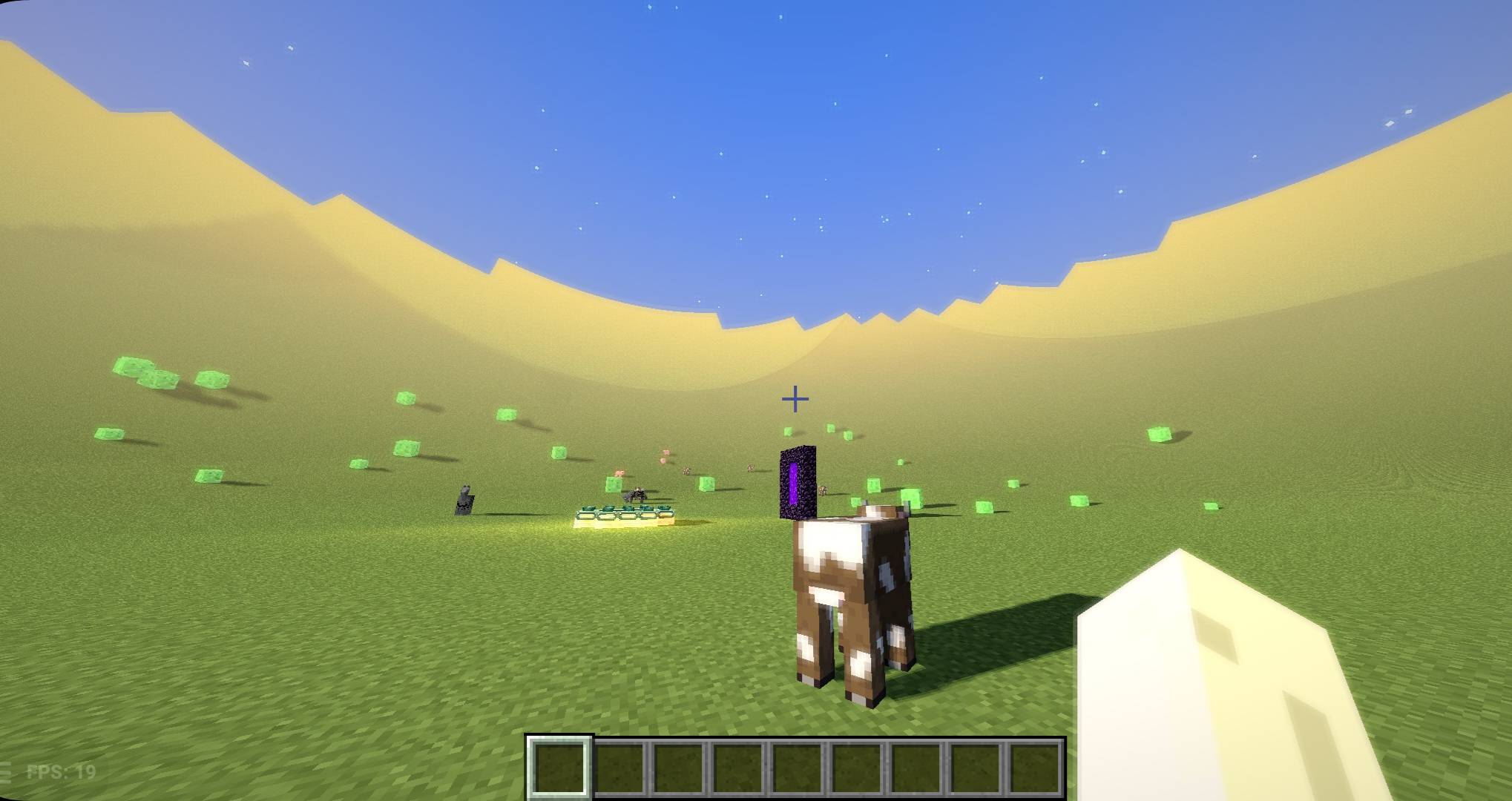
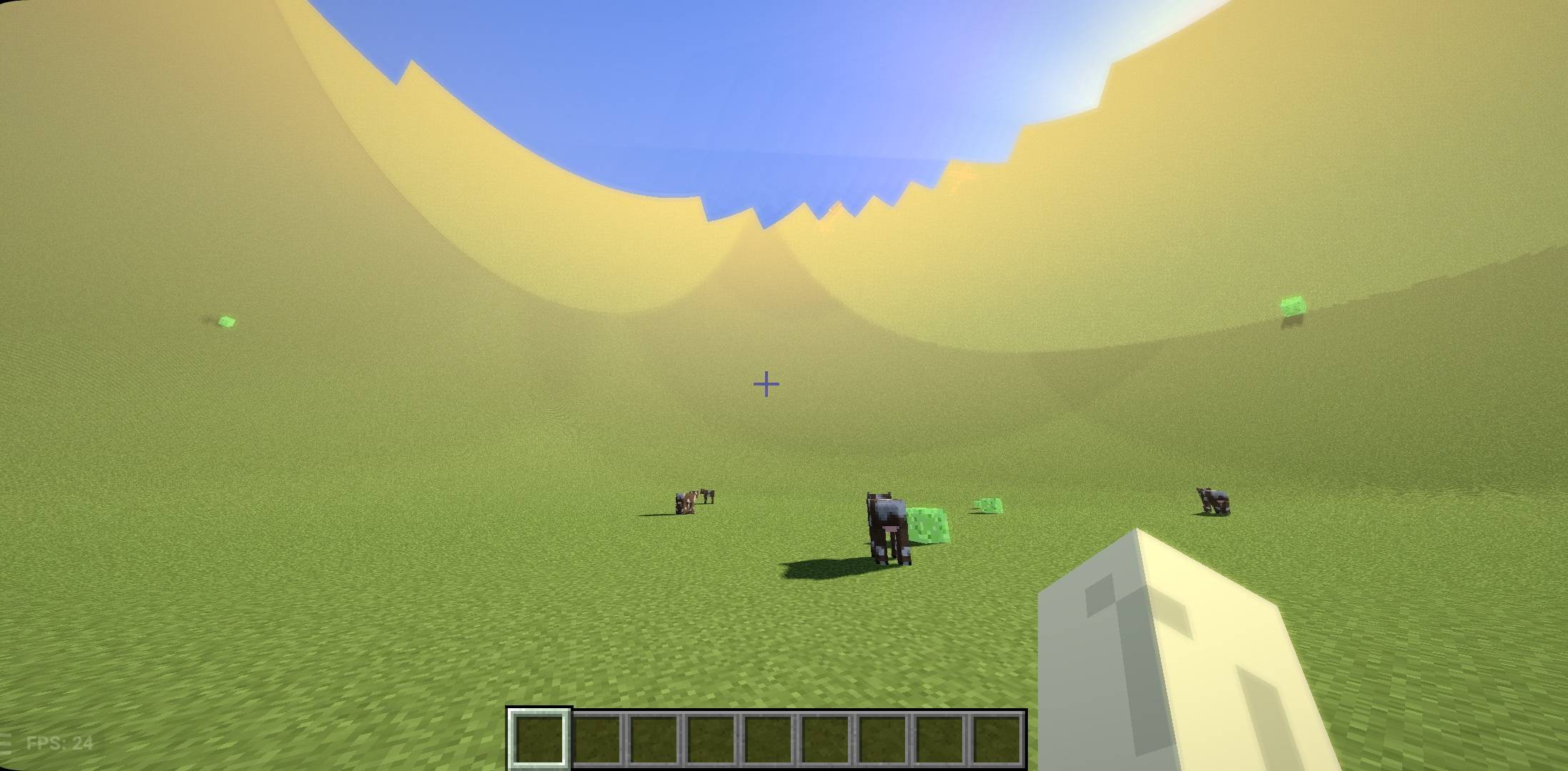
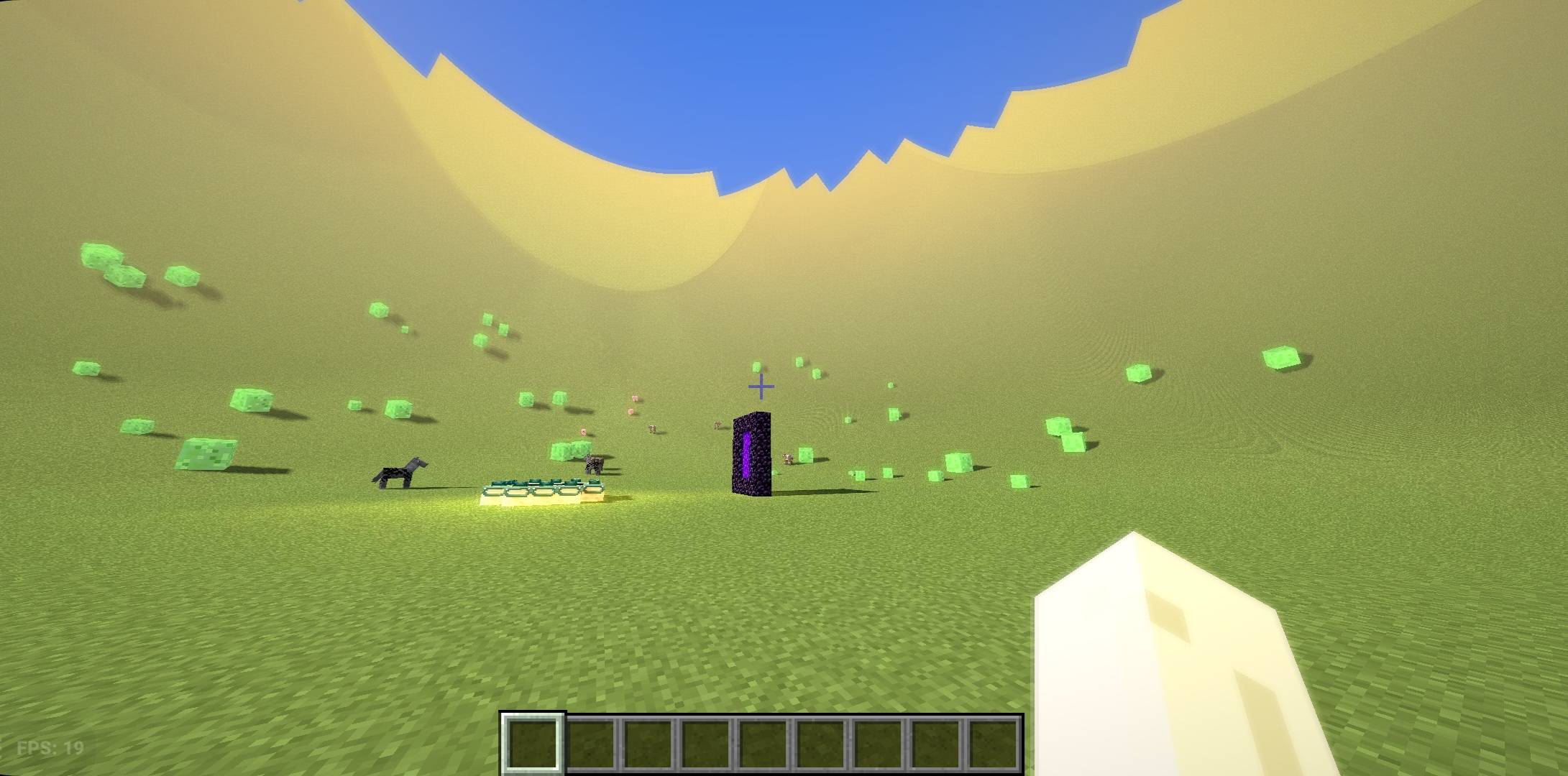
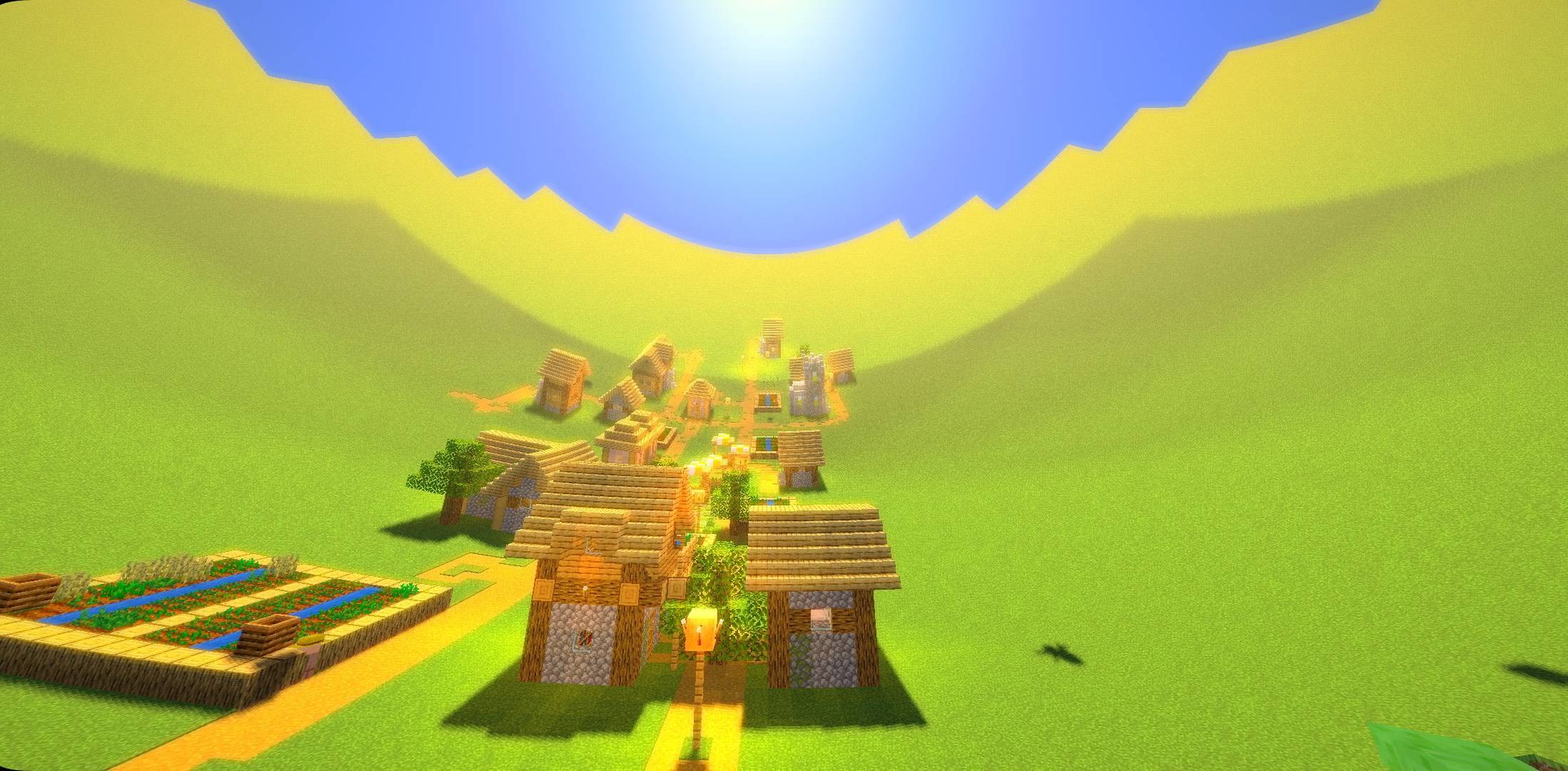
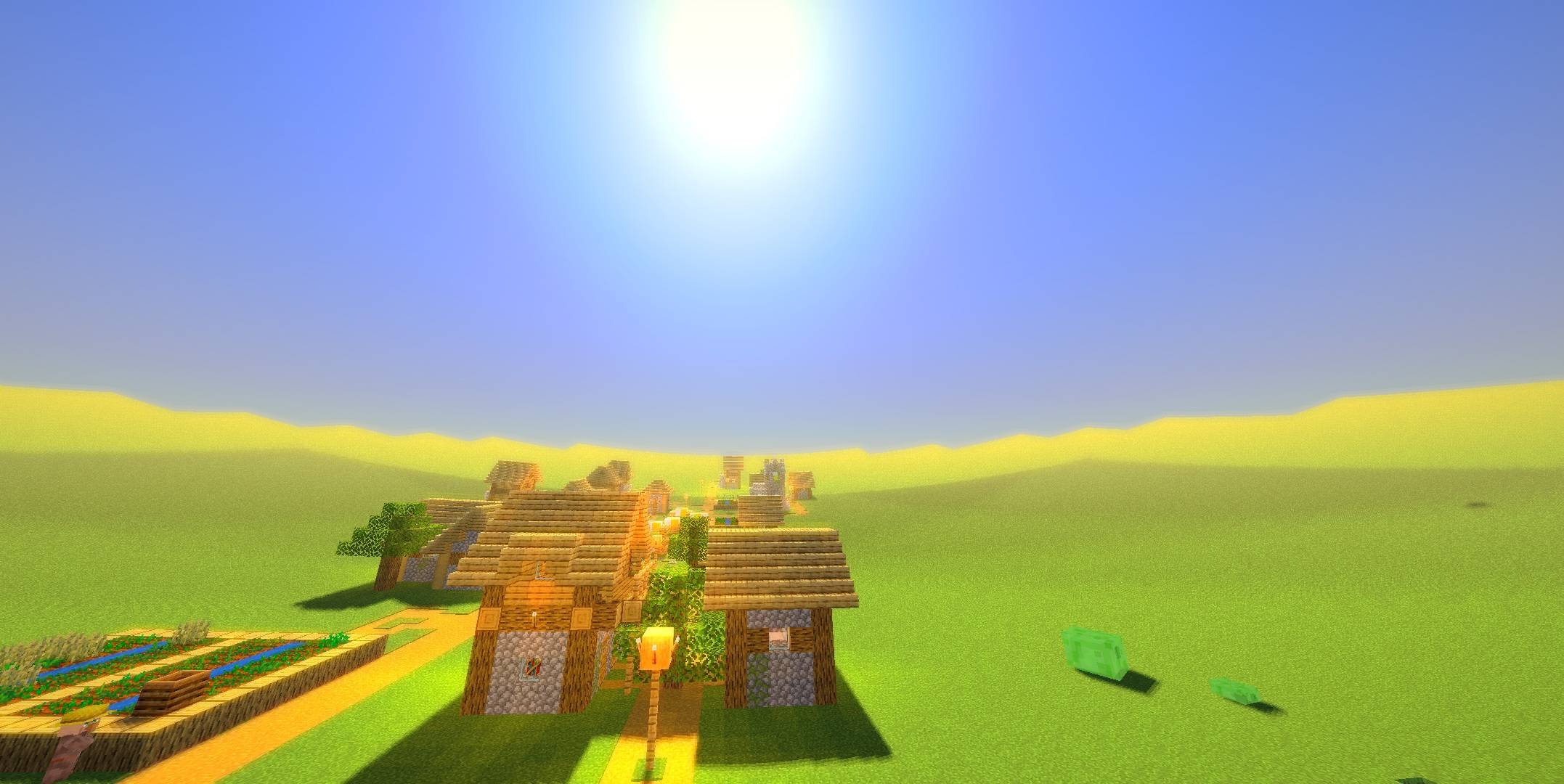
Curved World is a fantasy shader pack for Minecraft Java Edition. Distant terrain bends upward into a curved horizon, giving the world a dreamy, storybook look.
Features:
– Curved distant terrain (adjustable in settings)
– Soft shadows and warm sunlight
– Sun rays (can be turned on or off)
– Subtle bloom, color grading and vignette
– Animated water highlights
– Mobs and block entities follow the curve
– Held light sources and Nether ambient lighting
– Plain End sky
Requirements: Minecraft Java Edition 1.21.10—26.3 Fabric or NeoForge, Iris Shaders (Sodium recommended).
Installation: Place the zip in your shaderpacks folder, or select it in Video Settings > Shader Packs.
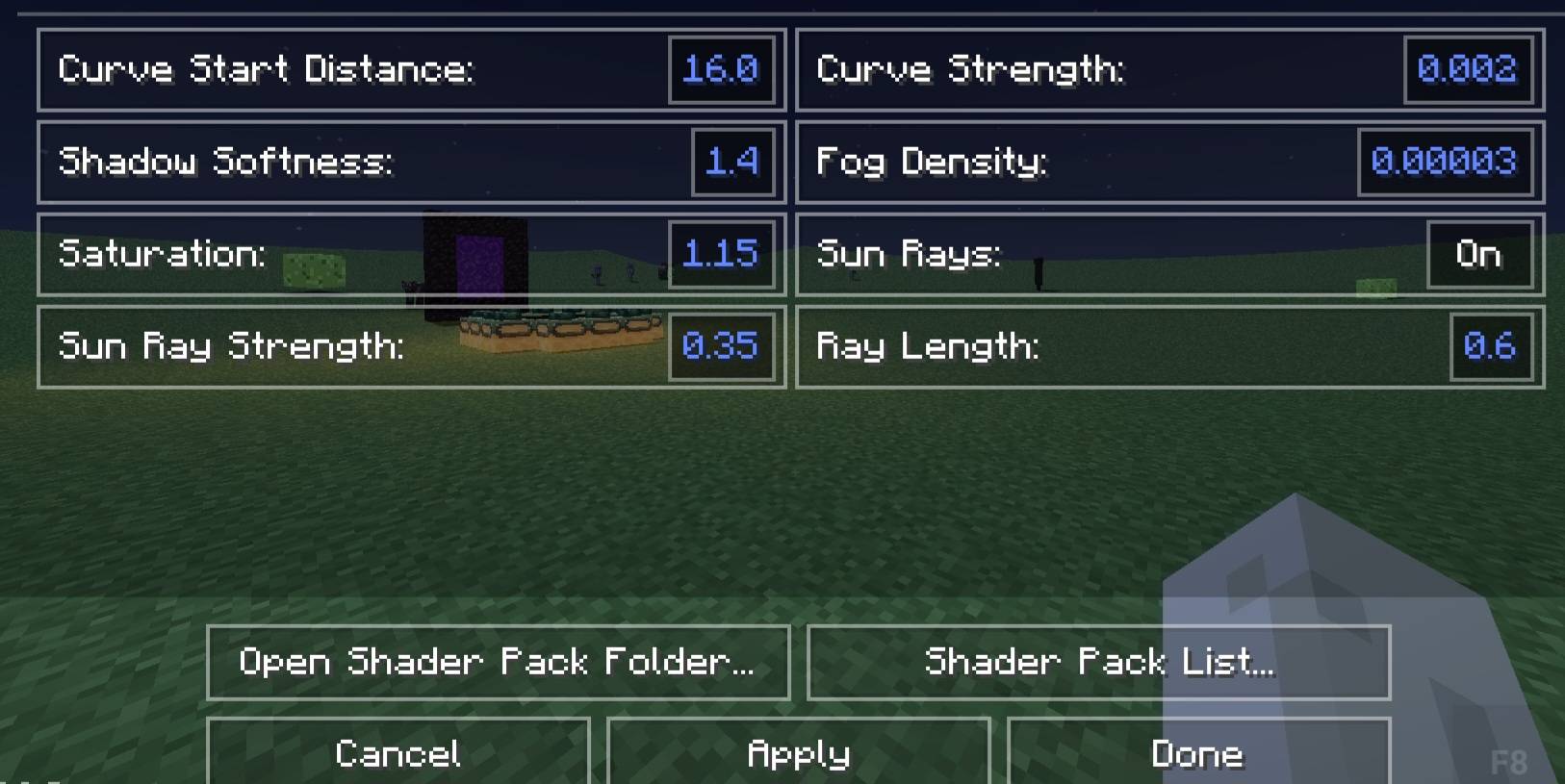
Settings: Open Shader Options to change the curve start distance and strength, shadow softness, fog density, saturation and sun rays.
Known limitations: Clouds are turned off. Some effects, such as entity eye glow and Nether/End detection, use heuristics and may not work with every resource pack.
常见问题
Curved World_1.0 支持哪些 Minecraft 版本?
Curved World_1.0 支持 Minecraft Java 版 1.21.10–26.3,共 7 个版本,可用的加载器:Iris。下载时注意选择和你游戏版本一致的文件。
Curved World_1.0 怎么安装?
光影需要先装 Iris。把下载的 .zip 文件(不用解压)放进游戏目录的 shaderpacks 文件夹,进游戏后在「选项 → 视频设置 → 光影包」里选中它。光影对显卡要求较高,卡顿可以调低光影设置或渲染距离。
PDroxellmc 的其他作品
查看全部 →
Bleak
一款氛围感十足的光影包,以暗色调、浓雾和令人不寒而栗的恐怖氛围,改造你的 Minecraft 世界。
SpectraDrox Ultra Shaders
高性能光影包,画面清爽、色彩鲜明,并针对 FPS 进行了优化。
Aetheria v1.1
为方块、工具和盔甲添加光线追踪反射。下雨时地面会变湿并形成水洼。反射和湿润效果设置可自定义;如果帧数下降,请关闭光线追踪反射。
AuraBound Shaders
一个轻量级光影包,旨在提升性能的同时改善阴影和光照。
评论
登录后评论和评分