Aetheria v1.1
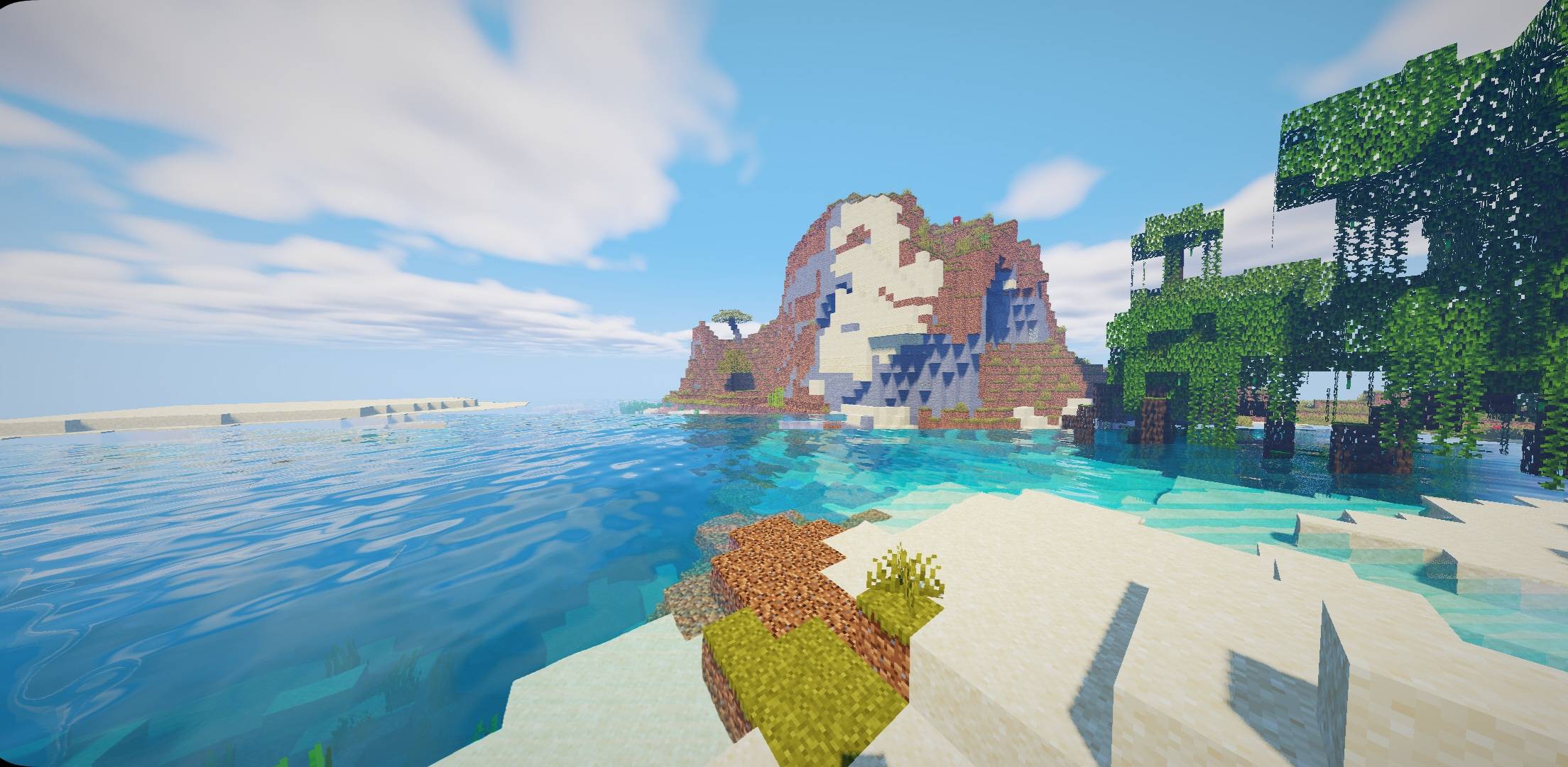
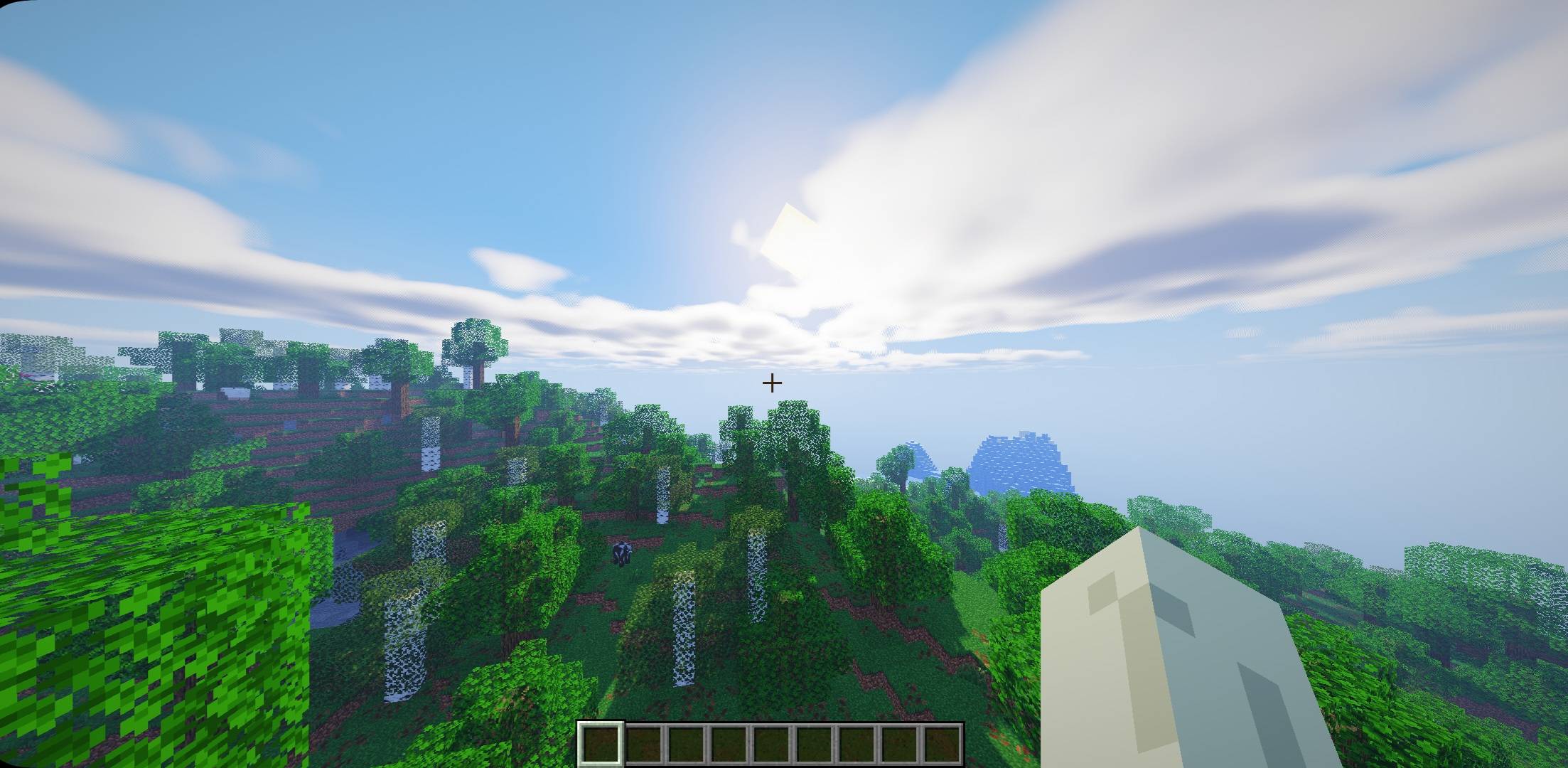
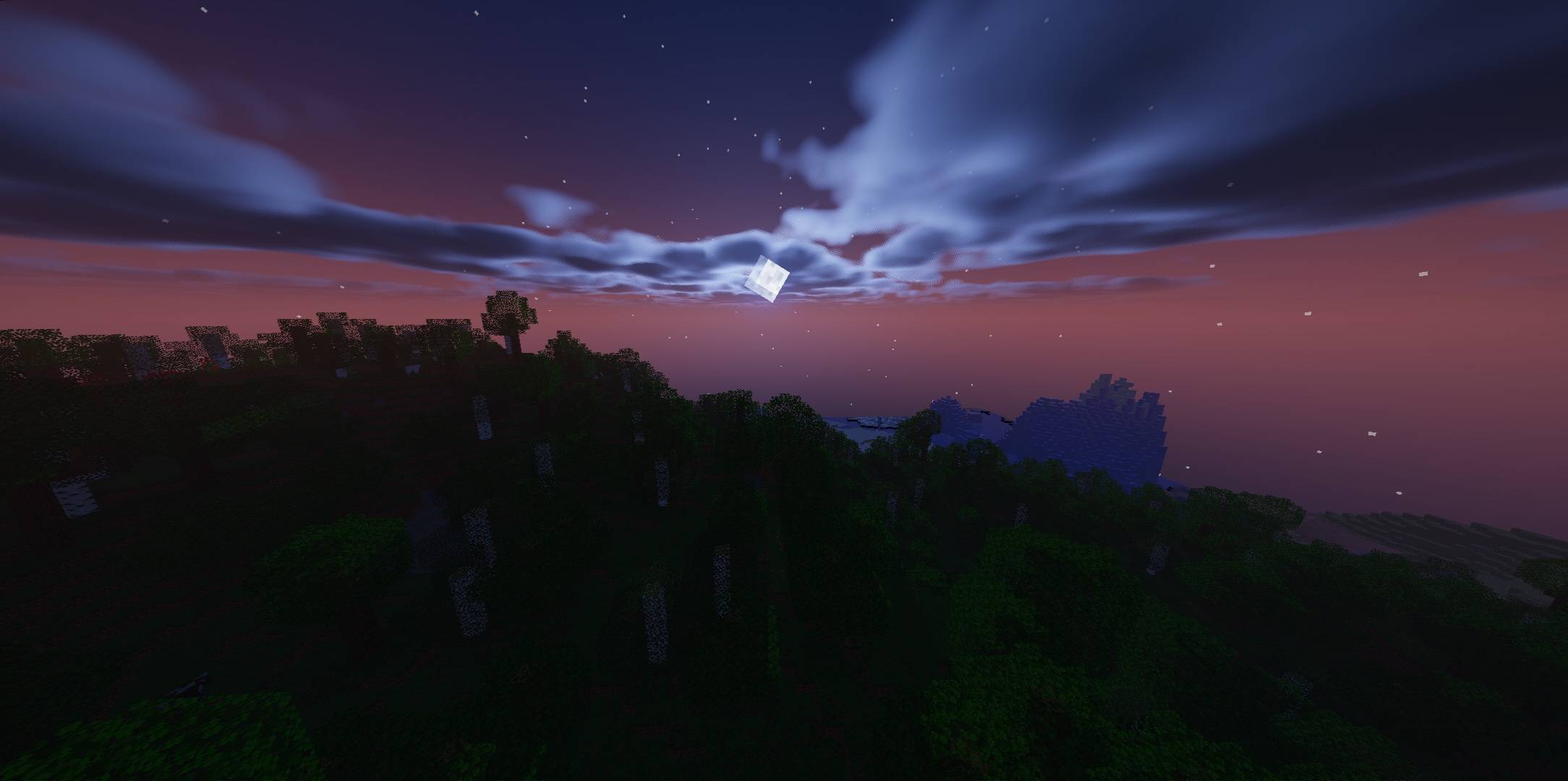
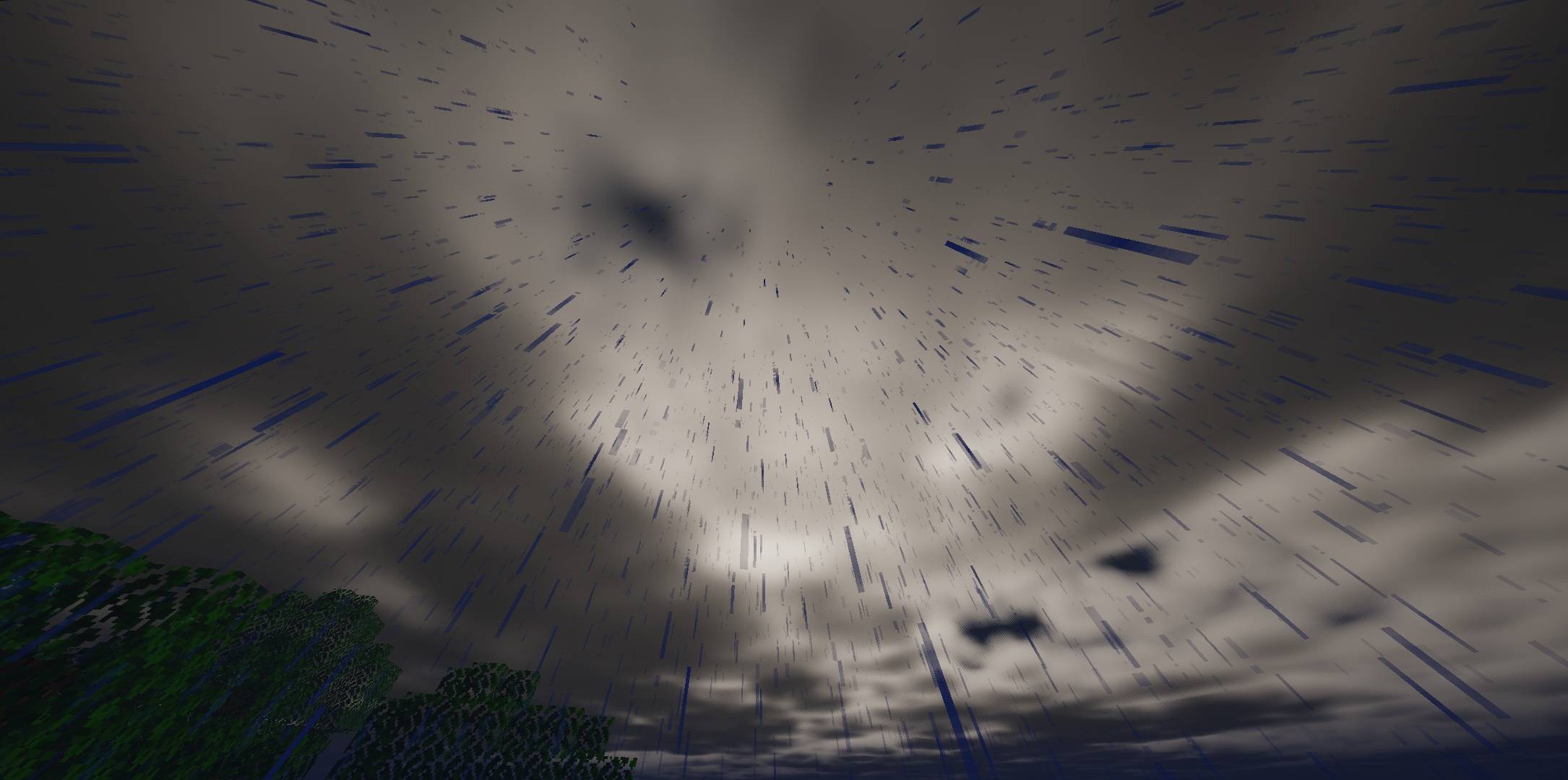
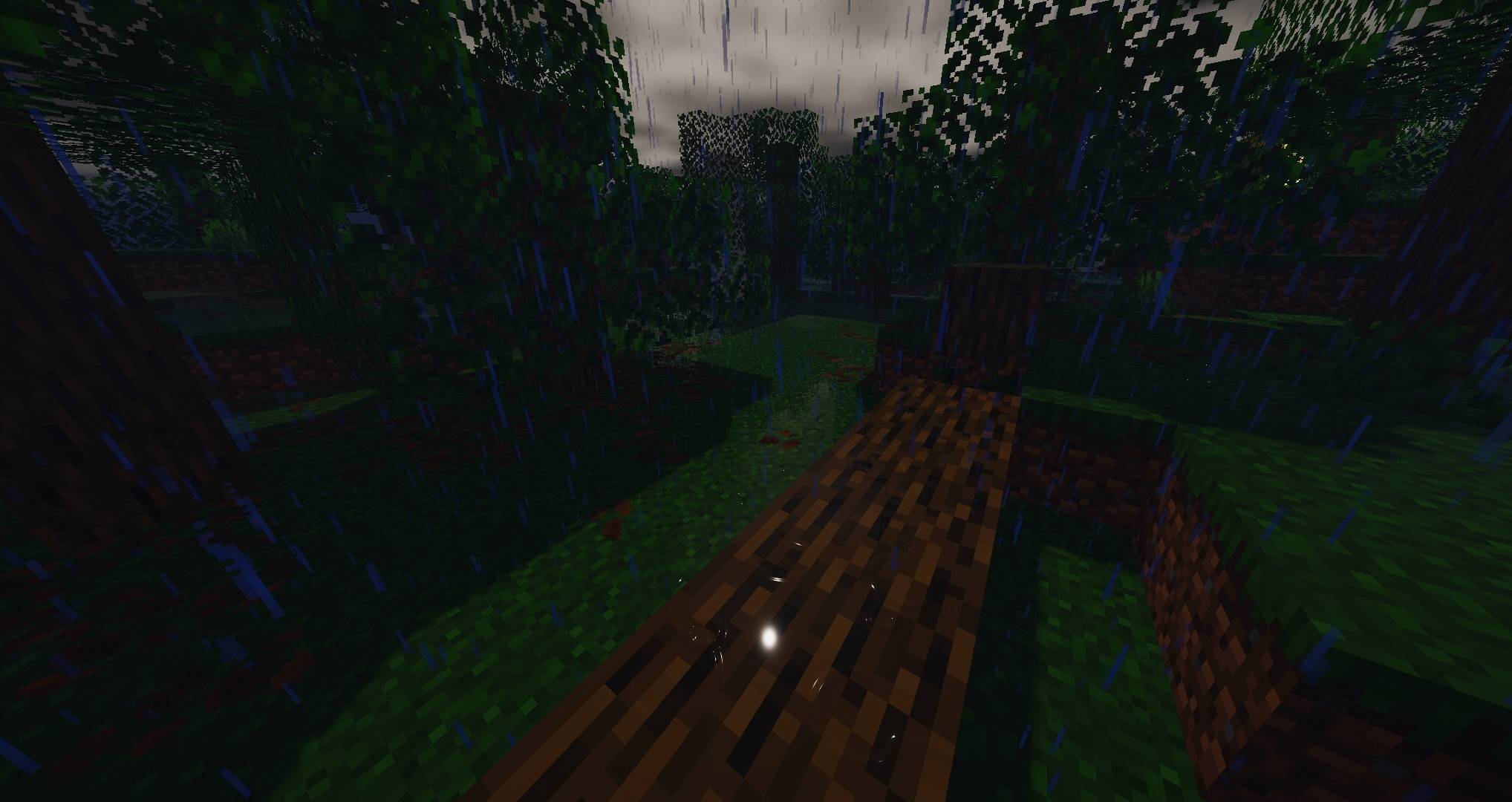
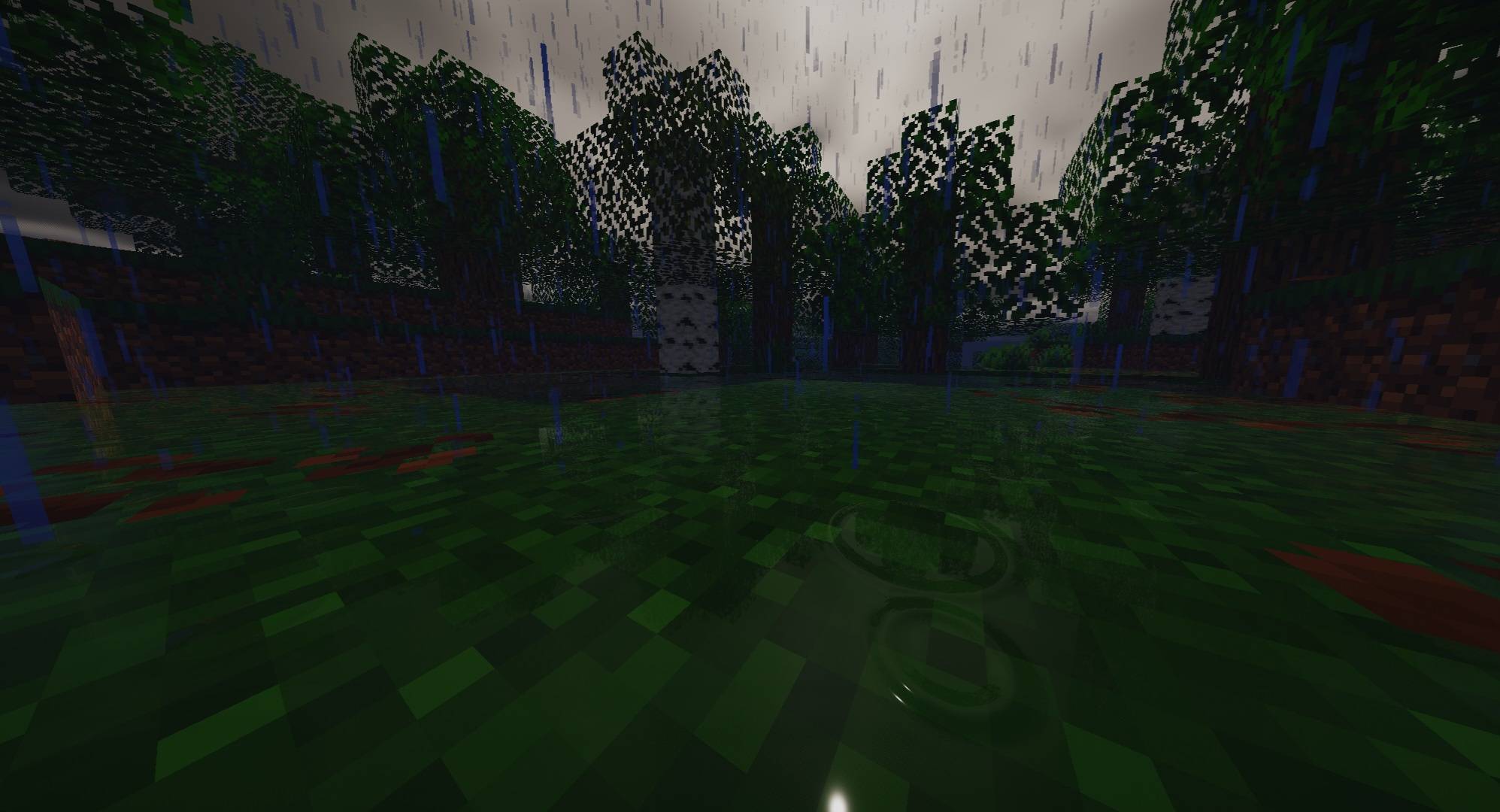
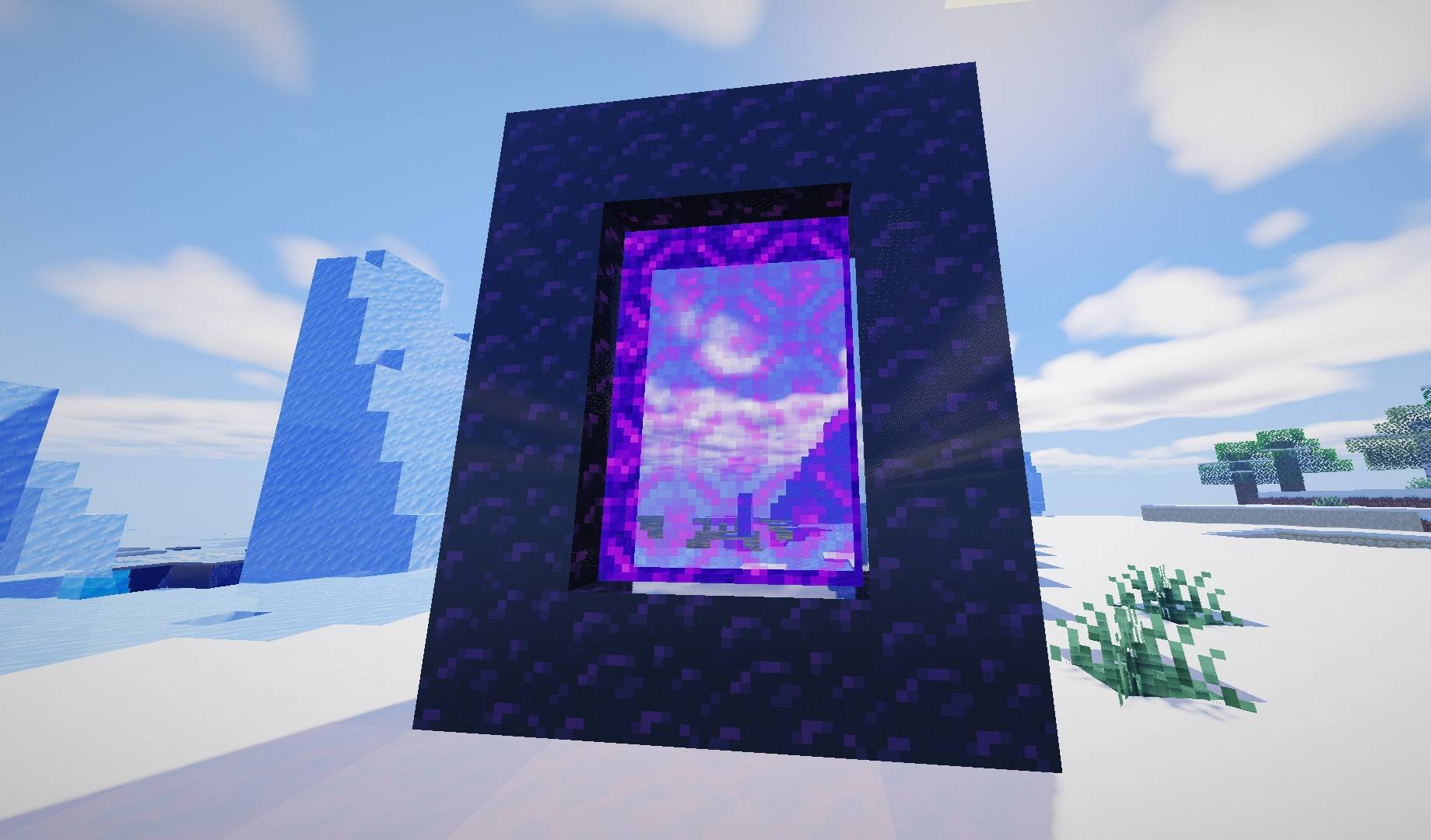
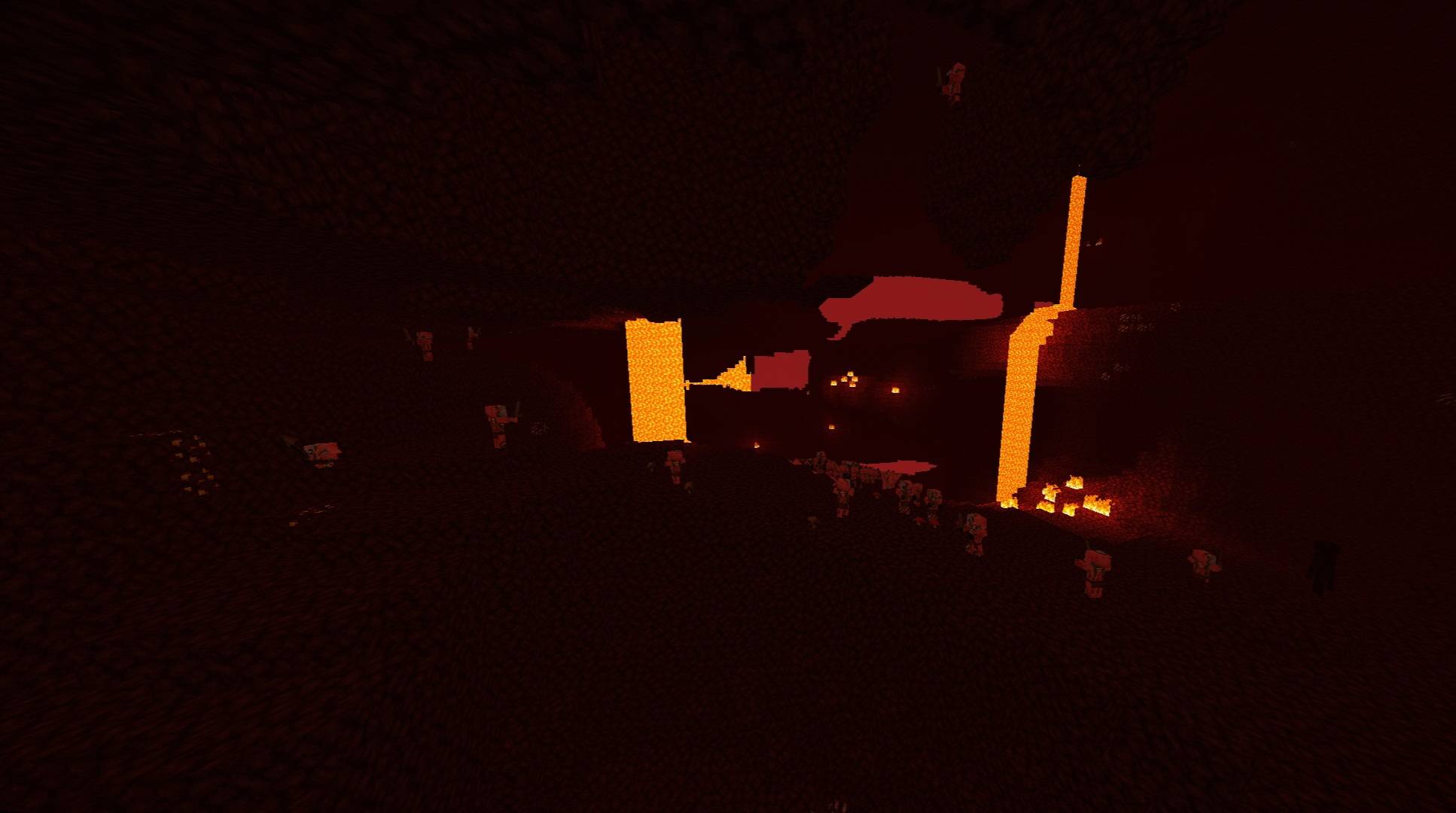
Adds ray-traced reflections to blocks, tools, and armor. Ground gets wet and forms puddles in rain. Reflections and wetness settings are customizable; turn off Ray Traced Reflections if FPS drops.
截图
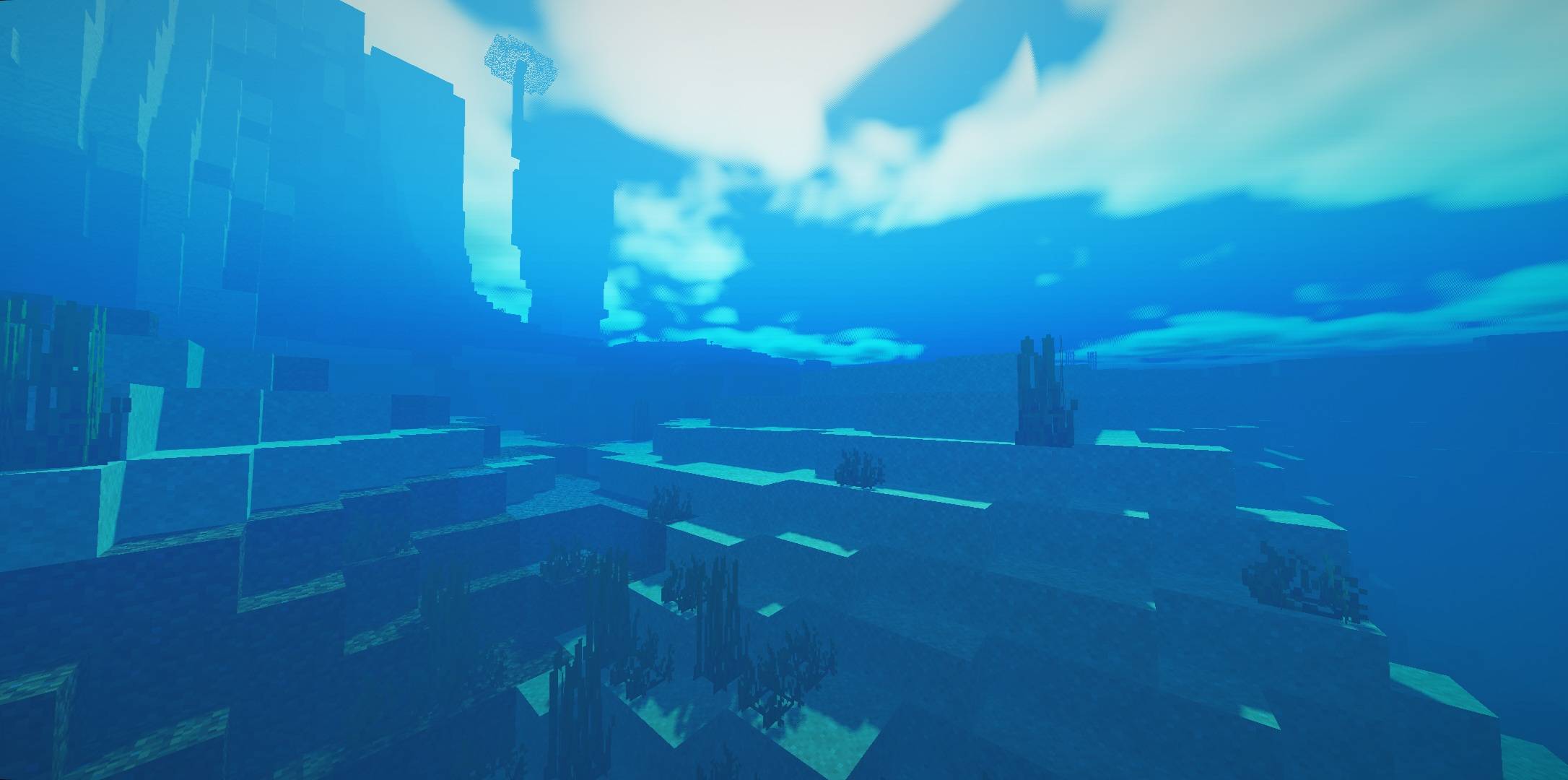
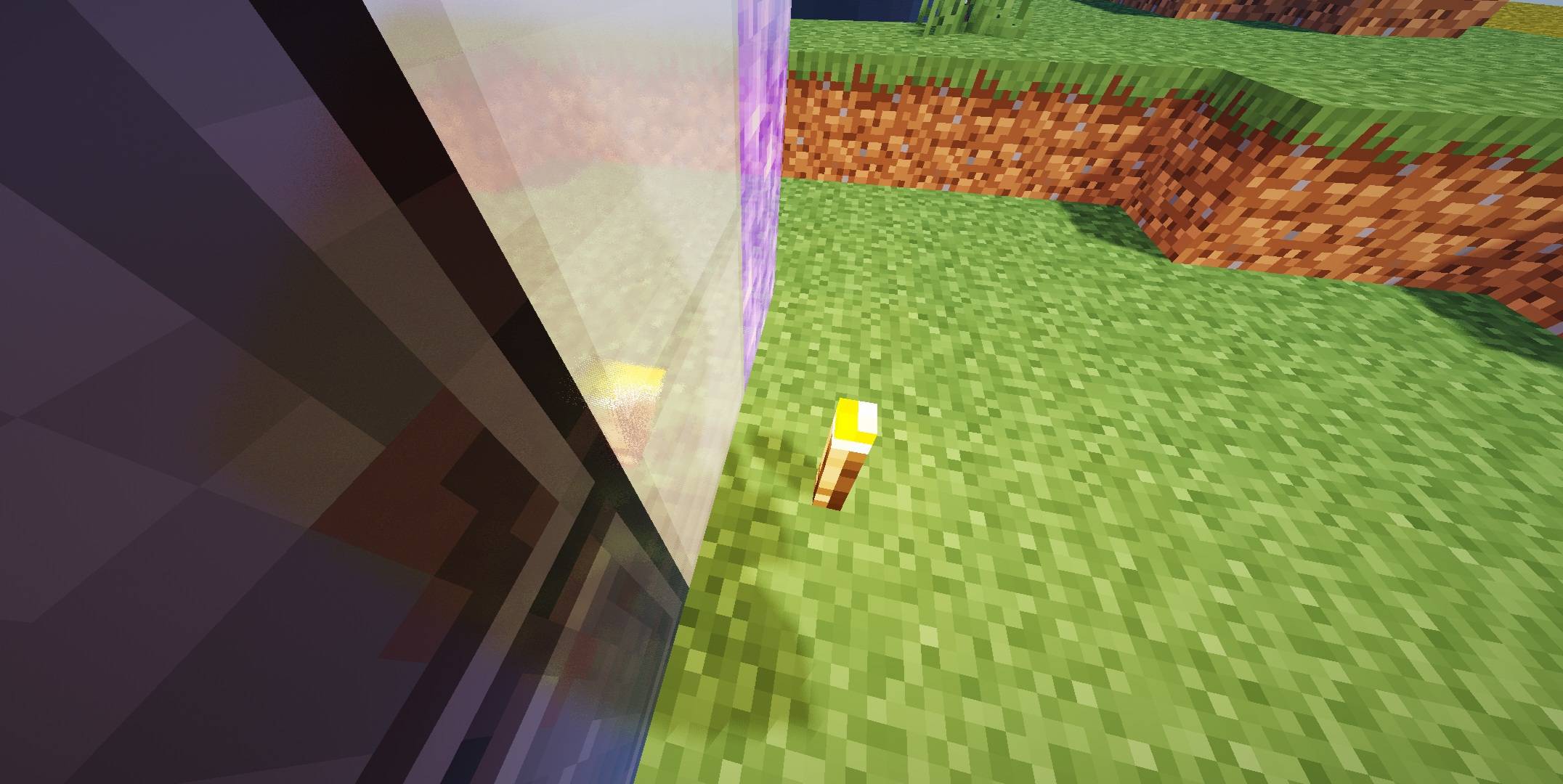
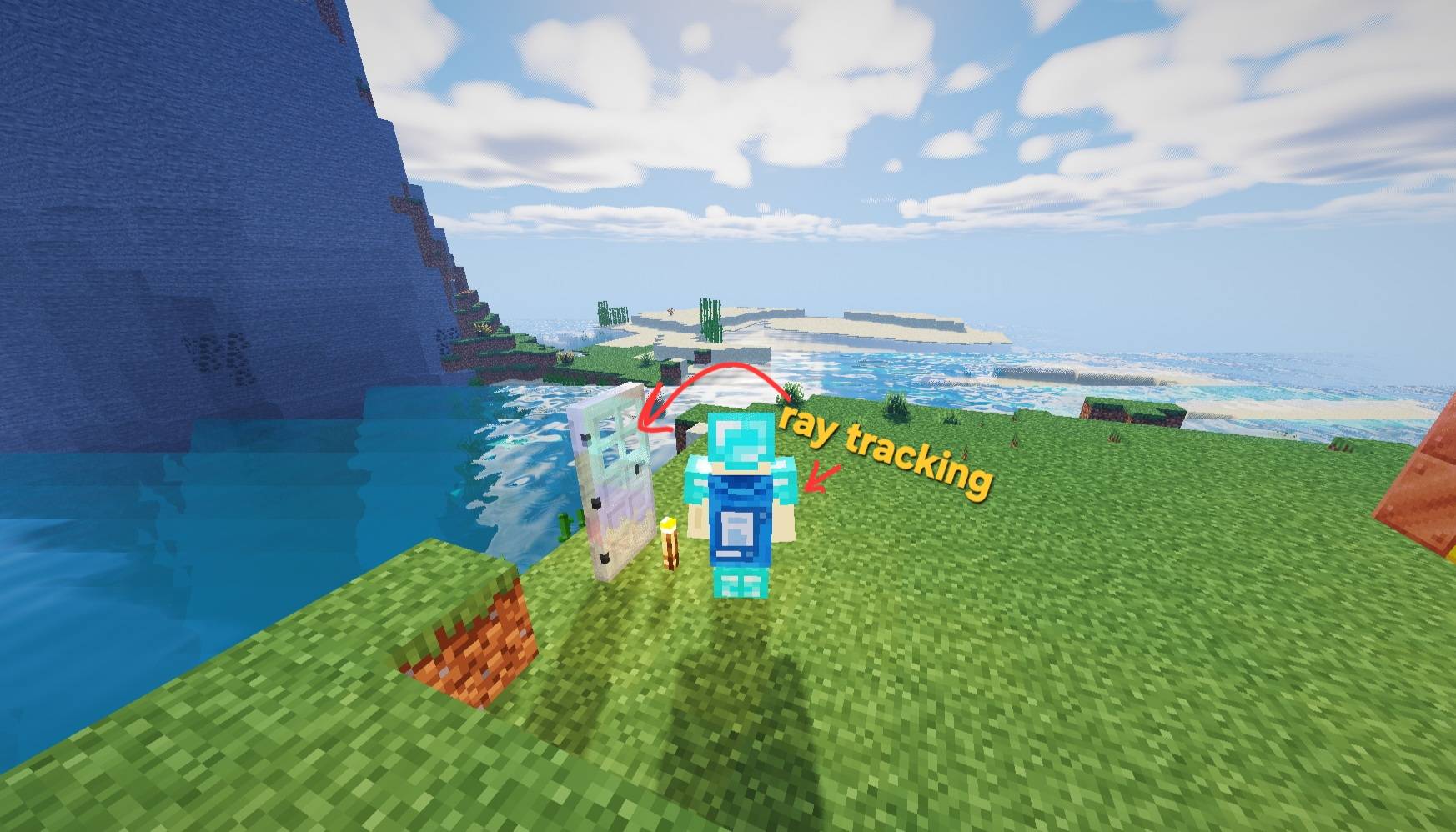
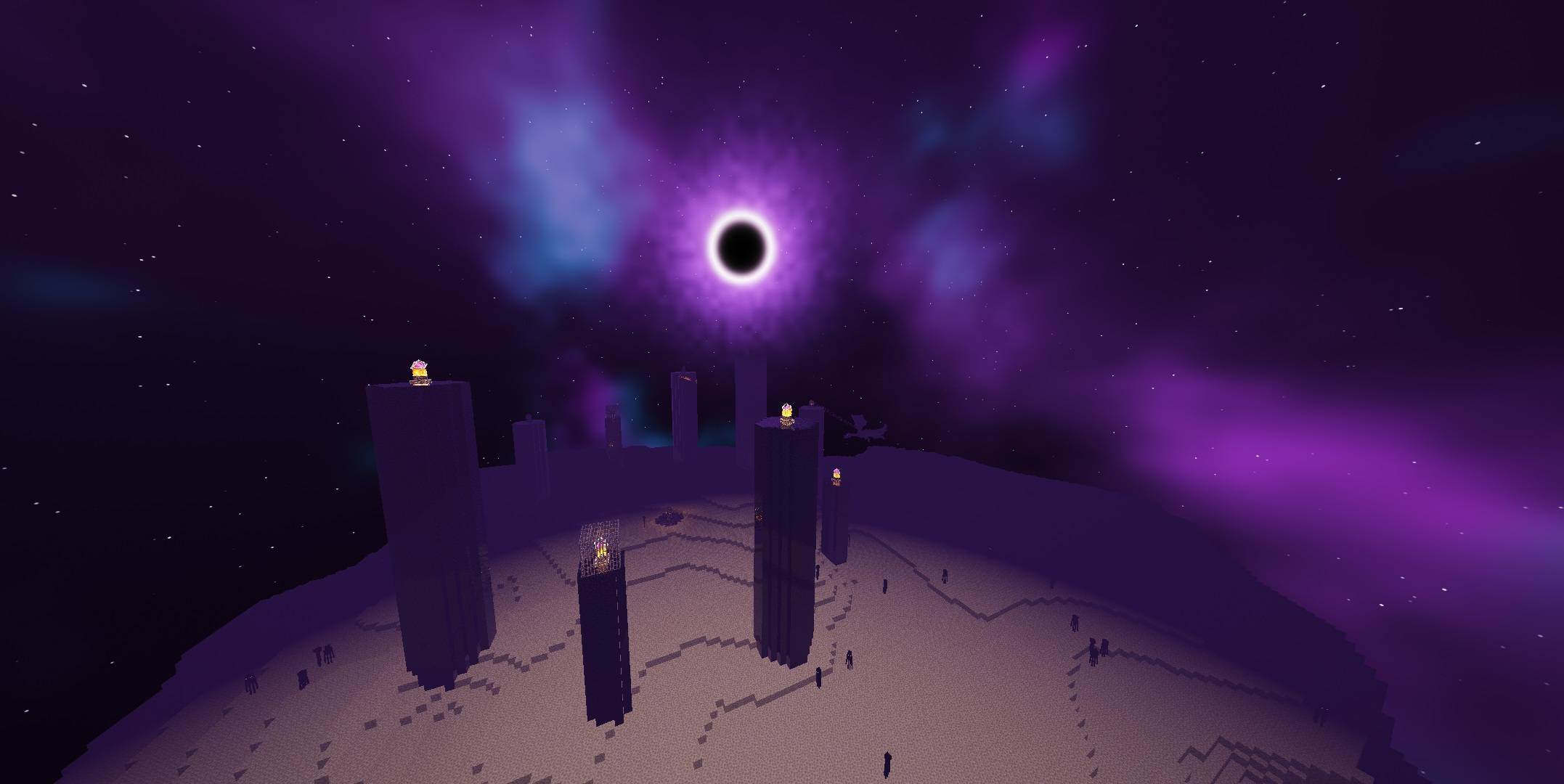
介绍
v1.1
– Ray-traced (screen space) reflect
* Iron, gold, netherite blocks, iron gate/trap door, anvil, cauldron, c
* All copper blocks (those that are rusty are more matte), copper door, grille, light b
* Blocks of diamonds, emeralds, amethysts, lapis lazuli, and qua
* Polished granite/diorite/andesite/deep slate/black stone/tuff/basalt, smooth stone, concrete, glazed terracotta, prismarine, ice, obsidian
* Iron/gold/diamond/netherite/copper tools, weapons, and armor (handles do not reflect light) (Iris is required for items held in hand/
– The ground gets wet in the rain: surfaces darken, shine, puddles form on flat surfaces and reflect the sky/blocks, raindrop rings appear in the pudd
– Settings > Reflections and Rain: Turn reflections on/off, reflection intensity, wet ground, amount of puddles, raindrop r
If FPS drops: “Ray Traced Reflections” OFF (sky reflection rema
⚠️WARNING: Nether-like distortion and glitching occurring
常见问题
Aetheria v1.1 支持哪些 Minecraft 版本?
Aetheria v1.1 支持 Minecraft Java 版 1.18–26.3,共 32 个版本,可用的加载器:Iris / OptiFine。下载时注意选择和你游戏版本一致的文件。
Aetheria v1.1 怎么安装?
光影需要先装 Iris / OptiFine。把下载的 .zip 文件(不用解压)放进游戏目录的 shaderpacks 文件夹,进游戏后在「选项 → 视频设置 → 光影包」里选中它。光影对显卡要求较高,卡顿可以调低光影设置或渲染距离。
PDroxellmc 的其他作品
查看全部 →
Bleak
A atmospheric shader pack that transforms your Minecraft world with dark tones, dense fog, and a chilling horror ambiance.
SpectraDrox Ultra Shaders
High-performance shader pack offering clean visuals, vibrant tones, and optimized FPS.
AuraBound Shaders
A lightweight shader pack designed to boost performance while improving shadows and lighting.
评论
登录后评论和评分