
截图
介绍
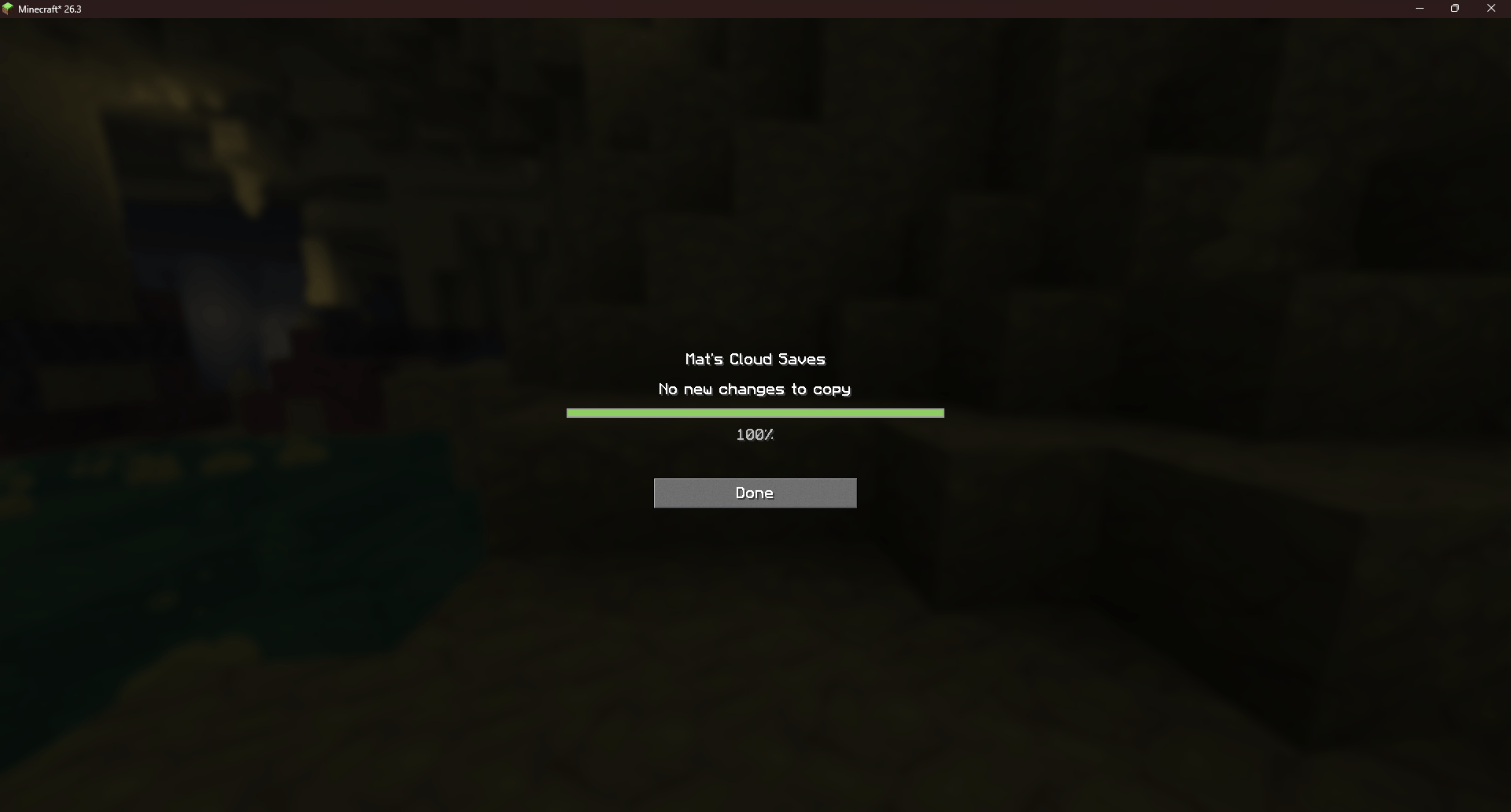
Mat’s Cloud Saves is a Fabric mod for Minecraft Java Edition 26.3. It backs up your singleplayer worlds to a Minecraft Worlds folder in your Google Drive.
ALWAYS BACKUP YOUR WORLD YOURSELF!
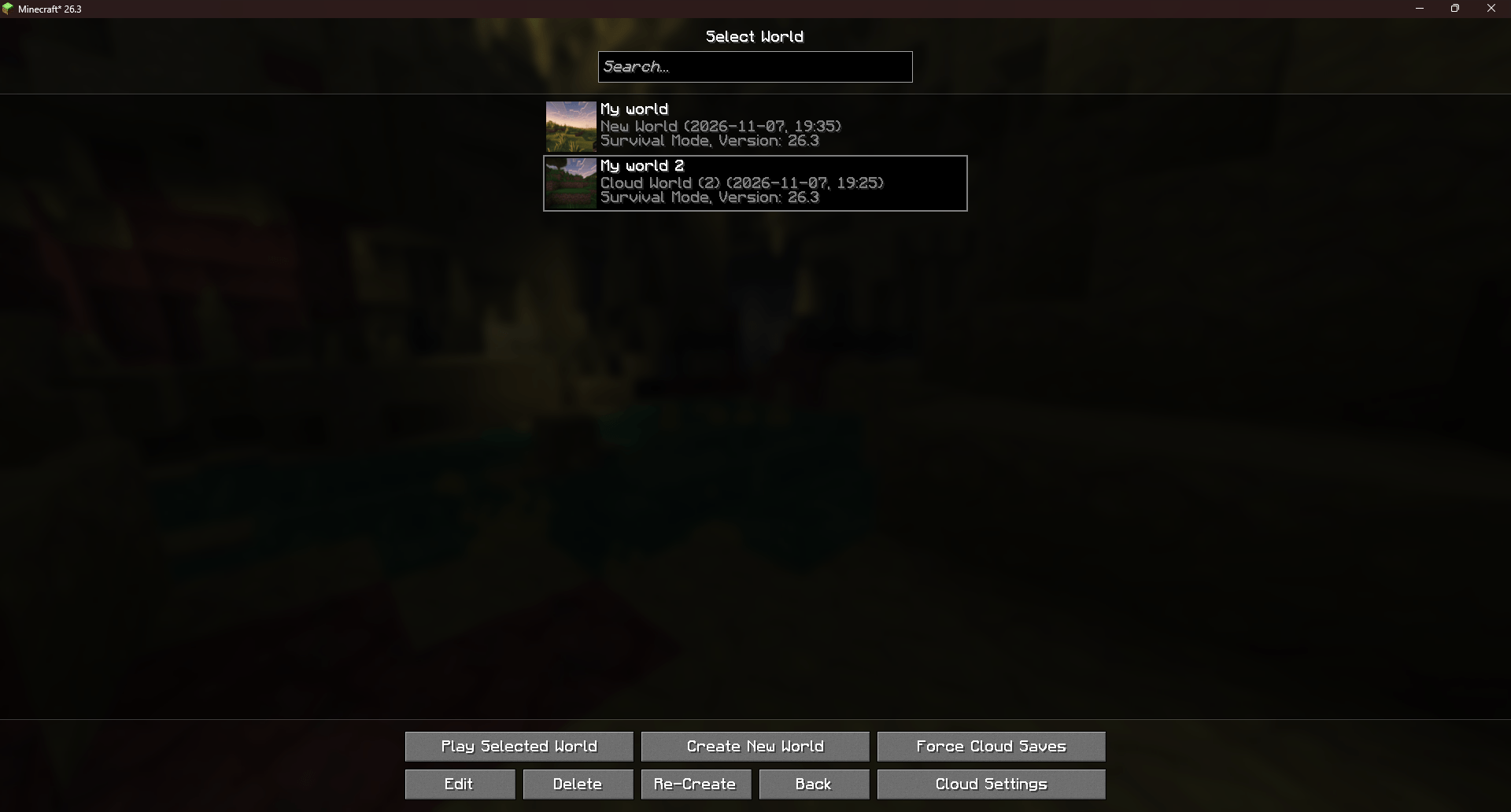
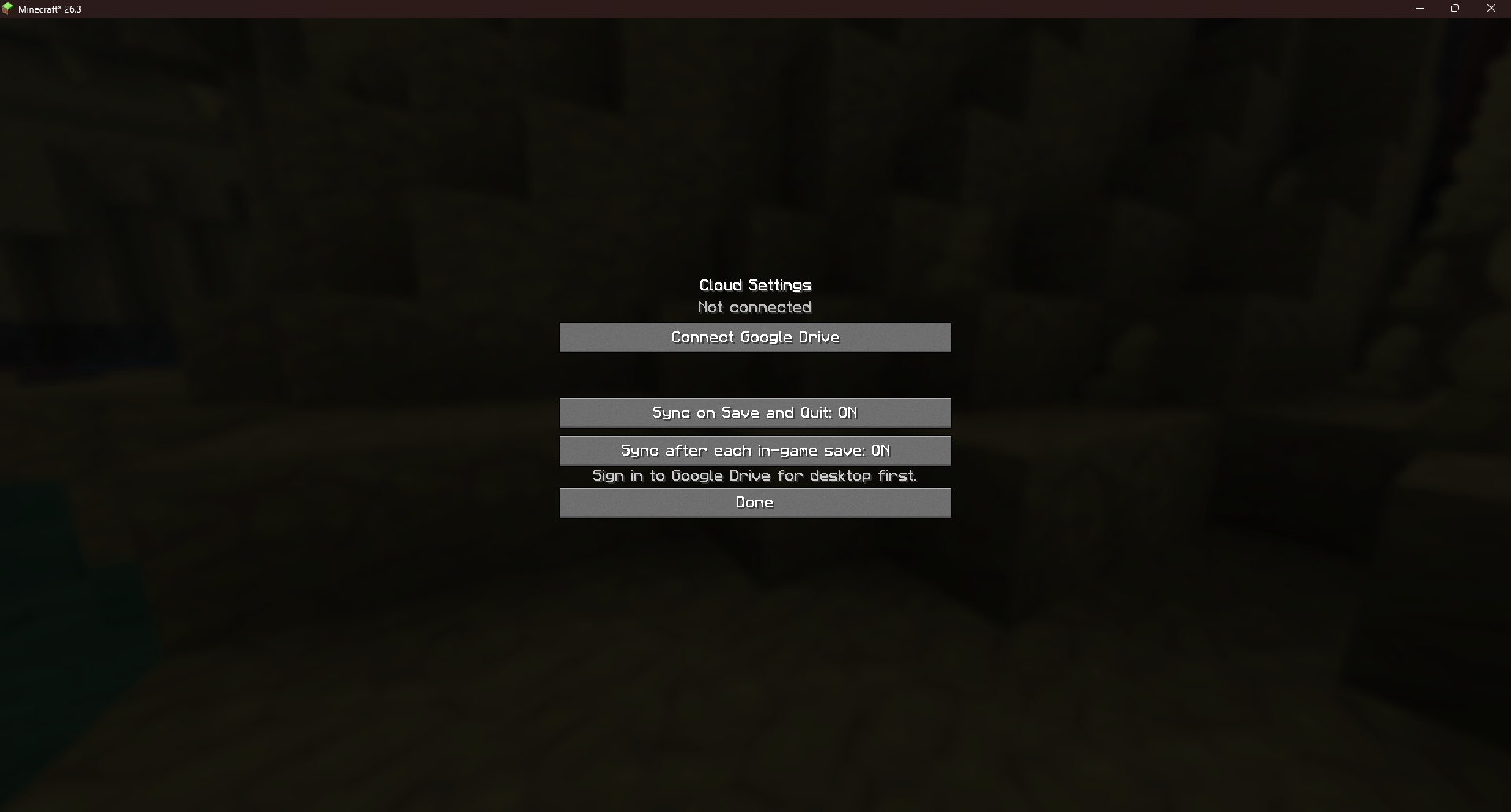
Use Force Cloud Saves to sync a selected world immediately, or configure automatic saves in Cloud Settings.
The mod checks for new world versions when you open Singleplayer and shows progress when it copies or imports files.
It skips identical saves and keeps both versions if the same world was changed on two computers.
Installation
-
Install Google Drive for desktop on every computer you want to sync. Sign in with the same Google account on each computer.
-
Install Fabric Loader 0.20.1 or newer for Minecraft Java Edition 26.3. Put the mod’s JAR file in your Minecraft profile’s mods folder.
-
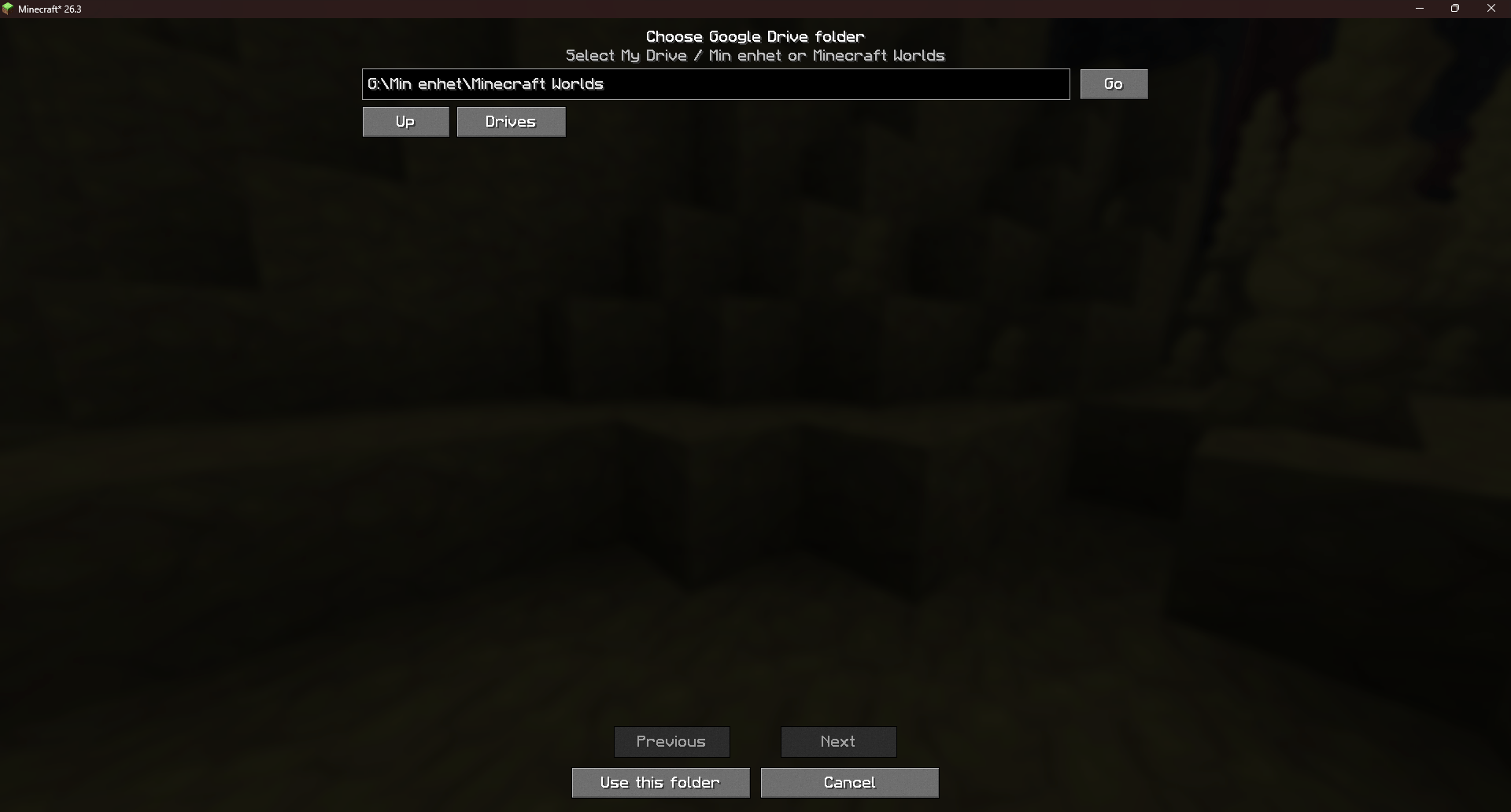
Connect your Drive folder. In Minecraft, open Singleplayer → Cloud Settings → Connect Google Drive.
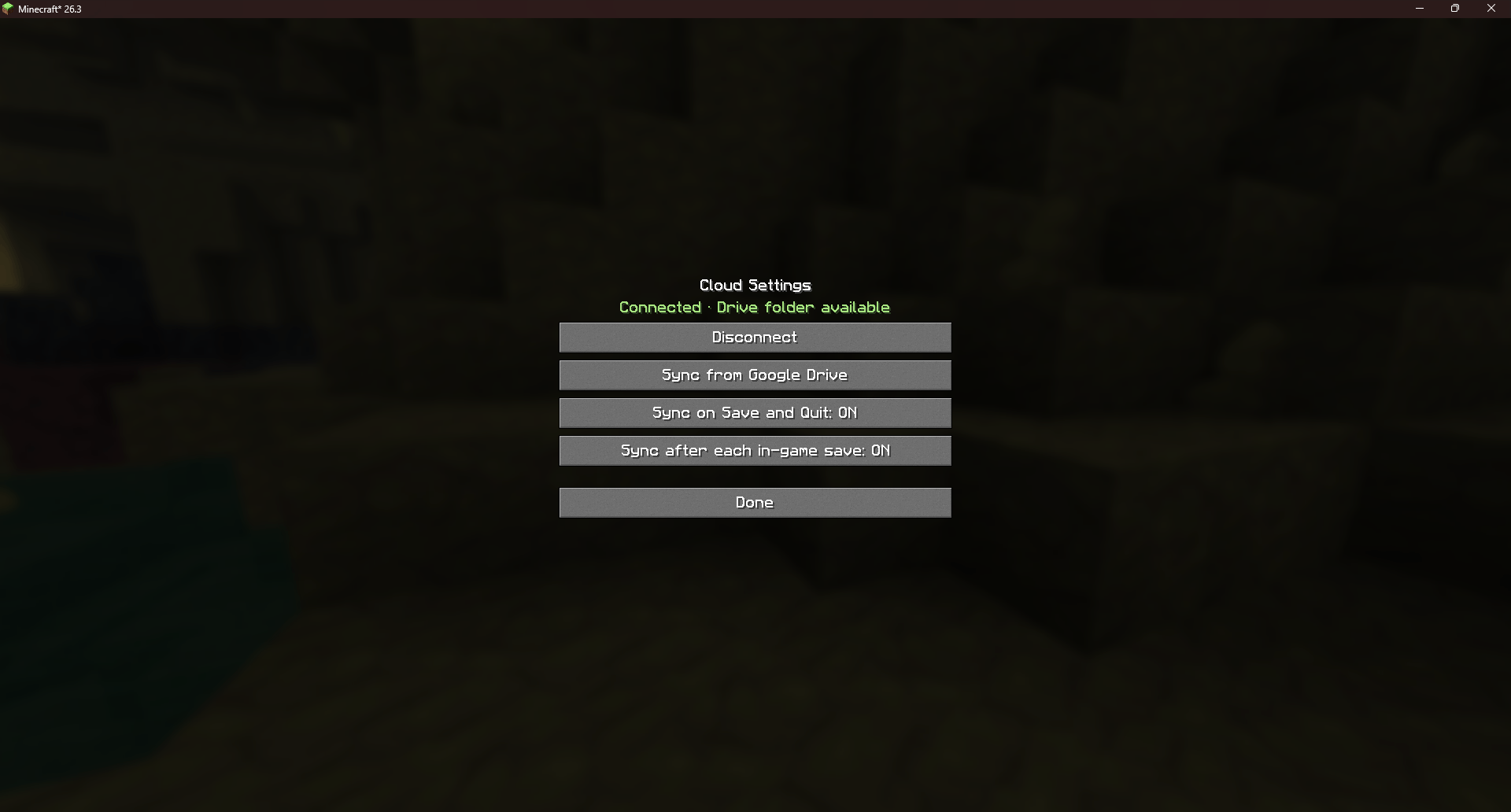
Select My Drive or your existing Minecraft Worlds folder. The mod displays Connected when everything is setup. -
Back up your first world. Select a world and click Force Cloud Saves. Automatic syncing on Save and Quit is enabled by default and can be changed in Cloud Settings.
-
Import on another computer. Wait for the Drive app to finish syncing. On the other computer, install the same mod version, connect the same Drive folder, and open Singleplayer. The mod imports available worlds automatically.
Remove a world completely
-
Close the world on every computer where it is open.
-
In Google Drive, open Minecraft Worlds and delete every backup for that world. Include the .zip and .mats-save files for older versions and any conflict copies.
-
Wait for the Drive app to sync the deletions. Then delete the local copies of the world from Singleplayer on each computer.
常见问题
Mat’s Cloud Saves 支持哪些 Minecraft 版本?
Mat’s Cloud Saves 支持 Minecraft Java 版 26.3,可用的加载器:Fabric。下载时注意选择和你游戏版本一致的文件。
Mat’s Cloud Saves 怎么安装?
先用 PCL2 或 HMCL 启动器安装对应版本的 Fabric,再把下载的 .jar 文件放进游戏目录的 mods 文件夹,重新启动游戏即可。开启了版本隔离的,mods 文件夹在 versions/版本名 下面。
Mattann 的其他作品
查看全部 →
Mat’s Minimap
一个高细节、可自定义的 Fabric 小地图,具有洞穴映射、路径点、实体标记、多种边框样式和持久化设置。

Mat’s Set Home
最多可设置三个家,使用简单命令返回,并通过便捷的游戏内菜单管理一切。

The Nightwatcher
一个夜间恐怖模组,逐渐消退的理智、浓密的雾气、令人毛骨悚然的音效,以及The Watcher的短暂现身,让黑暗变得栩栩如生。

Mat’s Mod Manager
一个轻量级的游戏内模组管理器,用于查看、禁用和重新启用已安装的 Fabric 模组。
评论
登录后评论和评分