Mat’s Minimap
A high-detail, customizable Fabric minimap with cave mapping, waypoints, entity markers, multiple border styles, and persistent settings.
截图
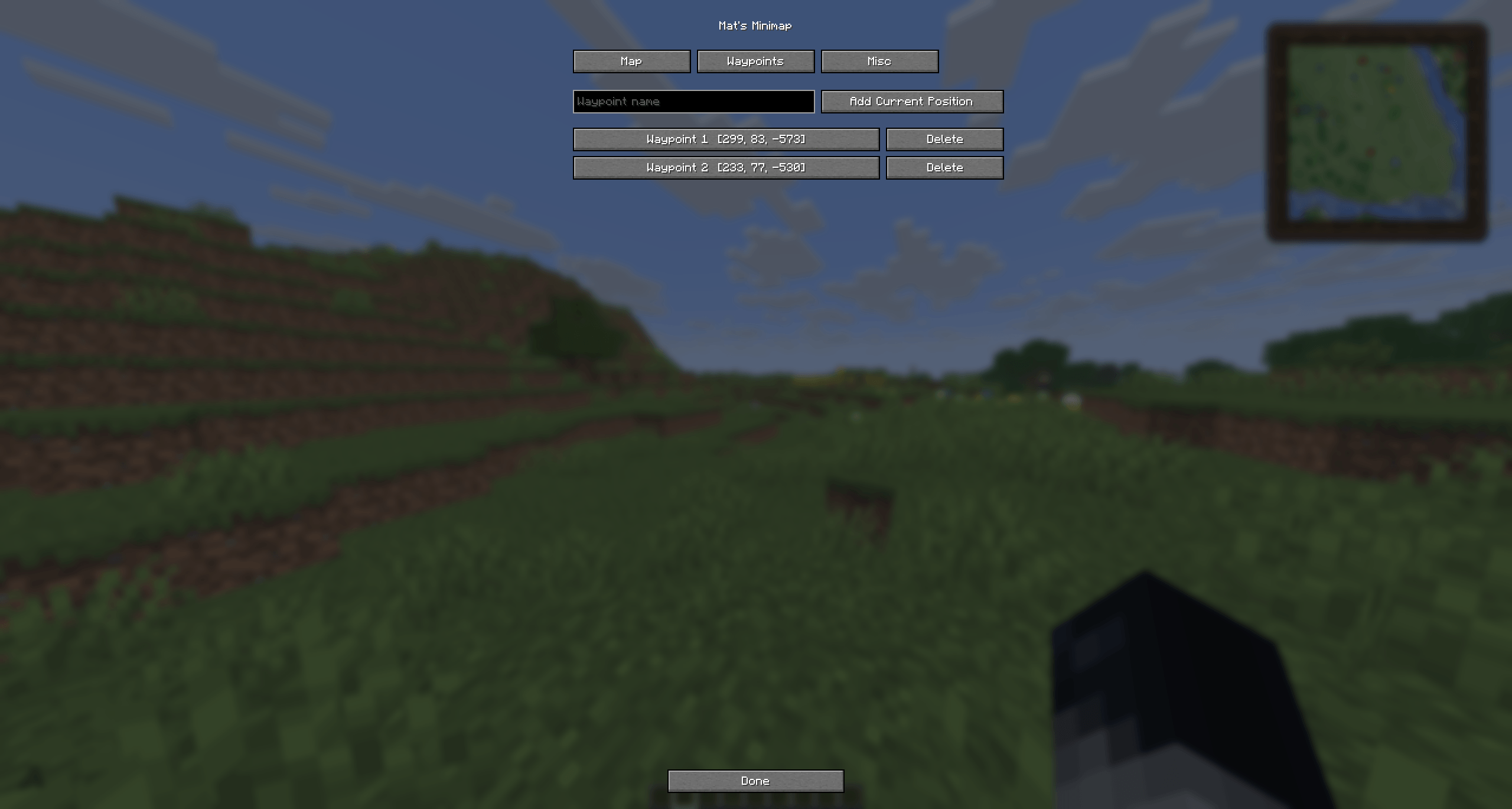
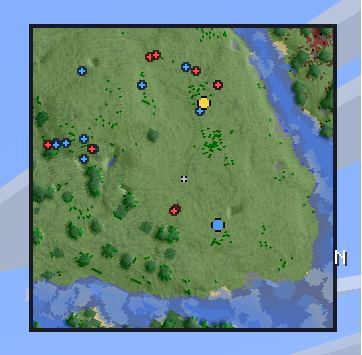
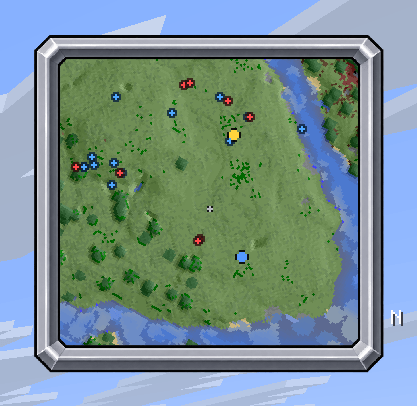
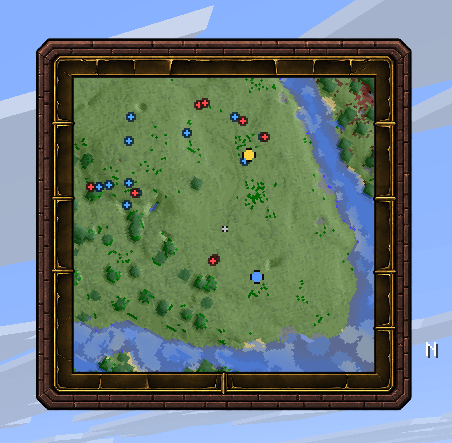
介绍
Mat’s Minimap
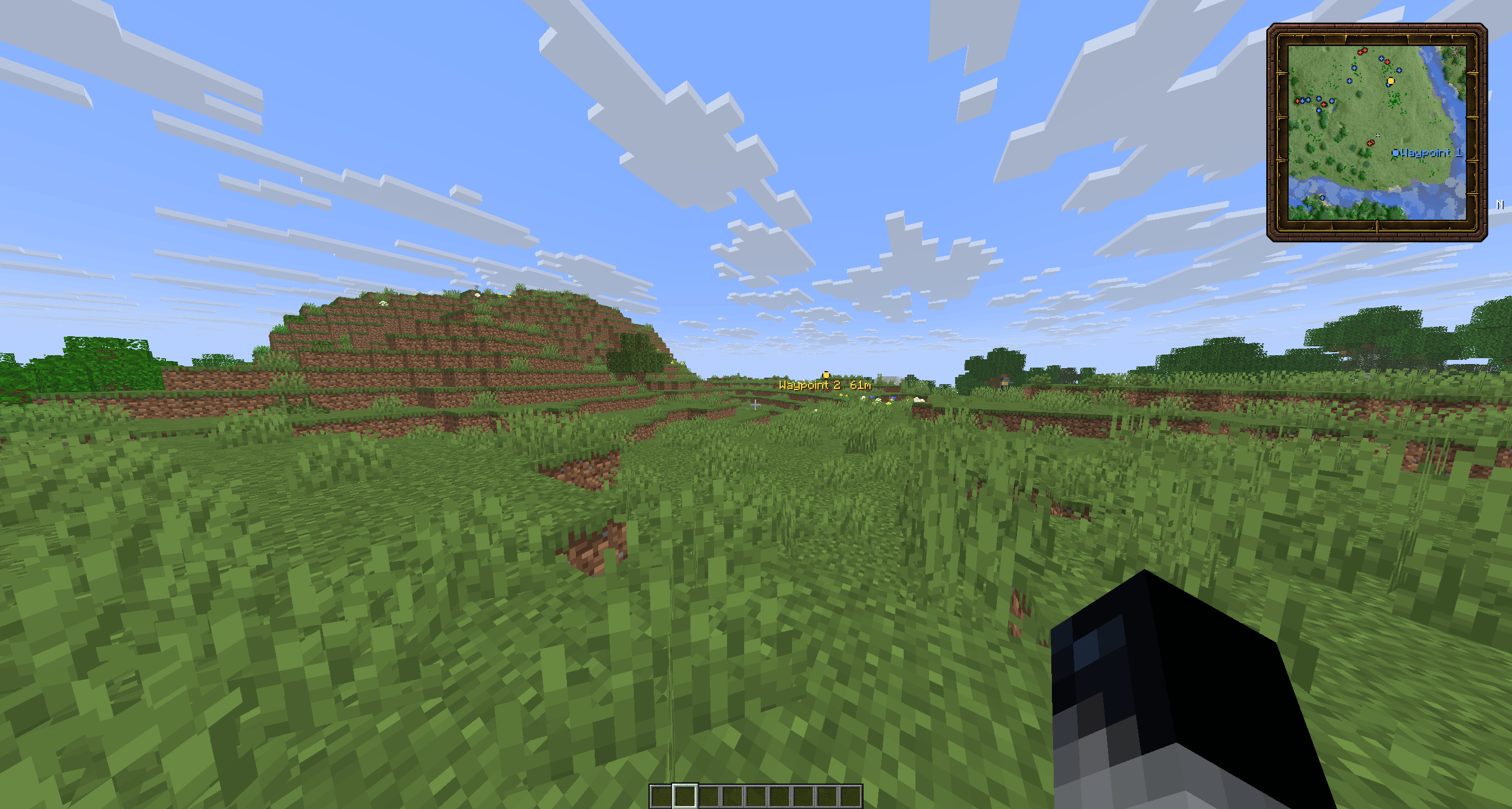
Mat’s Minimap is a client-side Fabric minimap for Minecraft 26.3, designed to provide a clear and detailed overview of the surrounding terrain without disrupting the vanilla experience. The map samples every individual block at 0.5× zoom and uses height-based relief shading to make hills, mountains, forests, water, and other terrain easier to distinguish. It automatically switches to a local underground view when exploring caves.
Features
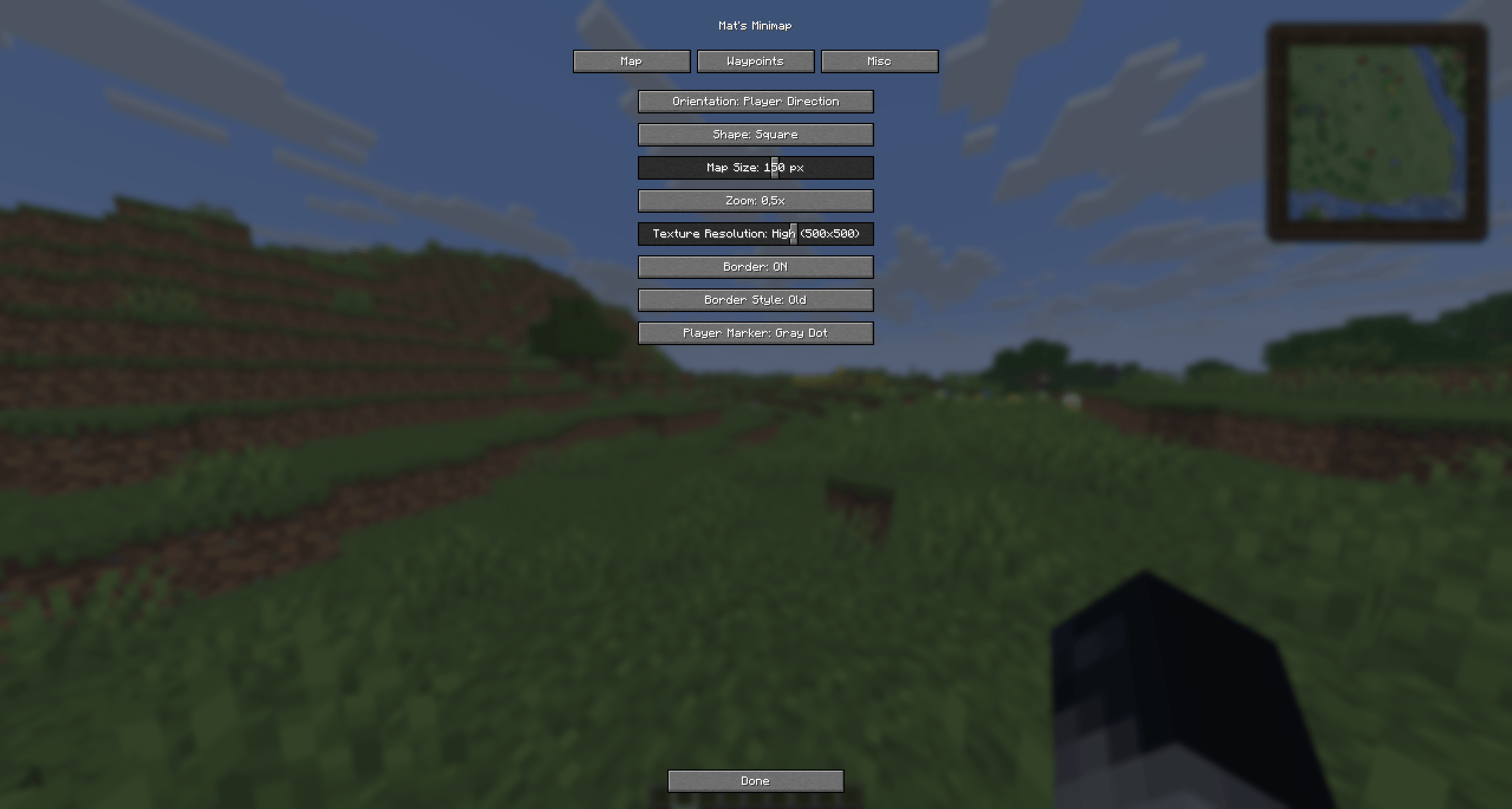
- Customizable map size, shape, zoom, resolution, and orientation
- Optional borders and configurable player markers
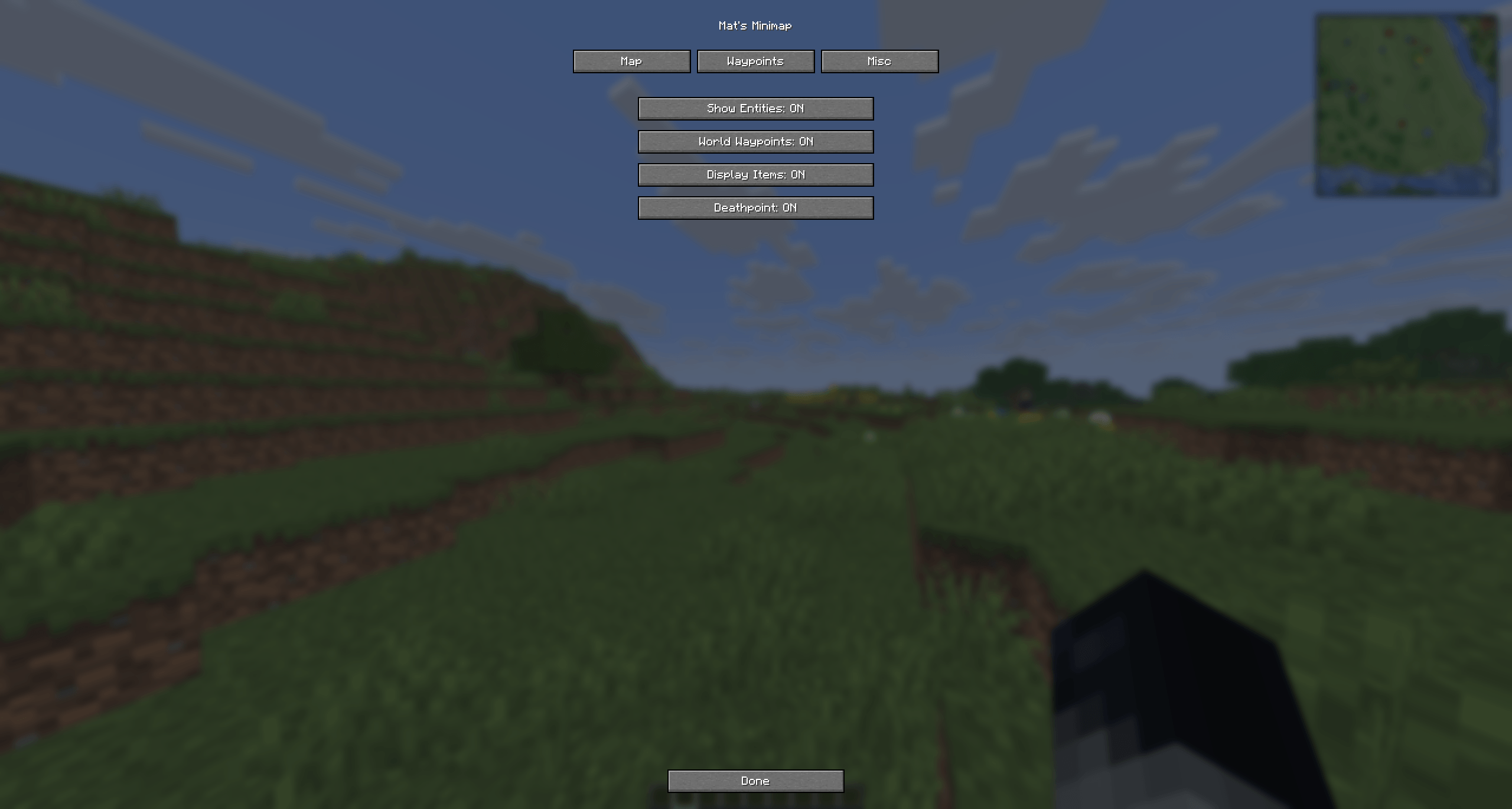
- Nearby entity and dropped-item tracking
- Detailed surface and cave maps
- Colored waypoints
- Automatic deathpoints
- Server-controlled minimap and waypoint restrictions
Servers can optionally use the “mats_minimap:restriction” plugin-message channel to:
Check out wiki for server setup.
- Hide the minimap
- Hide waypoints
- Hide both
- Display an explanatory message to the player
How to Use
- Press B to create a waypoint at your current position.
- Enter /matsminimap to open the settings menu.
常见问题
Mat’s Minimap 支持哪些 Minecraft 版本?
Mat’s Minimap 支持 Minecraft Java 版 26.2–26.3,共 2 个版本,可用的加载器:Fabric。下载时注意选择和你游戏版本一致的文件。
Mat’s Minimap 怎么安装?
先用 PCL2 或 HMCL 启动器安装对应版本的 Fabric,再把下载的 .jar 文件放进游戏目录的 mods 文件夹,重新启动游戏即可。开启了版本隔离的,mods 文件夹在 versions/版本名 下面。
评论
登录后评论和评分