Tiganu’s Inventory Sorter
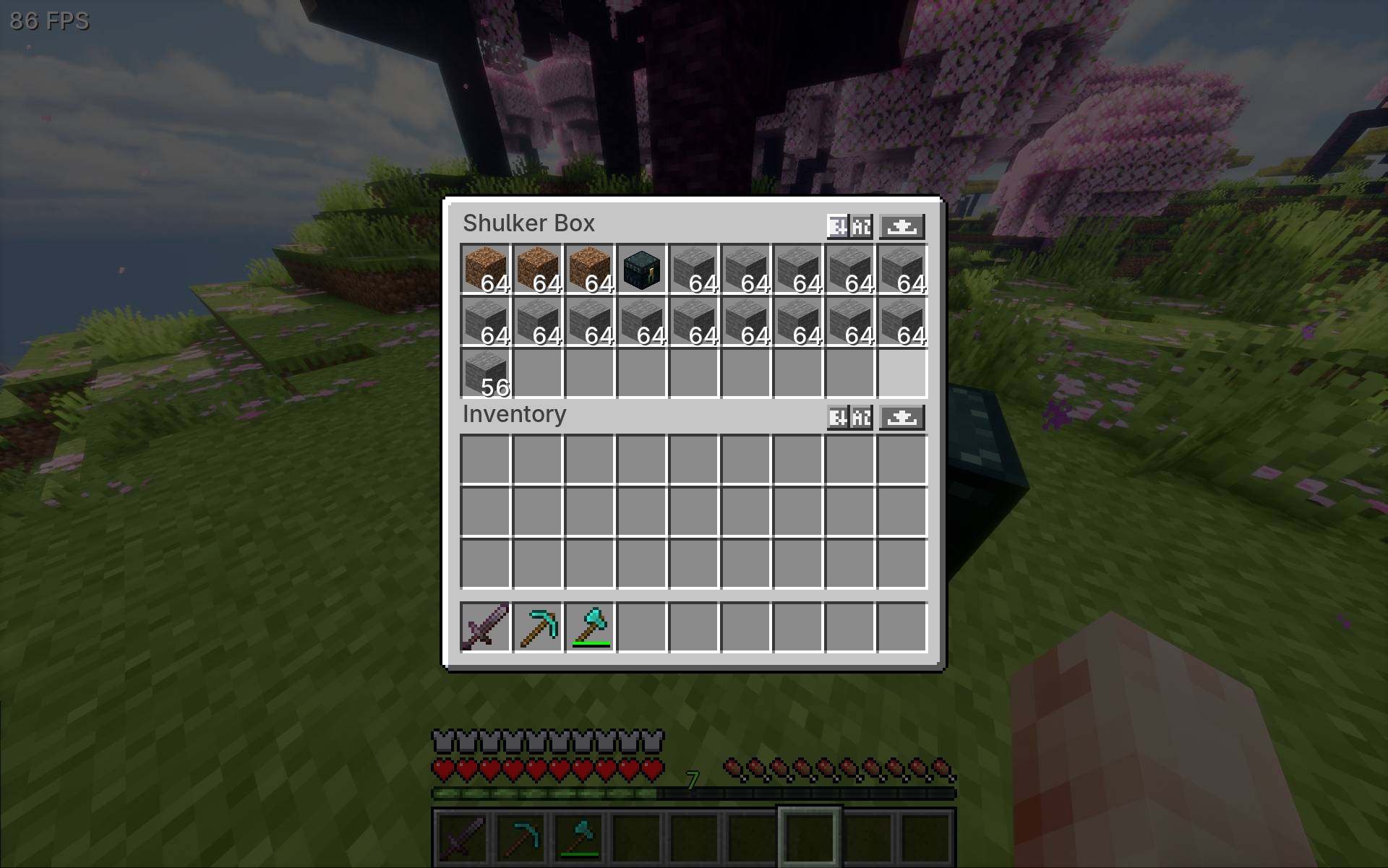
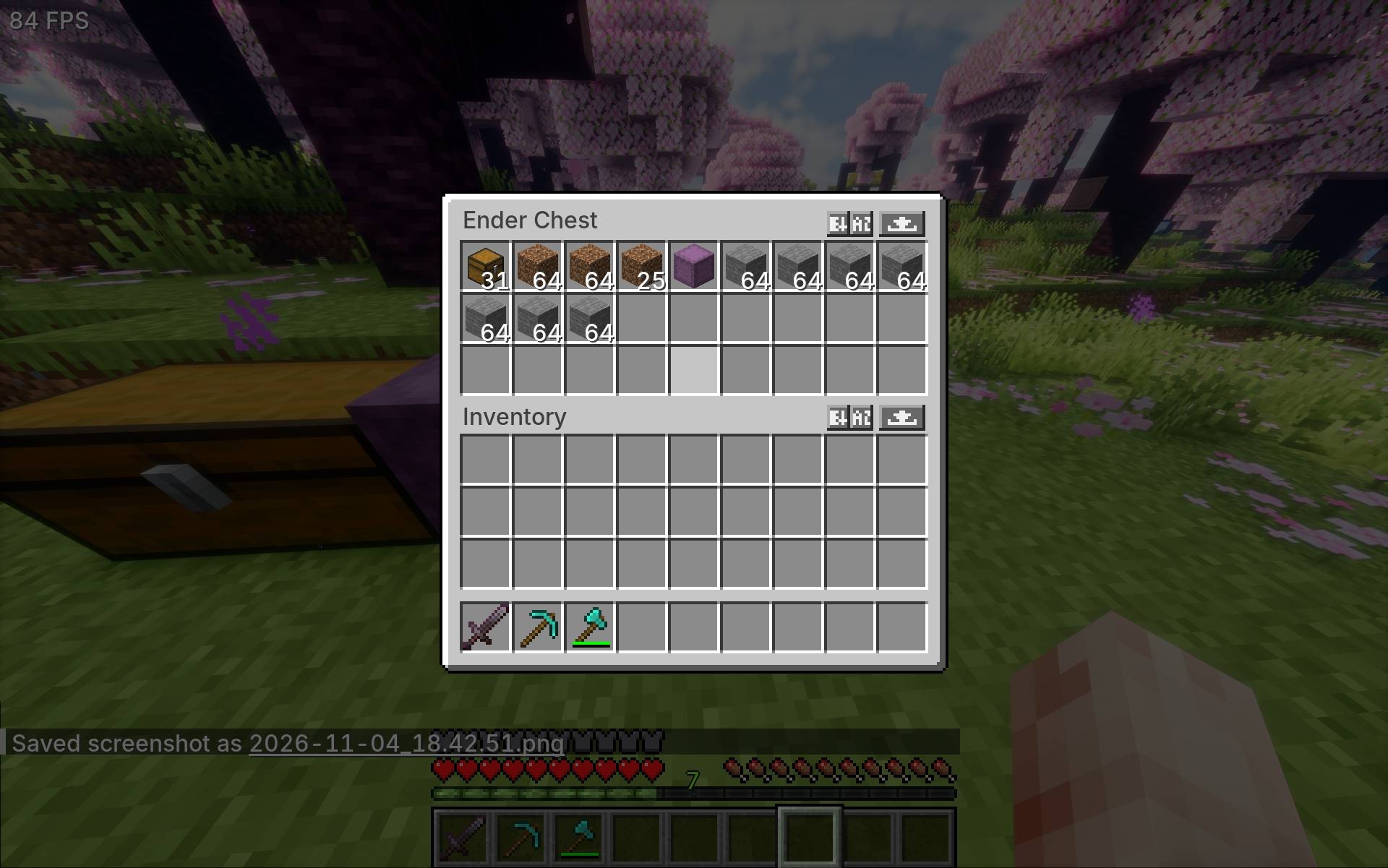
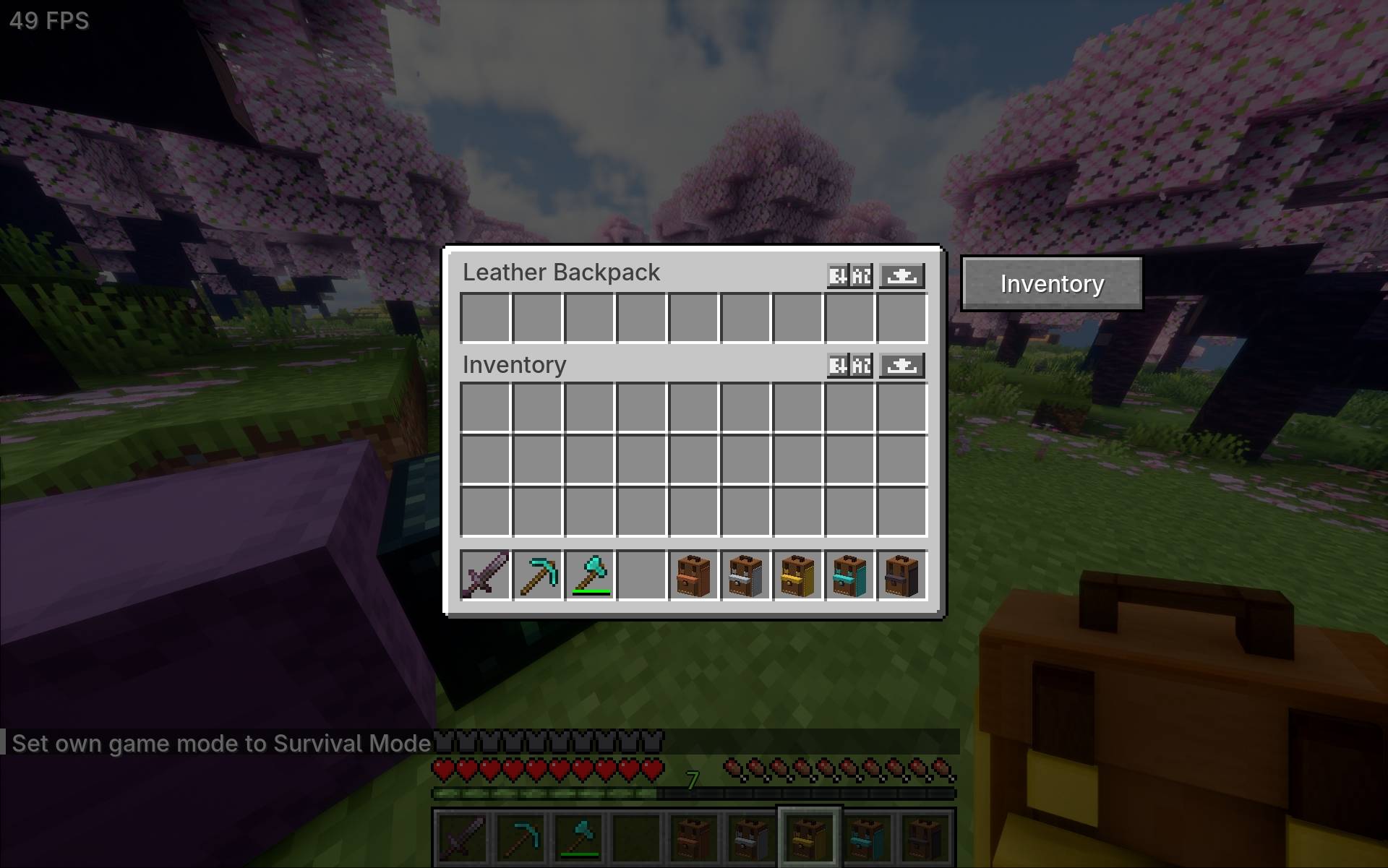
Sort items by name or category and transfer everything between your inventory and storage with a single click.
截图
介绍
I originally built this sorter for Morrowless. I found myself wanting the same buttons in a regular survival world, so I pulled the feature out and released it as a standalone mod. The controls are available as soon as you open your inventory or a supported container. Morrowless on CurseForge
How it works
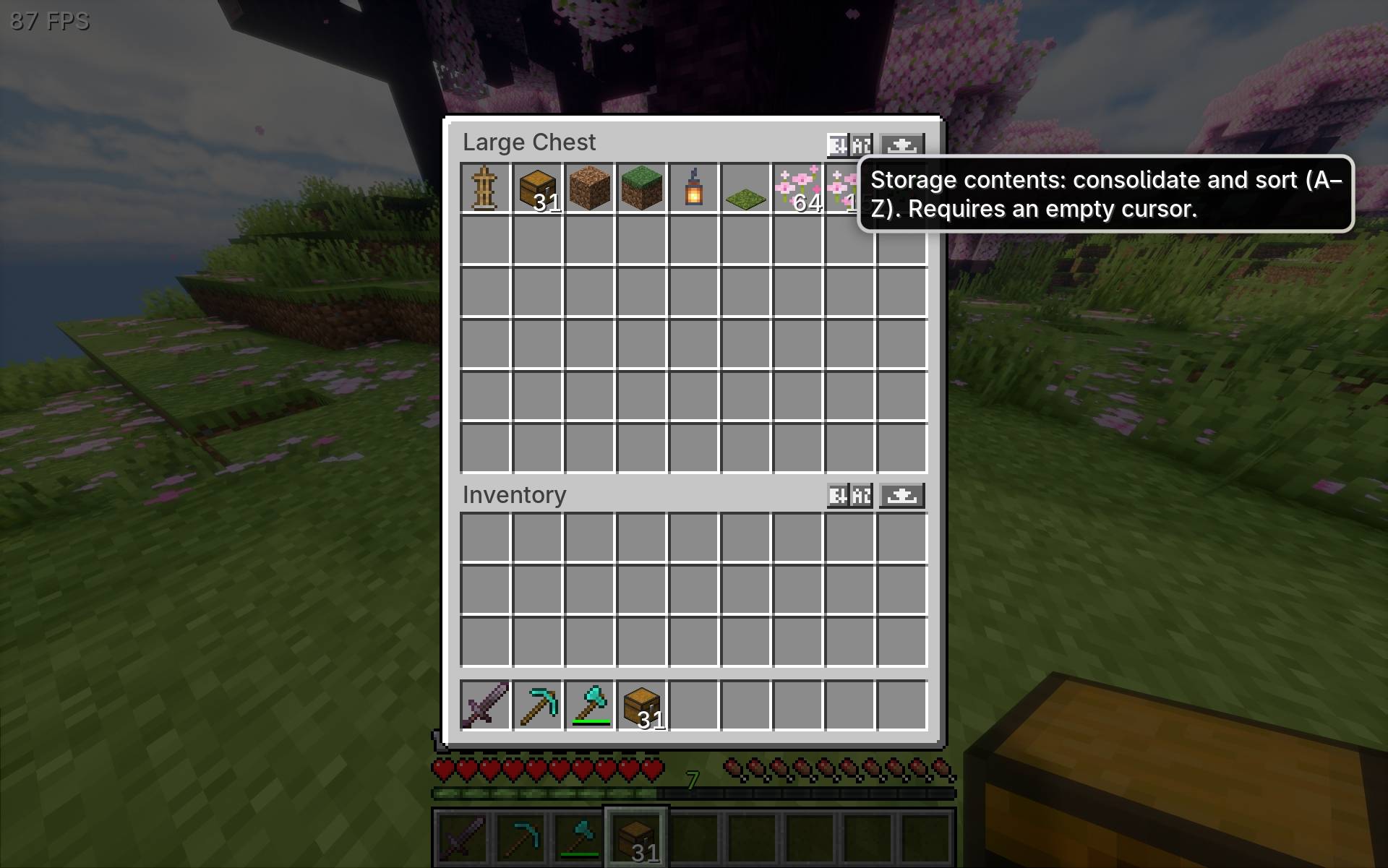
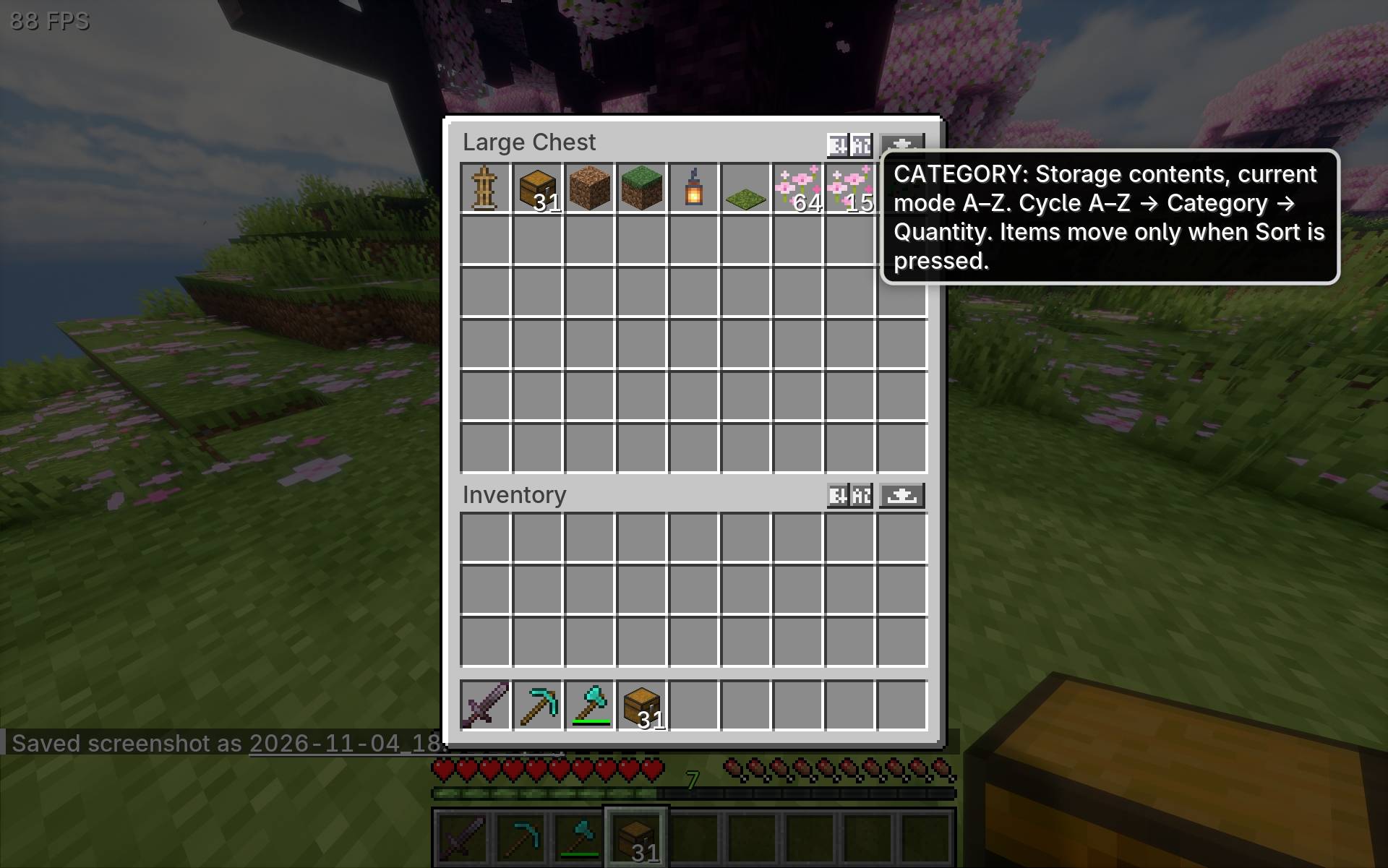
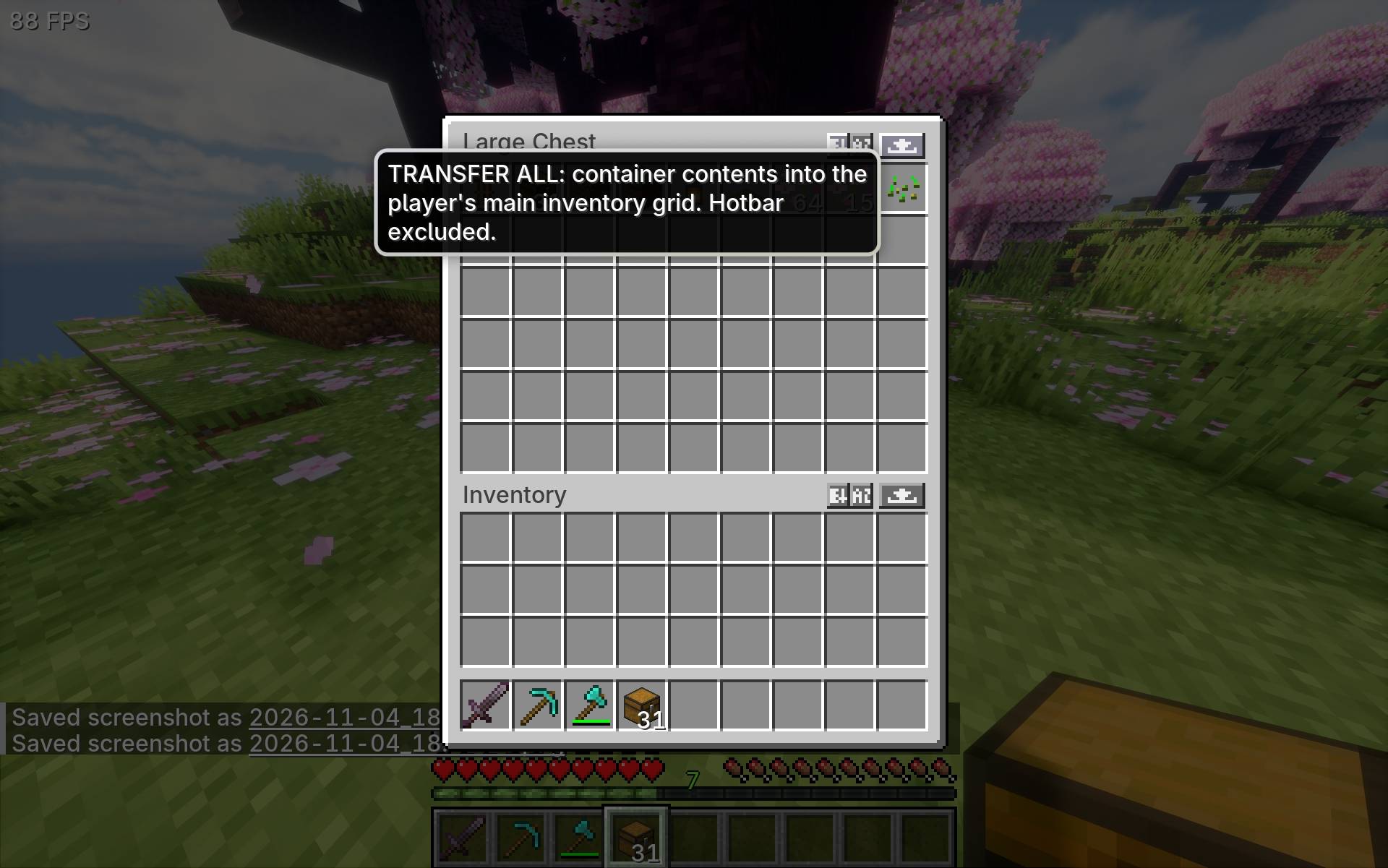
- Sort merges matching stacks and organizes the selected grid using its current sort mode.
- Category cycles between A–Z, Category, and Quantity. Your inventory and the open container can use different modes.
- Transfer All moves items between your main inventory and the open container. Use the button above the grid you want to move items from.
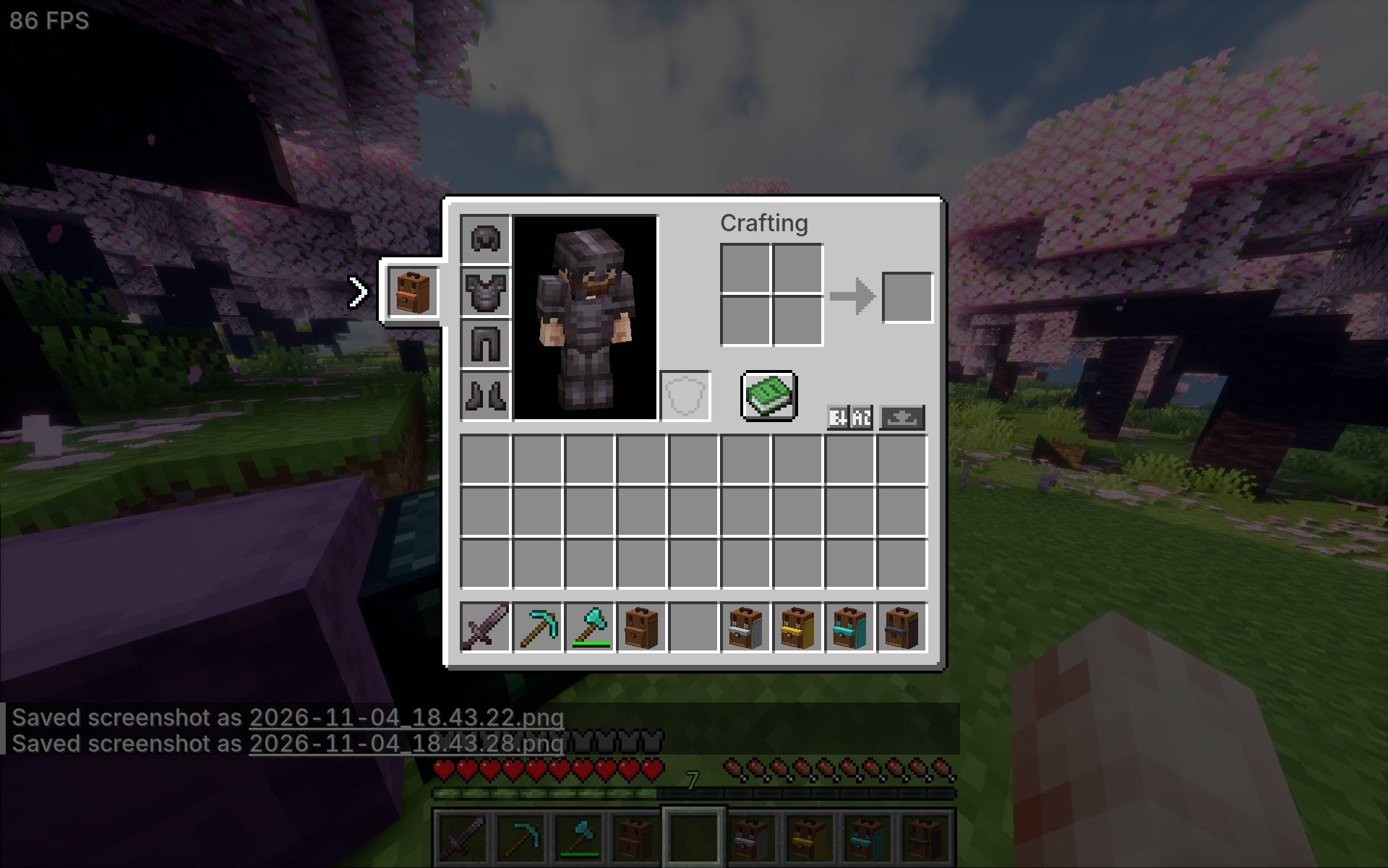
Sorting and transfers leave your hotbar, armor, and offhand alone.
Supported inventories
The sorter works with your main inventory, regular and trapped chests, barrels, ender chests, shulker boxes, hoppers, dispensers, and droppers. It also works with Tiganu’s Backpacks. When both mods are installed, the same controls appear in the backpack screen.
Installation
- Minecraft Java Edition 1.21.1
- NeoForge 21.1.242 or a newer NeoForge build for Minecraft 1.21.1
- Mod version 0.1.2
Place the .jar in your NeoForge profile’s mods folder and launch the game. For multiplayer, install the same mod version on the server and on each player’s client.
About the development
This mod was originally part of Morrowless and has been extracted into a standalone mod. It was developed with the help of ChatGPT for coding, as I have no programming background. The ideas, feature design, balancing, and in-game testing come from me.
常见问题
Tiganu’s Inventory Sorter 支持哪些 Minecraft 版本?
Tiganu’s Inventory Sorter 支持 Minecraft Java 版 1.21.1,可用的加载器:NeoForge。下载时注意选择和你游戏版本一致的文件。
Tiganu’s Inventory Sorter 怎么安装?
先用 PCL2 或 HMCL 启动器安装对应版本的 NeoForge,再把下载的 .jar 文件放进游戏目录的 mods 文件夹,重新启动游戏即可。开启了版本隔离的,mods 文件夹在 versions/版本名 下面。
Tiganu 的其他作品
查看全部 →
Morrowless
一个黑暗的 Minecraft 恐怖模组,包含令人不安的生物、独特的 Boss、阴森的结构、传说和危险的夜间遭遇。
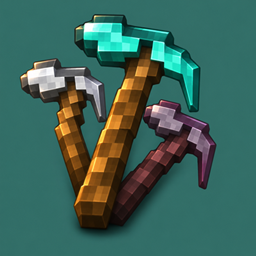
Tiganu’s Multitool
Combine a pickaxe, axe, and shovel into one multitool. Six vanilla material tiers, double durability, and two inventory slots saved.
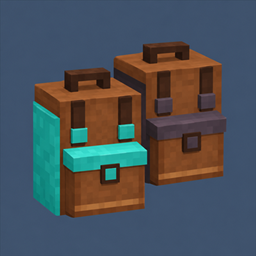
Tiganu’s Backpacks
Craft and wear six tiers of backpacks, from Leather to Netherite, with up to 54 storage slots.
评论
登录后评论和评分