截图
介绍
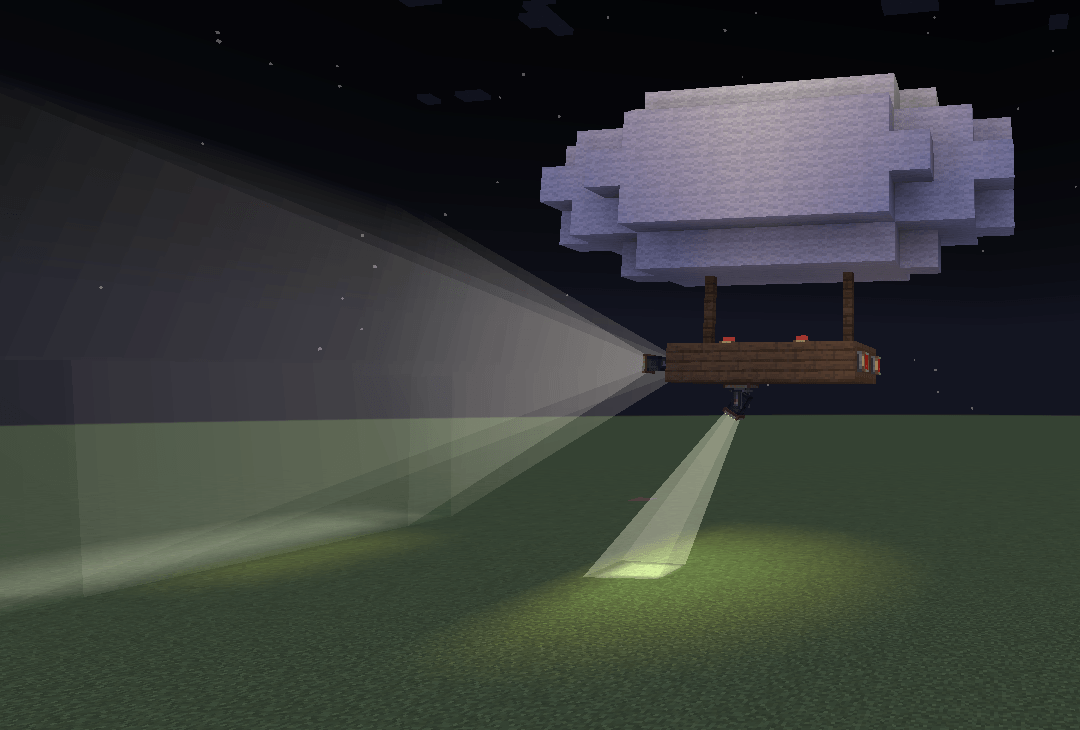
This mod brings functional lighting to Create: searchlights, floodlights, beacons and vehicle lights that light up whatever they’re pointed at. They keep doing it on moving contraptions, trains and airships too.
1) Aim a Beam
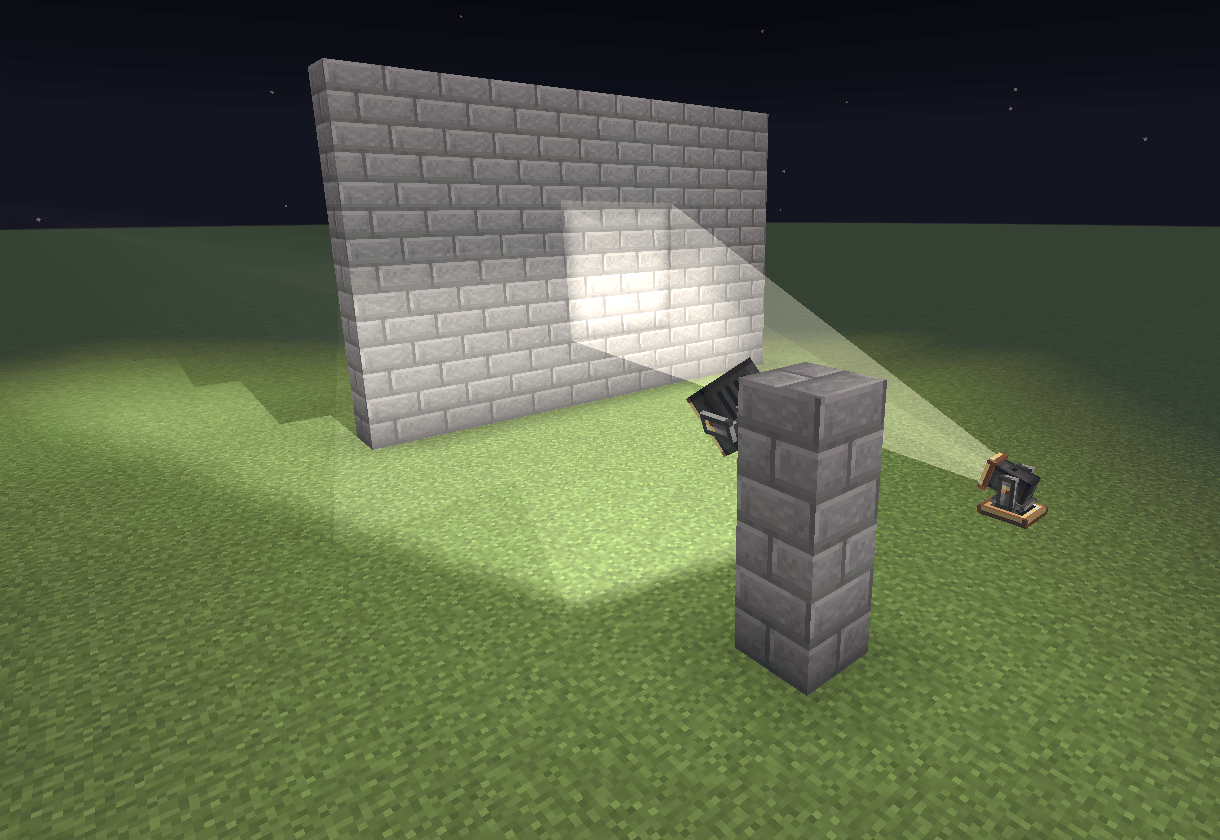
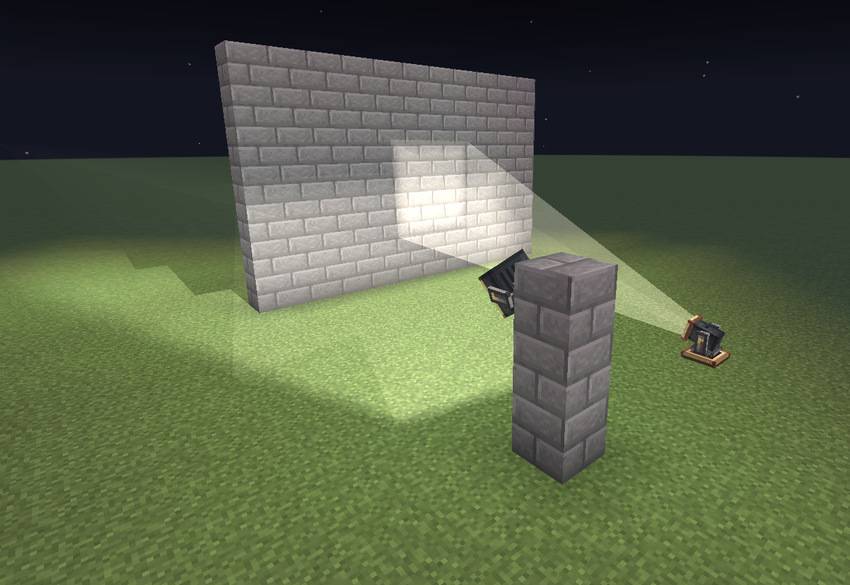
The Searchlight throws a long, narrow beam across the dark. For lighting a whole area, use the Floodlight instead.
You can aim either one to the exact degree with its Pan and Tilt value boxes. Or mount it on a Pan-Tilt Head and let a shaft turn it round. Redstone tilts it up, and the head can sweep back and forth on its own.
2) Signal and Mark
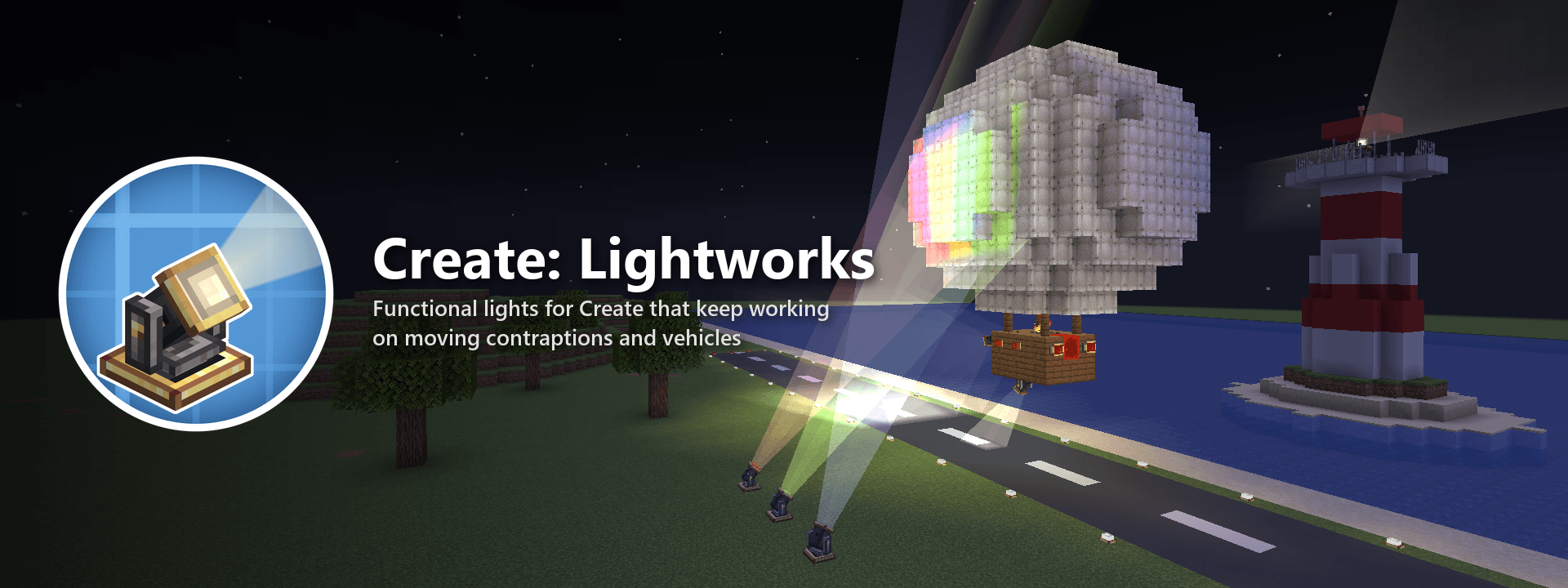
The Rotating Beacon spins its two beams with the shaft that drives it.
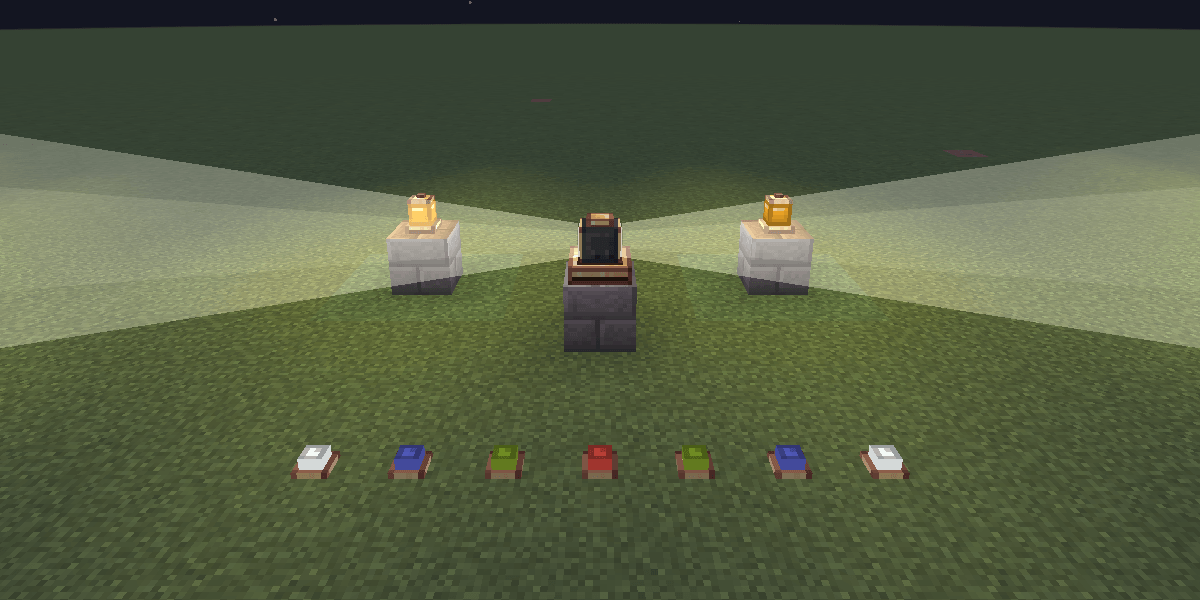
Warning Lights have several patterns, from a steady glow to a strobe, and can be set to come on only at night. Line up Edge Lights to mark runways and platforms, in any colour you like.
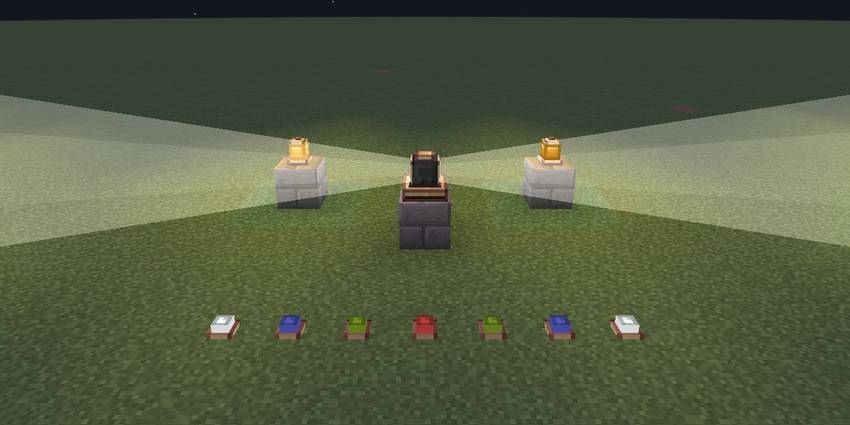
3) Light Your Vehicles
Headlights only shine the way the vehicle is going, so when it reverses, the ones at the other end take over. Tail and Brake Lights glow red at the back and brighten whenever the vehicle slows down.
All of this works on Create contraptions, trains and Sable airships. Point a Searchlight at a passing airship and the beam stops on its hull and lights it up as it flies.
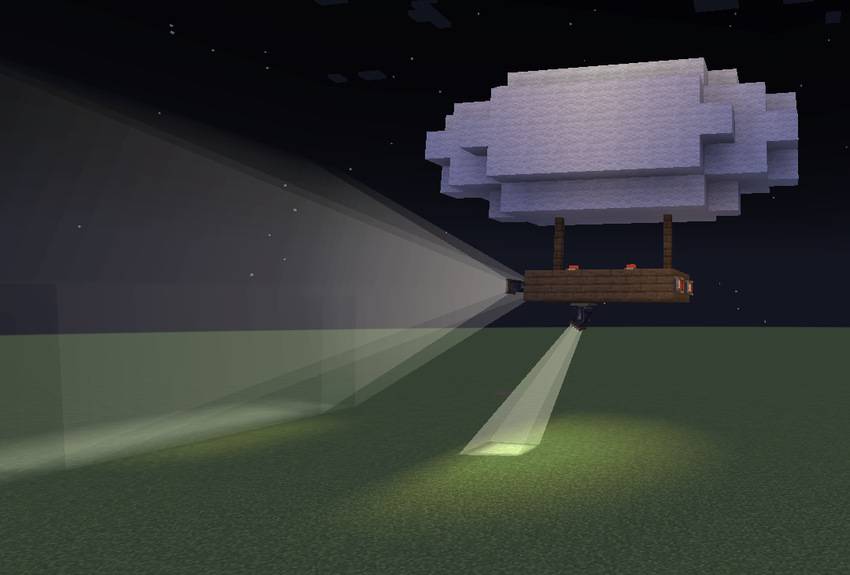
Colour and Control
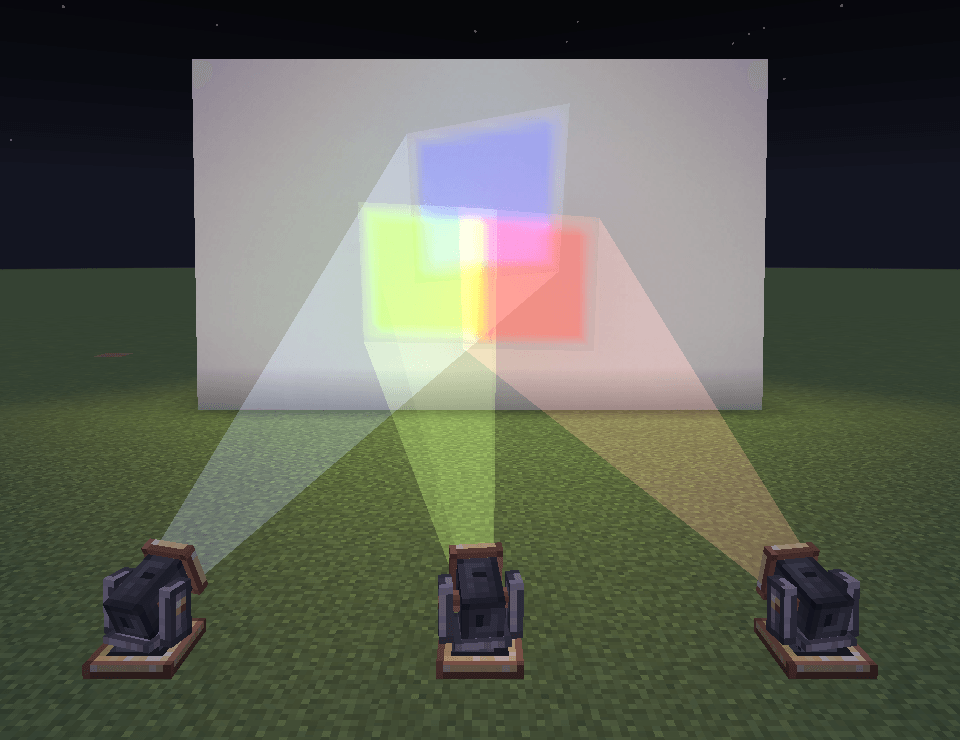
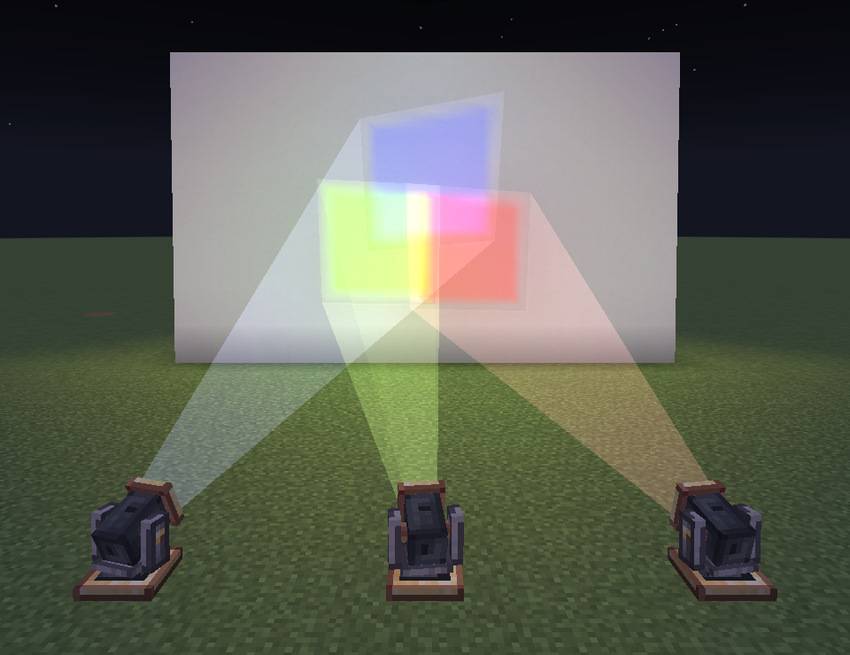
Dye a light and everything it casts takes the colour: the lens, the beam and the spot it lights. Overlapping colours mix the way light does, so red and green make yellow.
Redstone dims any light. Create’s Clipboard copies settings from one light to another, and Engineer’s Goggles show what a light is doing. Every block has its own Ponder scene, too.
Optional Integrations
For moving lights to really light up the world around them, install LambDynamicLights or Sodium Dynamic Lights. Without either, fixed lights work as normal and moving lights paint their spot instead.
Sable and Create Aeronautics let you put lights on airships.
Sodium and Iris are supported. Shader packs light the world their own way, so with one on, coloured light is switched off and lights shine white.
Links
- Report bugs/suggest features: GitHub Issues
- Source code: GitHub
常见问题
Create: Lightworks 支持哪些 Minecraft 版本?
Create: Lightworks 支持 Minecraft Java 版 1.21.1,可用的加载器:NeoForge。下载时注意选择和你游戏版本一致的文件。
Create: Lightworks 怎么安装?
先用 PCL2 或 HMCL 启动器安装对应版本的 NeoForge,再把下载的 .jar 文件放进游戏目录的 mods 文件夹,重新启动游戏即可。开启了版本隔离的,mods 文件夹在 versions/版本名 下面。


评论
登录后评论和评分