Cartoon Clouds (Java Edition) – Custom Sky
[1.21+] This texture pack changes the sky and adds cartoon-style clouds, just like the ones you see in your favorite cartoons! Play with a bright, fun sky that makes your Minecraft world feel happy and magical.
介绍
This texture pack changes the sky and adds cartoon-style clouds, just like the ones you see in your favorite cartoons! Play with a bright, fun sky that makes your Minecraft world feel happy and magical. It’s perfect for building, exploring, or just relaxing under a dreamy, cartoon sky!
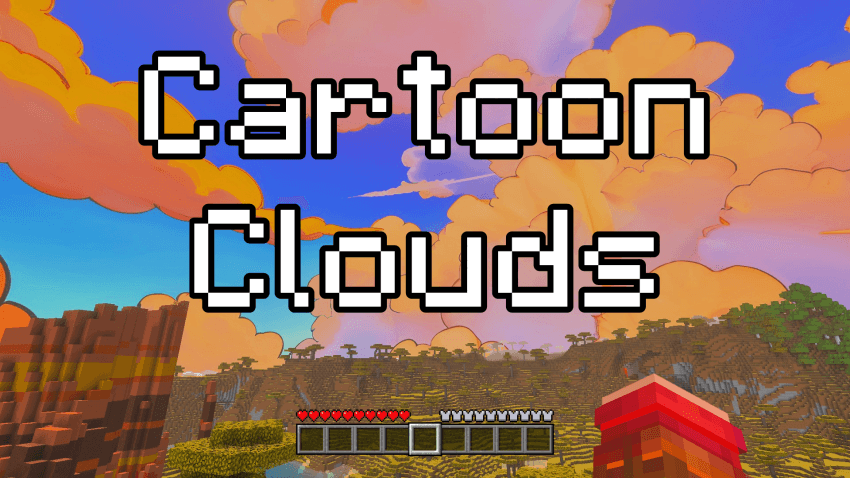
EXAMPLE IMAGE:
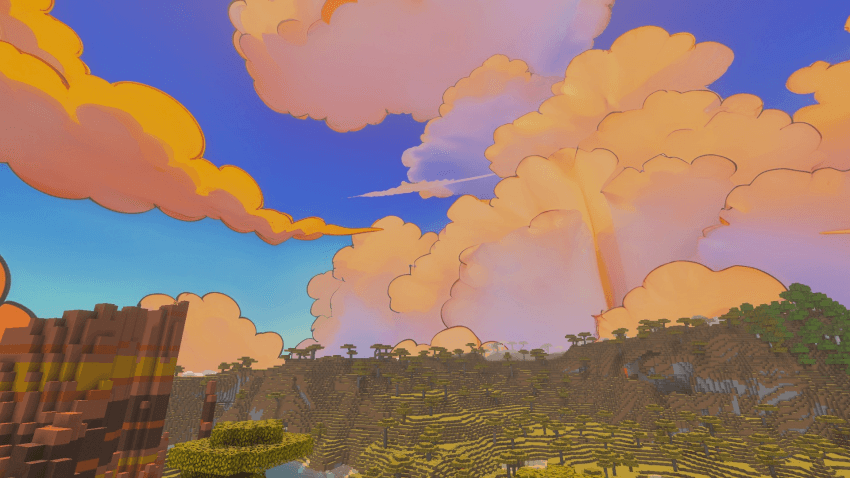
AVAILABLE VERSIONS & RESOLUTIONS:
You can download and choose between different variants to best suit your preferences and performance:
- Standard (24h): The custom sky remains permanently visible day and night.
- Only Day: Beautiful custom daytime sky active from morning to evening (05:00 – 19:00) with smooth sunrise and sunset fade transitions, keeping the classic starry sky at night.
Each variant is available in 3 resolutions:
- 💎 2048x (Ultra HD / Maximum Detail)
- ⚡ 1024x (Balanced Quality & Performance)
- 🍃 512x (Fast & Performance-Friendly for Low-End PCs)
🔧 REQUIREMENTS & MOD COMPATIBILITY:
This pack is built using the standard custom sky format and is 100% compatible with both OptiFine and modern performance mod setups:
- OptiFine (Standalone): Fully supported natively! (Make sure Options -> Video Settings -> Quality -> Custom Sky is set to ON).
- Fabric / NeoForge / Forge (Sodium & Iris users): You do not need OptiFine! You can use either:
- Optiboxes or Skyboxify: Directly loads OptiFine custom skies natively with Sodium.
- Nuit (formerly FabricSkyboxes) with Nuit Interop: Automatically detects and renders this sky pack with full transition support.
TERMS OF USE & SHARING:
If you want to share, review, or showcase this texture pack, please always provide the direct link to this official CURSEFORGE page. Please do not re-upload, host on external websites, or put this content behind unauthorized links.
Thanks and have fun! 😀
常见问题
Cartoon Clouds (Java Edition) – Custom Sky 支持哪些 Minecraft 版本?
Cartoon Clouds (Java Edition) – Custom Sky 支持 Minecraft Java 版 1.21。下载时注意选择和你游戏版本一致的文件。
Cartoon Clouds (Java Edition) – Custom Sky 怎么安装?
把下载的 .zip 文件(不用解压)放进游戏目录的 resourcepacks 文件夹,进游戏后在「选项 → 资源包」里把它移到右边启用。
Sodvic 的其他作品
查看全部 →
Realistic Sky (Java Edition) – Custom Sky
[1.21+] 这款材质包将天空改得更接近真实天空。你能看到逼真的云朵和蓝天,让 Minecraft 更真实、更美丽。抬头看看,享受全新的真实天空吧。
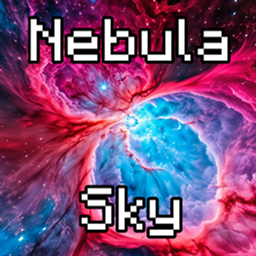
Nebula Sky (Java Edition) – Custom Sky
[1.21+] 这款材质包会改变 Java 版的天空,呈现繁星与绚丽星云。每次抬头,都能看到遥远的星系。开启你的宇宙冒险吧!
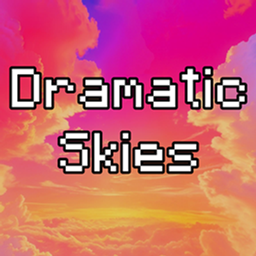
Dramatic Sky (Java Edition) – Custom Sky
[1.21+] 这个资源包添加了充满魔法云彩和梦幻色彩的华丽戏剧风格天空。它让你的世界更加神奇有趣。非常适合建造、探索,或者只是放松地仰望天空!
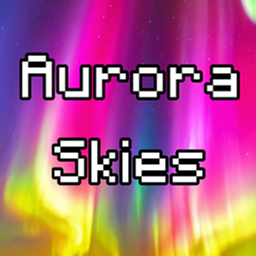
Aurora Sky (Java Edition) – Custom Sky
[1.21+] This texture pack changes the sky and makes it extra special! Now, when you look up at night, you will see a beautiful aurora borealis, a magical light show in the sky with glowing colors. It makes your world feel more magical and fun.
评论
登录后评论和评分