
截图
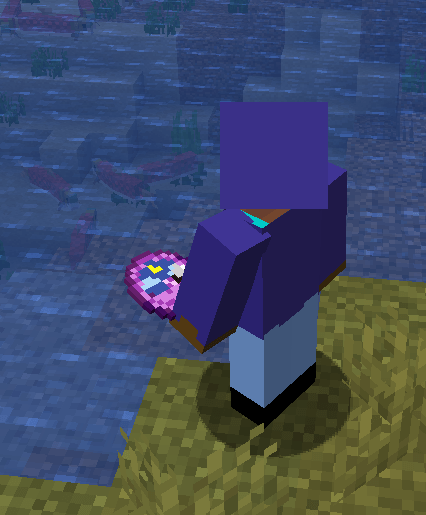
介绍
中文介绍正在准备中,下面暂时显示原文。
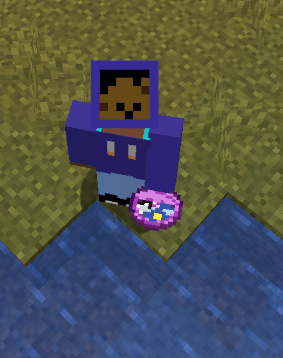
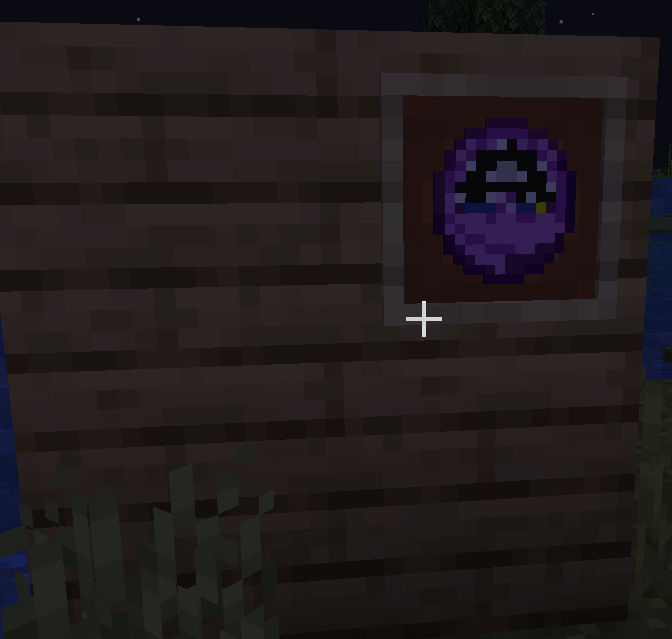
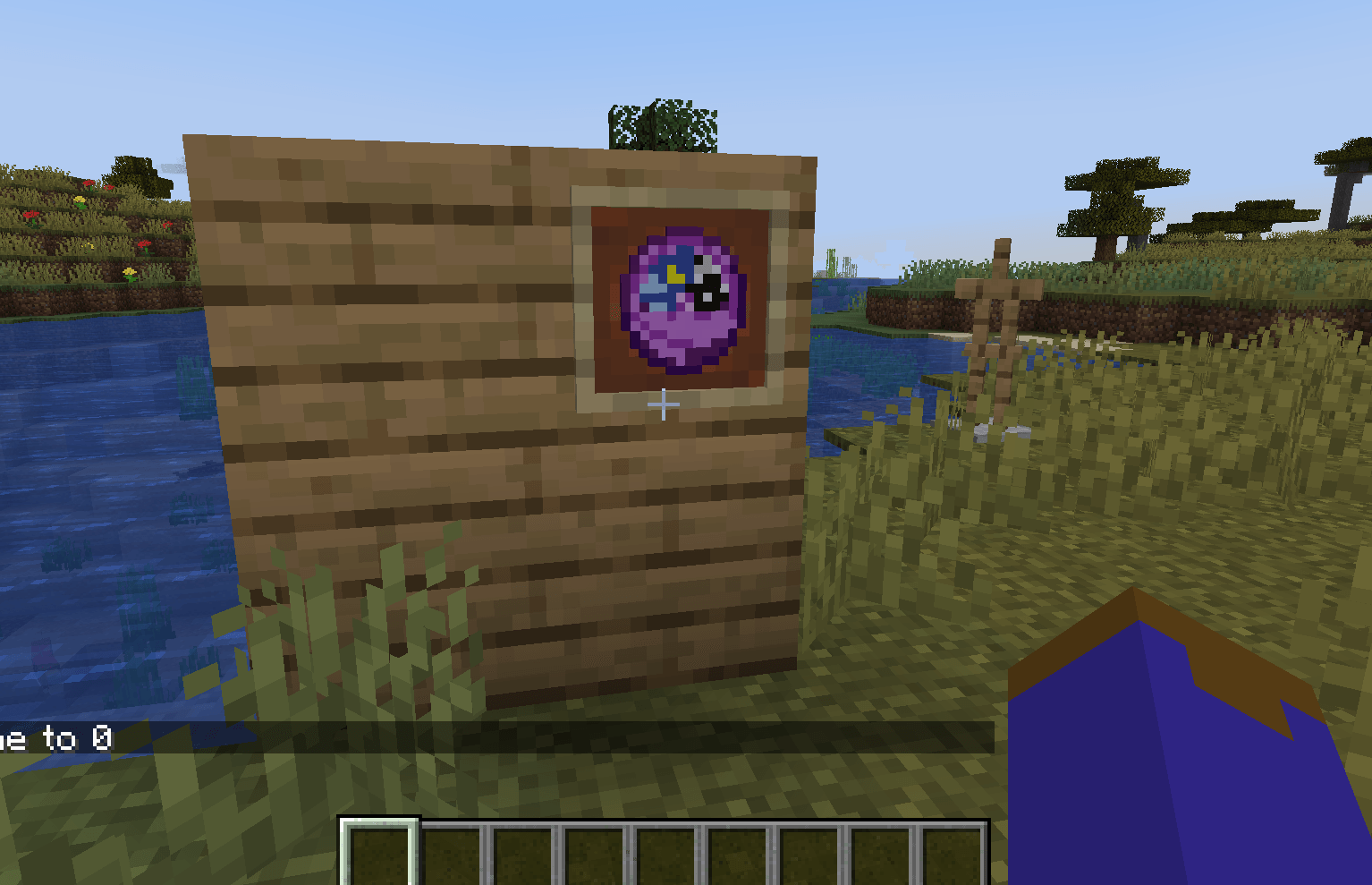
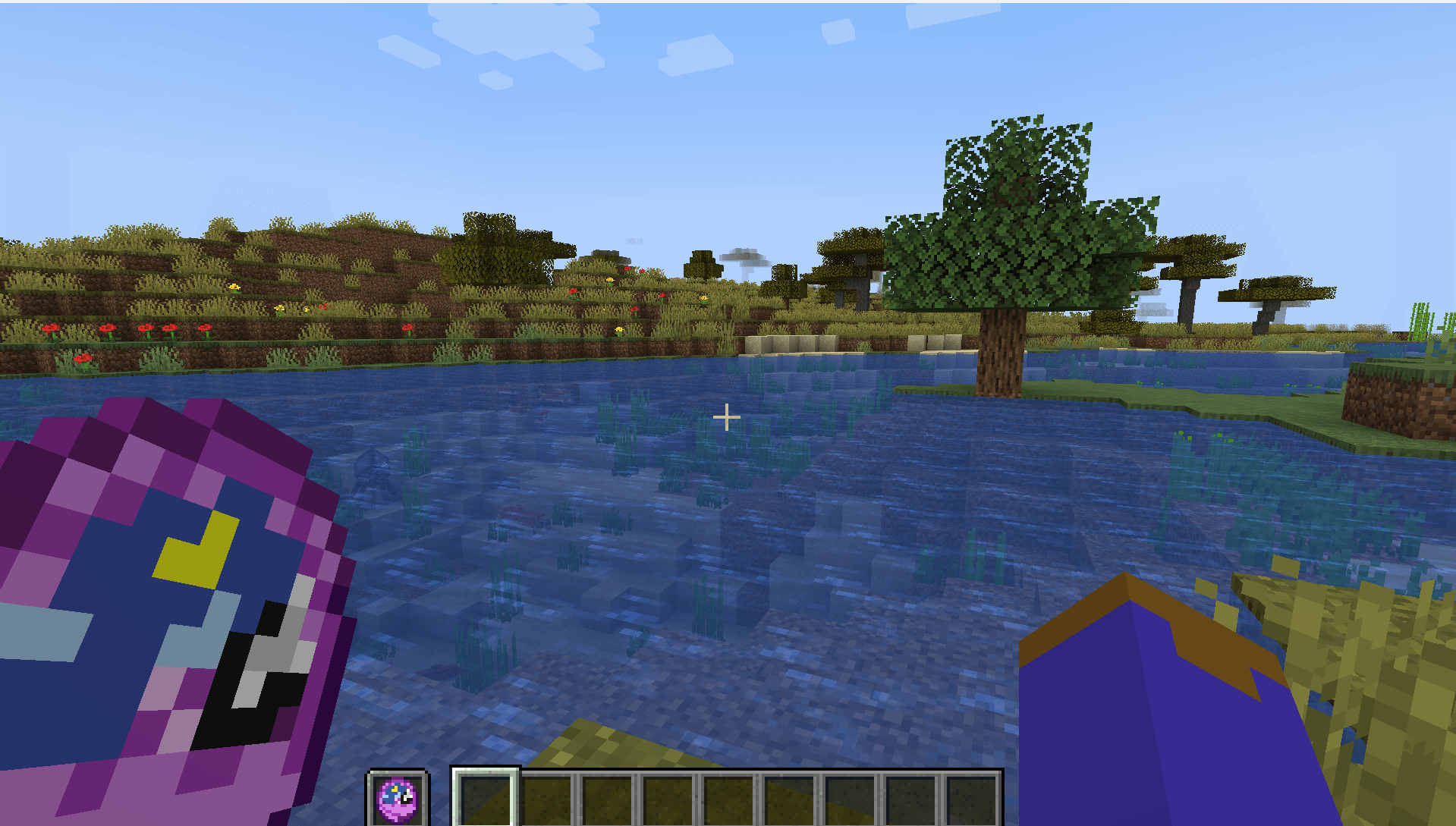
What is Astral Clock?
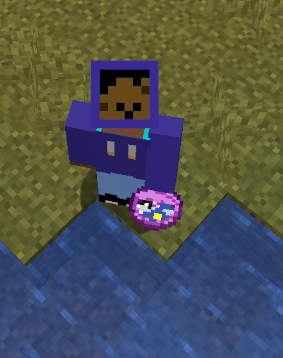
- It is a resource pack that re-visualizes Minecraft’s default clock texture.
- It should work with any version of minecraft 1.5 and above.
How do I install it?
Inside of Minecraft—–> Settings—–>Resource Packs—–> Open Resource Pack Folder—->Drag the “Astral Clock.zip” file inside the “Resourcepacks” folder—-> hover the mouse above the resource pack’s icon —-> press the big arrow/triangle that points to the right. *make sure the file is above Minecraft’s default texture pack.
Notes:
- Minecraft on ARM seems to have a visual glitch for version 1.21.1 where the clock fails to produce a texture, this is not caused by the texture pack, this bug seems to only occur when taking an item from the creative mode inventory. The bug is fixed by closing and reopening the inventory menu. playing on survival does not produce the bug.
Picture:
常见问题
Astral Clock 支持哪些 Minecraft 版本?
Astral Clock 支持 Minecraft Java 版 1.20.1–1.21.11,共 3 个版本。下载时注意选择和你游戏版本一致的文件。
Astral Clock 怎么安装?
把下载的 .zip 文件(不用解压)放进游戏目录的 resourcepacks 文件夹,进游戏后在「选项 → 资源包」里把它移到右边启用。
jgameo777 的其他作品
查看全部 →
Aero Glass GUI
by jgameo777
A Resource Pack for Minecraft's GUI inspired by the Frutiger Aero style
1,037
9 个月前
CurseForge

PinkWobble GUI
by jgameo777
A Resource Pack that swaps Minecraft's Gray GUI with pink and purple pastels.
550
9 个月前
CurseForge

Le Wonky Health Bar
by jgameo777
A wonky texture pack for minecraft's health bar.
126
8 个月前
CurseForge

Purple Redux
by jgameo777
Resource pack that changes Minecraft's default health bar
67
8 个月前
CurseForge
评论
登录后评论和评分