
截图


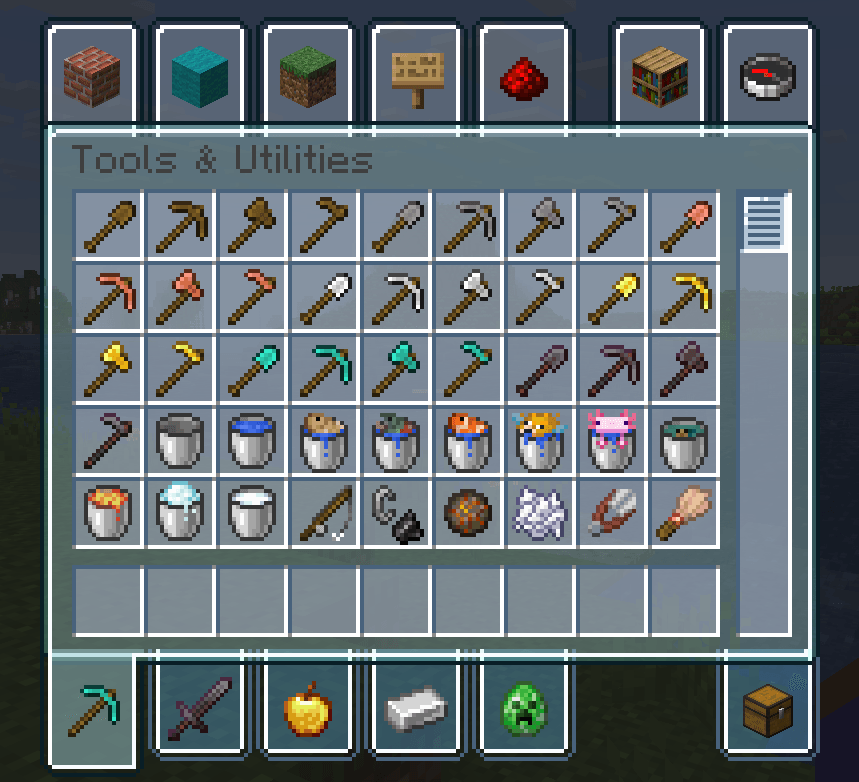
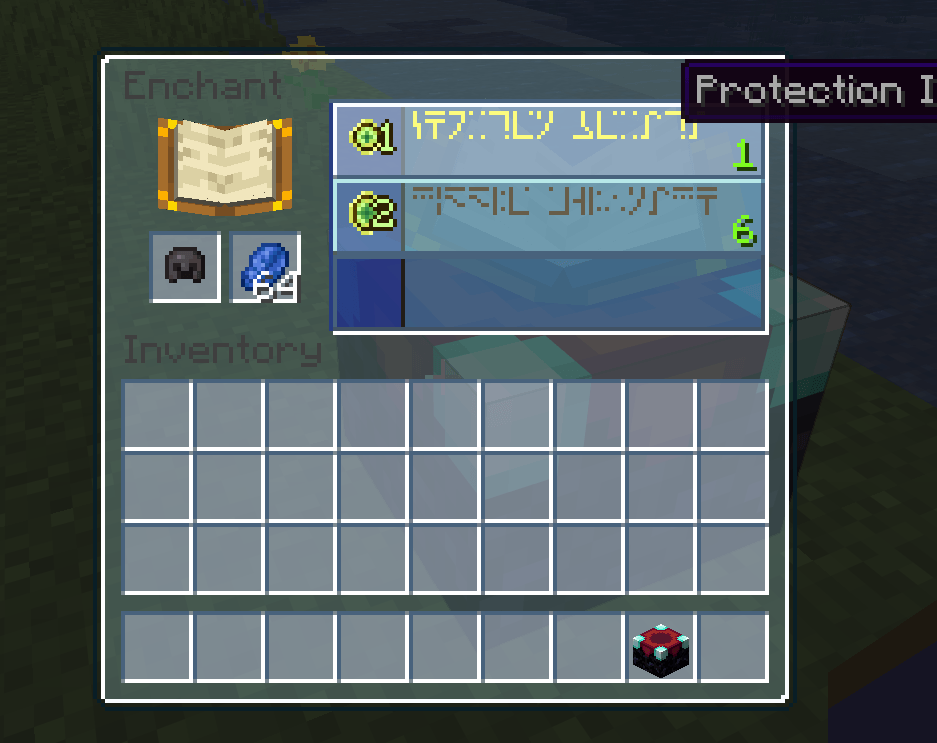
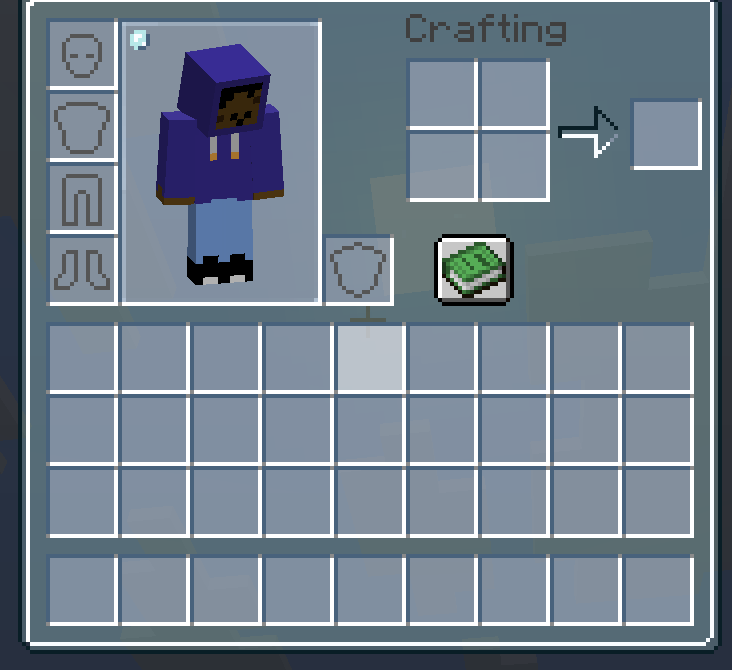
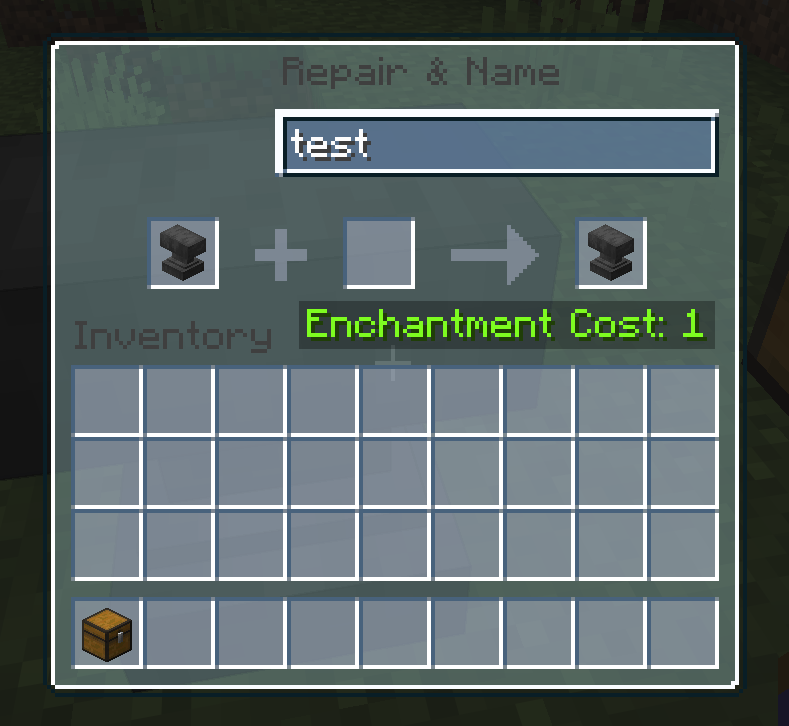
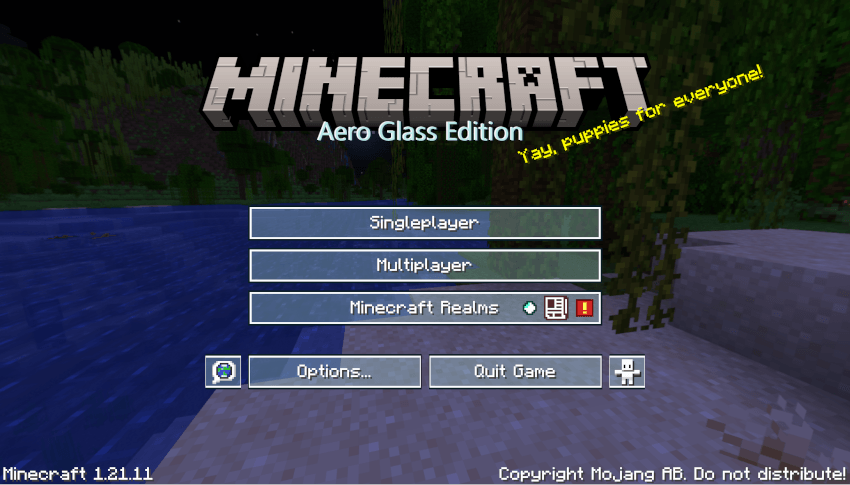
介绍
中文介绍正在准备中,下面暂时显示原文。
What is Aero Glass?
Aero Glass is a Texture Pack that replaces Minecraft’s GUI with Frutiger Aero themed buttons and menus.
How do I install the Resource Pack?
- Once inside your minecraft installation, click on settings, and then on “Resource Packs”.
- Click on the “Open Resource Pack folder” button.
- Drag “Aero Glass.zip” inside of the ‘resourcepacks’ folder.
- Hover your mouse over the Resource Pack’s icon, and press the big button that points to the right.
- Please make sure that the Resource Pack sits on top of Minecraft’s Default Resource Pack, or it won’t work.
- You’re ready to go!
Reference Image: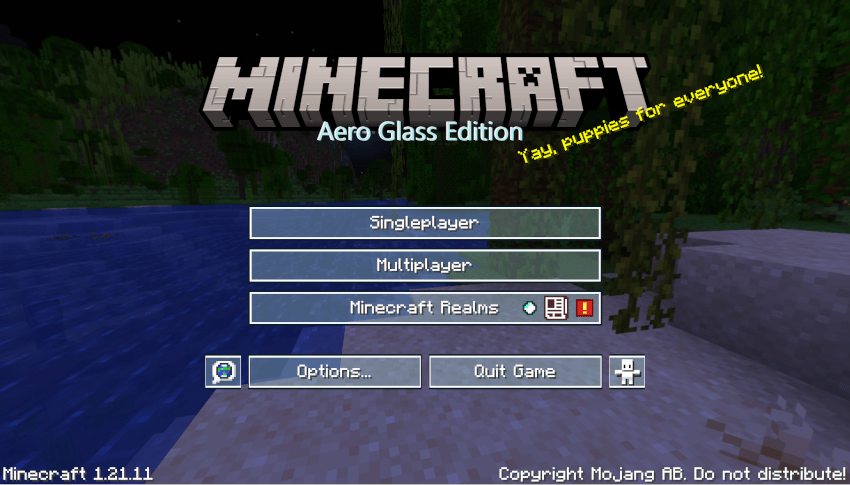
Additional Notes:
I am planning on converting the rest of the icons into a frutiger aero style as well.
If you have any issues/suggestions please leave a comment and I’ll answer as soon as possible.
1/26/2025: It seems that the partially transperent inventory containers are only supported by 1.21.11, any previous version will have the transperent menu, but the inventory will be opaque.
常见问题
Aero Glass GUI 支持哪些 Minecraft 版本?
Aero Glass GUI 支持 Minecraft Java 版 1.21.11。下载时注意选择和你游戏版本一致的文件。
Aero Glass GUI 怎么安装?
把下载的 .zip 文件(不用解压)放进游戏目录的 resourcepacks 文件夹,进游戏后在「选项 → 资源包」里把它移到右边启用。

评论
登录后评论和评分