
PinkWobble GUI
作者:jgameo777
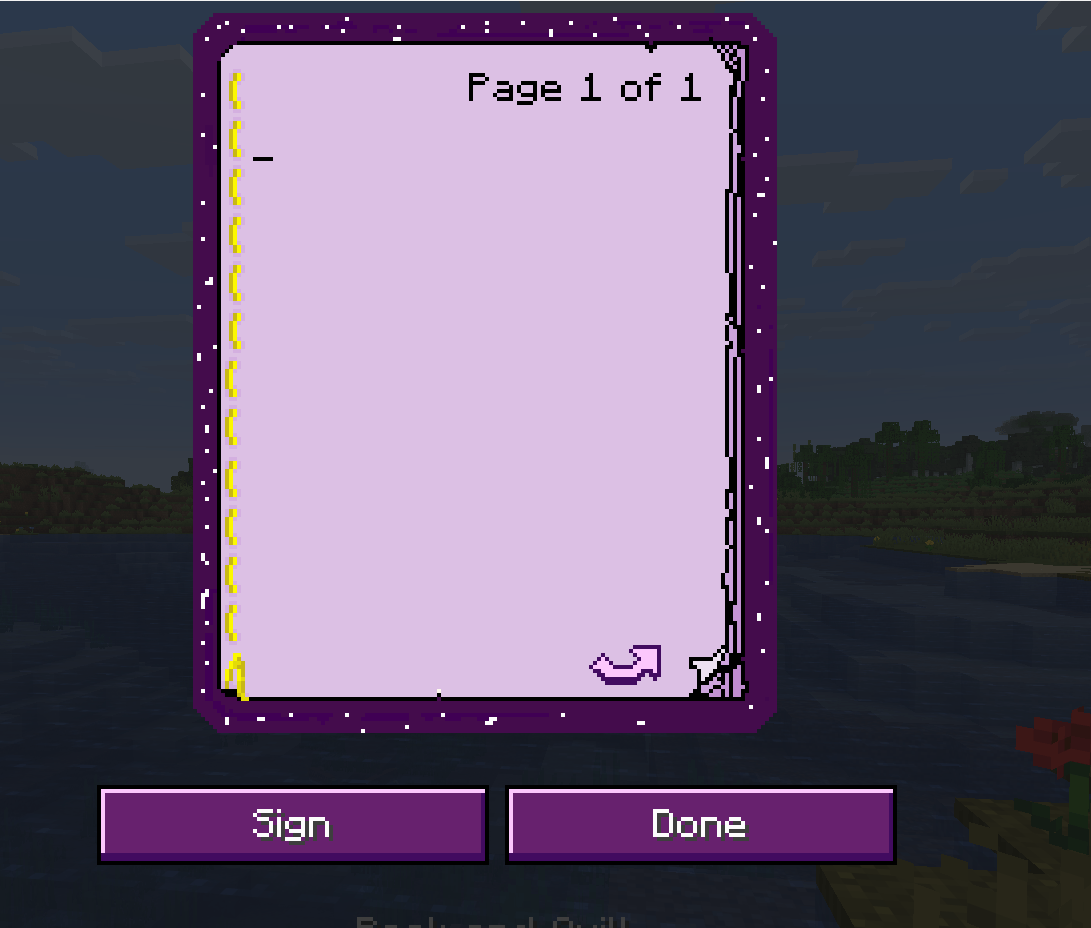
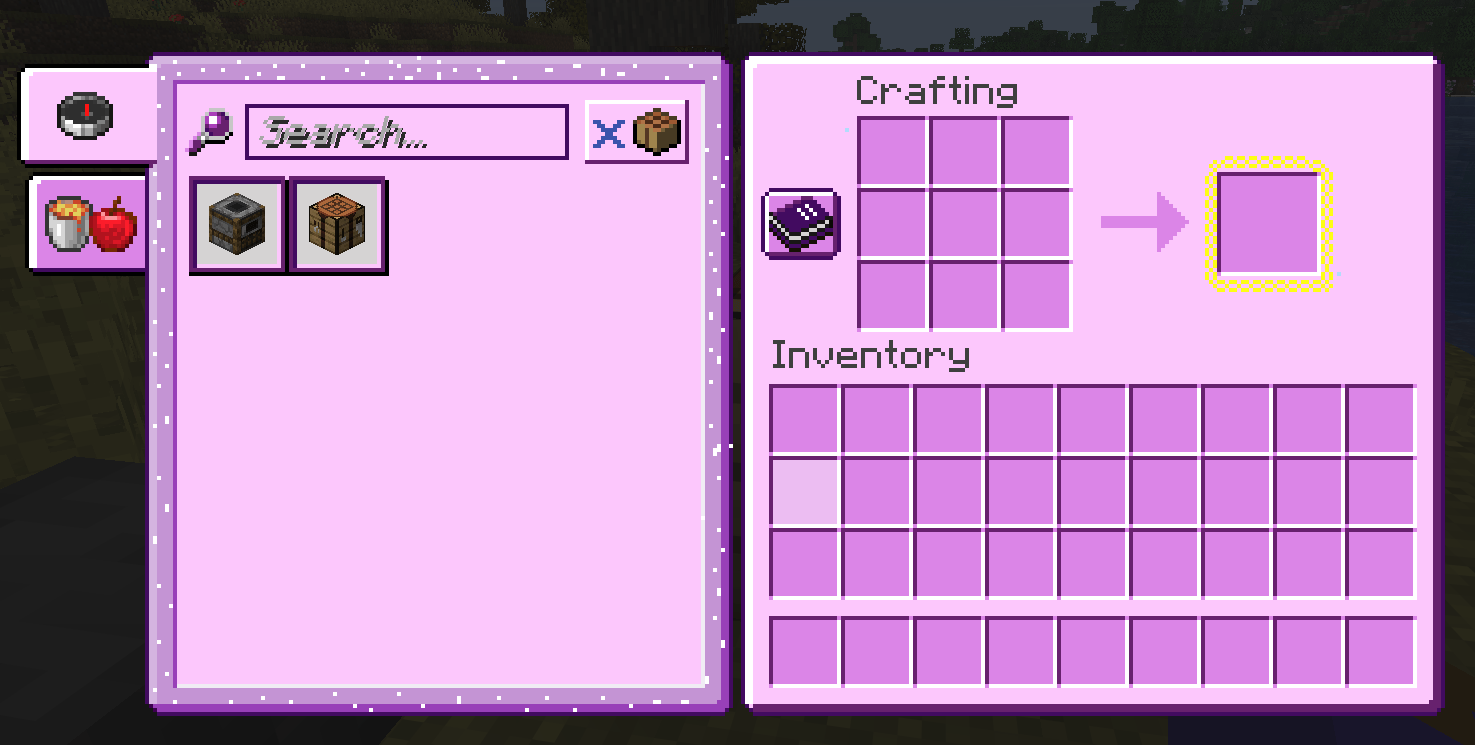
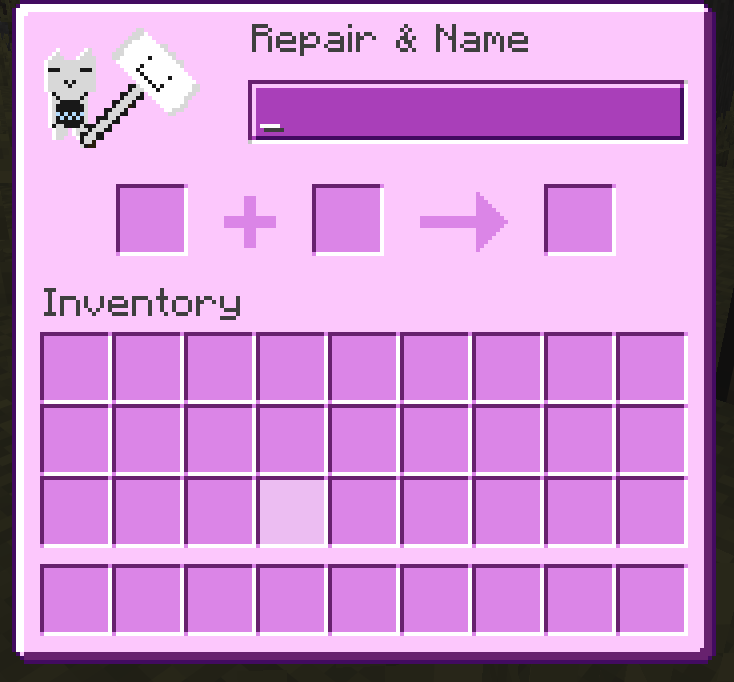
A Resource Pack that swaps Minecraft's Gray GUI with pink and purple pastels.
截图




介绍
中文介绍正在准备中,下面暂时显示原文。
What is PinkWobble?
PinkWobble is a Resuource Pack for that aims to replace Minecraft’s gray Gui with pink and purple pastels, while also having a few illustrations here and there for additional whimsy.
What does PinkWobble change?
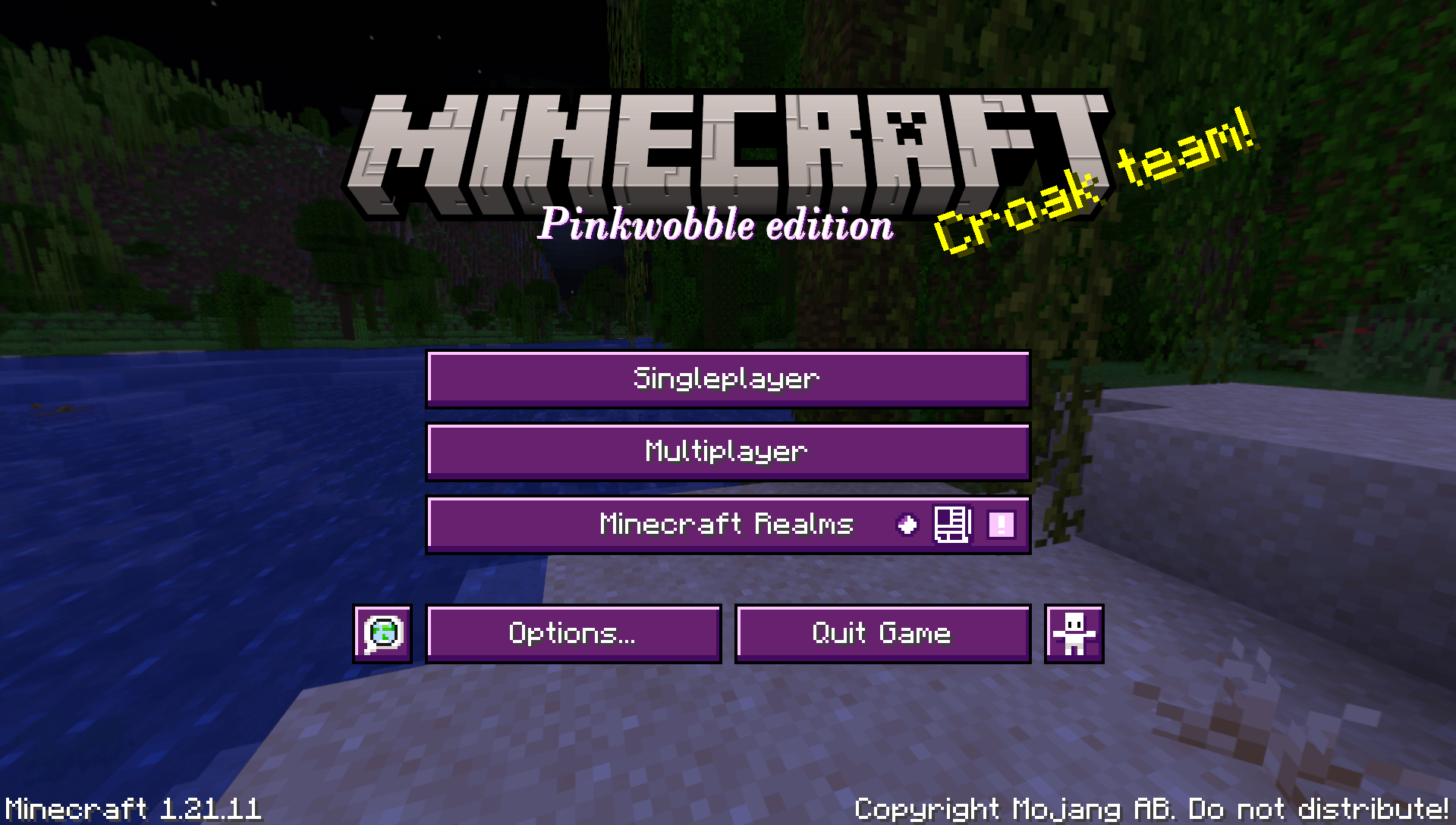
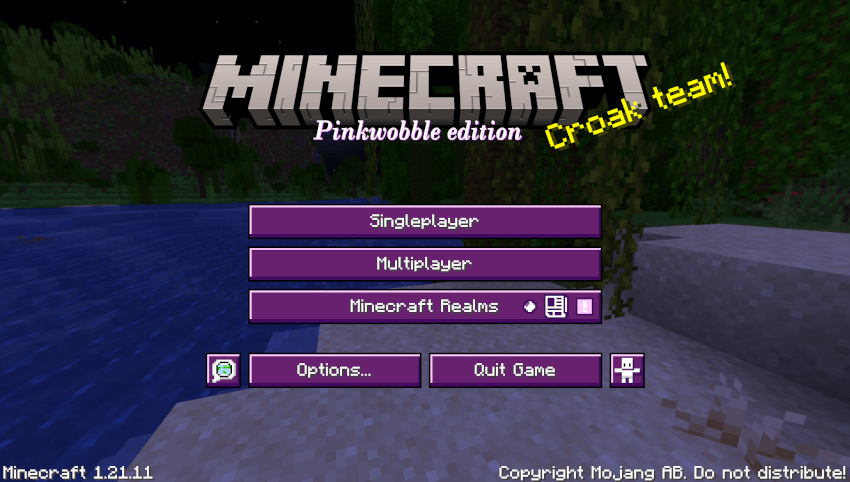
- Changes the main menu.
- Survival inventory.
- Creative inventory.
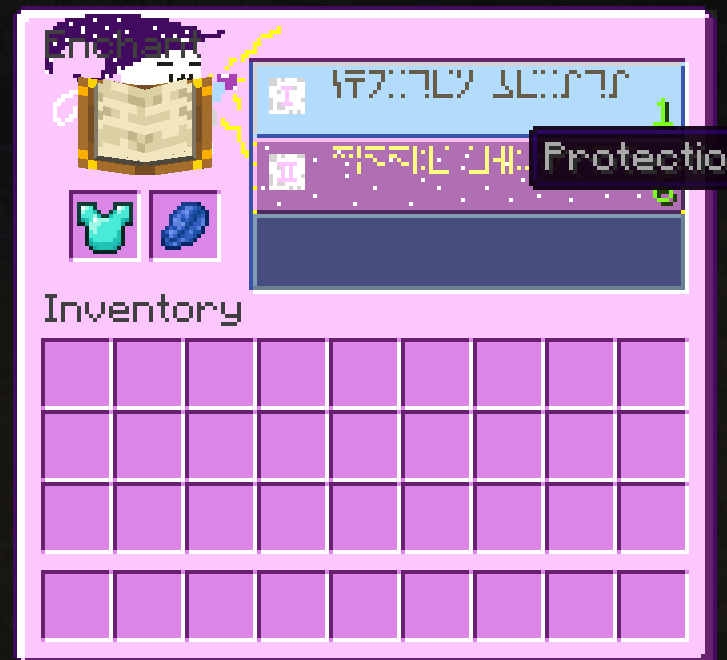
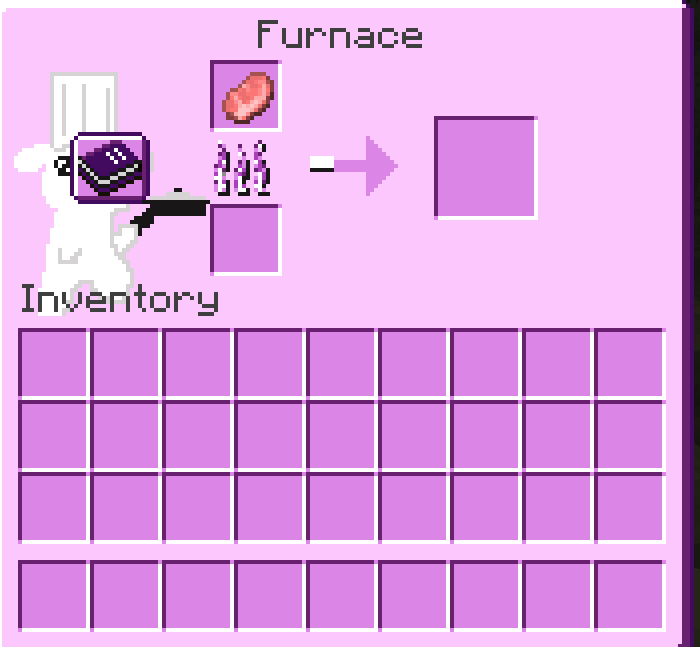
- Most containers.
- Server status/ping.
- Crosshair.
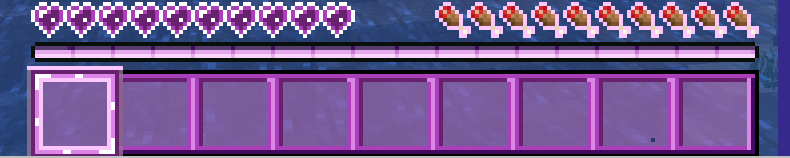
- Exp. Bar.
- Hearts.
- Book & Quill page.
How Do I install PinkWobble?
- Once inside your Minecraft installation, go to “settings”.
- Click on “Resource Packs”.
- Click on “Open Resource Pack Folder”
- Drag “PinkWobbleGUI.zip” into the “resourcepacks” folder.
- Hover your mouse above the PinkWobble icon.
- Click on the big triangle pointing to the right.
- Make sure the Resource is above Minecraft’s default Texture pack.
- You’re good to go!
Main menu example:
Additional notes:
If you have any questions/suggestions please leave a comment and I’ll try to reply as soon as possible.
常见问题
PinkWobble GUI 支持哪些 Minecraft 版本?
PinkWobble GUI 支持 Minecraft Java 版 1.21.1–1.21.11,共 2 个版本。下载时注意选择和你游戏版本一致的文件。
PinkWobble GUI 怎么安装?
把下载的 .zip 文件(不用解压)放进游戏目录的 resourcepacks 文件夹,进游戏后在「选项 → 资源包」里把它移到右边启用。

评论
登录后评论和评分