
Twemoji
Pixelated Twemoji emojis in chat, with a picker, shortcodes, animated emojis, and datapack support.
介绍
Twemoji
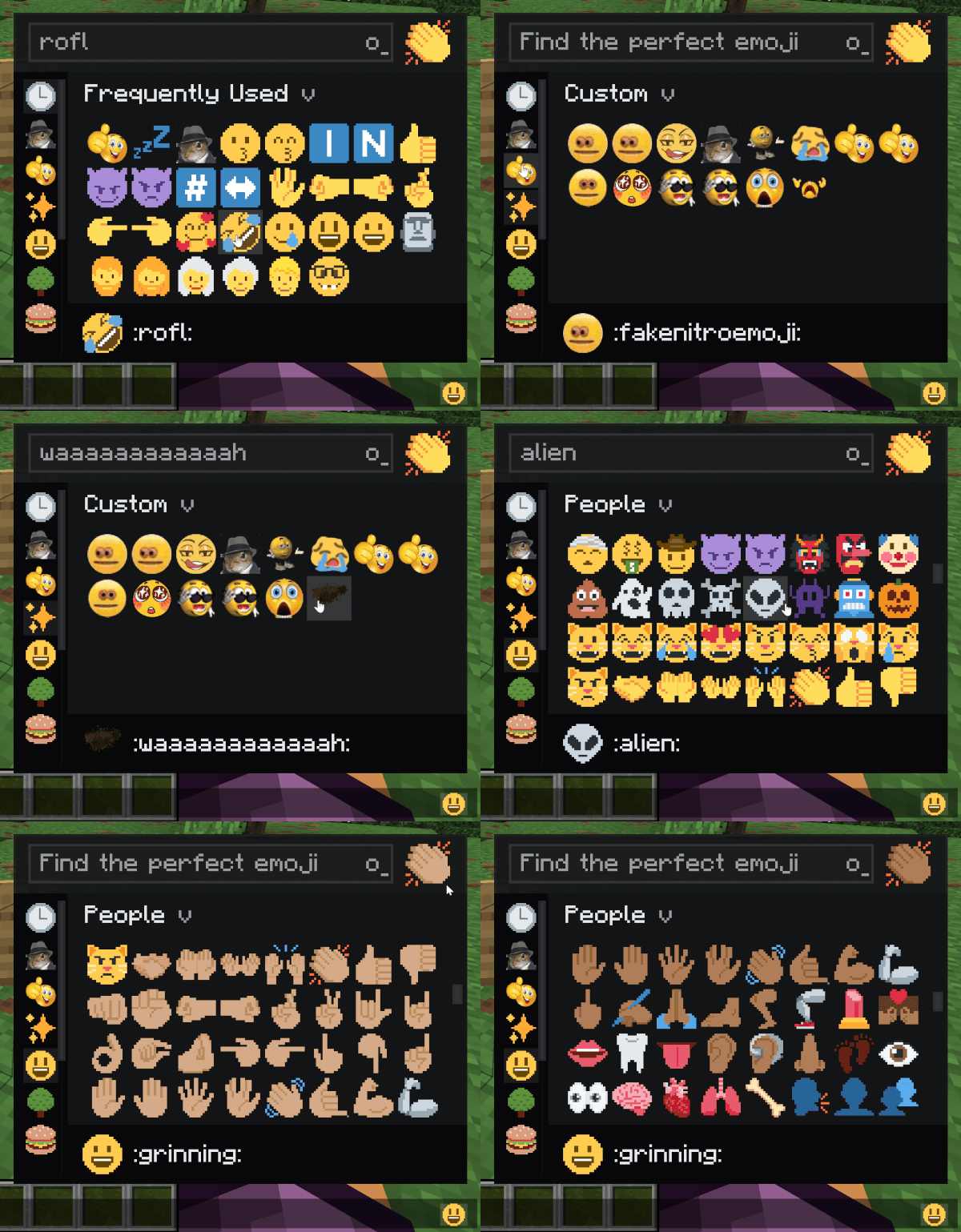
Adds Pixelated Twitter-style emoji to Minecraft chat, signs, books, and tooltips. Type :name: to insert one.
Features
- The full Twemoji set built in : smileys, hands, flags, symbols, all of it.
- Live shortcode conversion: type
:smile:and it pops in as you close the colon or hit space. - Skin tone preference for hand and people emojis.
- Animated emojis via datapack.
- Server datapacks can add custom emojis that sync to every connected client.
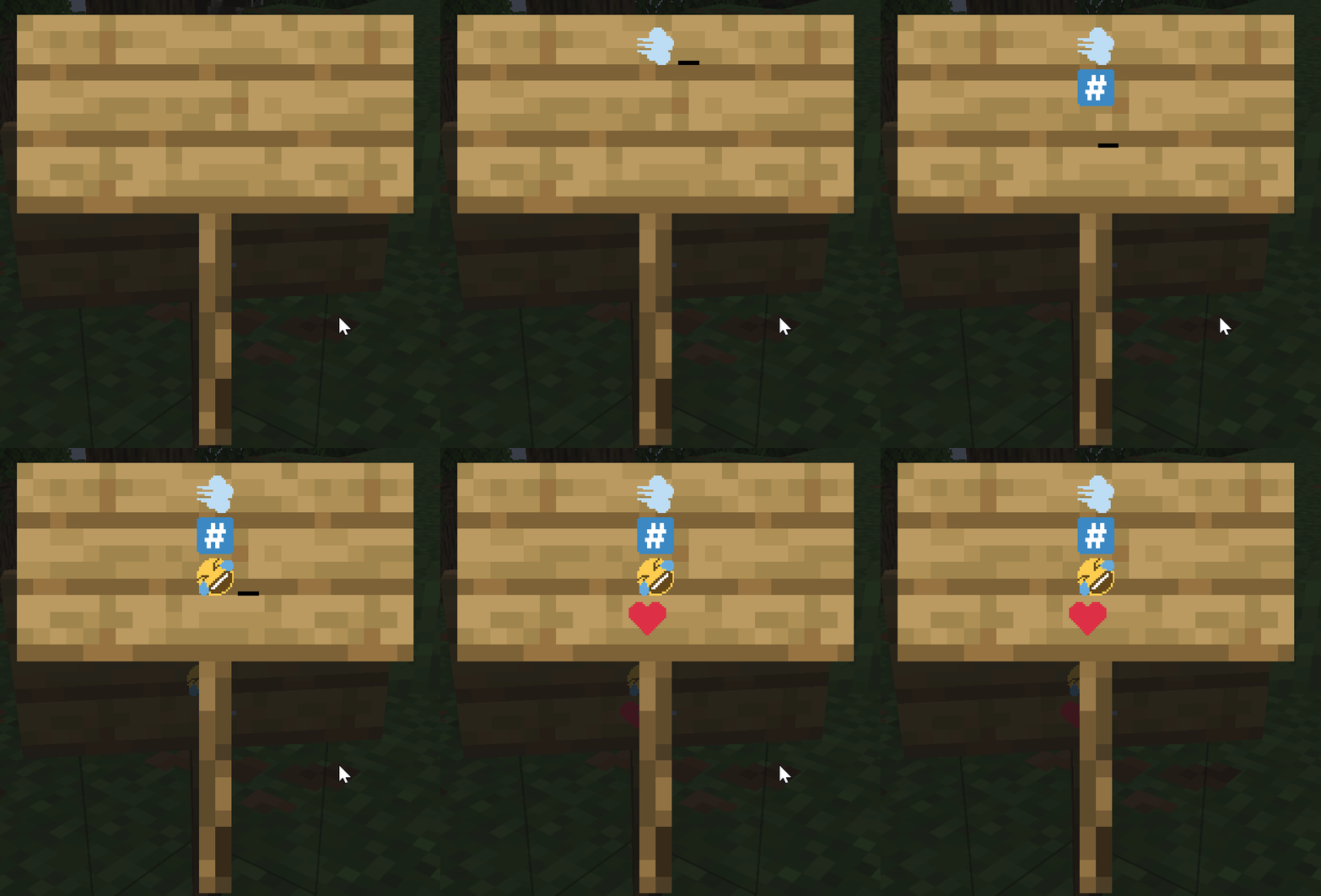
- Emoji rain command for fun (
/twemoji rain <emoji>), works in singleplayer and on servers. 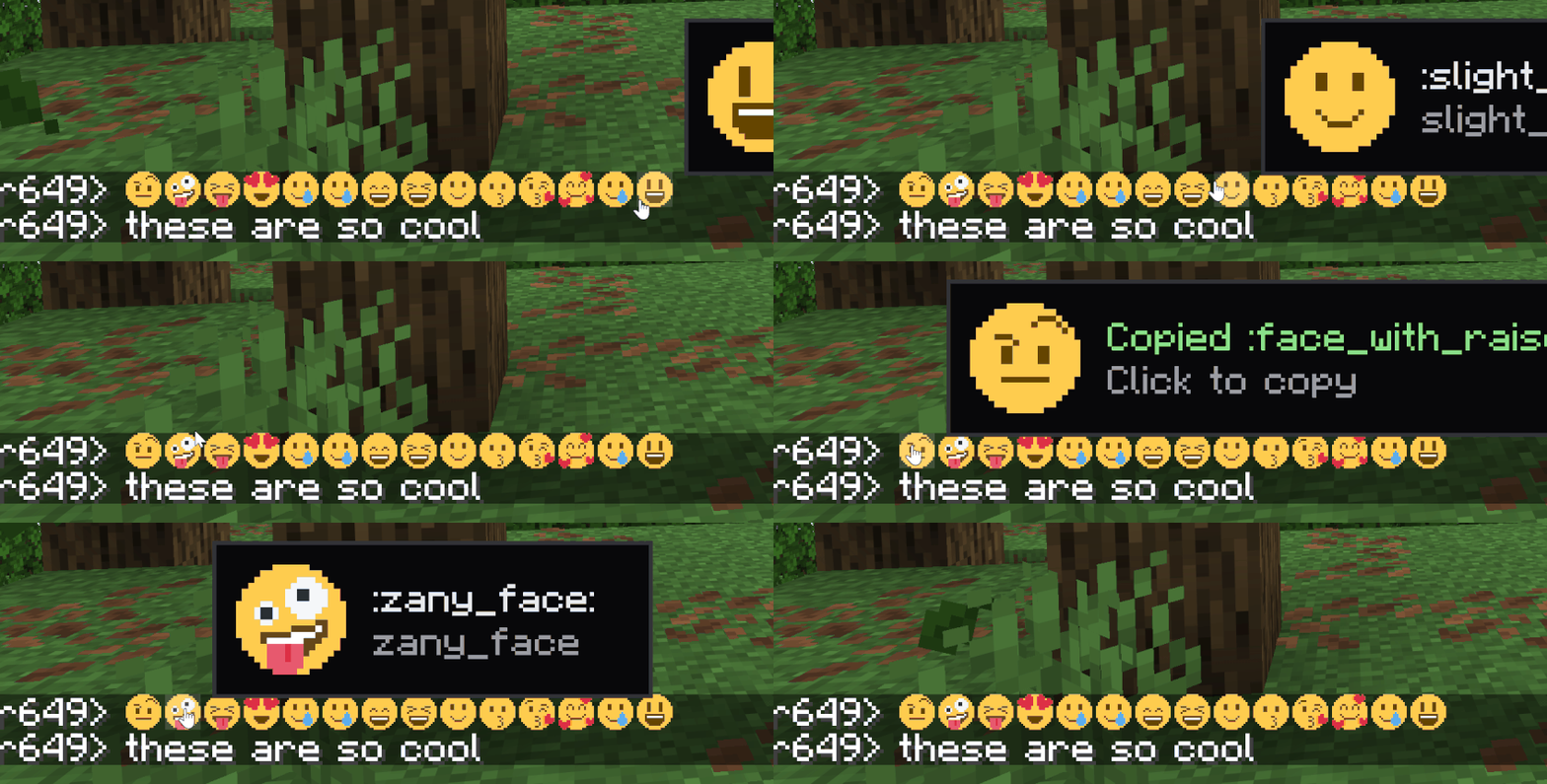
How to type emojis
Open chat, type : and start typing the name. A suggestion list appears. Or open the picker with the keybind (rebindable in Controls).
Custom emojis (server datapacks)
Drop a PNG into a datapack at data/<namespace>/twemoji/emoji/<name>.png. The file name is the shortcode. Static and animated both supported (animated uses the same .png.mcmeta format as vanilla animated textures).
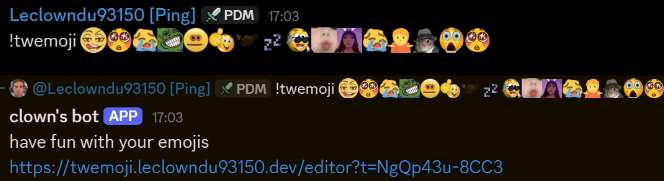
There’s also a discord bot and website available in my Discord Server with a built-in datapack editor
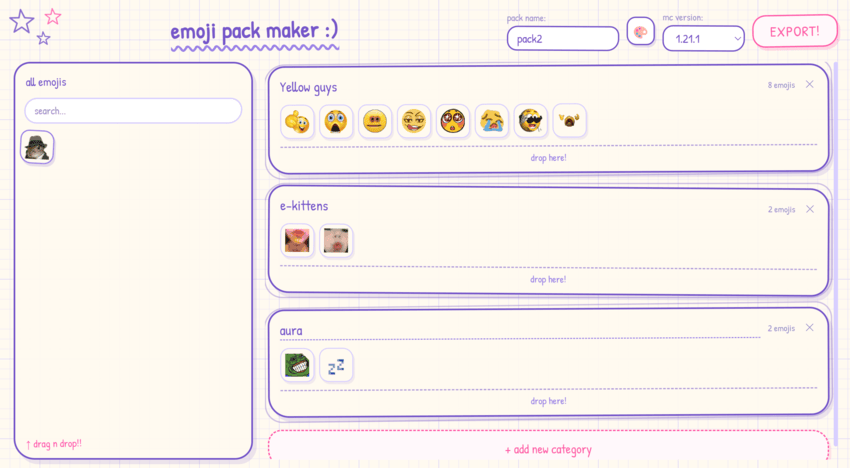
Singleplayer and dedicated servers work the same — the integrated server pushes the set to your client on join.
Full datapack format and examples are in the project README on GitHub.
Commands
/twemoji skin <0-5>– set your skin tone (0 = default) can also be done in the picker./twemoji rain <emoji> [seconds]– emoji rain on your screen./twemoji rain <emoji> [seconds] <players>– admins only, trigger rain for someone else./twemoji button <true|false>– show/hide the picker button next to the chat input./twemoji flags <true|false>– toggle regional indicator flag emoji rendering./twemoji render <size> <emoji>– export an emoji to a PNG file./emoji upload <name> <file>– admin command to add a server-wide emoji at runtime.
License & attribution
Source code is All Rights Reserved. View and fork for PRs only – no redistribution or derivative works without written permission.
Bundled image assets and shortcode data are CC-BY 4.0:
- Twemoji graphics – Copyright © 2018 Twitter, Inc. and other contributors, CC-BY 4.0.
- Pixel art adaptation and resource pack layout – Copyright © 2020 Amber (PixelTwemojiMC), CC-BY 4.0.
When redistributing, the asset attribution above must be preserved.
Support on Discord
If you’d like to support me and the development of my mods, I recommend trying out BisectHosting. Use code “project8gbderam” to get 25% off your first month of a gaming server for new customers. They offer 24/7 support and lightning-fast response times, ensuring you’re in great hands and providing exceptional assistance for all your gaming needs. https://www.bisecthosting.com/project8gbderam

常见问题
Twemoji 支持哪些 Minecraft 版本?
Twemoji 支持 Minecraft Java 版 1.20.1–26.3,共 6 个版本,可用的加载器:Fabric / Forge / NeoForge。下载时注意选择和你游戏版本一致的文件。
Twemoji 怎么安装?
先用 PCL2 或 HMCL 启动器安装对应版本的 Fabric / Forge / NeoForge,再把下载的 .jar 文件放进游戏目录的 mods 文件夹,重新启动游戏即可。开启了版本隔离的,mods 文件夹在 versions/版本名 下面。
Leclowndu93150 的其他作品
查看全部 →
Particular ✨ Reforged
Particular 是一个通过大量手工制作的视觉效果来增强 Minecraft 氛围的模组。

BaguetteLib
试过做一个需要妥善处理死亡或追踪物品栏的模组吗?是啊,NeoForge 的事件在这方面很烂。

Corpse x Curios API Compat
这个小模组可以让你直接将 Curios 物品装备到对应的栏位中。

Pretty Rain
Pretty Rain 用更精美的粒子效果替换默认天气。Particle Rain 的 Fabric 移植版。
评论
登录后评论和评分