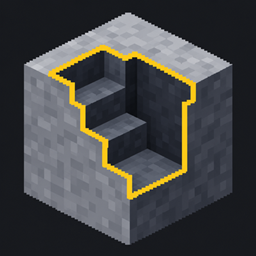
Excavation3D
Area mining with your normal pickaxes, shovels and axes: tunnels, floors, stairs or custom 3D (Editor) Shapes with preview, quick wheel and bundled drops.
介绍
Excavation 3D
Area mining for the tools you already have: give any pickaxe, shovel or axe a shape and mine a whole tunnel, floor or staircase with one swing. No new item, no recipe.
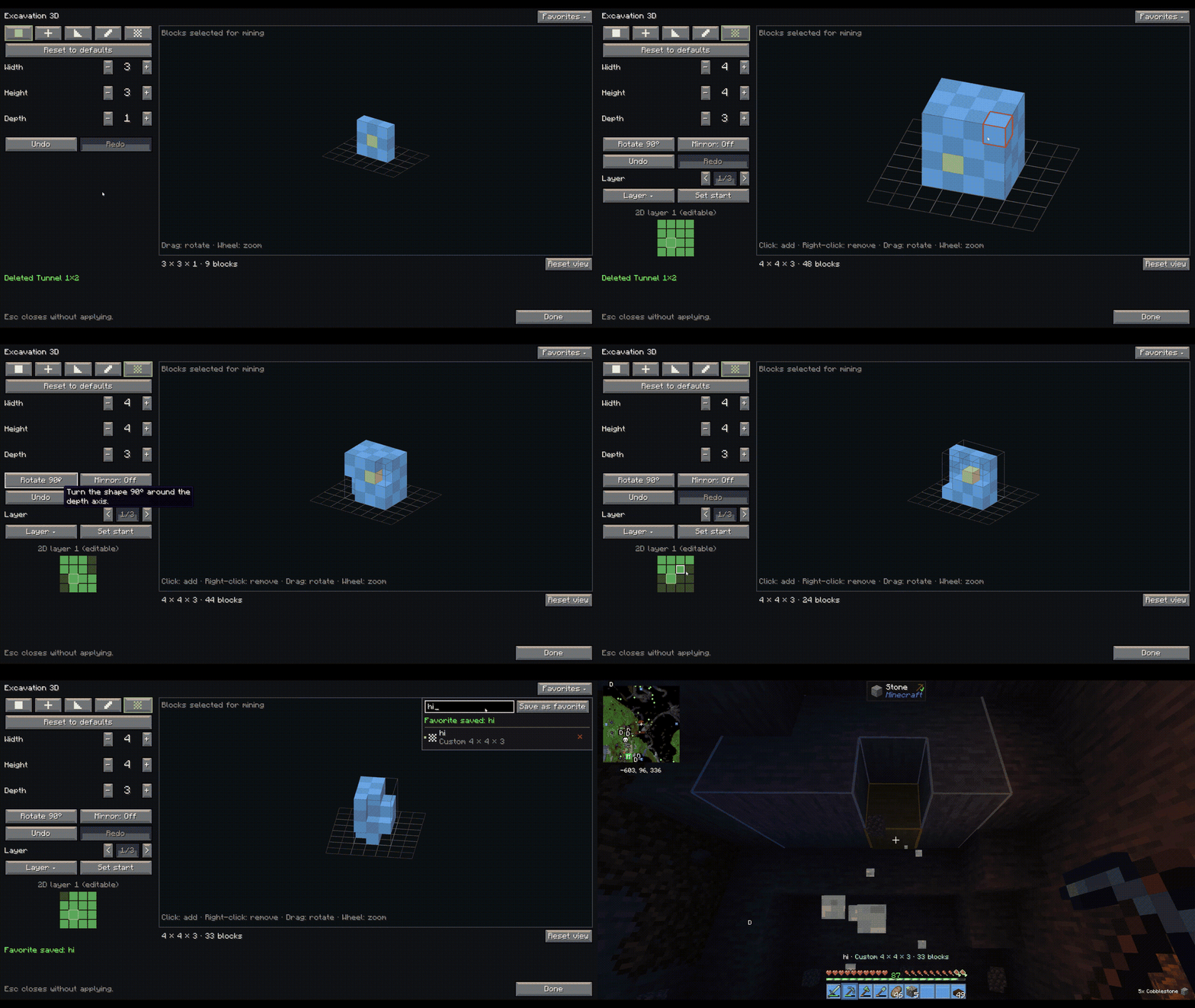
Features
- Works with normal tools – vanilla and modded pickaxes, shovels and axes.
- Ready-made shapes: Tunnel 1×2, Tunnel 3×3, Floor 5×5, Stairs.
- Shape editor (tap KEY): Box, Plus, Stairs, Corridor and Custom shapes, 3D preview, click blocks to add/remove, Undo/Redo, Reset, Rotate/Mirror.
- Favorites: save, load, edit and delete your own shapes.
- Quick wheel (hold KEY): switch shape or turn it off instantly.
- World preview: an outline shows exactly what the next swing mines.
- Bundled drops: straight into your inventory, as one pile at the start block, or vanilla – your choice.
- Fair mining: only blocks the tool is meant for; Fortune, Silk Touch, durability and protection work as normal. Hold Shift for a single block.
- Server-friendly: size limits and per-tick budgets in the server config; drop mode can be forced.
- Custom key bindings: every key can be changed under Controls → Excavation 3D, plus optional keys for toggle shape, next/previous favorite, favorite 1-5, world preview and drop mode.
- Bundled drops: Inventory (default), Pile at start or Vanilla – switch in the editor or with a key.
Requirements
Minecraft 1.21.1 · NeoForge 21.1.229+ · install on client and server.
Issues: GitHub
常见问题
Excavation3D 支持哪些 Minecraft 版本?
Excavation3D 支持 Minecraft Java 版 1.21.1,可用的加载器:NeoForge。下载时注意选择和你游戏版本一致的文件。
Excavation3D 怎么安装?
先用 PCL2 或 HMCL 启动器安装对应版本的 NeoForge,再把下载的 .jar 文件放进游戏目录的 mods 文件夹,重新启动游戏即可。开启了版本隔离的,mods 文件夹在 versions/版本名 下面。
byFLX 的其他作品
查看全部 →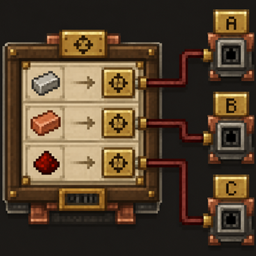
Create: Factory Routing
将机械动力工厂仪表配方中的每种材料分别路由到指定地址——支持机械动力原生行为,并可选配兼容 Factory Controller。
Create: Stock Instant Craft
Adds a Stock Crafter that crafts directly from connected Item Vaults and other storage on your Create stock network using a real, automatically refilling 3×3 grid.

Easy Quarry
A powerful, lag-free quarry with a simple GUI, huge range (up to 512x512), ore filters, and Fortune/Silk switchable. Make Mining Easy again
评论
登录后评论和评分