
MinecartHUD
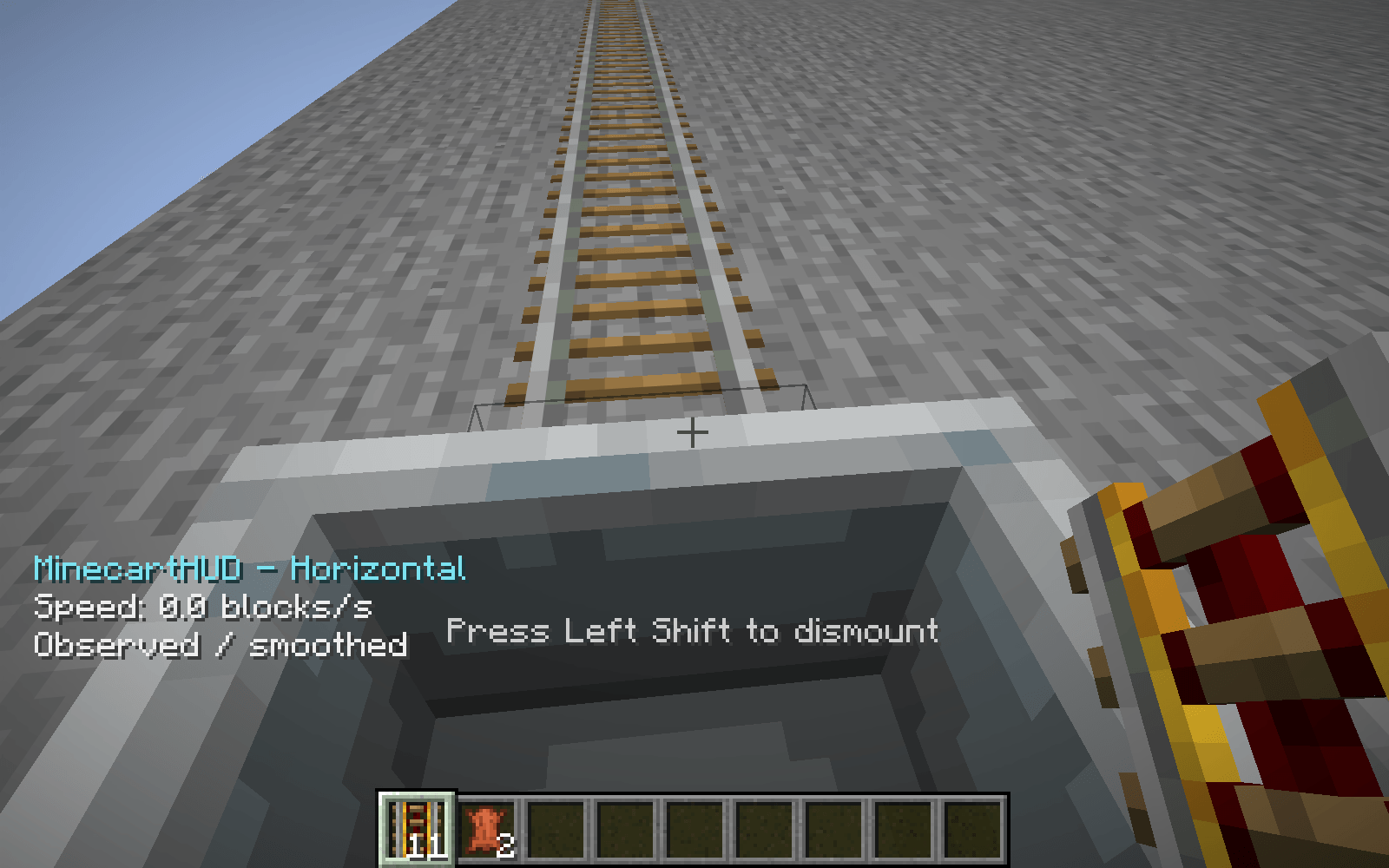
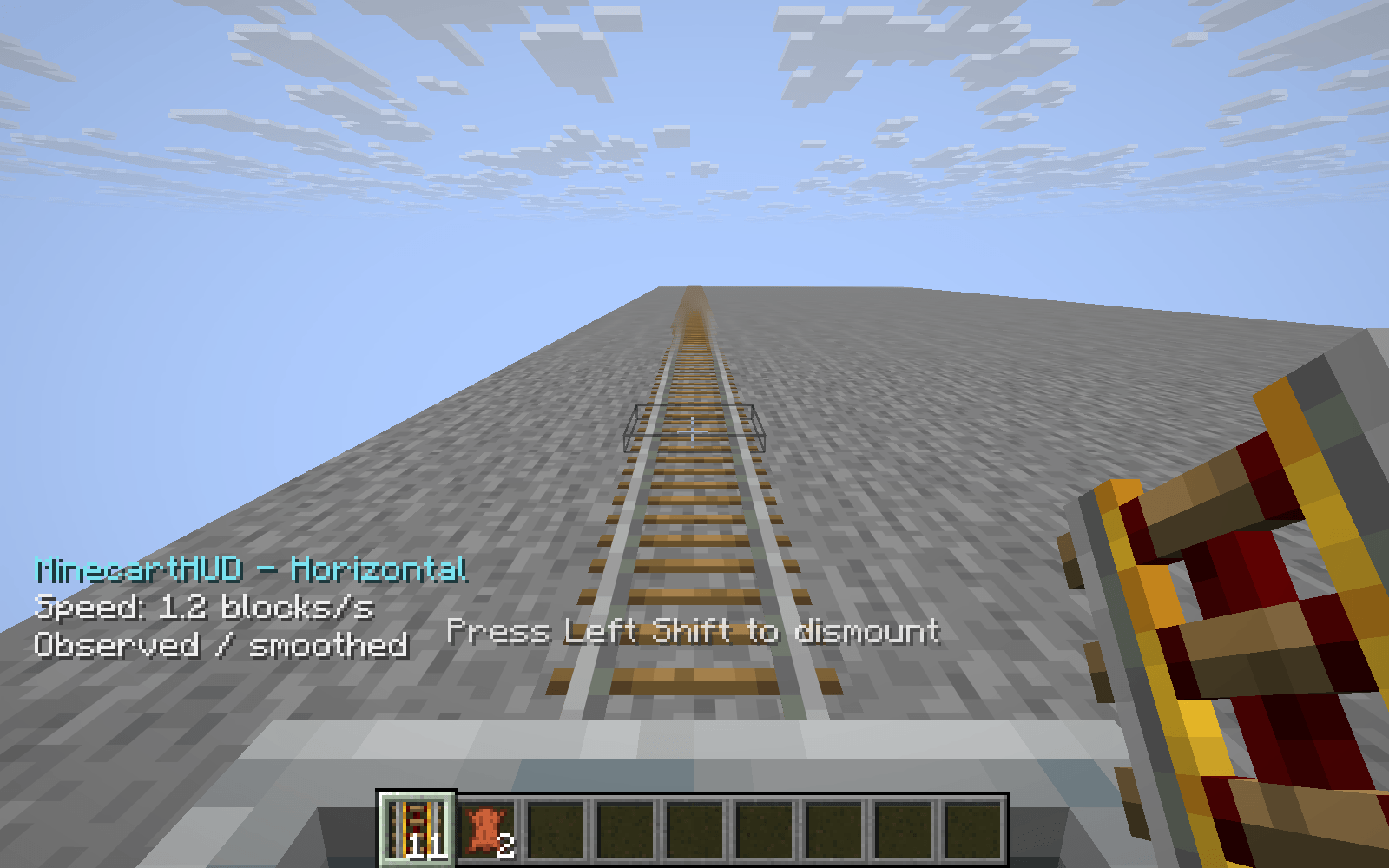
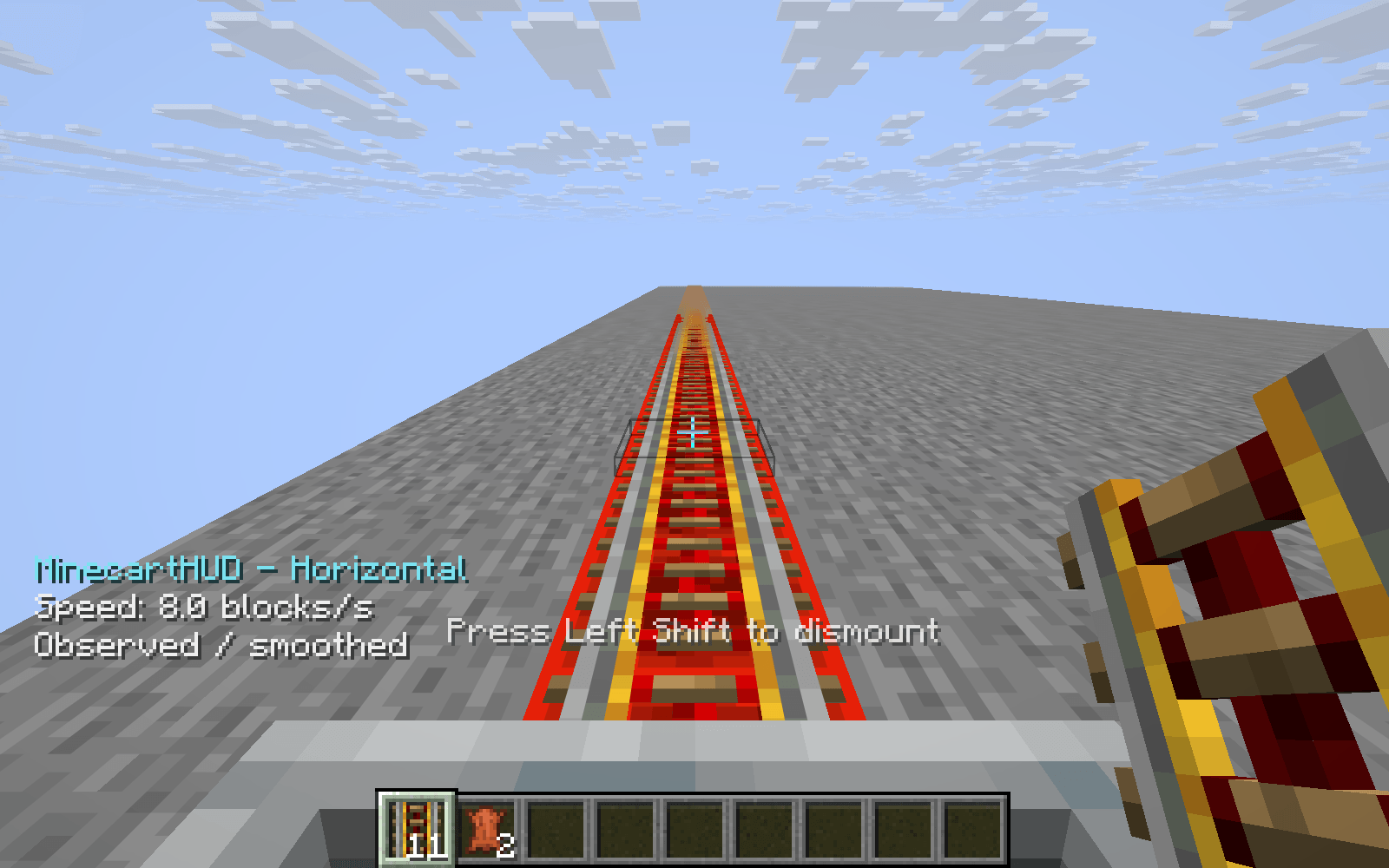
See your minecart speed in blocks per second with a compact automatic HUD, optional smoothing and clearly labeled observed readings.
截图
介绍
MinecartHUD
Know how fast your minecart is moving.
MinecartHUD adds a small speed readout whenever you ride a minecart. It appears automatically and disappears when you leave your ride.
Features
- Live speed in blocks per second
- Horizontal movement measurement by default
- Optional three-dimensional measurement
- A short smoothing window, or a raw observed reading
- Clear labels for the selected measurement and smoothing mode
- One or two decimal places
- Small game-font text with a transparent background
- Automatic hiding in menus and when the HUD is hidden
Honest speed information
Readings use the movement your client observes divided by actual elapsed time. They are useful for comparing rail routes and seeing how your ride accelerates or slows down. Network updates and position corrections can affect the reading; it is not a claim of exact hidden server velocity.
The smoothing window covers up to five recent samples. After a long sampling gap, vehicle change or large position correction, the display briefly starts a fresh measurement.
Simple by default
No buttons, commands or shortcuts are required. Lightweight local settings let you choose the measurement mode, precision, smoothing and text position.
常见问题
MinecartHUD 支持哪些 Minecraft 版本?
MinecartHUD 支持 Minecraft Java 版 26.3,可用的加载器:Fabric。下载时注意选择和你游戏版本一致的文件。
MinecartHUD 怎么安装?
先用 PCL2 或 HMCL 启动器安装对应版本的 Fabric,再把下载的 .jar 文件放进游戏目录的 mods 文件夹,重新启动游戏即可。开启了版本隔离的,mods 文件夹在 versions/版本名 下面。
Fox_Studios_by_teolm30 的其他作品
查看全部 →
Ultra Shaders
目前优化效果最好的光影

Wearable Lantern
Wearable Lantern 在盔甲栏旁新增专用灯笼栏位,让你把原版灯笼挂在腰间,走到哪儿都能照亮周围。

Mine’s Minimap
A 250×250 live minimap showing nearby terrain, players, hostile mobs, and friendly mobs. You are a blue directional arrow at the center. Toggle it with M.
Mine’s Minimap 2
The updated and supported version of Mine's Minimap, featuring a compact 380×380 live map, directional arrow, compass, coordinates, and layer-aware mob markers.
评论
登录后评论和评分