
Floatory
作者:Shinoame
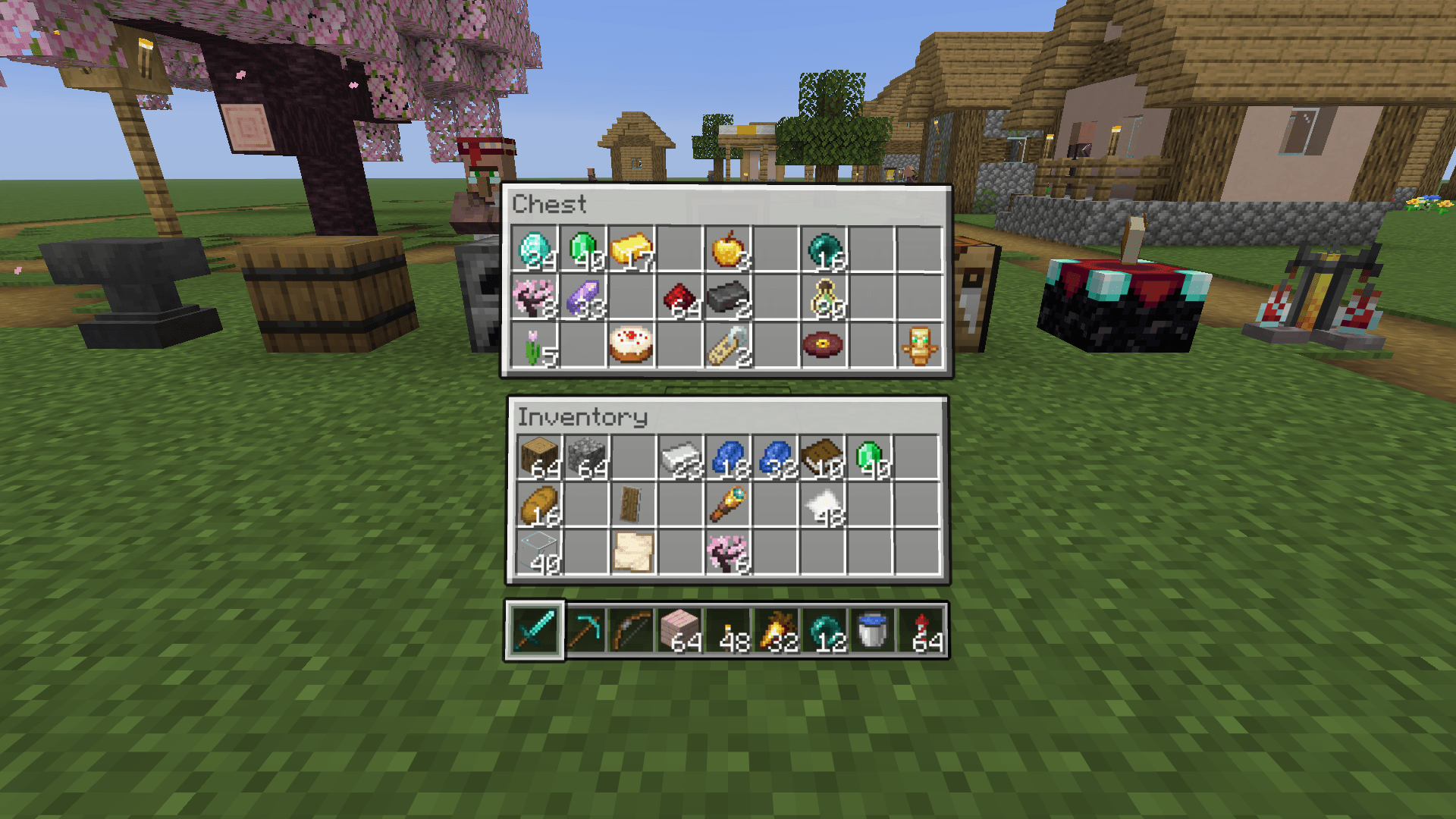
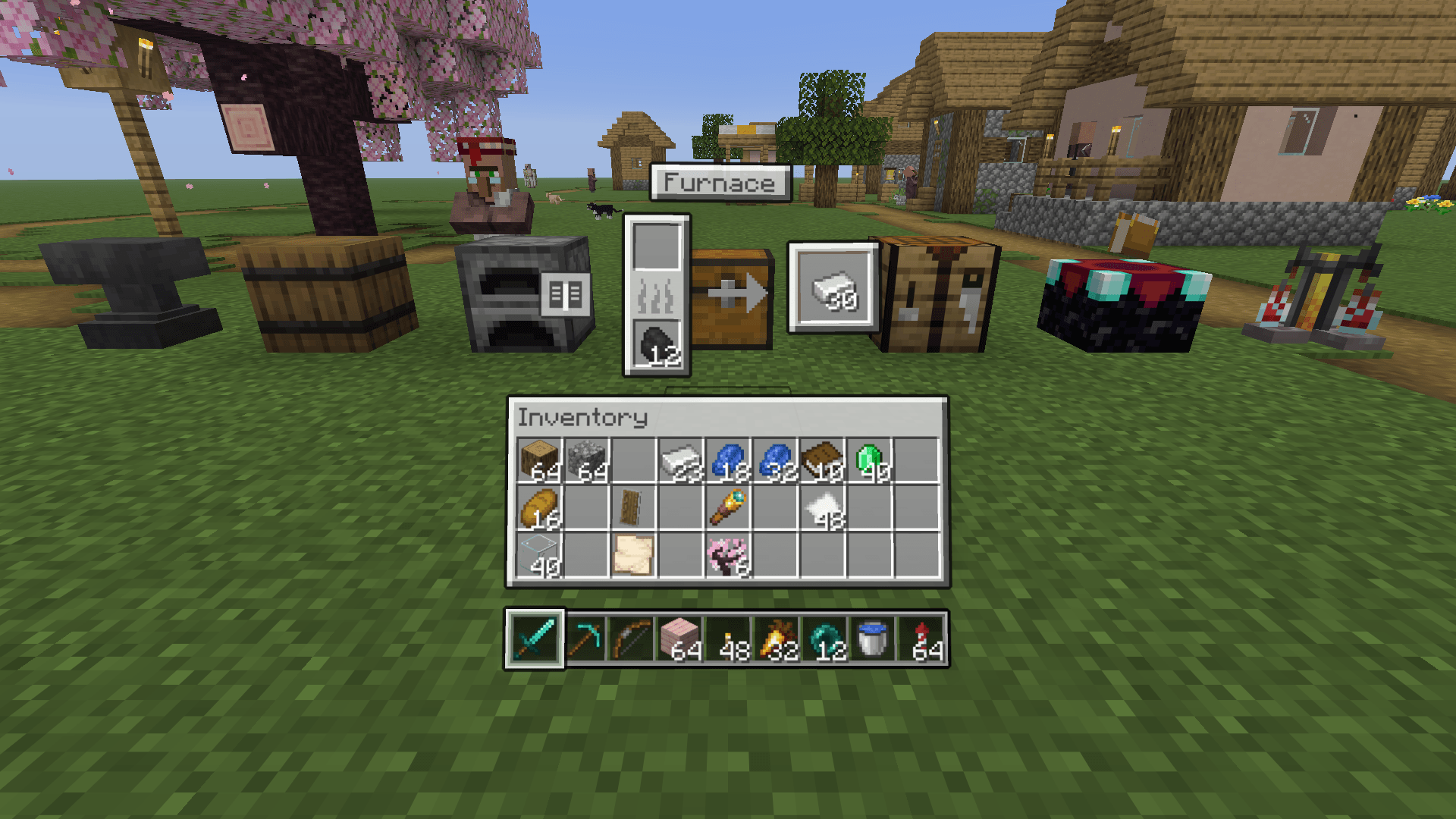
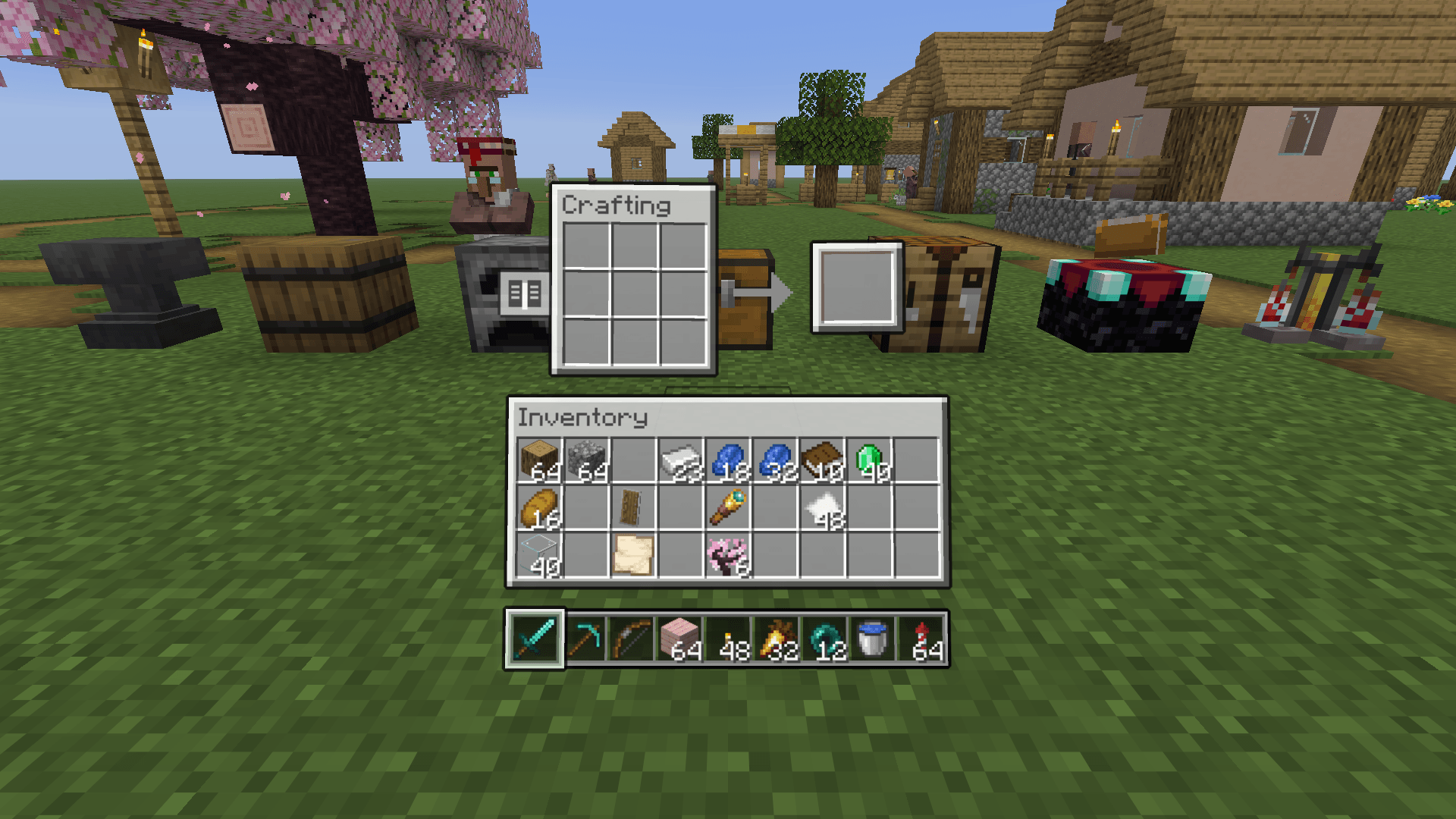
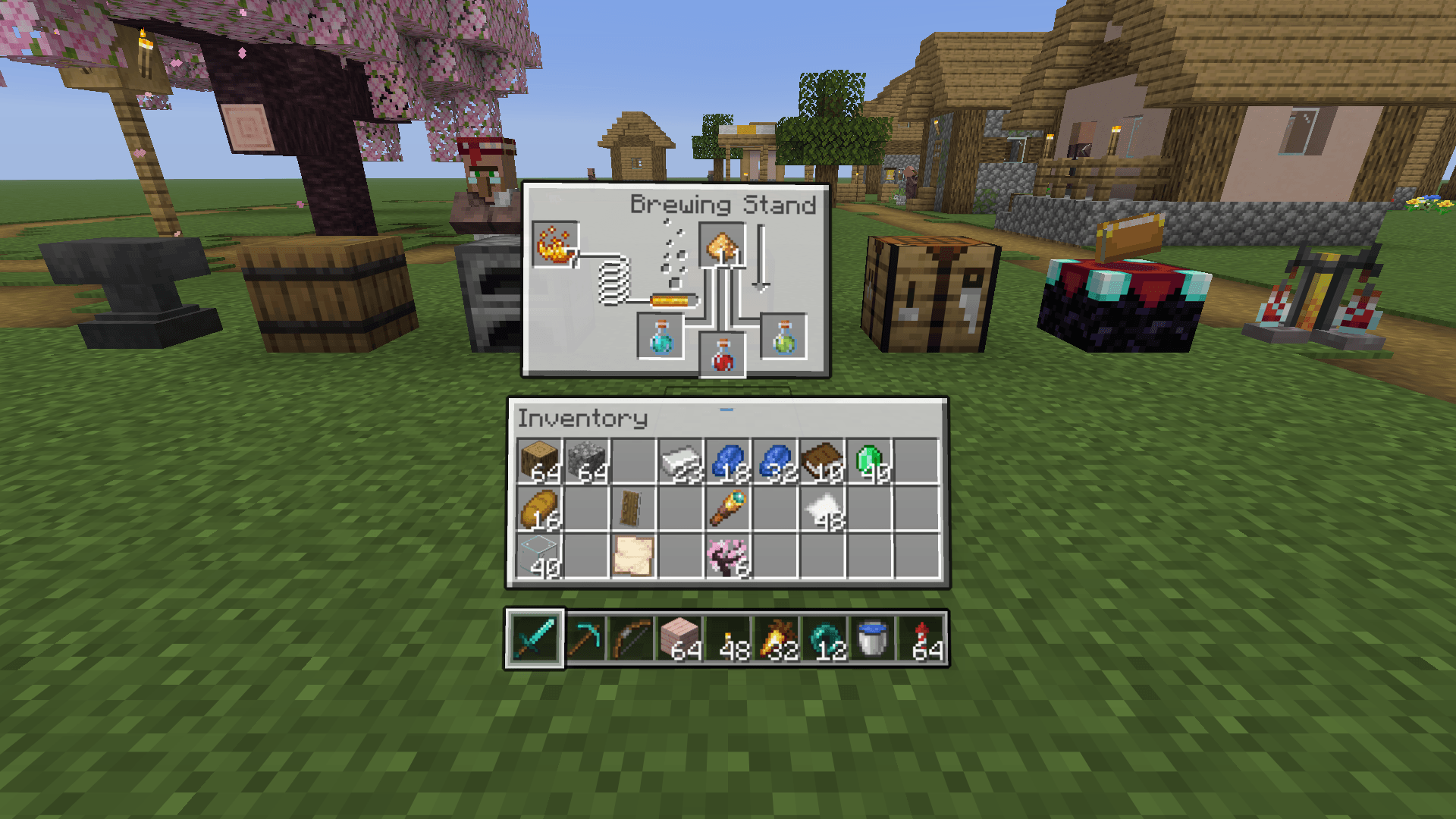
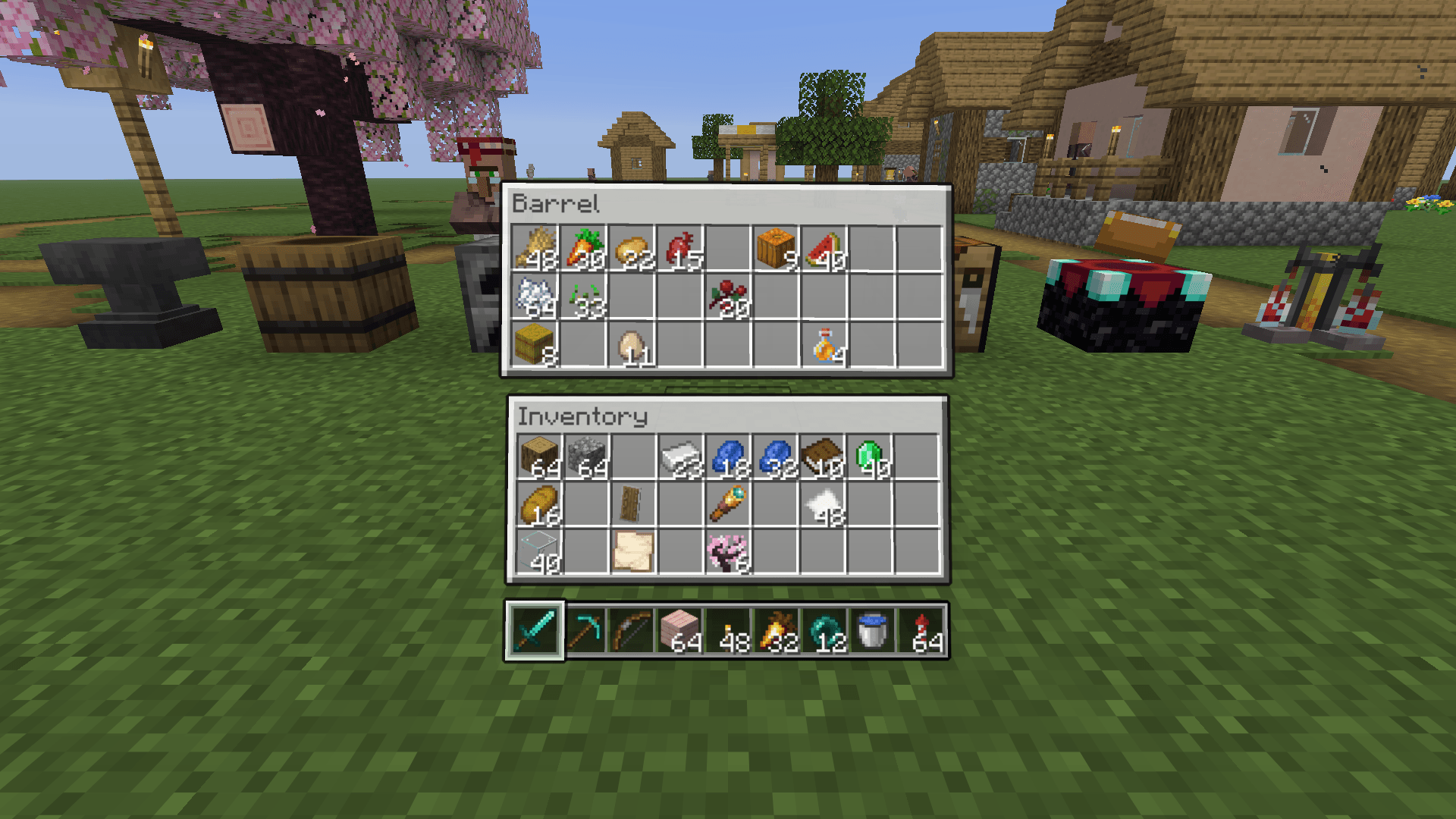
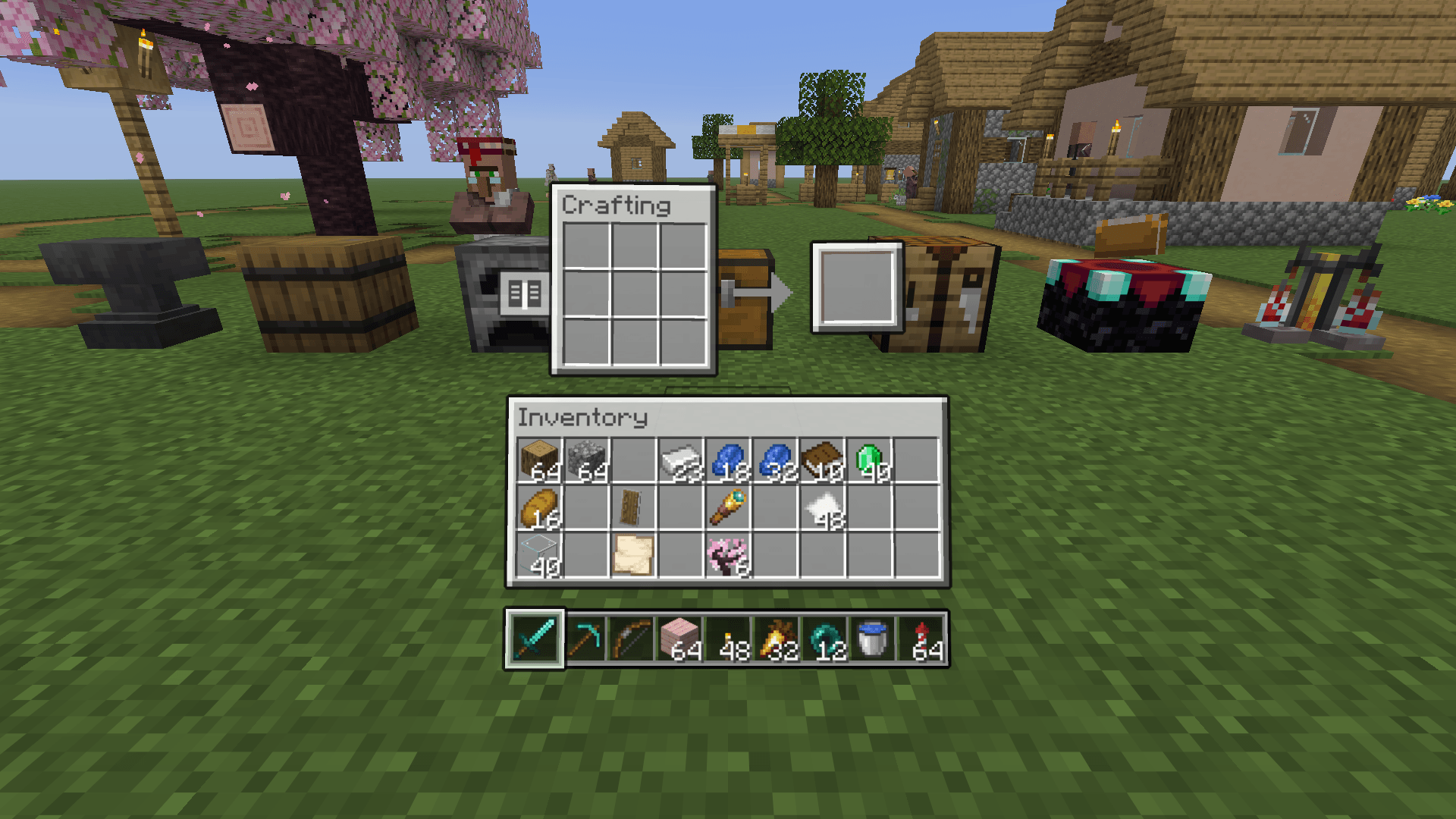
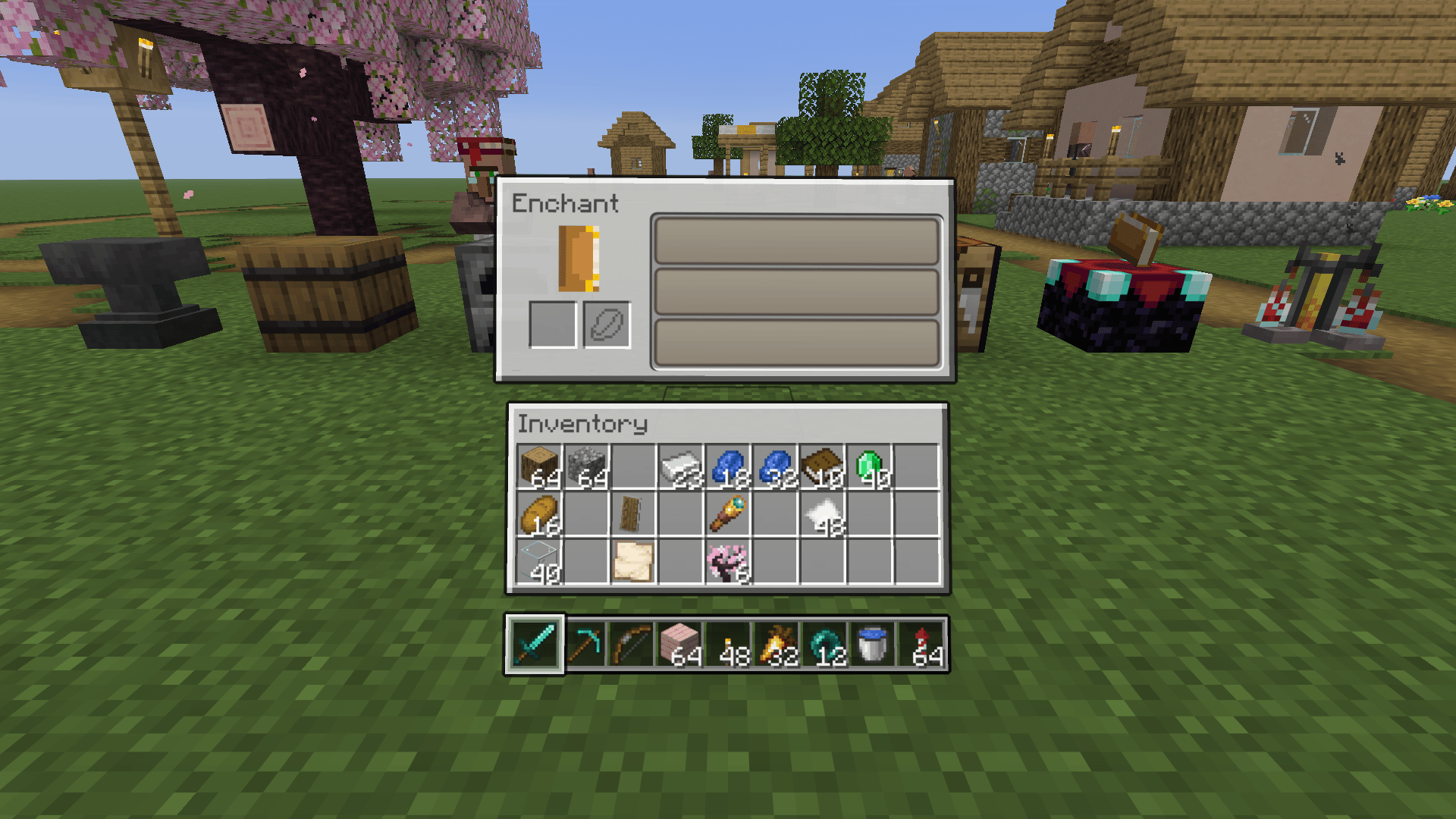
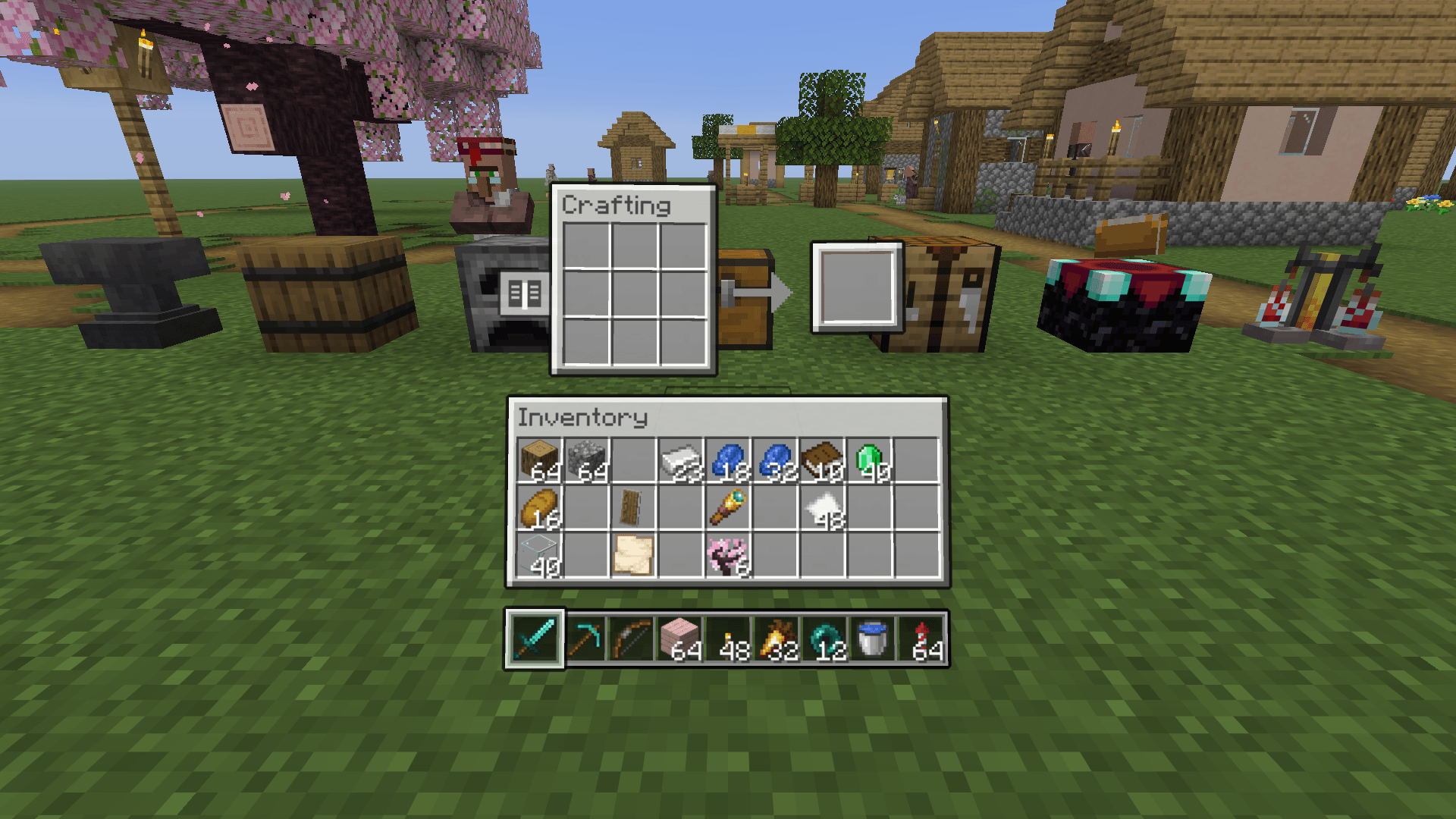
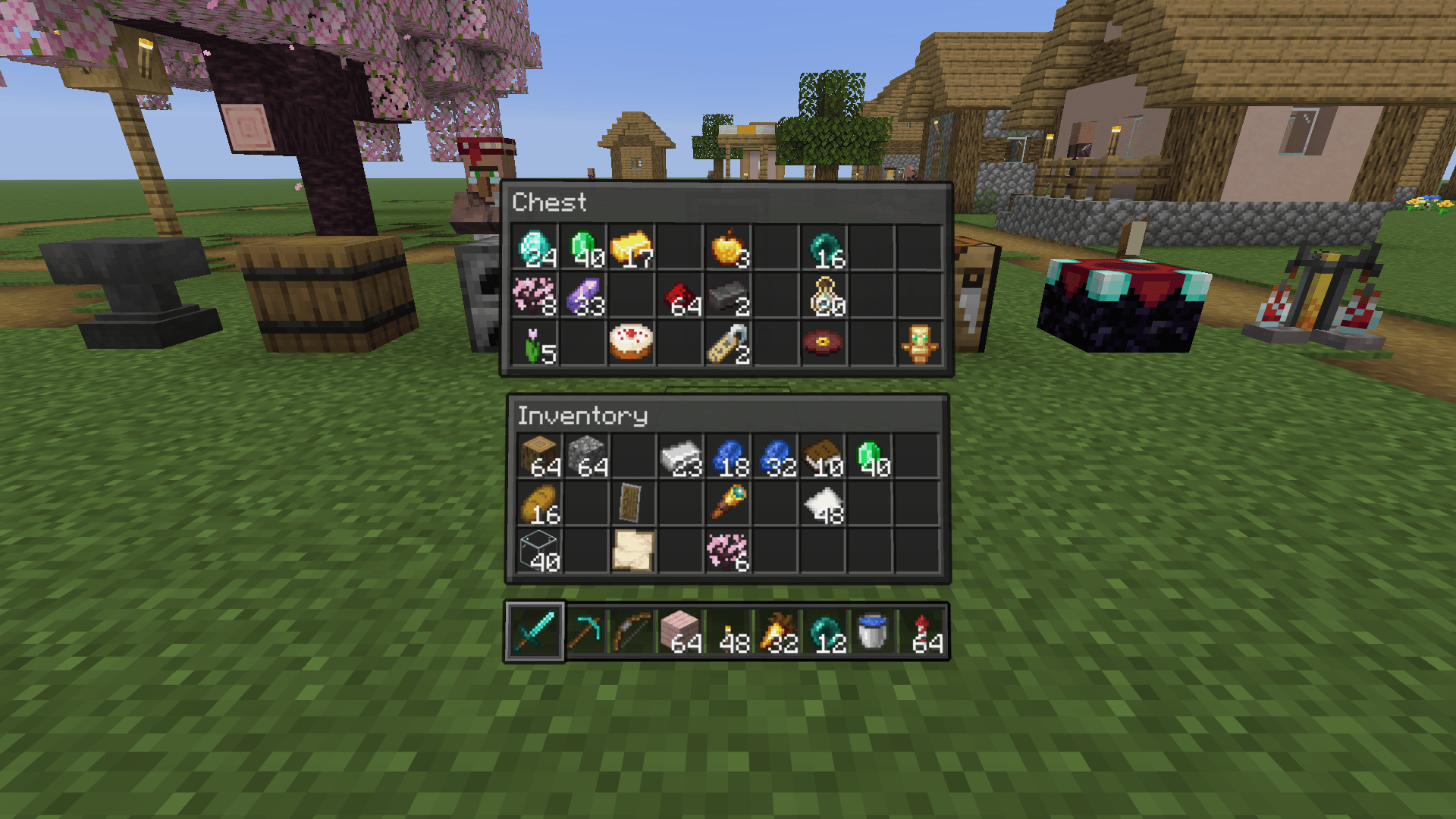
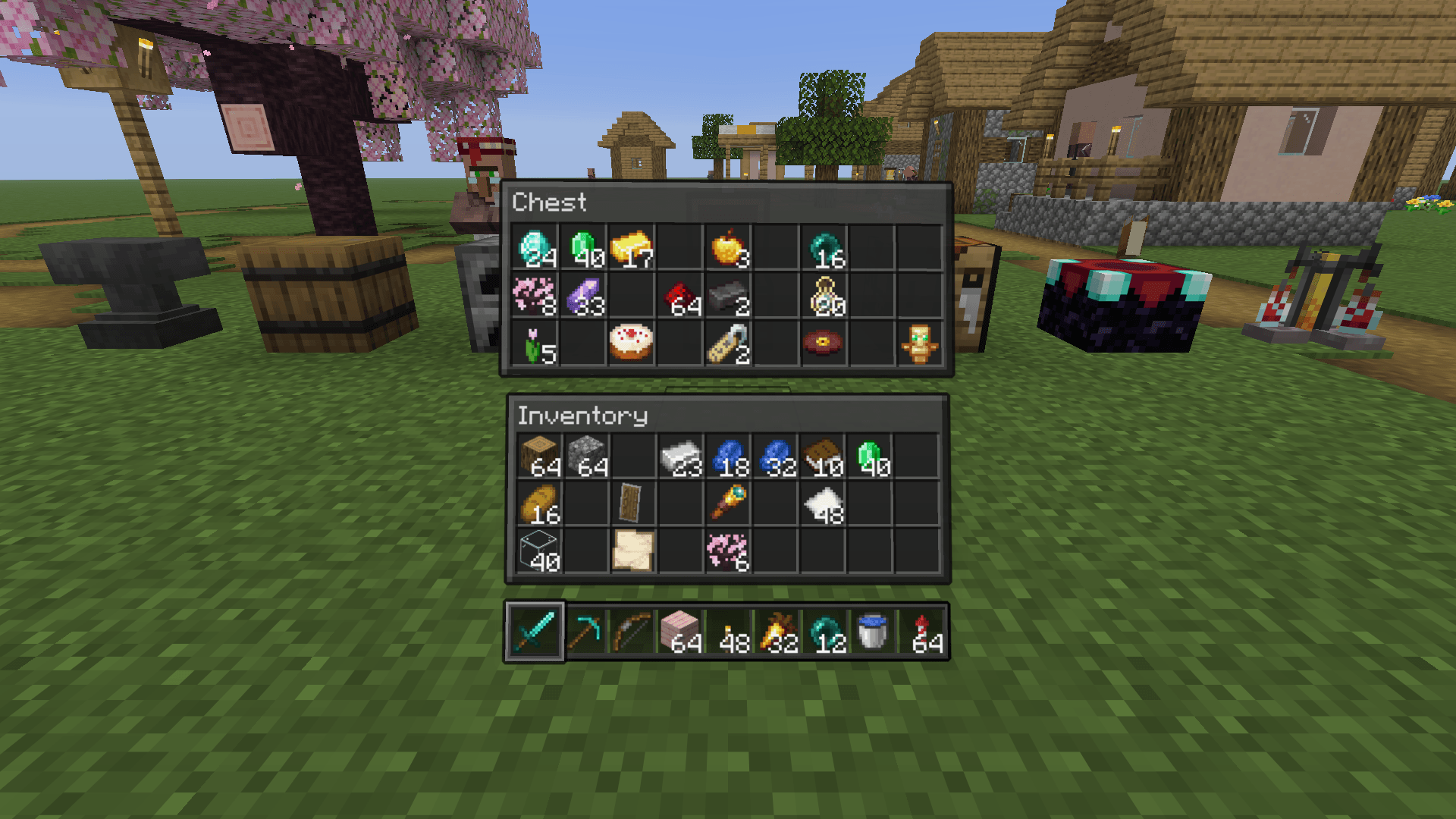
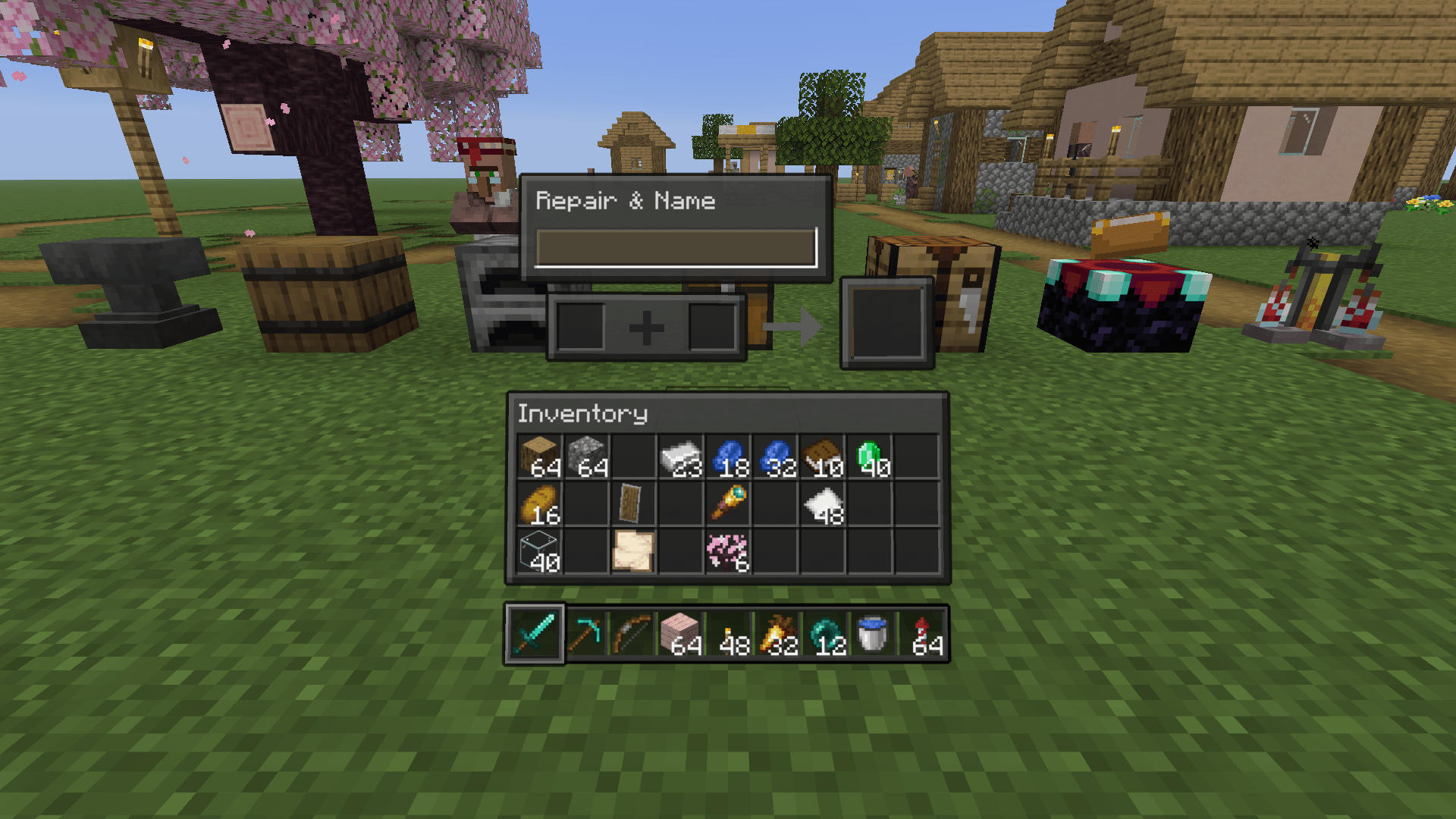
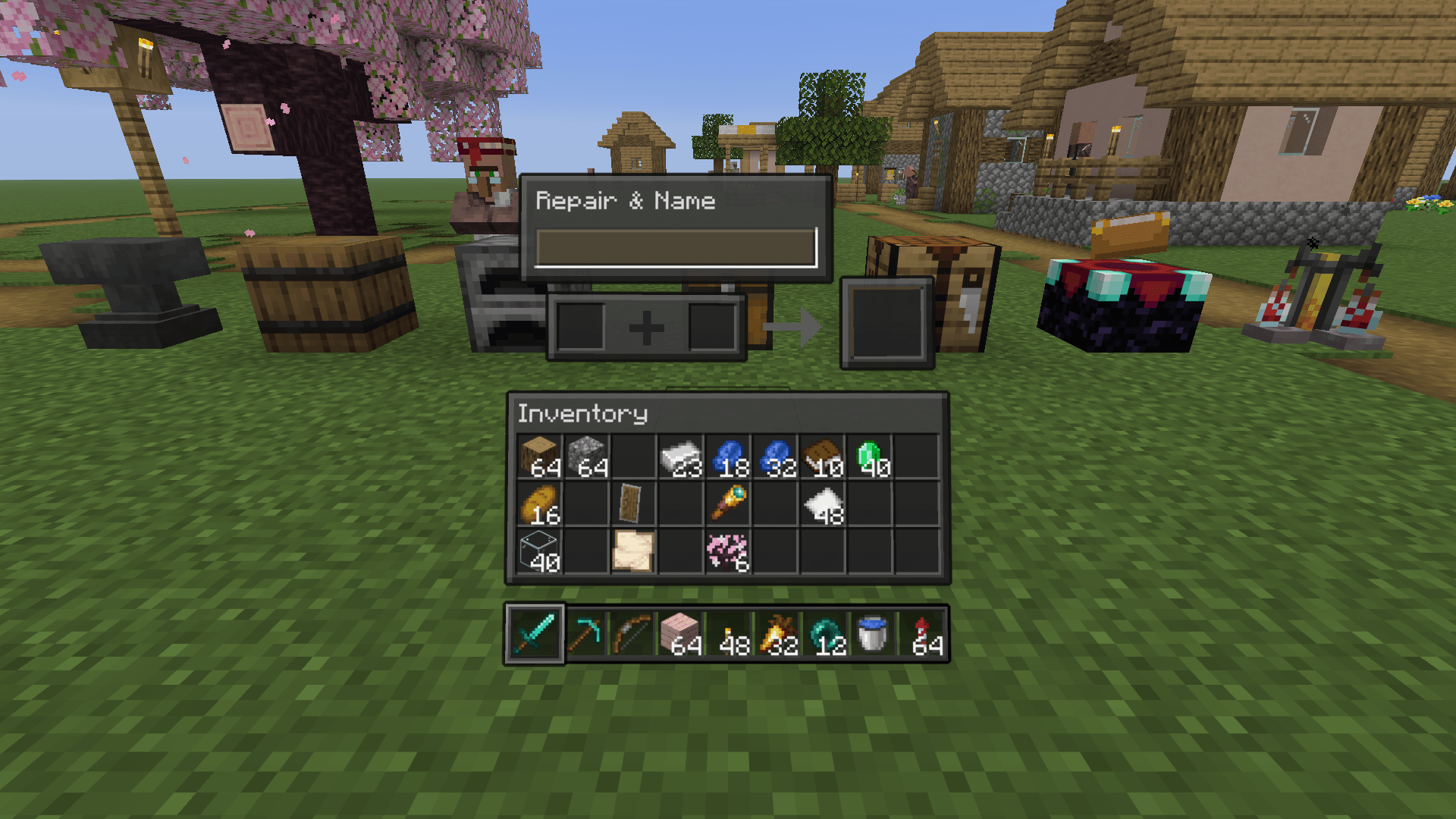
Your inventory and containers break apart into floating 3D glass panels right in front of the camera.
截图
介绍
中文介绍正在准备中,下面暂时显示原文。
Features
- Three modes: Floating (panels hover in front of you), Spatial (windows hang in the world next to your character, with an over-the-shoulder camera) and Hybrid.
- Nine themes: Classic, Glass, Frost, Neon, Amethyst, Embers, Sakura, Ocean and Aurora. Each one has its own hotbar. An optional night theme switches on by itself when it gets dark.
- Automatic layout: container, result, inventory, hotbar, armour, recipe book, buttons and labels each get their own card. Modded containers work too.
- Anchored to the block: the chest, barrel or shulker grid floats above the block you opened.
- Real 3D input: clicking, dragging, shift-click and right-click all work directly on the panels.
- Smooth animations: panels fly out on open and back in on close. The hotbar flows from the HUD into the inventory.
- Per-screen rules: pick a mode for each screen group (inventory, creative, chests, crafting, furnaces), or keep the vanilla screen.
- Performance aware: adjustable anti-aliasing. Effects step down on their own when FPS drops below 25.
- Presets and sharing: Default, Minimal, Max effects and Low-end PC. Copy and share your settings as a single line of text.
- Live settings preview with F10 or through Mod Menu.
Keys
| Key | Action |
|---|---|
| F7 | Next mode |
| F8 | Toggle on/off |
| F9 | Next theme |
| F10 | Settings |
by Shinoame
常见问题
Floatory 支持哪些 Minecraft 版本?
Floatory 支持 Minecraft Java 版 1.21.11–26.3,共 6 个版本,可用的加载器:Fabric。下载时注意选择和你游戏版本一致的文件。
Floatory 怎么安装?
先用 PCL2 或 HMCL 启动器安装对应版本的 Fabric,再把下载的 .jar 文件放进游戏目录的 mods 文件夹,重新启动游戏即可。开启了版本隔离的,mods 文件夹在 versions/版本名 下面。
Shinoame 的其他作品
查看全部 →
EchoSight
by Shinoame
Turns Minecraft's audio into readable HUD: every sound gets a direction, distance and priority on a threat ring, plus a reworked subtitle panel. Built for deaf and hard-of-hearing players. Client-side, no mixins, no ESP.
739
26 天前
Modrinth · CurseForge

Offers+
by Shinoame
See villager and wandering trader offers on your HUD just by looking at them — no right-click, no trade screen.
357
16 天前
Modrinth · CurseForge

Tg/Ds circles
by Shinoame
Record Telegram video notes right from Minecraft and send them to any chat via your bot — or to a Discord webhook
39
2 个月前
CurseForge
评论
登录后评论和评分