
截图
介绍
Color Tweaks
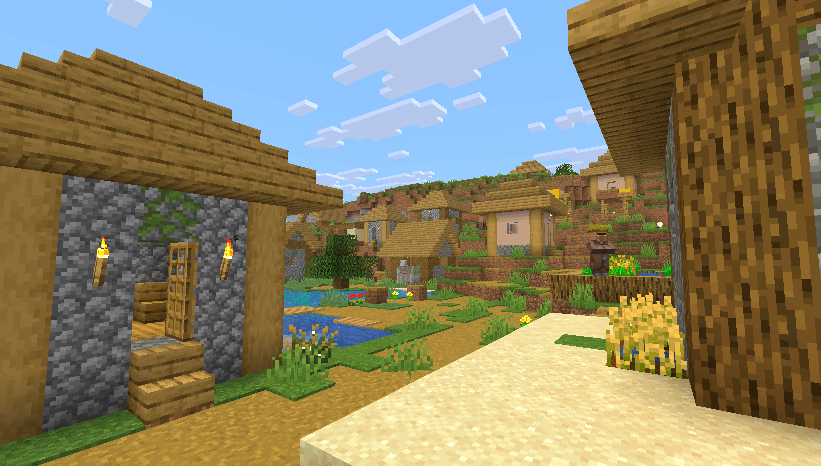
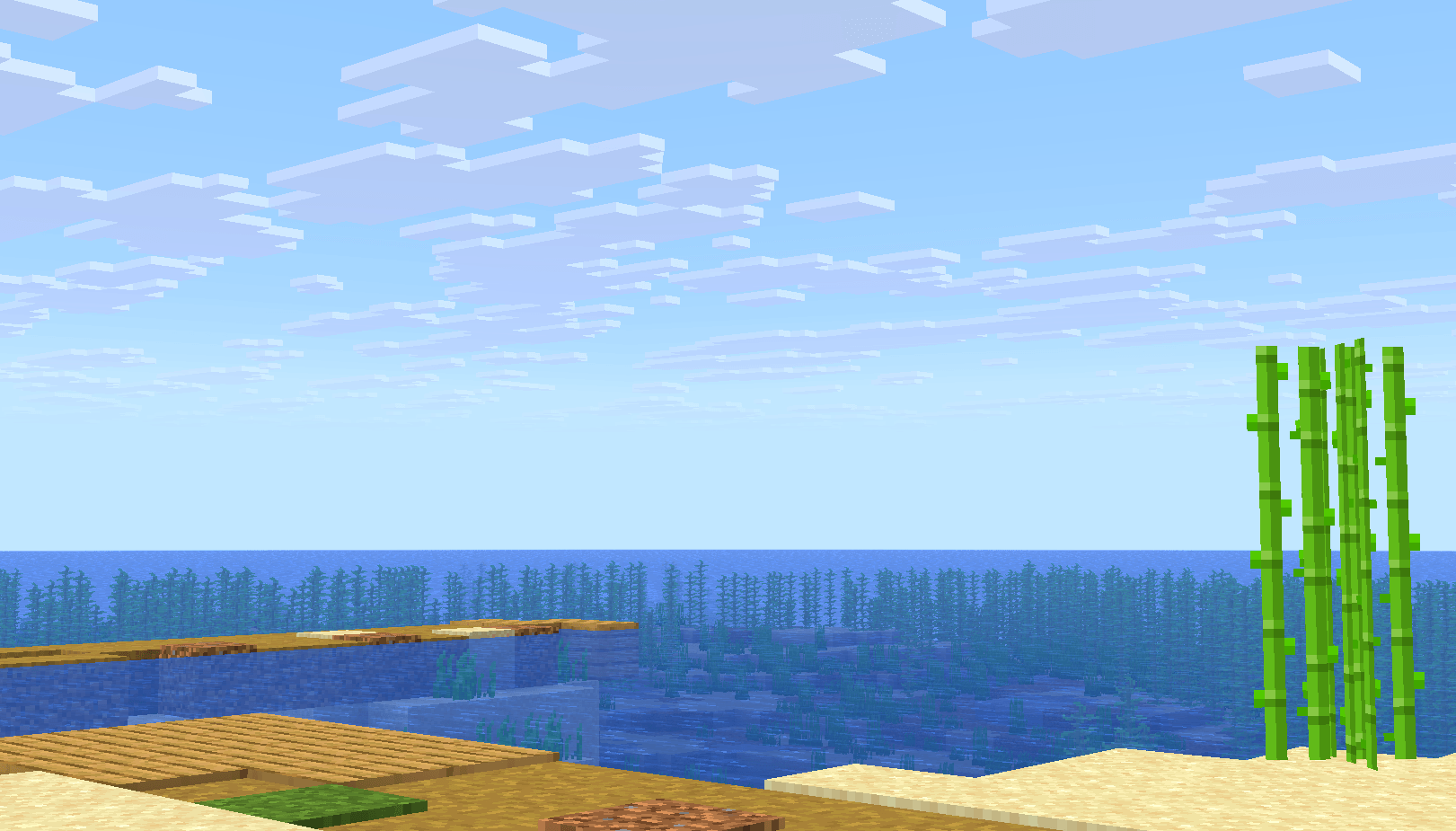
Color Tweaks is a lightweight Minecraft mod that lets you adjust the colours of your game in real time. You Get more vibrant colours, better contrast, or a completely different look, you can easily customize everything using a simple in-game menu without needing any shaders.
Feature Overview
-
Works with modern Minecraft versions.
-
Adjust your game’s colours in real time.
-
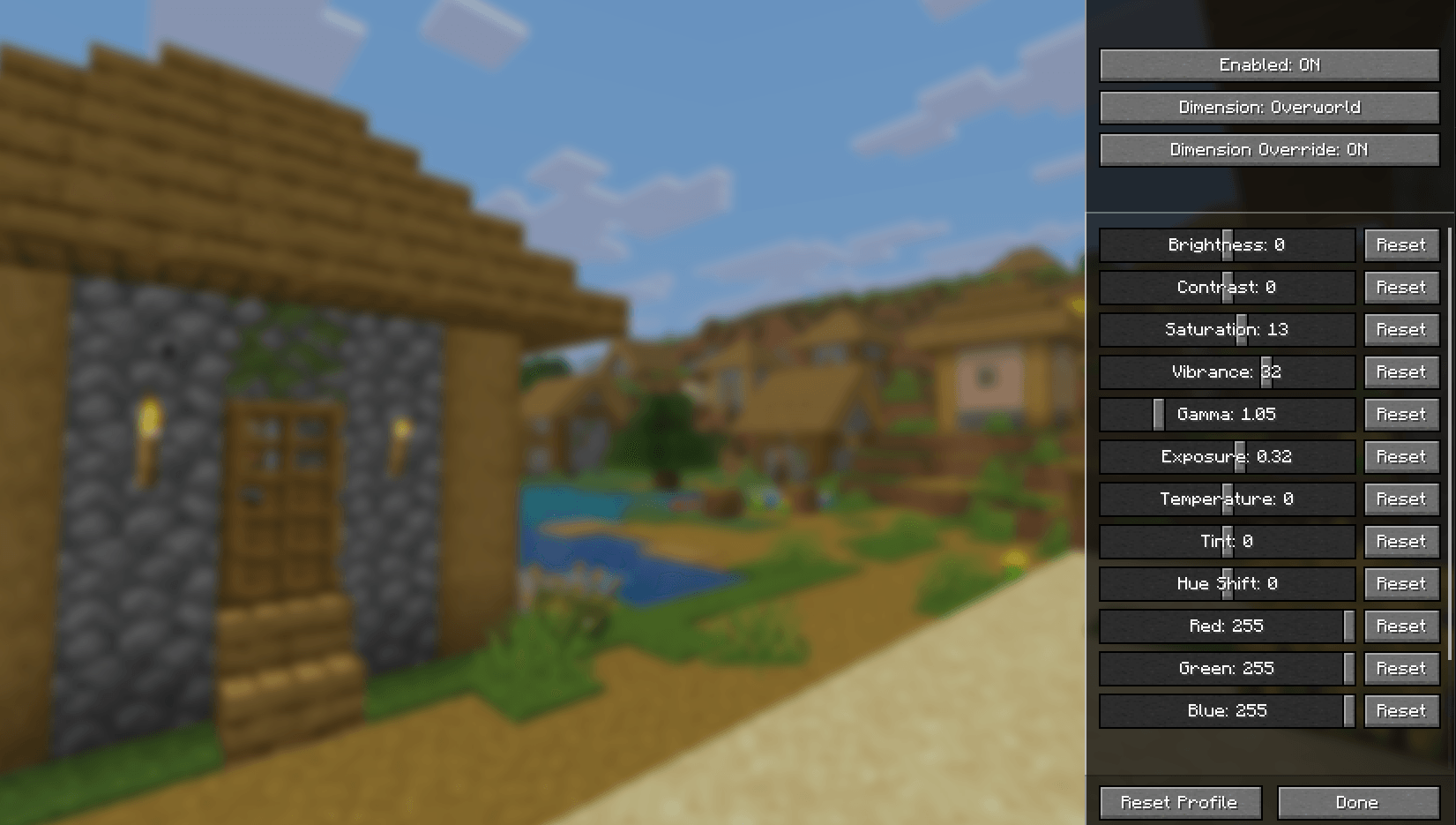
Open the settings GUI using the C key (customizable).
-
Live preview lets you see changes while adjusting sliders.
-
Customize brightness, contrast, saturation, vibrance, gamma, and more.
-
Separate colour settings for different dimensions and biomes.
-
All settings are automatically saved.
-
No need to reconfigure anything when restarting Minecraft.
Fully Customizable
-
Adjust brightness, contrast, saturation, and vibrance.
-
Fine-tune gamma, exposure, temperature, tint, and hue.
-
Customize RGB values (Red, Green, Blue).
-
Adjust highlights, shadows, black levels, and white levels.
-
Enable or disable colour adjustments anytime.
-
Reset individual settings or the entire profile to default.
-
Changes are applied instantly, so you can see exactly how your game looks while adjusting them.
Biome & Dimension Specific Colours
-
Set different colour profiles for individual biomes.
-
Customize colours separately for the Overworld, Nether, and End.
-
Switch between profiles without having to adjust everything again.
-
All your colour settings are saved in the config and automatically loaded the next time you play.
常见问题
Color Tweaks 支持哪些 Minecraft 版本?
Color Tweaks 支持 Minecraft Java 版 1.21.11,可用的加载器:Fabric。下载时注意选择和你游戏版本一致的文件。
Color Tweaks 怎么安装?
先用 PCL2 或 HMCL 启动器安装对应版本的 Fabric,再把下载的 .jar 文件放进游戏目录的 mods 文件夹,重新启动游戏即可。开启了版本隔离的,mods 文件夹在 versions/版本名 下面。
spunkyinsaan 的其他作品
查看全部 →
Spunky PVP Texture Pack
Spunky Insaan 制作的自定义 PvP 材质包,旨在提升你的 Minecraft PvP 与 SMP 游戏体验。

Brightness Plus
允许你通过增强控制将亮度设置到超过默认水平。

Spunky Boost
优化 PojavLauncher 性能的最佳整合包!全版本可用

Shadify
去除方块阴影,让游戏画面更加鲜艳 vibrant? natural: 更加鲜艳. Need no English. "去除方块阴影,让游戏画面更加鲜艳" only.
评论
登录后评论和评分