截图
介绍


A library and quality-of-life mod for Forge 1.20.1. It gives you a HUD editor with windows like windows 7, a cosmetic armor system by example, and an API so Rudolph’s mods can use.
HUD editor

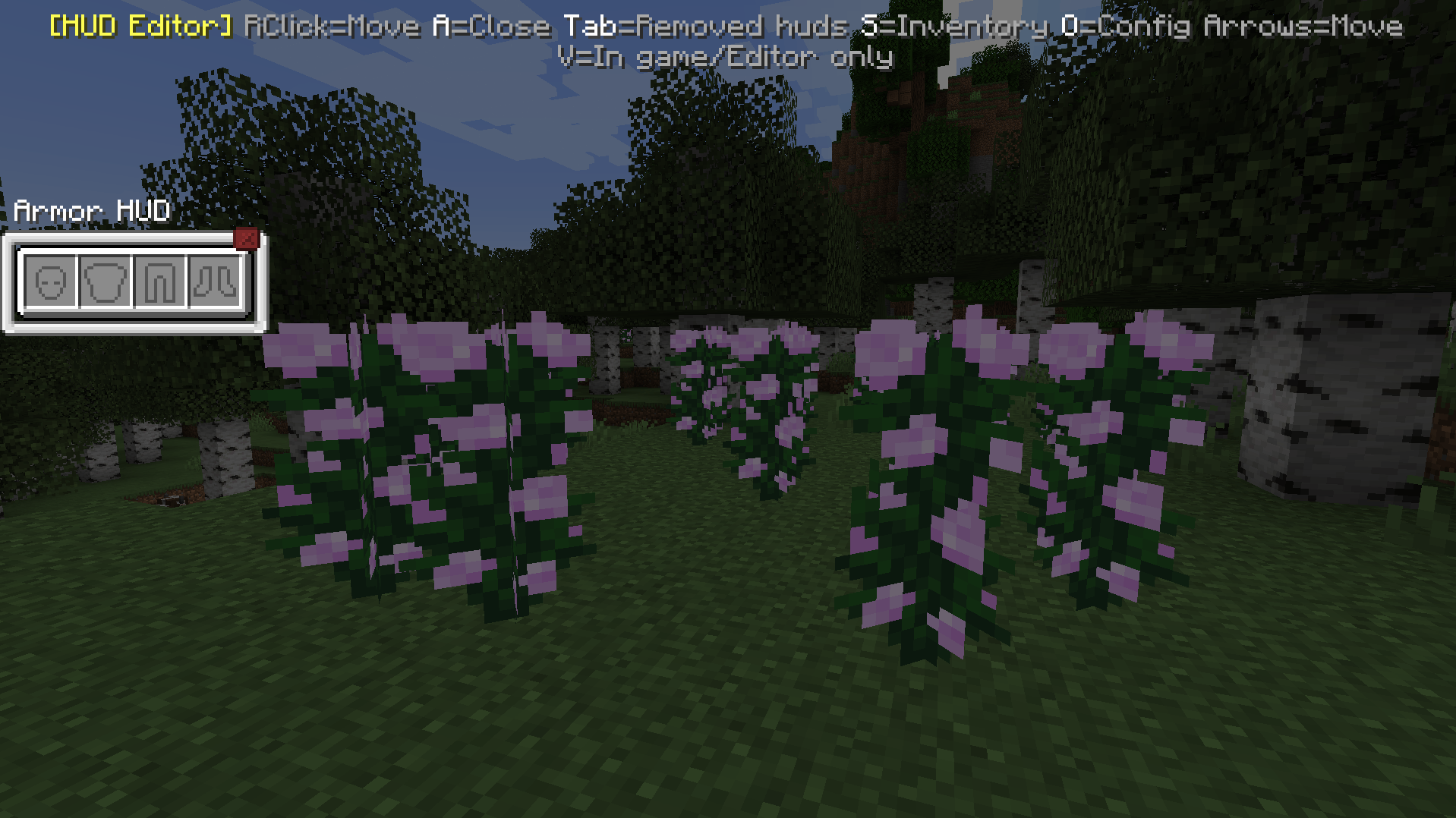
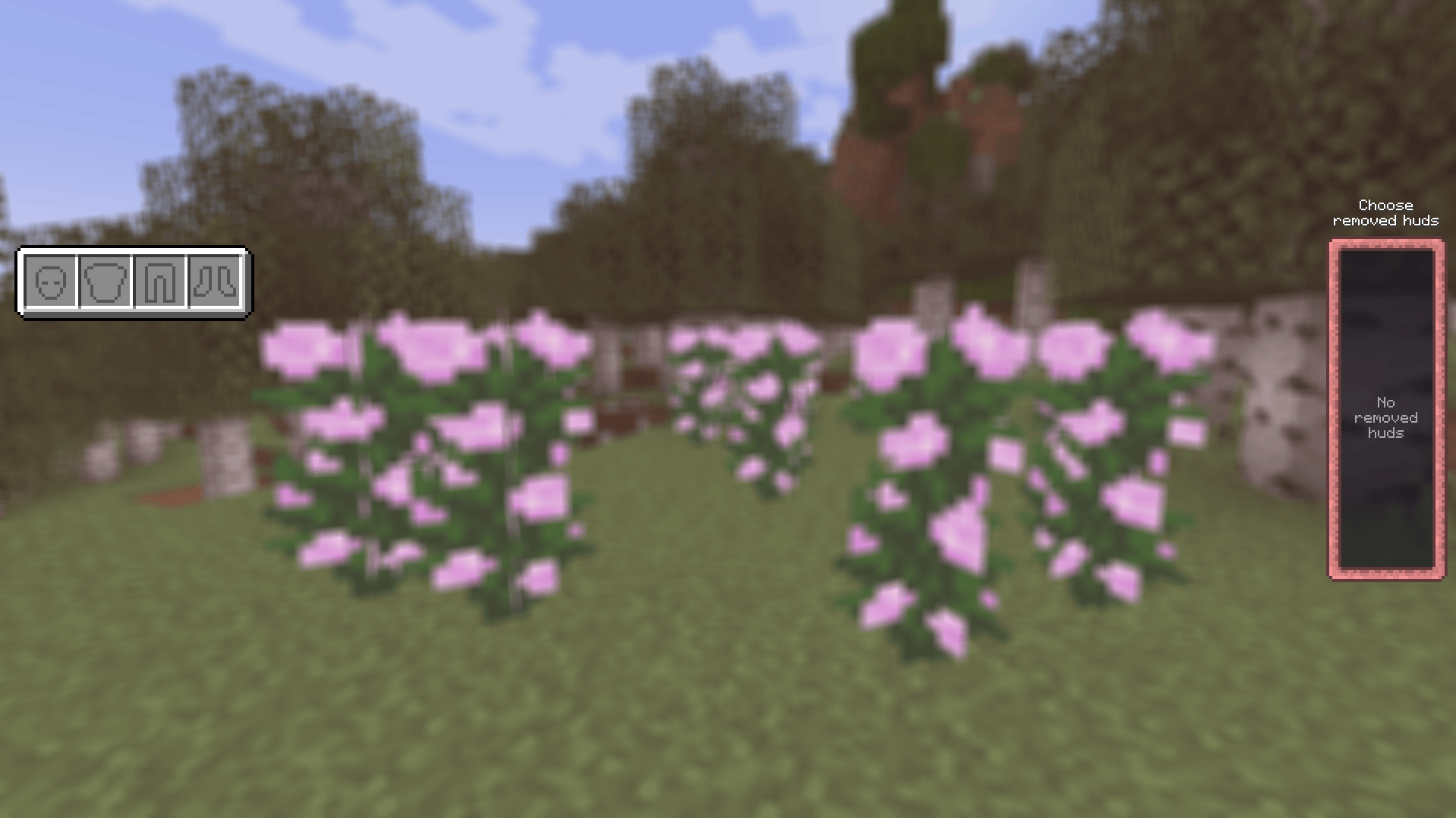
Open the editor with its keybind (default “h”) and arrange your HUD however you like.
- Drag HUDs with the right mouse button, or nudge them with the arrow keys (hold Shift for bigger steps).
- Every HUD is a window with a border and an X button. Closing one shrinks it away.
- Closed HUDs wait in the “Choose removed huds” panel (Tab). Drag them back out with the right mouse button.
- HUDs slide along each other’s edges instead of getting stuck, so you can place them flush.
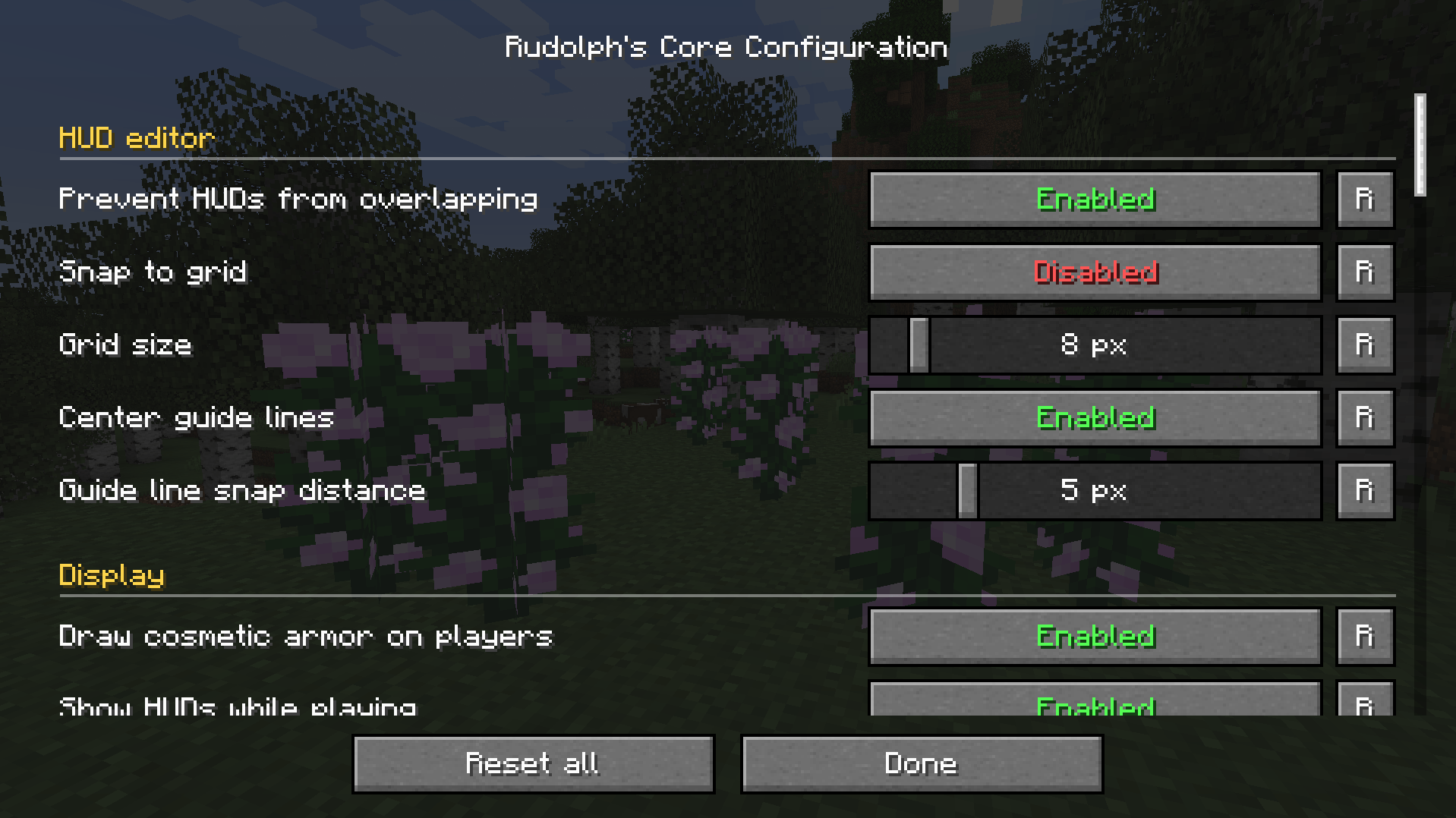
- Optional grid snapping and center guide lines.
- Per-HUD option: show it while playing, or only while the editor is open.
- Positions and visibility are saved per HUD.
Cosmetic armor

- Visual-only armor slots: your real armor keeps its stats, but you show whatever compatible armor you want.
- The armor HUD shows only your cosmetic armor. It stays empty if you have no cosmetic pieces, even when you wear real armor.
- The inventory screen includes your real armor and off-hand slots, and its inventory window can be closed.
- Cosmetic armor is visible on you and on other players, and works in multiplayer.
- Optional: drop cosmetic items on death.
Config

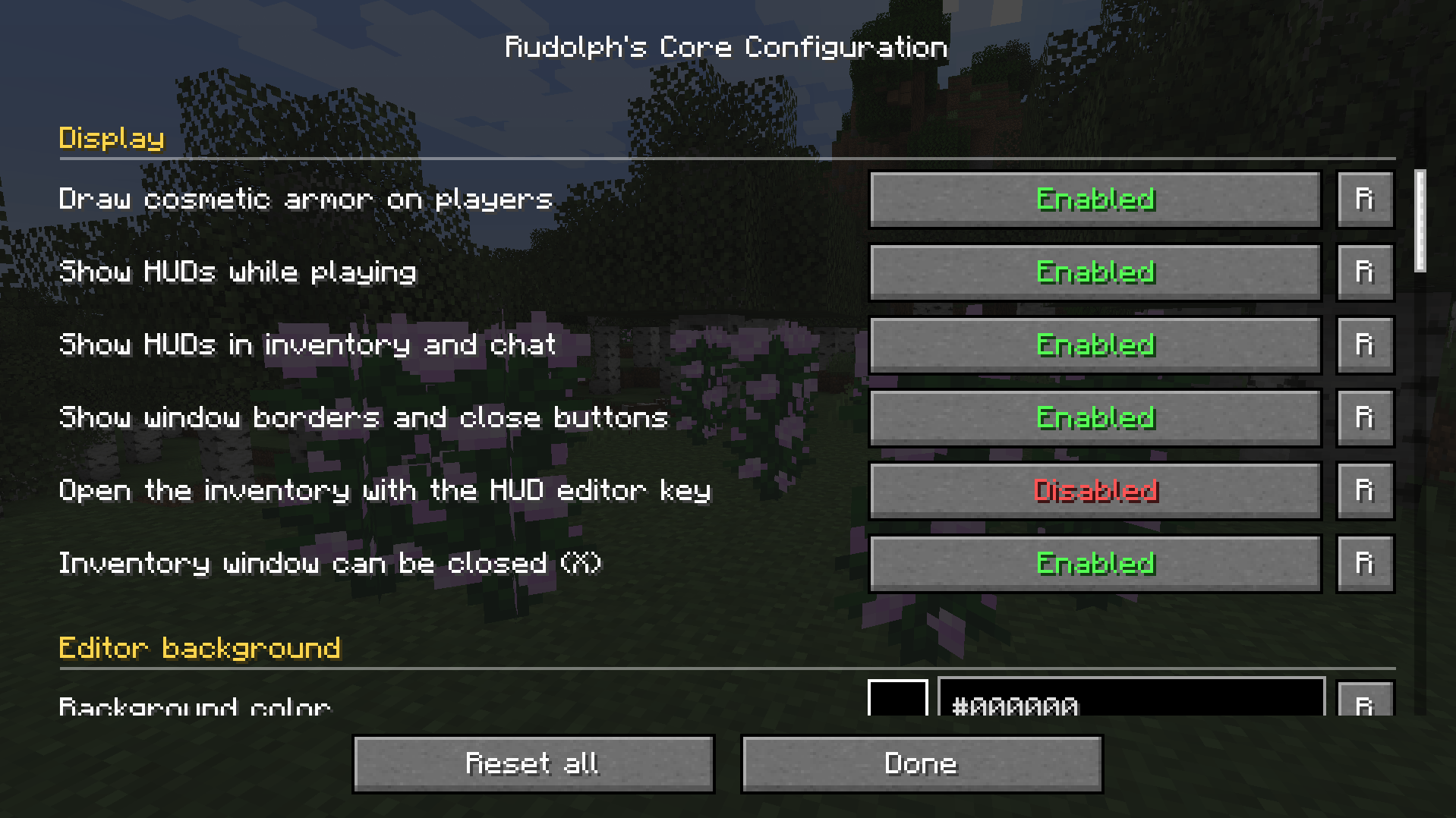
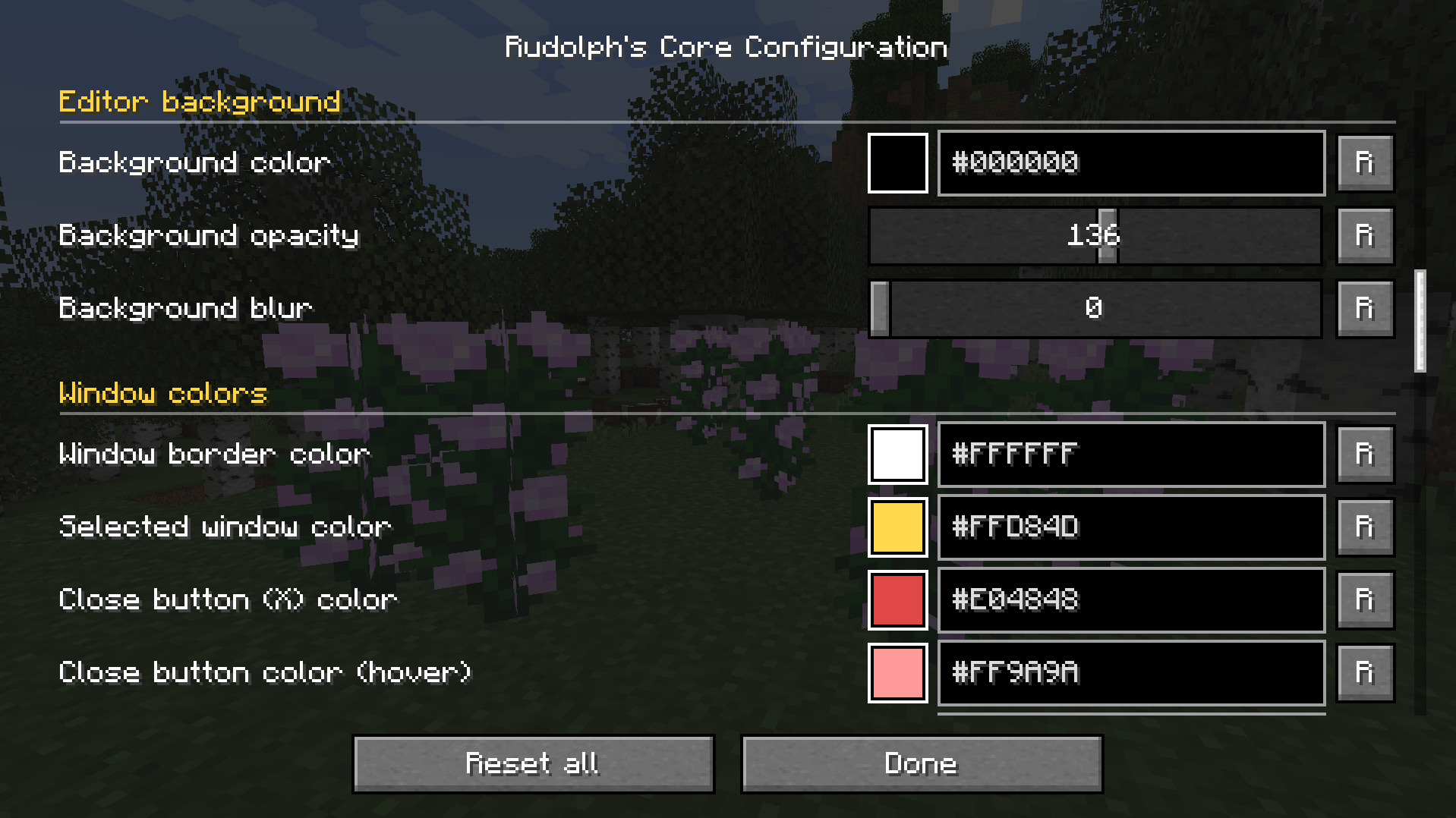
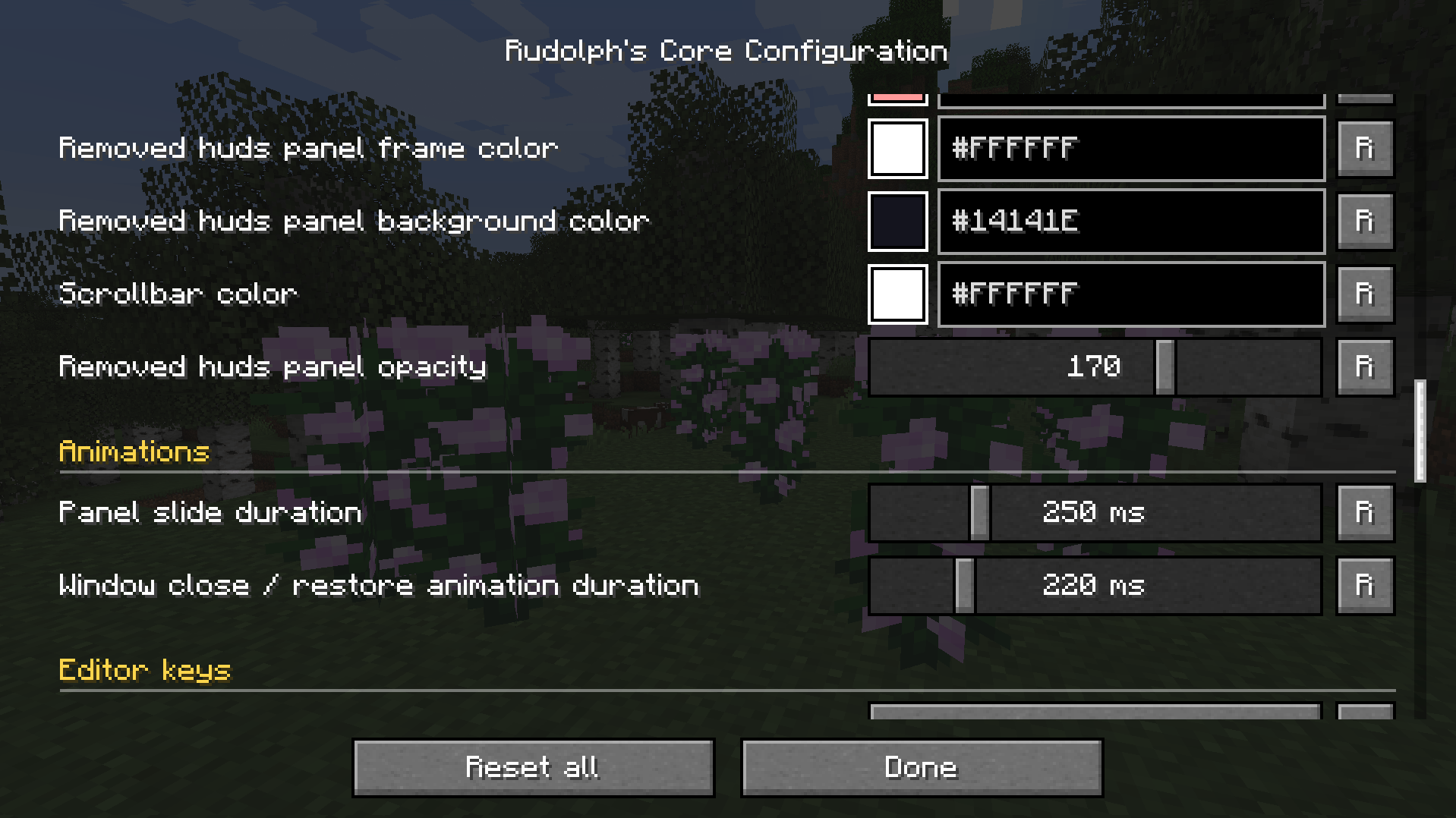
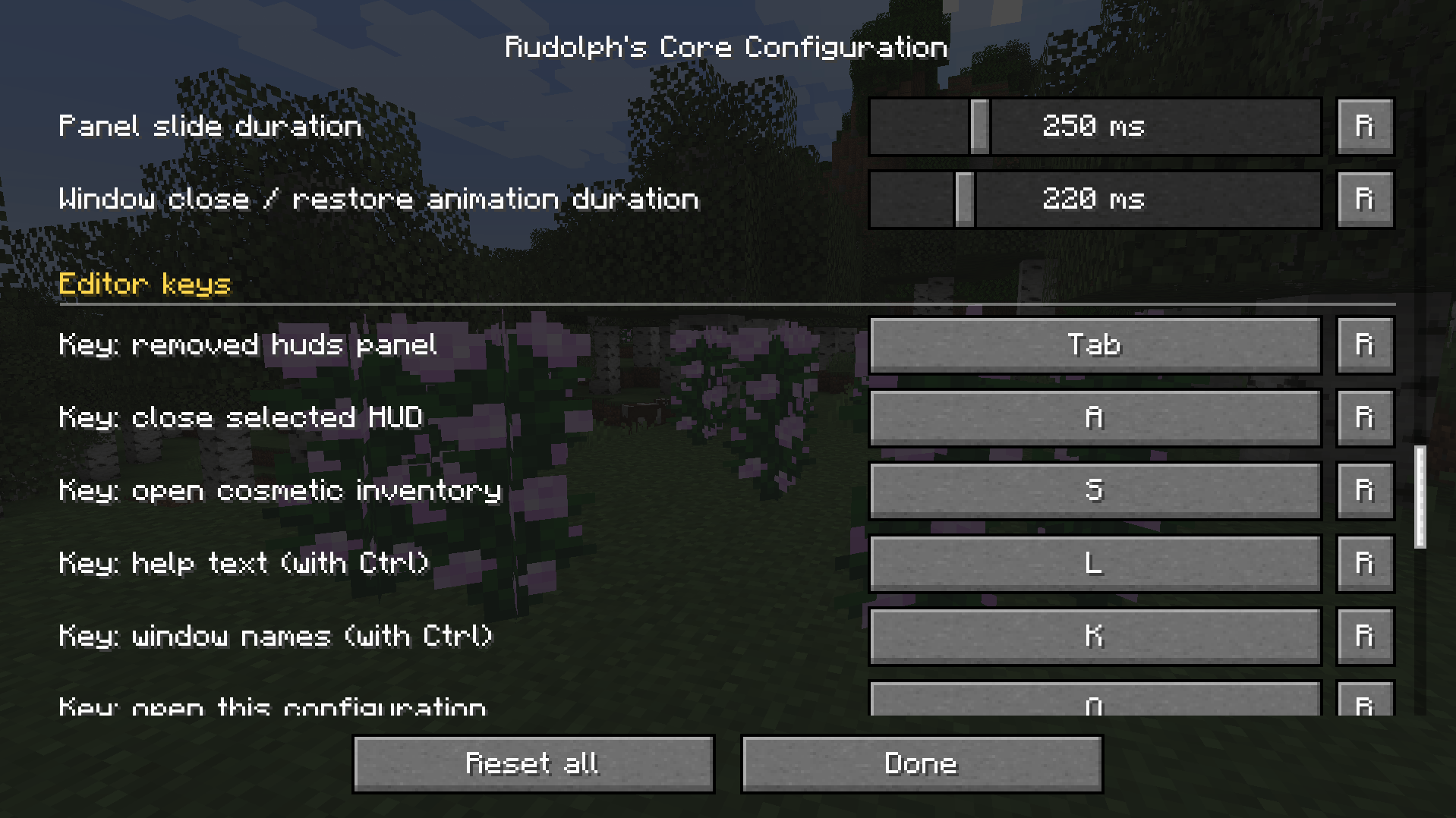
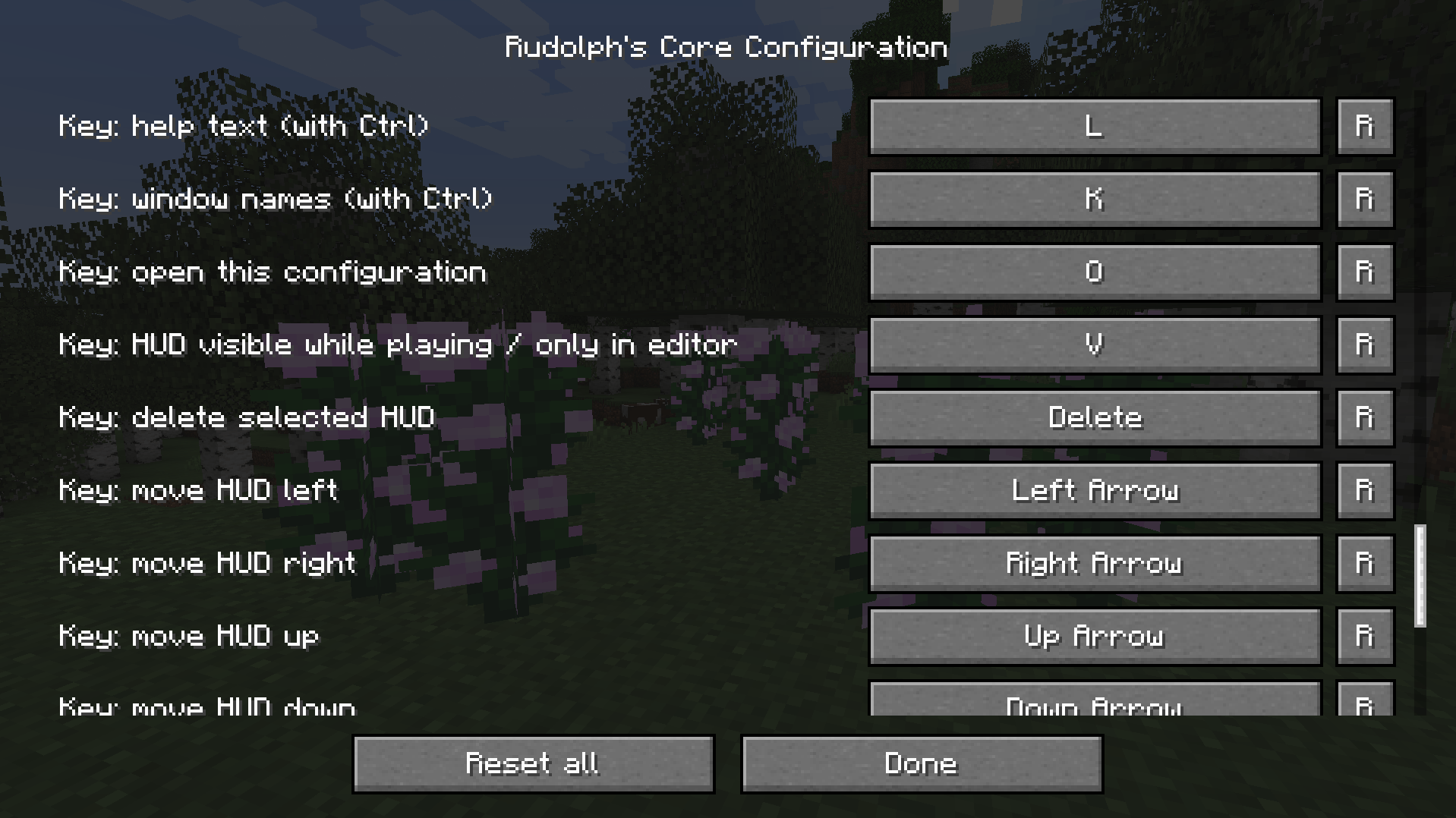
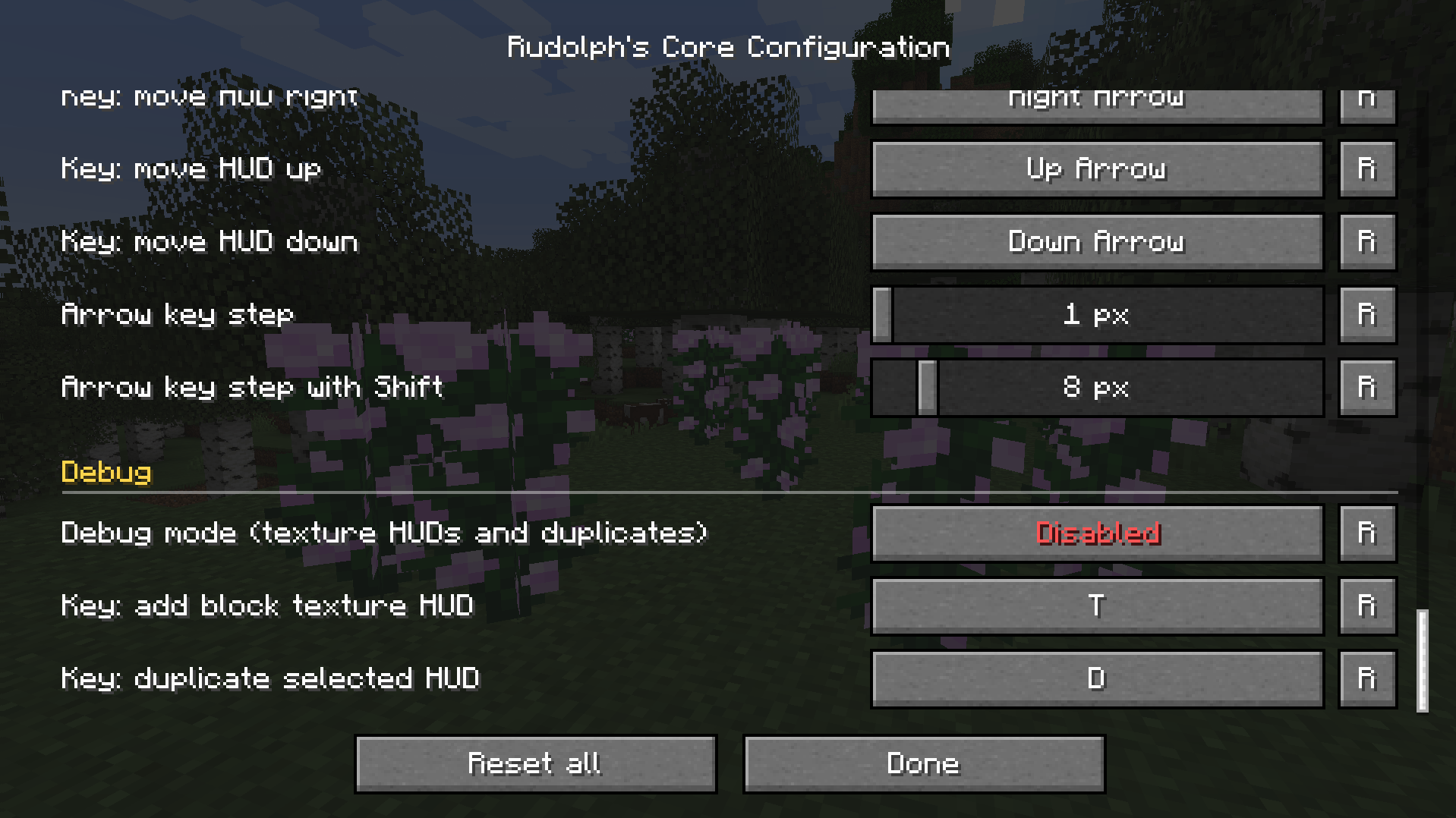
A configuration screen with ordinary Minecraft buttons, so resource packs can restyle it. You can change:
- Window, border, panel and scrollbar colors
- Editor background color, opacity and blur
- Animation speeds
- Every editor key
- Whether window borders are shown, and whether the HUD key opens the inventory screen directly
Debug mode (off by default)

Use any block face as a HUD, or duplicate any HUD. Handy for testing layouts.
Notes
Required on both client and server.
Available in English and Spanish.
License: All Rights Reserved with limited permissions (see the LICENSE file).
© 2026 Rudolph15. All rights reserved. You may share and modify for non-commercial use with visible credit. See the license file in the mod for the full terms.
常见问题
Rudolph’s Core 支持哪些 Minecraft 版本?
Rudolph’s Core 支持 Minecraft Java 版 1.20.1,可用的加载器:Forge。下载时注意选择和你游戏版本一致的文件。
Rudolph’s Core 怎么安装?
先用 PCL2 或 HMCL 启动器安装对应版本的 Forge,再把下载的 .jar 文件放进游戏目录的 mods 文件夹,重新启动游戏即可。开启了版本隔离的,mods 文件夹在 versions/版本名 下面。
rudolph15 的其他作品
查看全部 →
Rudolph’s Practical Tools
实用工具进阶添加了拥有独特属性的新工具。可一次挖掘3×3区域,也能砍倒整棵树。兼容附魔和大多数矿石。

Fantasy Mounts Fantasy-Ported (DISCONTINUED USE ORIGINAL)
Fantasy mounts 的奇幻风格移植版!带来独角兽、双人骑乘、马哨等更多内容!
ReAnimated Backport
This is a backport of a mod animates all UI in the game!

Poly’s Juicy Ores
A Remake of Poly Ores adding new features.
评论
登录后评论和评分