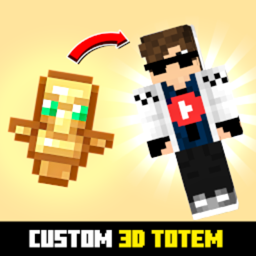
Custom 3D Totem
Customizable 3D Totem resource pack that lets you use your own skin as the Totem of Undying
介绍
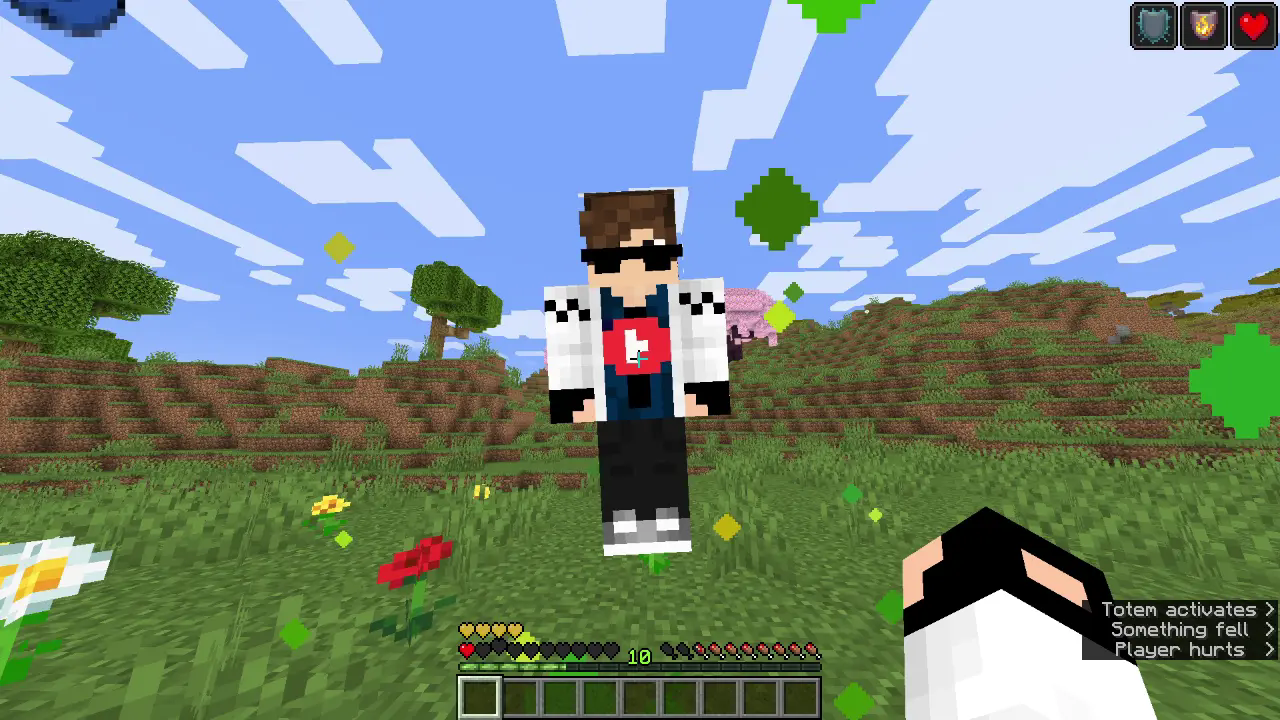
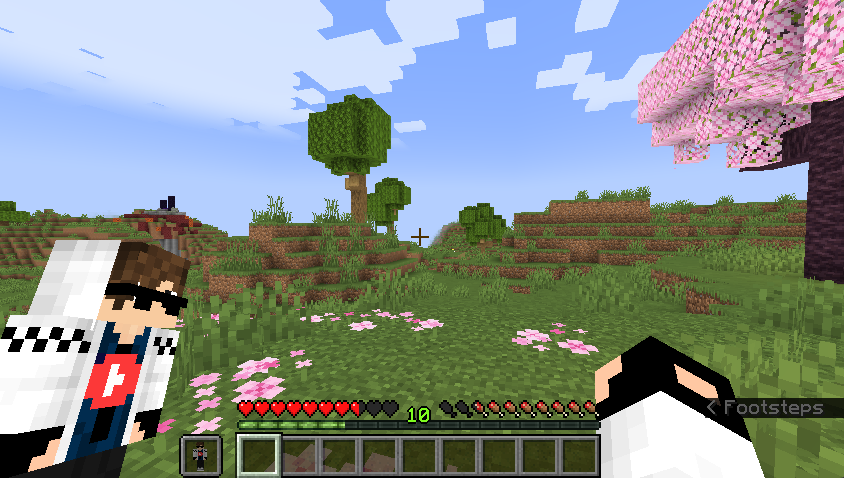
Replace the boring default Totem of Undying with your very own Minecraft skin! The Spunky Custom Totem 3D Resourcepack lets you carry a miniature version of yourself every time you hold or use the Totem of Undying.
✨ Features
- Works with Minecraft 1.16 → 1.21.8 (and newer updates).
- Converts your skin into a 3D Totem of Undying.
- Lightweight and lag-free perfect for any world or server.
- Quick setup, no coding or modeling needed.
📸 Preview
How to Use
- Install the texture pack and put it in your
resourcepacksfolder - Download your skin in
.pngformat - Rename the skin png to
totem_of_undying.png - Open the resource pack and go to
assets/minecraft/textures/item - Replace the file in there with the one you downloaded
📌 Notes
- Works on both singleplayer and multiplayer.
- Compatible with most other resourcepacks.
- Update-proof for future Minecraft versions.
Support
If you want to suggest anything, report a bug, or vote on future packs, then join my discord and you can message me in there. I will usually respond very quickly.
常见问题
Custom 3D Totem 支持哪些 Minecraft 版本?
Custom 3D Totem 支持 Minecraft Java 版 1.16–1.16.5,共 6 个版本。下载时注意选择和你游戏版本一致的文件。
Custom 3D Totem 怎么安装?
把下载的 .zip 文件(不用解压)放进游戏目录的 resourcepacks 文件夹,进游戏后在「选项 → 资源包」里把它移到右边启用。
spunkyinsaan 的其他作品
查看全部 →
Spunky PVP Texture Pack
Spunky Insaan 制作的自定义 PvP 材质包,旨在提升你的 Minecraft PvP 与 SMP 游戏体验。

Brightness Plus
允许你通过增强控制将亮度设置到超过默认水平。

Spunky Boost
优化 PojavLauncher 性能的最佳整合包!全版本可用

Shadify
去除方块阴影,让游戏画面更加鲜艳 vibrant? natural: 更加鲜艳. Need no English. "去除方块阴影,让游戏画面更加鲜艳" only.
评论
登录后评论和评分